Use standard resin for parts that need to look right and stay stiff: display models, form-and-fit checks and rigid fixtures that never take a knock. Use tough resin when a part has to flex, snap into place, take screws or survive being dropped. The number that separates them on a data sheet is elongation at break: Formlabs lists 13% for its standard Grey Resin V5, 79% for Tough 2000 Resin V2 and 155% for Tough 1500 Resin V2, all post-cured and tested to the same ASTM method.
“Tough” does not mean “stronger”. The same data sheets give Grey Resin V5 the highest tensile strength (62 MPa) and stiffness of the three. What a tough resin gives you is the ability to bend before it cracks. This guide compares data-sheet values from Formlabs and Siraya Tech, explains which numbers matter for clips, brackets and enclosures, and covers the printing and post-curing differences.
The consumer toolchanger 3D printer: the SnapSwap 4-toolhead system swaps heads in 5 seconds for true multi-color and multi-material printing, with smart calibration and auto filament loading.
- 4 toolheads · 5 s swap
- Up to 500 mm/s · 20,000 mm/s²
- 270 mm cube build volume
- Multi-color & multi-material

Which resin for which part
- Standard resin: display models, miniatures, visual prototypes, form-and-fit checks, rigid jigs that are not struck or bent. Formlabs lists form-and-fit prototyping and jigs and fixtures among Grey Resin V5’s uses.
- Stiff tough resin (ABS-like behaviour): enclosures, brackets, housings and jigs that must survive long-term use. Formlabs positions Tough 2000 V2 as comparable to ABS in strength and stiffness.
- Compliant tough resin (polypropylene-like behaviour): snap fits, self-tapping screw bosses, latches, flexures and dampers. These are the applications Formlabs lists for Tough 1500 V2.
- Flexible resin: gaskets, grips and anything meant to deform a lot. See printing elastomeric parts with flexible resin.
- Probably not resin: parts that run warm or carry a constant load for months. Check the heat deflection temperature below, and compare with engineering filaments such as those in the ABS vs PETG comparison for high-stress parts.
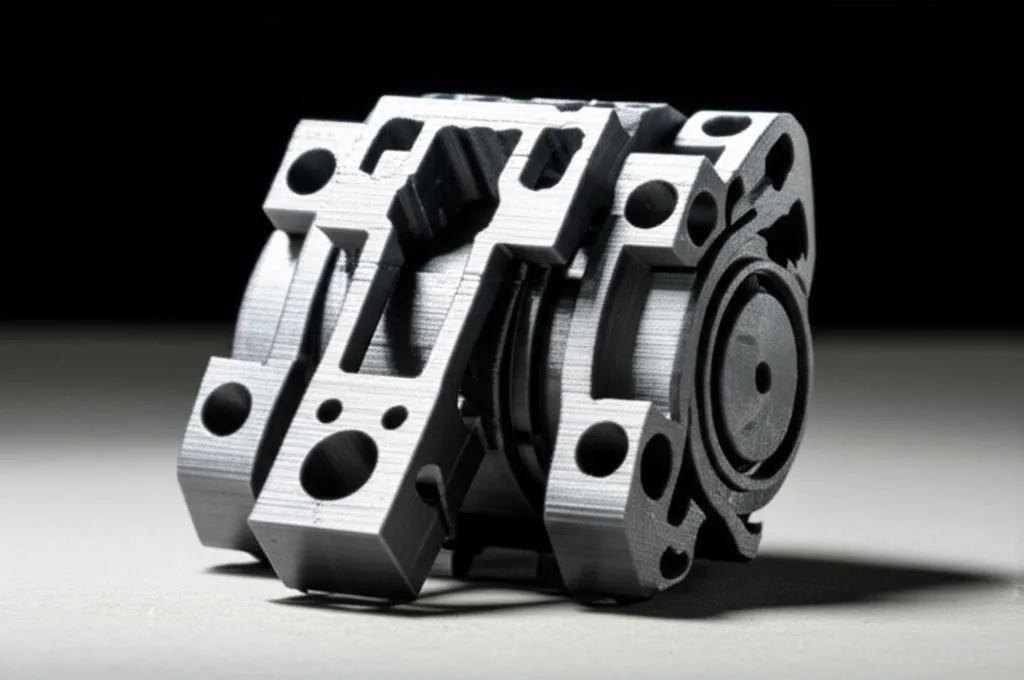
Standard vs tough resin: data sheet values
Comparing resins from different brands is unreliable because test conditions differ. The three Formlabs materials below were all printed on a Form 4 with 100 µm settings, washed and post-cured to each resin’s own recommended routine, and tensile-tested to the same ASTM D638 method, which makes them a fair side-by-side example of how standard and tough formulations differ. One caveat: the Grey Resin V5 sheet cites a different ASTM method for its impact figure than the Tough sheets, so treat that row as approximate.
| Property (post-cured) | Grey Resin V5 (standard) | Tough 2000 V2 | Tough 1500 V2 | What it tells you |
|---|---|---|---|---|
| Ultimate tensile strength | 62 MPa | 40.4 MPa | 34 MPa | Pull force a bar survives before breaking |
| Tensile modulus | 2,675 MPa | 1,800 MPa | 1,460 MPa | Stiffness: higher bends less under load |
| Elongation at break | 13% | 79% | 155% | How far it stretches before breaking; the brittleness indicator |
| Flexural strength | 103 MPa | 67 MPa | 41 MPa | Bending load before failure |
| Notched Izod impact | 32 J/m | 25 J/m | 42 J/m | Impact resistance with a notch or sharp corner |
| Unnotched Izod impact | Not listed | 325 J/m | 910 J/m | Impact resistance of a smooth part |
| Heat deflection temp. at 0.45 MPa | 71 °C | 70 °C | 66 °C | Temperature where a lightly loaded part starts to deform |
| Heat deflection temp. at 1.8 MPa | 59 °C | 57 °C | 53 °C | Same, under a heavier load |
Formlabs notes that properties vary with part geometry, print orientation, print settings and temperature, so treat these as material comparisons, not guaranteed part performance.
How to read the numbers
- Standard resin is the stiffest and strongest in a straight pull. For a rigid spacer or a fit-check model that just has to hold its shape, it is the better choice.
- Elongation at break is where tough resins win. A snap-fit arm or clip has to deflect and spring back. At 13% elongation a standard resin arm has far less room to bend before it cracks than one in a resin rated at 79% or 155%.
- Notched impact values are low for all three. 25–42 J/m is a narrow range, so a sharp internal corner or a notch is a weak point whichever resin you choose. The unnotched values for the tough resins show how much better a smooth, rounded part behaves.
- Heat resistance is similar. None of these three is a high-temperature material; all deflect under load somewhere between 53 and 71 °C.
Hobby 405 nm resins: standard, ABS-like and tough
Resins for consumer LCD printers use looser labels, and “ABS-like” is the most confusing. Siraya Tech’s Fast resin is sold as ABS-like, yet its user guide describes it as intended for model making and “not a tough/engineering resin”. Its Blu resin is the one Siraya Tech sells as tough. The technical data sheets show the gap:
| Property | Siraya Tech Fast (ABS-like) | Siraya Tech Blu (tough) |
|---|---|---|
| Elongation at break | 18% | 32% |
| Shore D hardness | 75 | 80 |
| Heat deflection temp. at 0.455 MPa | 65 °C | 70 °C |
| Liquid viscosity at 25 °C | 110 cP | 800 cP |
| Recommended post-cure (395–405 nm) | 1–2 minutes | About 15 minutes |
Some values on these data sheet pages carry inconsistent units, so this table only uses figures whose meaning is unambiguous. Don’t compare them directly with the Formlabs numbers above: different printers, specimens and curing change the results. The useful lesson is to ignore the label and read elongation at break on the data sheet before you buy.
Printing and post-curing tough resin
Tough resins can need more care than standard ones. The viscosity figures tell part of the story: 800 cP for Blu against 110 cP for Fast, and 2,680 cP for Formlabs Tough 2000 V2. Thicker resin flows more slowly, which is one reason resin makers recommend printing it warm.
- Warm the resin. Siraya Tech says the ideal printing condition for Blu is over 25 °C because of its higher polymer content, and lists a recommended resin temperature of 25–35 °C. For Fast, it recommends above 20 °C.
- Start from the resin maker’s profile for your printer, then run an exposure calibration print. Exposure for a tough resin is not interchangeable with your standard resin settings.
- Wash as specified. For Blu, Siraya Tech calls for 95% ethanol or IPA for 4–5 minutes in an ultrasonic cleaner, and no more than 5 minutes submerged.
- Dry completely. The Blu data sheet suggests 7–8 minutes in an oven or about 10 minutes with a hair dryer. If the surface is still sticky, wash and dry again.
- Post-cure to the data sheet. Blu: about 15 minutes under 395–405 nm light; Siraya Tech says curing submerged in water increases efficiency. Formlabs cures Tough 2000 V2 and Tough 1500 V2 for 12 minutes at 70 °C, and Grey Resin V5 for 15 minutes at 60 °C.
Post-curing changes the material, not just the surface. On the Formlabs data sheets, Tough 2000 V2 goes from 26.1 MPa tensile strength and 149% elongation green to 40.4 MPa and 79% after curing; Grey Resin V5 goes from 46 MPa and 22% to 62 MPa and 13%. Curing makes parts stronger and stiffer while reducing stretch, so an under-cured part will not behave like the data sheet says. For the full routine, see the guide to resin print washing and curing.
Common mistakes with functional resin parts
- Buying by label. “ABS-like” and “tough” are marketing terms. Check elongation at break and impact values on the technical data sheet.
- Reading tensile strength as toughness. The standard resin in the table above has the highest tensile strength and the lowest elongation.
- Designing sharp internal corners. Low notched impact values across all resins mean notches are where parts crack. Round inside corners on clips and bosses.
- Printing tough resin cold. Siraya Tech asks for a warmer vat for Blu (25–35 °C) than for Fast (above 20 °C). Follow the maker’s recommended resin temperature.
- Using a standard resin’s cure time. Post-cure times range from 1–2 minutes to 15 minutes depending on the resin. Follow the data sheet for the one you use.
- Ignoring heat. A bracket that deflects at 53–71 °C is not suitable for parts next to motors, heaters or hot lamps without checking.
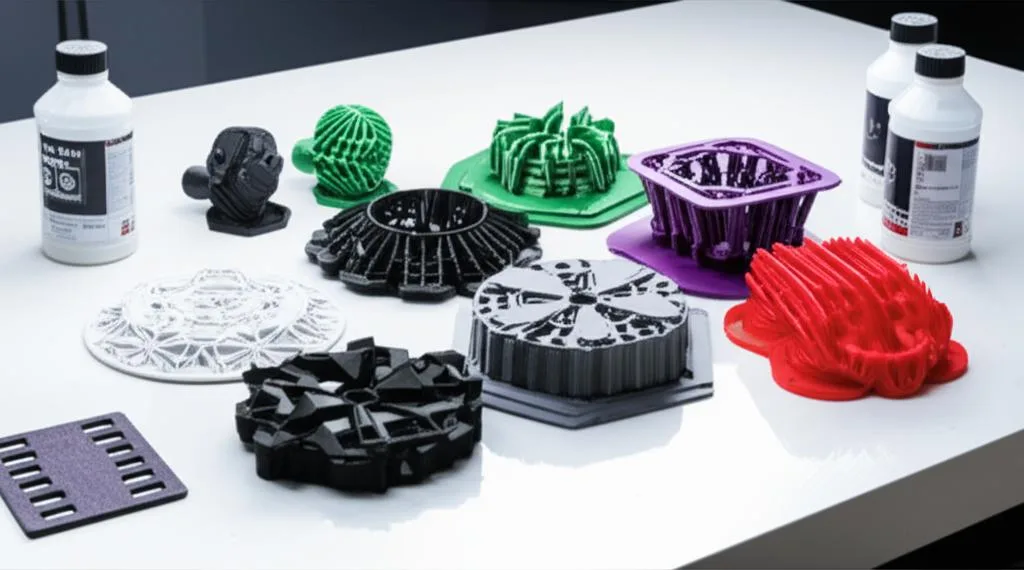
For a broader overview of resin families, including castable, clear and high-temperature types, read choosing the right resin by material properties. Tough resins are handled like any other: gloves and eye protection, as in the resin printing PPE checklist.
Frequently asked questions
Is tough resin stronger than standard resin?
Not in tensile strength. Formlabs lists 62 MPa for its standard Grey Resin V5 and 40.4 MPa for Tough 2000 V2. The tough resin stretches much further before breaking (79% against 13%), so it survives bending and drops that would crack a standard resin part.
Is ABS-like resin the same as tough resin?
Not necessarily. Siraya Tech sells its Fast resin as ABS-like but describes it as “not a tough/engineering resin”, and its data sheet lists 18% elongation at break against 32% for its tough Blu resin. Compare elongation at break on the data sheets instead of relying on the name.
Can I mix standard and tough resin?
Only when the manufacturer documents it. Siraya Tech, for example, says its Fast resin can be mixed with its Blu or Tenacious resins for more impact resistance. Properties of an undocumented blend are unknown, so test printed parts before relying on them.
Does tough resin need a different post-cure?
Often, yes. Siraya Tech recommends about 15 minutes of curing for Blu against 1–2 minutes for Fast, and Formlabs cures Tough 2000 V2 at 70 °C for 12 minutes against 60 °C for 15 minutes for Grey Resin V5. Use the data sheet for your resin, because curing directly changes strength and elongation.
Sources
- Formlabs: Grey Resin V5 technical data sheet (PDF)
- Formlabs: Tough 2000 Resin V2 technical data sheet (PDF)
- Formlabs: Tough 1500 Resin V2 technical data sheet (PDF)
- Siraya Tech technical data sheets: Blu and Fast
- Siraya Tech user guides: Fast and Blu