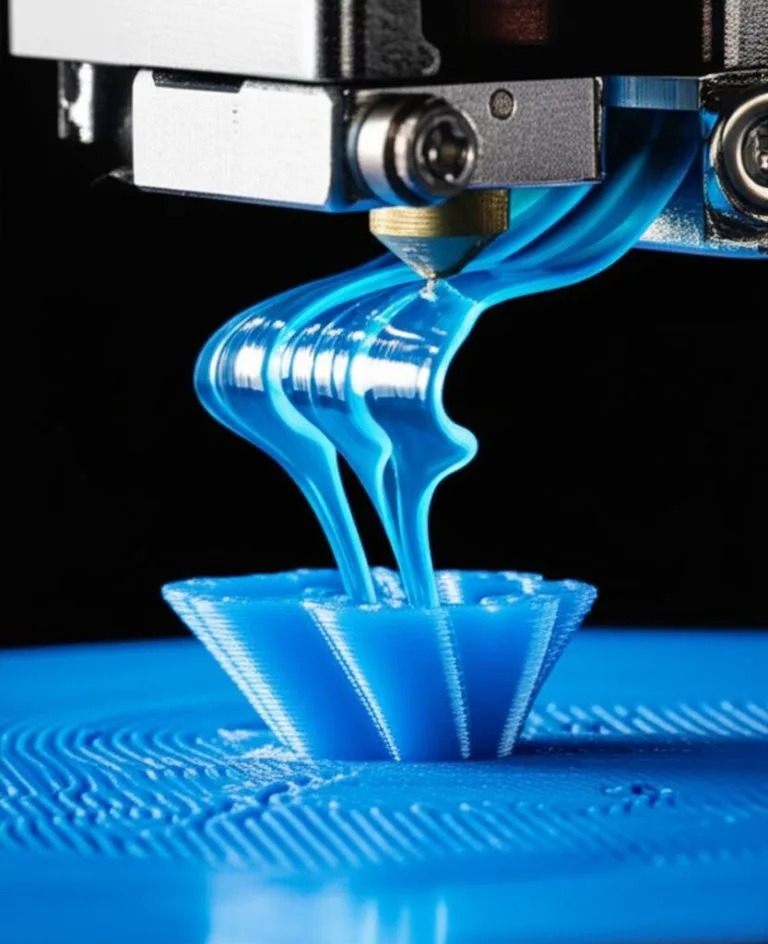
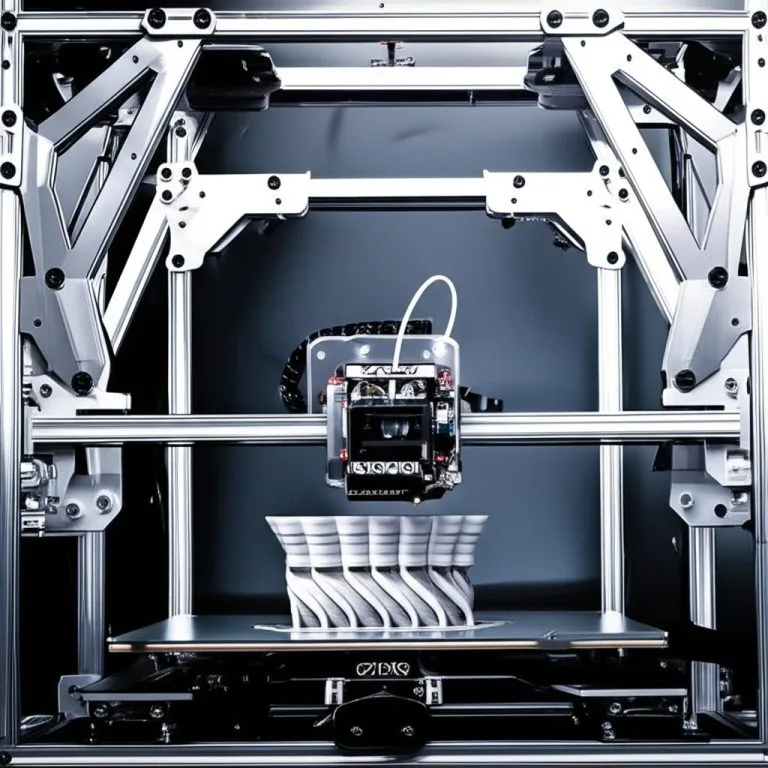
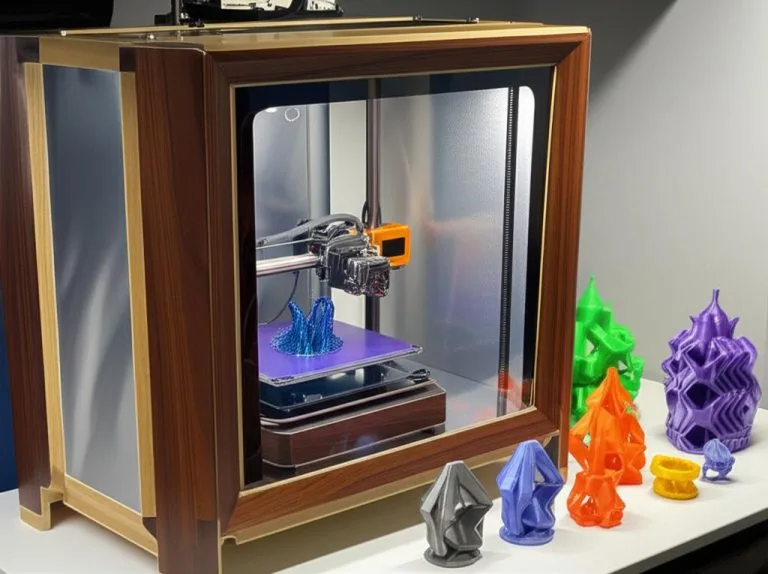
A multi-material unit (MMU) is a filament changer that feeds several spools into one extruder and one nozzle, unloading one filament and loading the next whenever the G-code calls for a tool change. Prusa’s MMU3, the open-source ERCF running Happy Hare on Klipper, and Bambu Lab’s AMS all work this way. Getting one reliable comes down to the same order of work: a free-running filament path, sensors that read a clean 0 or 1, feed lengths that match reality, a clean filament tip at every unload, and only then the slicer.
This guide covers what to check and calibrate on each type of system, the Happy Hare calibration sequence for ERCF-style units, Prusa’s tip-shaping adjustments, the filament and spool limits Bambu Lab sets for the AMS, and a table for diagnosing failed tool changes. How much filament each change wastes, and how to cut it, is a separate topic: see reducing purge waste. Values come from the Prusa, Bambu Lab and Happy Hare documentation linked at the end.
The consumer toolchanger 3D printer: the SnapSwap 4-toolhead system swaps heads in 5 seconds for true multi-color and multi-material printing, with smart calibration and auto filament loading.
- 4 toolheads · 5 s swap
- Up to 500 mm/s · 20,000 mm/s²
- 270 mm cube build volume
- Multi-color & multi-material

MMU setup and calibration in six steps
- Make sure every spool turns freely and every PTFE tube runs without tight bends, from spool to unit to extruder.
- Check the sensors: each one must switch reliably between “0” (no filament) and “1” (filament present), with no flicker.
- Calibrate the unit’s own motion: selector positions, drive gear distance, and the length of the tube to the extruder.
- Get a clean tip on unload, by tip shaping in the slicer or with a toolhead cutter.
- Set up the slicer: one filament per slot, a prime tower, and purge volumes for each color pair.
- Print the maker’s test objects before a long job, and calibrate flow and temperature per filament as you would for single-color prints.
MMU3, ERCF or AMS: what you actually calibrate
All three are single-nozzle systems, so the old filament has to leave the hotend before the new one can enter. They differ in how open they are and how much of the tuning is left to you.
| System | Runs on | How the old filament is cleared | What you tune |
|---|---|---|---|
| Prusa MMU3 | Prusa printers; the IR-sensor calibration article lists MK3S/+ and MK3.5 | Tip shaping: the filament is cooled and formed into a point before it is pulled out | Idler tension, pulleys, FINDA and filament sensor, tip-shaping settings per filament |
| ERCF v2 (Enraged Rabbit Carrot Feeder) | Klipper printers, with the Happy Hare MMU software | Tip forming, or an optional toolhead cutter (the project lists the ERF “Filametrix”) | Selector offsets, servo angles, gear rotation distance, encoder, bowden length, per-gate calibration |
| Bambu Lab AMS family | Bambu Lab printers | The toolhead cuts the filament, then the remainder is flushed | Mainly material and spool choice, PTFE tube condition, flushing volumes in Bambu Studio |
The ERCF v2 project describes itself as an expandable MMU for Klipper and encourages kit makers to offer 4, 8 or 12 gates. Happy Hare also drives other open designs (Tradrack, Box Turtle and more), so the calibration steps below apply to them too, although Happy Hare splits its guide by MMU type. If you are still choosing between an MMU, an IDEX printer or a splicer, the MMU, IDEX and Palette comparison covers that decision.
Filament path, spools and materials
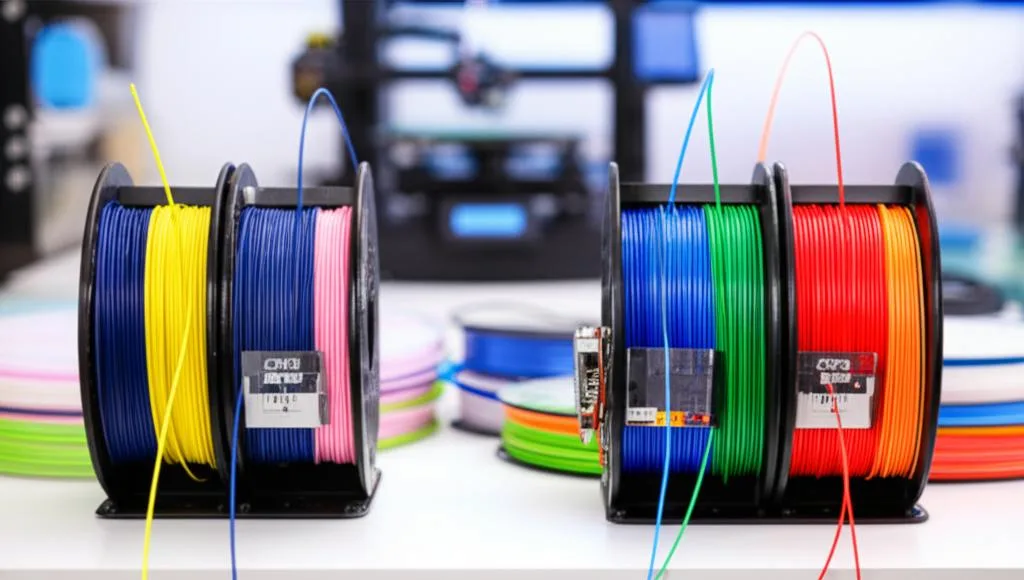
Most tool-change failures start before the filament reaches the unit. Prusa’s troubleshooting for MMU loading failures lists spools that do not roll freely or tangle on the holder or in the buffer, and PTFE tubes with debris or a deformed end. Every extra bit of drag makes the drive gears slip or the filament stop short of a sensor.
- Spools: the AMS takes spools 50–68 mm wide and 197–202 mm in diameter. Bambu Lab recommends plastic spools and a spool adapter ring for cardboard ones, to reduce slipping and debris inside the unit.
- Buffer: the unloaded filament needs somewhere to go. A single AMS ships with a buffer; the ERCF v2 project lists an optional passive buffer (ERCT). Check the buffer each time a spool snags.
- PTFE tubes are consumables. Bambu Lab says filament wears them over time and worn tubes cause feeding failures. When Prusa’s troubleshooting finds a blocked tube, it has you pull out about 20 cm of filament and cut off the damaged section.
- Materials: Bambu Lab advises against running TPU, TPE or PVA through the AMS, and against third-party fiber-filled filaments (PA-CF/GF, PET-CF/GF, PLA-CF/GF), which can wear the tubes or break. Feed flexible filament from an external spool instead; for rigid-plus-flexible parts see printing TPU with PLA or PETG.
Prusa MMU3: setup checks and tip shaping
Prusa’s MMU3 setup and inspection guide is a mechanical checklist. Work through it before you blame the slicer:
- Filament sensor on the extruder: it must show “1” with filament loaded and “0” without. On MK3S/+ and MK3.5 printers the IR sensor has to be calibrated before you print with the MMU.
- SuperFINDA: its tip should line up with the D-shaped opening, so filament and debris pass cleanly.
- Idler tension: set both screws so the screw heads sit slightly above the top of the idler body. Too tight and the idler cannot home; too loose and the pulleys fail to grip the filament.
- Idler and pulleys: all five idler bearings must spin freely, and all five hobbed pulleys must line up with the filament holes, with their grub screws on the flat of the shaft.
- Short 19 mm PTFE tubes: the chamfered end faces out, away from the pulleys, to accept a filament tip that is slightly thicker after unloading.
- Selector blade: secured in place, so it can cut off stray strings.
Tip shaping is the MMU3 calibration that changes per filament. Unload a filament and look at the end: it should be pointed, with no lump and no string, and only slightly thicker than the filament itself. Prusa’s corrections, in order:
- Change the nozzle temperature in 2 °C steps. Prusa says this fixes most tip problems: strings mean the filament was unloaded too hot, a blunt end means too cold.
- If that is not enough, add 2 or 3 cooling moves in the advanced filament settings.
- If problems persist, raise the unloading speed in 10 mm/s steps.
Prusa then recommends running its MMU3 sample objects from Printables before starting real multi-color jobs.
ERCF with Happy Hare: calibration order
Happy Hare stores its calibration in mmu_vars.cfg and warns that the order matters, because later steps build on earlier ones. The gear, encoder and bowden steps must run in sequence; the selector and per-gate steps can be repeated on their own. Add SAVE=0 to any command to run it without saving.
- Selector offsets:
MMU_CALIBRATE_SELECTORfinds the position of every gate and the bypass automatically. Afterwards you should be able to select any gate. - Servo: set the up (filament free), down (filament gripped) and move positions with
MMU_SERVO POS=up ANGLE=… SAVE=1, and the same fordownandmove. - Gear stepper: with the bowden tube removed, run
MMU_TEST_MOVE MOVE=100, measure how much filament actually came out, and enter it withMMU_CALIBRATE_GEAR MEASURED=…. Happy Hare converts that into a gearrotation_distance, the same idea as extruder E-steps. - Encoder (if fitted):
MMU_CALIBRATE_ENCODERmoves the filament back and forth over 400 mm and calculates the encoder resolution. Forward and reverse counts should be close; the wiki’s example is within about 3. - Bowden length:
MMU_CALIBRATE_BOWDENmeasures the distance from the gate to the extruder entrance. With a homing endstop at the extruder you give aBOWDEN_LENGTHlonger than your estimate; with encoder collision detection you give one slightly shorter (the wiki suggests your measurement minus 40–50 mm);MANUAL=1is the fallback. - Remaining gates:
MMU_CALIBRATE_GATES ALL=1refines the rotation distance of every gate against gate 0, using the encoder.
If you recalibrate the gear later, Happy Hare says to redo the encoder and bowden steps too. Tip quality is the other half of an ERCF setup: tune tip forming, or fit a toolhead cutter so the tip no longer depends on temperature and cooling moves.
AMS-type systems: what is left to you
A closed system like the AMS does its own feed calibration. What you control is the input: supported spools and materials, dry filament, and the condition of the PTFE tubes. To run several AMS units on one printer, Bambu Lab requires the AMS Hub. Beyond that, the useful tuning is in the slicer: Bambu Studio calculates a flushing volume for each color pair, and the multiplier and flush-into-infill options decide how much filament each change costs. That is covered in the purge waste guide.
Slicer setup for a single-nozzle MMU
- Printer profile: Prusa and Bambu Lab ship multi-material profiles for their own units. For a Klipper MMU, set up the printer with one extruder per gate sharing a single nozzle, so the slicer sends
T0,T1and so on, which Happy Hare handles as tool changes. Follow your MMU software’s slicer instructions rather than writing tool-change macros from scratch. - Prime tower on. It stabilizes pressure in the nozzle after each change, and Bambu Studio notes that flushing into support does not take effect unless the prime tower is enabled.
- Purge volumes per color pair. Dark to light needs more than light to dark. Start from the slicer’s defaults and reduce them only after test prints.
- Per-filament calibration still applies. Each slot can hold a different spool, so tune flow rate, pressure advance and temperature for each filament, not just once for the printer.
Diagnosing failed tool changes
| Symptom | Likely cause | Fix |
|---|---|---|
| Loading stops before the extruder | Spool drag, tangled buffer, obstructed PTFE tube | Free the spool, clear the buffer, check the tube and cut off damaged filament |
| Filament will not unload, or jams in the unit | Lump or string on the tip | MMU3: adjust temperature in 2 °C steps, then cooling moves; ERCF: tune tip forming or fit a cutter |
| Random “filament not detected” errors | A sensor that flickers or sits on the edge of triggering | Recalibrate until it reads a steady 0 or 1 |
| Filament stops short of, or overshoots, the extruder gears (ERCF) | Wrong gear rotation distance or bowden length | Redo MMU_CALIBRATE_GEAR, then encoder and bowden |
| Unit fails to grip or cannot home (MMU3) | Idler screws too loose or too tight; pulley grub screw off the flat | Reset idler tension, re-seat the pulleys |
| Old color streaks in the new one | Purge volume too low for that pair | Raise that pair’s value in the purge matrix |
| Feeding failures on an older AMS | Worn PTFE tubes, cardboard spool slipping | Replace tubes, use an adapter ring or plastic spool |
Common mistakes and next steps
- Tuning the slicer first. A tip or sensor problem looks like a random jam. Fix the mechanics and tips before touching purge settings.
- Calibrating out of order. On Happy Hare, a new gear value makes the old bowden length wrong.
- Feeding unsupported materials. Flexible or abrasive filament through a unit that was not designed for it causes jams and wear.
- Ignoring a partial clog. A hotend that under-extrudes will ruin tip shaping too. A cold pull helps before you start calibrating.
- Expecting smooth blends. An MMU switches filaments; it does not mix them. What is possible is covered in gradient multi-material printing.
Frequently asked questions
Can I add an MMU to any 3D printer?
Not any printer, and not with every unit. The Prusa MMU3 is built for Prusa printers and the AMS for Bambu Lab printers. Open designs such as the ERCF target Klipper printers through the Happy Hare software, so a Marlin machine usually needs a Klipper migration first.
What should I calibrate first on an ERCF?
Follow Happy Hare’s order: selector offsets, servo, gear stepper, encoder, bowden length, then the remaining gates. The gear, encoder and bowden steps depend on each other, so if you change one, redo the ones after it.
Why does my MMU fail to load after an unload?
Usually the tip. A string or a blob left on the end of the filament catches in the unit or the extruder on the next load. On an MMU3, adjust the nozzle temperature in 2 °C steps and add cooling moves. Also check that the filament sensor reads a steady value.
Can I use TPU in an AMS?
Bambu Lab advises against running TPU, TPE or PVA through the AMS, because flexible filament can get stuck in the feed tubes. Bambu Lab now makes a TPU sold specifically for the AMS; any other flexible filament should go through an external spool.