Multi-color 3D printing technologies: MMU, IDEX, toolchangers

3D_printing_multicolor_printing-1754452110937

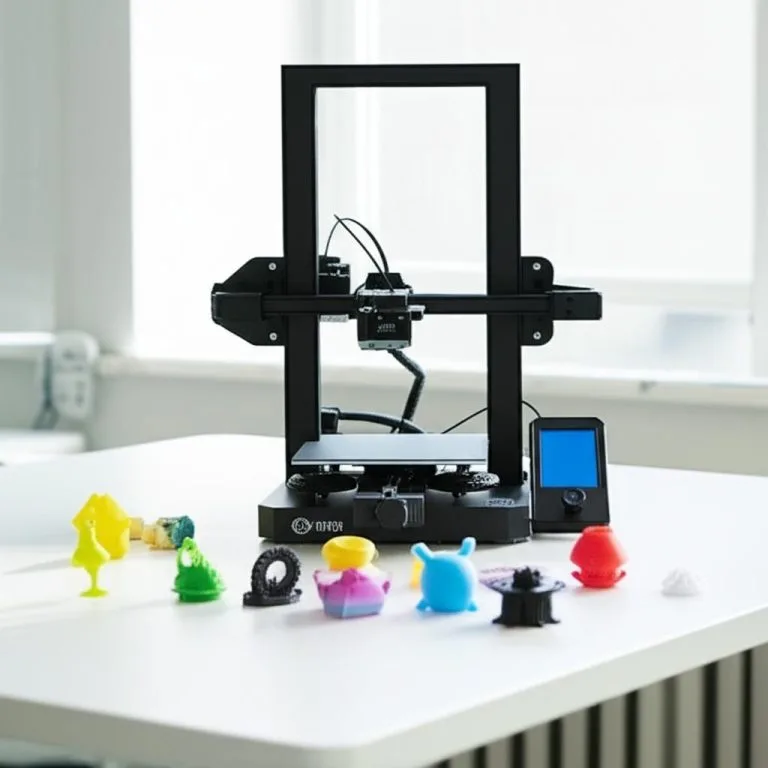
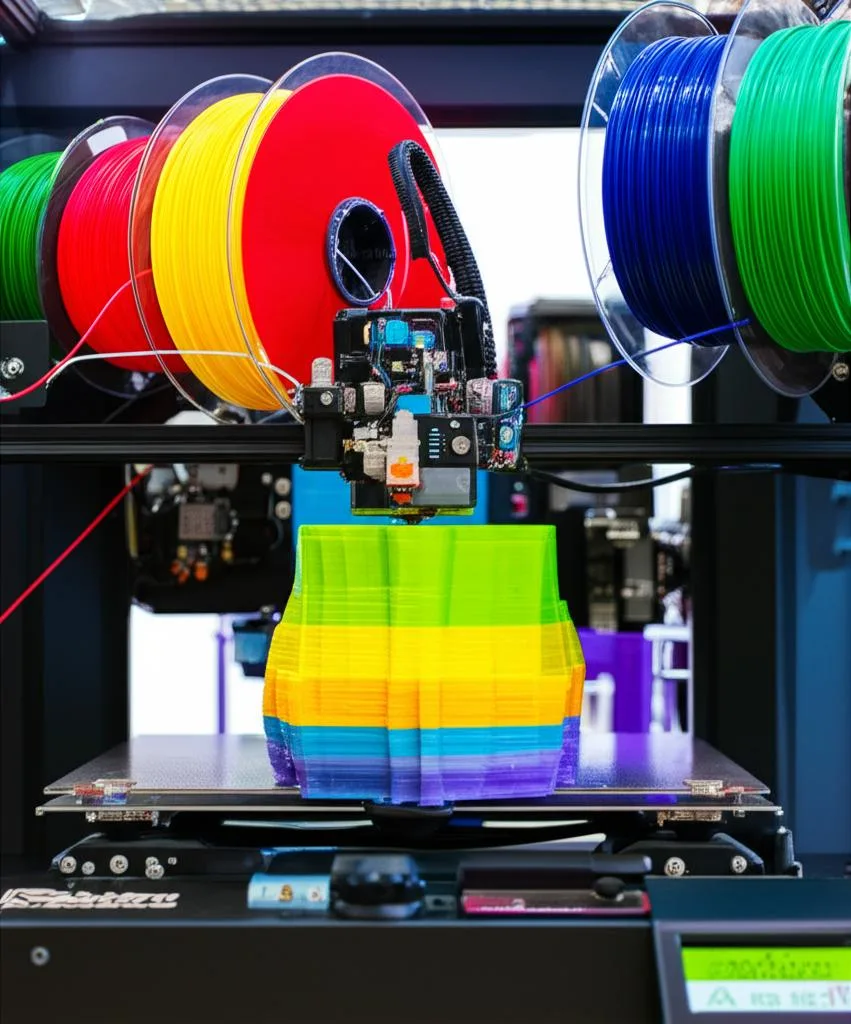
Multi-color FDM printing uses one of four mechanisms: a single-nozzle filament switcher (Prusa MMU3, Bambu Lab AMS), a splicer that joins filaments into one strand (Mosaic Palette), several independent nozzles (IDEX and dual-nozzle printers), or a toolchanger with one toolhead per colour (Prusa XL, Snapmaker U1). How the colour changes decides how much filament you waste, how many colours and materials you can mix, and how much calibration you take on.

The short version: if you want many colours on a printer you already own, a filament switcher is the usual route. If you want different materials or nozzle sizes in one job, or the least purge waste, look at dual-nozzle printers and toolchangers. If you want to print two copies of a part at once, IDEX copy and mirror modes are built for that. Everything below is taken from maker documentation, and performance numbers are the makers’ own claims, not independent tests.

Affiliate · Featured hardware Snapmaker U1 5X More Speed. 5X Less Waste.

The consumer toolchanger 3D printer: the SnapSwap 4-toolhead system swaps heads in 5 seconds for true multi-color and multi-material printing, with smart calibration and auto filament loading.

  • 4 toolheads · 5 s swap
  • Up to 500 mm/s · 20,000 mm/s²
  • 270 mm cube build volume
  • Multi-color & multi-material
See the Snapmaker U1 →
Snapmaker U1

Which technology fits: quick guide

  • Most colours on a budget, existing printer: a filament switcher (MMU3 for supported Prusa printers, AMS for Bambu Lab printers).
  • Different materials in one print (soluble support, flexible plus rigid): a toolchanger or dual-nozzle printer.
  • Two identical or mirrored parts per run: an IDEX printer in copy or mirror mode.
  • Less purge waste: more nozzles, so fewer filament swaps in one nozzle.
  • Add multi-color to a printer that no maker supports: check splicer compatibility, but expect calibration work.

Technologies compared

ApproachHow colour changesExamples (maker pages)Main trade-off
Single-nozzle filament switcherFilament is unloaded and the next one loaded into the same nozzle; the old colour is purgedPrusa MMU3 (up to 5 filaments), Bambu Lab AMS (4 slots per unit)Purge waste; material limits of the feed path
SplicerFilaments are spliced end to end into one strand fed to a single nozzleMosaic Palette 3Needs splice tuning and a separate slicer workflow
IDEXTwo independent carriages, each with its own nozzleMarlin DUAL_X_CARRIAGE with M605 modesOffset calibration; the idle carriage must park
Dual nozzle on one toolheadTwo nozzles that swap in and out of useBambu Lab H2DPrintable area and material restrictions per nozzle
ToolchangerThe printer picks up a different toolhead for each colourPrusa XL (1–5 tools), Snapmaker U1 (4 tools)Cost and calibration of every tool

Single-nozzle filament switchers: MMU3 and AMS

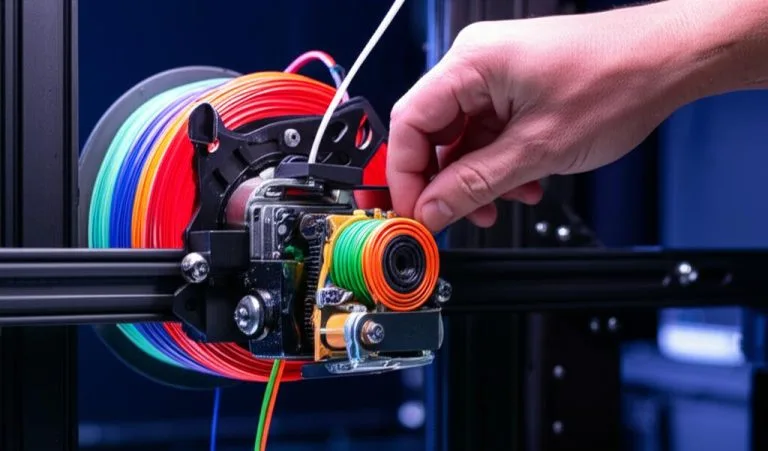
A single-nozzle switcher keeps one hotend and changes the filament feeding it. Between colours the old filament must be flushed out of the melt zone, and that flushed plastic is the waste.

Prusa MMU3

Prusa sells the MMU3 as an add-on for printing with up to five filaments. Its product page names the MK4S and MK3.9S; check Prusa’s compatibility information for other printers before buying. It is supplied as a kit you assemble yourself. Prusa quotes filament changes averaging 35 to 45 seconds and calls the unit the fastest single-nozzle multi-material solution, which is a manufacturer claim. Waste goes into a wipe tower, with wipe-to-infill and wipe-to-object as options to reduce it. Prusa says the MMU3 delivers its best speed and lowest waste with the standard nozzle rather than the high-flow nozzle. Setup and calibration are covered in the MMU, ERCF and AMS guide.

Bambu Lab AMS

According to Bambu’s wiki, a single AMS has four filament slots, each with its own motor, plus a filament hub and a buffer; an AMS Hub lets you connect four AMS units for 16 spools (check your printer’s page, as newer models may differ). The AMS reads RFID tags on official spools, maps the colours in a multi-colour job to the closest loaded filament automatically, and can switch to another spool of identical brand, type, colour and nozzle temperature when one runs out. Bambu’s own limits are worth reading before you buy:

  • Avoid flexible materials such as TPU and TPE, and absorbent PVA, because they can jam in the AMS feed tube.
  • Avoid very hard or brittle filaments, including third-party carbon- or glass-fibre-filled materials, which can wear the PTFE tubes or break. Bambu says its own CF filaments are tuned for the AMS.
  • Ambient temperature should stay within 10–30 °C and humidity below 85%.
  • The AMS supports spools 50–68 mm wide and 197–202 mm in diameter; use a spool adapter for cardboard spools.

Other single-nozzle systems

The Voron sourcing page lists community multi-material systems for Voron printers, such as ERCF, BoxTurtle, NightOwl, QuattroBox, EMU, PicoMMU, MadMax and StealthChanger, and notes the list is not exhaustive. It also states that Voron has no native designs for dual extrusion, dual hotends or toolchangers.

Splicers: Mosaic Palette

Mosaic’s support guide says Palette uses a combination of heat, compression and cooling to join filaments together, and the spliced strand then feeds a single-extruder printer. The workflow differs from AMS or MMU: you slice in Mosaic’s Canvas software (which can use Kisslicer or Slic3r/PrusaSlicer engines), and the guide lists seven setup steps, starting with calibrating the printer and ending with a calibration print and further tuning. It recommends filament within ±0.03 mm of 1.75 mm, dried before use, and a calibrated extruder and levelled bed before you add Palette. Connected mode needs a printer that can receive G-code over USB, while accessory mode is available for most compatible printers. The guide does not name supported models, so confirm yours with Mosaic, and check that Palette 3 is still sold, since Mosaic’s main site now highlights other product lines.

IDEX: two independent carriages

An IDEX (independent dual extruder) printer has two carriages that move on the same X axis. Marlin documents this through DUAL_X_CARRIAGE and the M605 command, which sets four modes: S0 full control, S1 auto-park (one carriage parks while the other moves), S2 duplication and S3 mirror. In duplication and mirror modes the printer prints two parts at once, which is the practical reason to want IDEX for production. The catch is that each nozzle needs its own XY and Z offset and the idle nozzle needs ooze control; the dual extrusion calibration guide covers that.

Dual-nozzle and toolchanger printers

Bambu Lab H2D: two nozzles on one toolhead

Bambu’s documentation says the best way to print two filaments on the H2D is to give each filament its own nozzle, so switching colours means switching nozzles instead of flushing old material. Bambu Studio’s filament grouping assigns filaments to nozzles, with a filament-saving mode (the default), a convenience mode that follows what is loaded in the AMS, and a custom mode. There are restrictions: when the left nozzle prints TPU the right nozzle cannot be used, PPA-CF and PPS-CF can only print with the left nozzle, and parts taller than 320 mm should sit in the right nozzle’s area.

Prusa XL and Snapmaker U1: one toolhead per colour

The Prusa XL+ product page lists 1–5 nozzles with an active toolchanger, a 360 × 360 × 360 mm build volume and built-in multi-material support. Prusa says you can mix rigid, flexible and soluble materials and different nozzle sizes in one job, and claims virtually no purge waste because each toolhead keeps its own nozzle. The Snapmaker U1 page describes four independent, preheated toolheads, a 270 × 270 × 270 mm build volume, tool changes of about 5 seconds and automatic XYZ offset calibration between the heads to within 0.04 mm when the nozzles are clean. Snapmaker also claims up to 85% less waste than shared-nozzle printers; its own footnotes say these are lab results and savings vary with model size, colour layout and settings. The Snapmaker U1 article looks at that printer in more detail.

Purge waste: where it comes from

SystemWhy waste happensWhat makers say
Single nozzle (MMU3, AMS)The old colour must be flushed out of the melt zonePrusa: wipe tower with wipe-to-infill and wipe-to-object options; Bambu: flush volumes per material set in Bambu Studio
Splicer (Palette)Transitions between colours inside the spliced strandHandled in Canvas; the guide does not quote a waste figure
Dual nozzle (H2D)Only when two filaments share one nozzleBambu: assign filaments to different nozzles to avoid flushing
Toolchanger (XL, U1)Mostly prime and wipe after a tool changePrusa: virtually no purge waste; Snapmaker: up to 85% less than shared-nozzle printers in its tests

Practical ways to cut purge on any system are in the purge waste guide, and colour transitions inside a single layer stack are covered in gradient printing.

Common mistakes when choosing

  • Buying before checking compatibility. Prusa’s MMU3 is listed for specific printers; the AMS is tied to Bambu printers; a splicer’s supported-printer list is not given on Mosaic’s setup guide.
  • Assuming a feeder can handle any filament. Bambu’s wiki warns against TPU, TPE and PVA in the AMS.
  • Expecting zero waste from a single nozzle. Flushing is built into the method.
  • Forgetting calibration on multi-nozzle printers. Offsets drift after a nozzle swap or crash.
  • Treating maker waste numbers as a guarantee. They depend on the model, colour layout and settings.

Frequently asked questions

Which multi-color 3D printing system is best?

There is no single best system. Filament switchers add many colours to a single-nozzle printer at the cost of purge waste. Toolchangers and dual-nozzle printers handle mixed materials with less waste but need more calibration. Pick by the materials, colours and printer you already have.

Can I add multi-color printing to my existing printer?

Sometimes. Prusa’s MMU3 is an add-on for specific Prusa printers, and Mosaic’s Palette is a separate unit with an accessory mode for most compatible printers. Check the maker’s compatibility list, since support differs by printer model and firmware.

Is IDEX the same as multi-color printing?

Not exactly. IDEX means two independent carriages. They can print two colours or materials in one part, but the main production benefit is copy and mirror mode, which prints two parts at once. Each nozzle needs separate offset calibration.

Does multi-color printing always waste filament?

Single-nozzle systems must flush the old colour, so they always create some waste. Dual-nozzle and toolchanger printers reduce flushing by using separate nozzles, and makers such as Prusa and Snapmaker claim very low waste. Treat those figures as maker claims.

Sources