3D printer fire safety comes down to three layers: firmware that switches the heaters off when temperatures stop making sense, sound electrical wiring, and smoke alarms plus a person close enough to react. Thermal runaway protection is the firmware part: it watches the hotend and bed temperatures and shuts the printer down if a heater fails to warm up as expected or drifts away from its target, which is what happens when a thermistor falls out and the firmware keeps heating.
Check that thermal runaway protection is active on your printer, never disable it to silence an error, fit interconnected smoke alarms and test them monthly, and do not run prints while nobody is in the building. None of this makes a printer fire impossible; it makes one less likely and more likely to be caught early. The firmware values below come from the Marlin and Klipper source documentation and the alarm advice from the U.S. Fire Administration, all linked at the end.
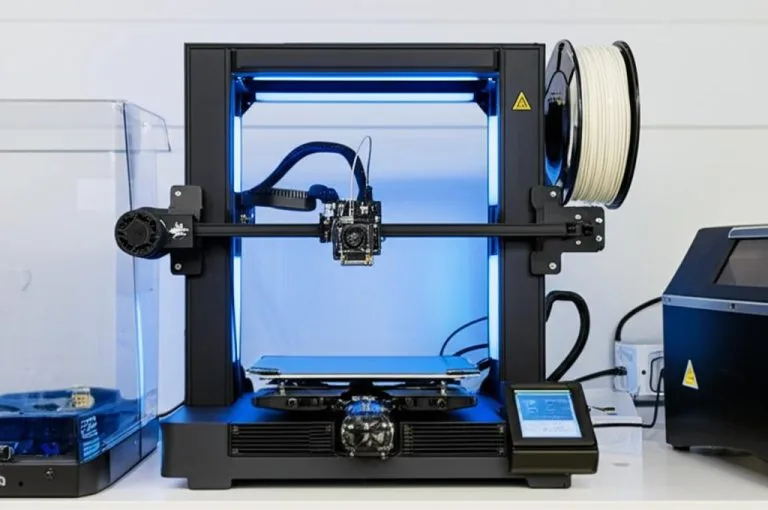
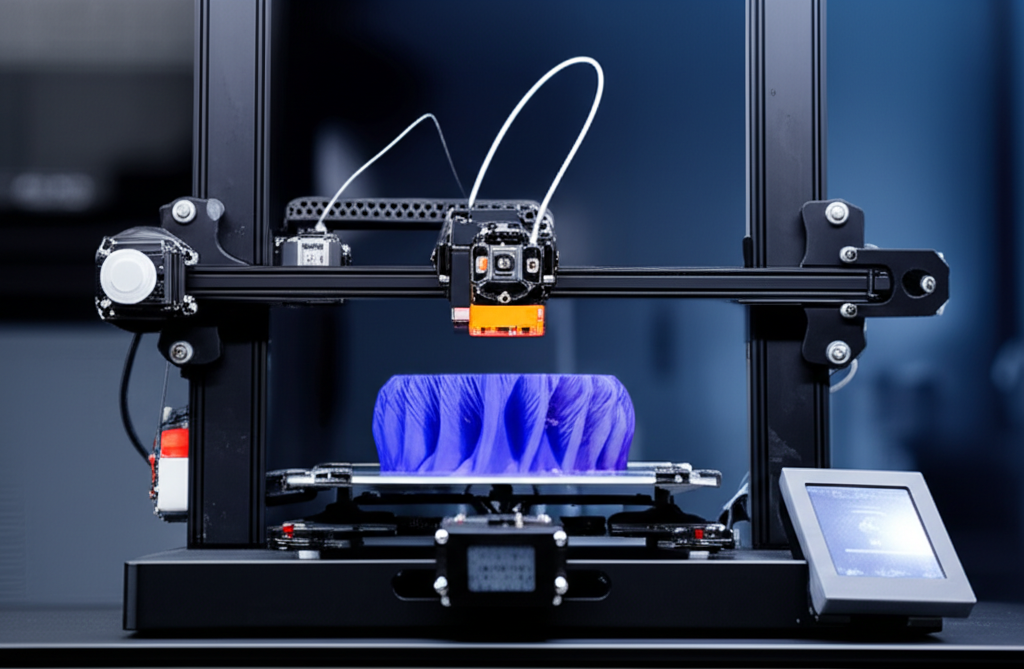
The consumer toolchanger 3D printer: the SnapSwap 4-toolhead system swaps heads in 5 seconds for true multi-color and multi-material printing, with smart calibration and auto filament loading.
- 4 toolheads · 5 s swap
- Up to 500 mm/s · 20,000 mm/s²
- 270 mm cube build volume
- Multi-color & multi-material

3D printer fire safety checklist
- Confirm thermal runaway protection is enabled for the hotend and the bed.
- Treat “Thermal runaway”, “Heating failed”, MINTEMP and MAXTEMP errors as faults to fix, not settings to loosen.
- Inspect the heater and thermistor wiring, the bed cable and the power supply terminals every few months.
- Plug the printer into a wall socket, not a chain of extension leads, and keep paper, solvents and spare filament away from it.
- Put an interconnected smoke alarm in or near the room and test it monthly.
- Keep a suitable extinguisher within reach and know when not to use it.
- Stay in the building while it prints, and keep the printer’s network interface off the public internet.
How thermal runaway protection works in Marlin and Klipper
The Marlin configuration file describes the problem plainly: if a thermistor falls out, it reports the much lower temperature of the room, and the firmware keeps the heater on. Both major open-source firmwares guard against this with two kinds of check. A heating check expects the temperature to rise by a minimum amount within a set time after you ask for heat. A stability check expects the temperature to stay near the target once it gets there. Either failure shuts the heaters off and halts the printer. On top of that, both enforce absolute minimum and maximum temperatures that catch a shorted or disconnected sensor.
| Check | Marlin (default config, bugfix-2.1.x) | Klipper (verify_heater defaults) |
|---|---|---|
| Heating check, hotend | Must rise 2 °C within 40 s (WATCH_TEMP_PERIOD, WATCH_TEMP_INCREASE) | Must rise 2 °C within 20 s (heating_gain, check_gain_time) |
| Heating check, bed | Must rise 2 °C within 60 s | Must rise 2 °C within 60 s |
| Stability check, hotend | Error if more than 4 °C off target for 40 s (THERMAL_PROTECTION_PERIOD, HYSTERESIS) | Cumulative error counter; trips at max_error 120 outside a 5 °C band |
| Stability check, bed | Error if more than 2 °C off target for 20 s | Same max_error counter, applied per heater |
| Absolute limits | MINTEMP and MAXTEMP per sensor (example config: hotend 275 °C, bed 150 °C maximum) | min_temp / max_temp enforced in the micro-controller code |
| Enabled by | THERMAL_PROTECTION_HOTENDS and THERMAL_PROTECTION_BED | Automatically, for every configured heater |
These are the project defaults. Printer manufacturers ship their own configuration and often change the numbers to suit their heaters, so your printer’s values may differ. What matters is that the checks exist and are switched on.
How to find out whether your printer has it
- Klipper: heater verification is on by default for every heater. Only a
[verify_heater]section in your config changes it; check that nobody raisedmax_errororcheck_gain_timeto extreme values. - Marlin you compile yourself: check that
THERMAL_PROTECTION_HOTENDSandTHERMAL_PROTECTION_BEDare defined inConfiguration.h. - Stock firmware: check the manufacturer’s documentation or release notes, and install the current firmware. If you cannot confirm protection is on, building and flashing Marlin yourself is one fix; see how to flash Marlin.
Deliberately provoking a runaway, for example by pulling a thermistor on a hot printer, is not a test we suggest at home. It puts you next to a heater that is meant to fail safe, at the moment you are checking whether it does.
Temperature errors and warning signs: what they mean
| What you see | Likely cause | What to do |
|---|---|---|
| “Heating failed” while warming up | Heater cartridge, wiring or thermistor not doing its job; sensor not in the heater block | Power off, let it cool, check that the thermistor is seated and the wires are intact |
| “Thermal runaway” mid-print | Loose thermistor, poor temperature control, or a part-cooling fan or draft cooling the block | Re-seat the sensor, run a PID tune, fit a silicone sock; do not widen the limits |
| MINTEMP error | Thermistor disconnected or wire broken, often in the moving cable to the hotend or bed | Inspect connectors and the cable where it flexes |
| MAXTEMP error | Shorted thermistor wires or a heater that stays on | Power off at the wall and check the wiring and the mainboard |
| Temperature graph jumps or spikes | Intermittent sensor connection | Fix it before the next print; this is how runaways start |
| Burnt smell, browned connectors or melted insulation | A connection overheating under load, typically bed or power supply wiring | Stop using the printer until the connector or cable is replaced |
An unstable temperature that keeps tripping the stability check is often a tuning problem rather than a hardware fault. Our PID tuning guide covers the hotend and bed.
Wiring and power checks
Firmware only watches temperatures it can measure. A connector that overheats because it is loose, or a cable that frays where it bends, is outside its view. With the printer unplugged and cold, check:
- The heated bed cable. It flexes on every move of a bed-slinger. Look for strain relief at both ends and any discolouration at the connector.
- Hotend heater and thermistor leads, especially where they leave the heater block and in the cable chain.
- Screw terminals on the power supply and mainboard. Loose wires there heat up under load. Mains terminals should be covered; if the cover is missing or you are not confident around mains wiring, get help from a qualified person.
- Replacement parts. Use heaters and power supplies that match the original voltage and rating. A 24 V heater cartridge on a 12 V printer, or the reverse, changes how much heat it produces.
- The socket. Plug the printer straight into the wall, or into a single good-quality extension lead that is not also running heaters or other high-load devices.
Smoke alarms, heat alarms and extinguishers
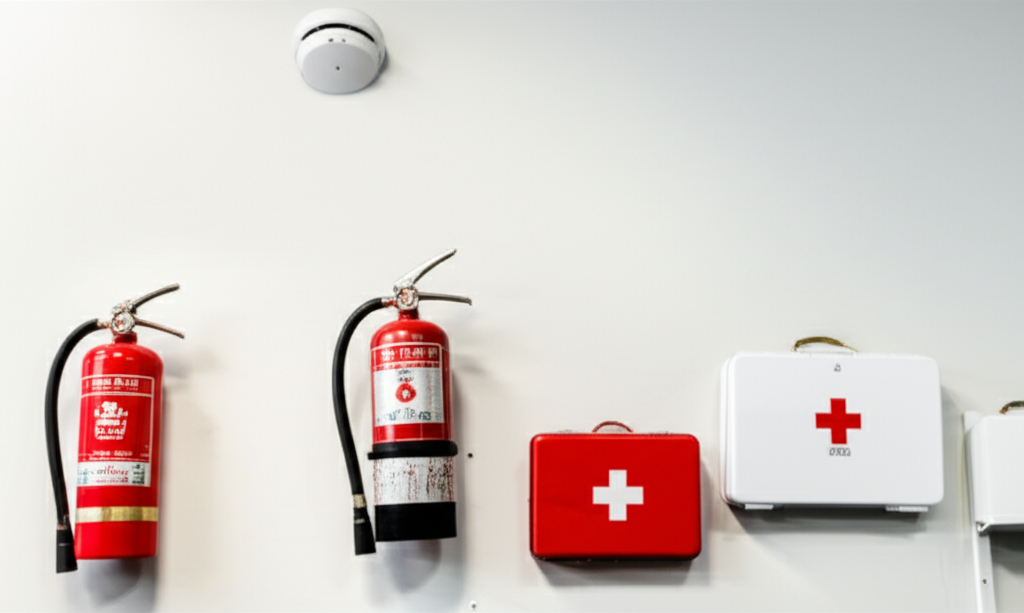
The U.S. Fire Administration’s smoke alarm advice applies to a printer room as much as to any other room:
- Choose interconnected alarms, so an alarm in the workshop also sounds in the bedroom.
- Because nobody can predict the type of fire, USFA recommends having both ionization and photoelectric alarms, or dual-sensor alarms that contain both.
- Test monthly. Replace 9-volt batteries at least once a year, and replace the whole alarm 10 years from its manufacture date.
- If an alarm goes off because of fumes, ventilate and use the hush button; do not remove the battery.
Garage or unheated workshop? USFA notes that smoke alarms are not designed for garages, where dust, fumes and temperature swings cause false alarms. It recommends a heat alarm instead, rated for 175–250 °F (about 79–121 °C), hard-wired with battery backup and interconnected with the home’s smoke alarms.
Extinguishers. A printer is electrical equipment, which is a Class C fire in US terms; Class C extinguishers use an agent that does not conduct electricity. Multipurpose A-B-C units cover most home fires. USFA’s rule for using one is that every answer is yes: others are alerted, the fire department has been called, you are physically able, the fire is small and contained, you are safe from the smoke, and you have a clear escape route. Then use PASS: pull the pin, aim low at the base, squeeze slowly, sweep side to side. If any answer is no, get out and call the emergency number (911 in the US, 999 in the UK, 000 in Australia).
Unattended printing, enclosures and remote monitoring
The conservative answer to “can I leave it running?” is: not while nobody is in the building. Firmware protection, alarms and cameras all reduce risk, but an alarm only helps if someone hears it and a camera only helps if someone is watching.
- Enclosures help with print quality and fumes, and one built from non-combustible materials puts less fuel next to the printer. They are not fire suppression. Materials and ventilation are covered in our DIY enclosure guide.
- Automatic suppression devices marketed for printer enclosures vary widely. If you fit one, choose a product with a recognised certification for the use, and treat it as an extra layer, not a reason to leave the printer alone.
- Remote monitoring with a webcam lets you stop a failing print from another room. Set it up so the printer is not reachable from the internet: OctoPrint’s developers point out that an exposed printer host could be used to flash firmware without safety checks and keep the heaters on. See our OctoPrint setup guide for safe remote access.
- Smart plugs give you a way to cut power remotely. Check that the plug is rated for the printer’s load, and remember that cutting power mid-print leaves a hot nozzle sitting in the part.
Common fire safety mistakes
- Raising the thermal runaway limits until the error stops. The error is doing its job; find the loose sensor or the draft instead.
- Assuming a new printer is protected. Check the firmware rather than the marketing page.
- Storing filament, paper or solvent bottles on or beside the printer.
- Relying on an old or untested smoke alarm, or removing its battery because printing fumes set it off.
- Ignoring fumes. They are a separate hazard from fire; for ABS and similar materials see our guide to ABS fume ventilation.
Frequently asked questions
Can a 3D printer catch fire?
Yes. It has heaters that reach well over 200 °C, a power supply and a lot of plastic, so a heater that keeps heating or an overheating connection can start a fire. Thermal runaway protection, sound wiring and working smoke alarms make it much less likely, but no printer can be called fireproof.
How do I know if my printer has thermal runaway protection?
On Klipper it is enabled automatically for every heater. On Marlin, THERMAL_PROTECTION_HOTENDS and THERMAL_PROTECTION_BED must be enabled in the configuration; for stock firmware, check the manufacturer’s documentation and install the latest version.
Is it safe to leave a 3D printer running overnight?
The conservative answer is to print overnight only if someone is at home and will hear an interconnected smoke alarm, and never while the building is empty. Firmware protection and cameras reduce the risk, but they do not replace a person who can respond.
What fire extinguisher should I keep near a 3D printer?
One rated for electrical fires: Class C in the US, often as a multipurpose A-B-C unit. Use it only if the fire is small and contained, others are alerted and you have a clear way out; otherwise leave and call the fire service.
Sources
- Marlin documentation: Configuration (thermal protection, MINTEMP and MAXTEMP)
- Marlin source: Configuration_adv.h (thermal protection periods and hysteresis)
- Klipper documentation: Config reference, verify_heater
- U.S. Fire Administration: Smoke alarms
- U.S. Fire Administration: Heat alarms
- U.S. Fire Administration: Choosing and using fire extinguishers