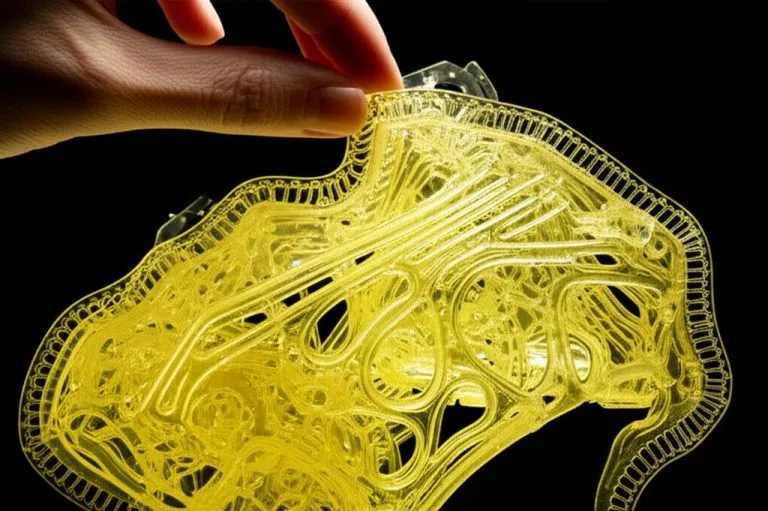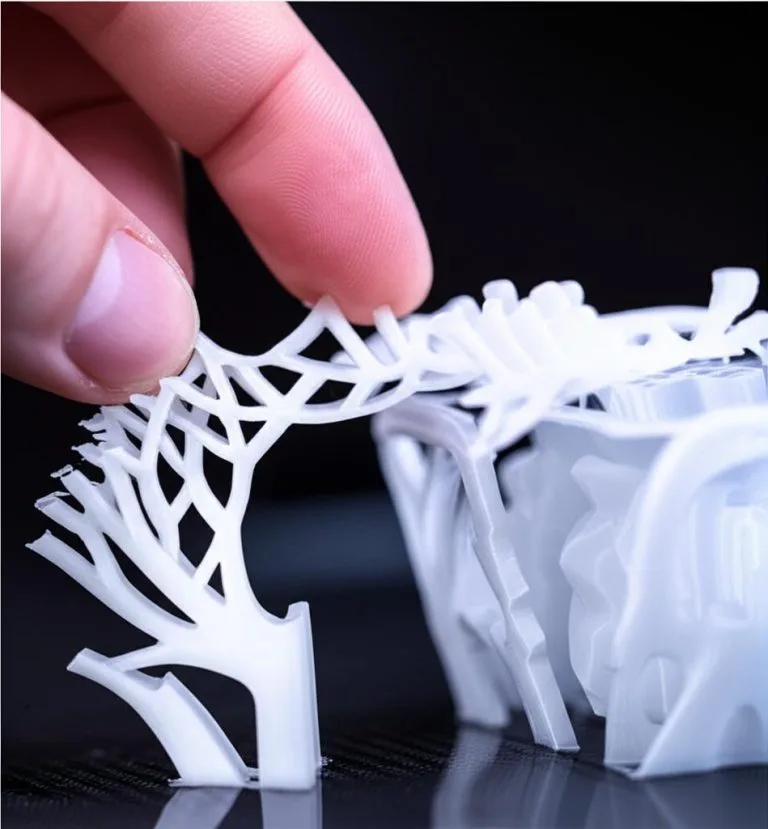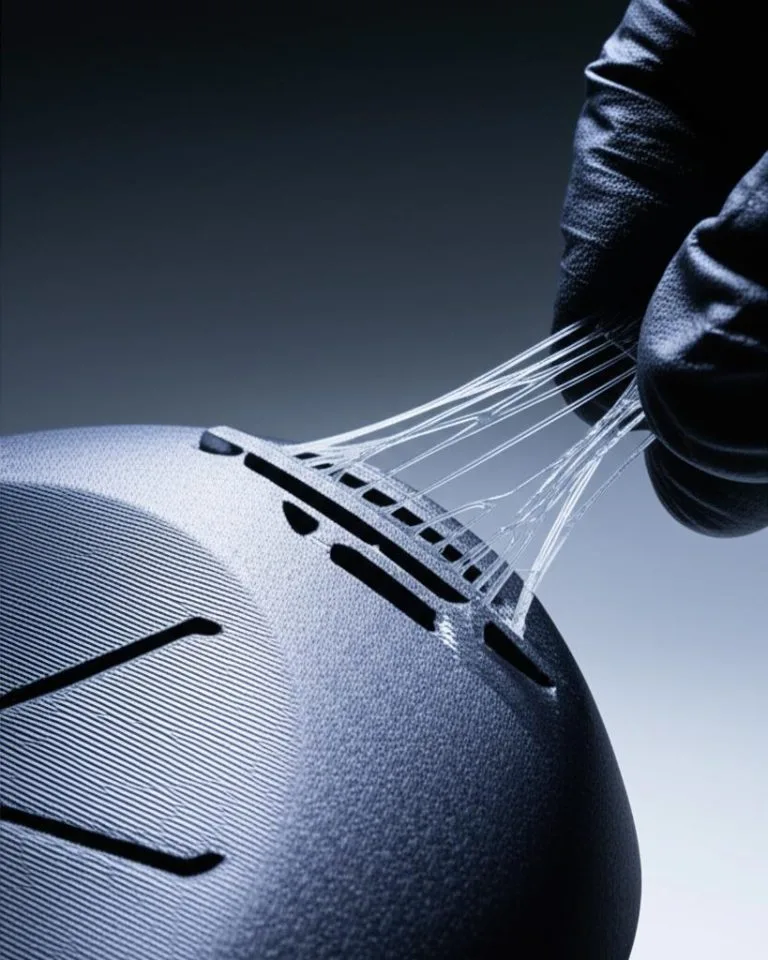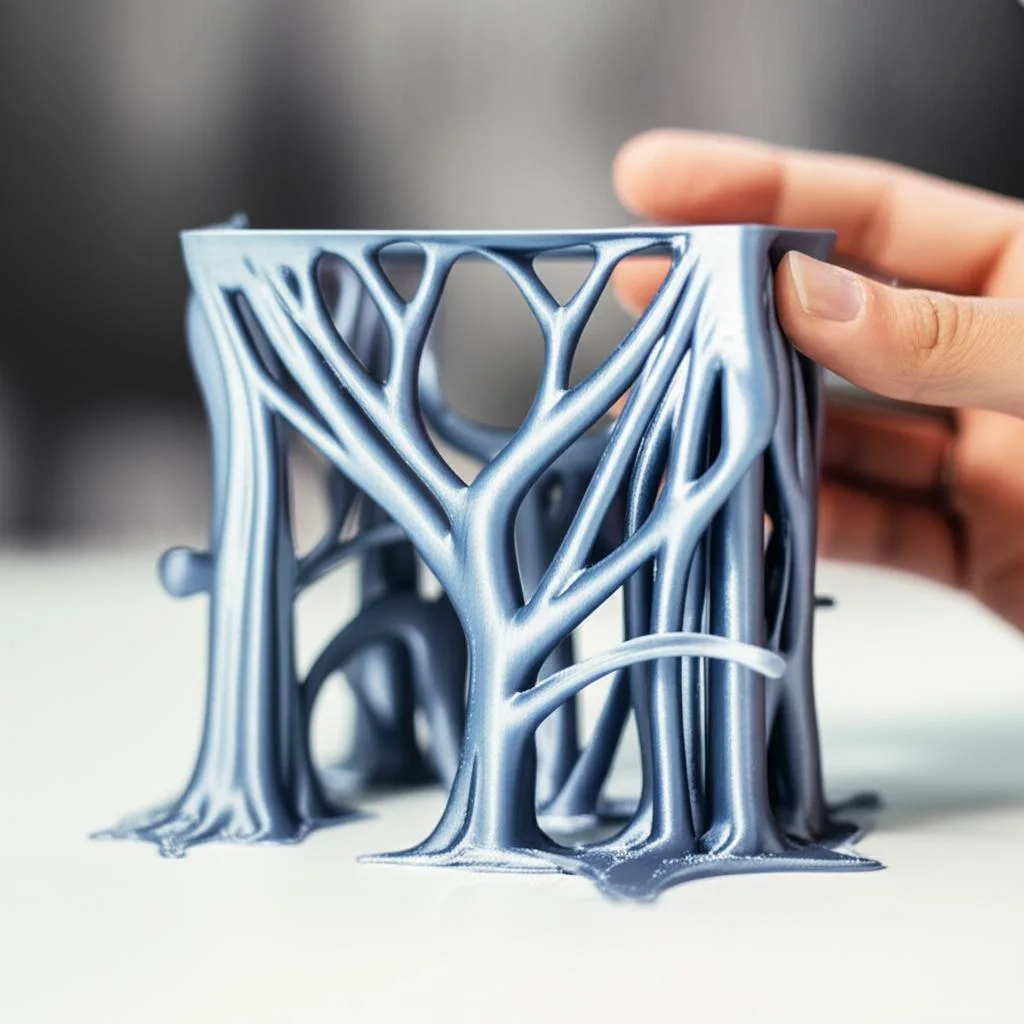
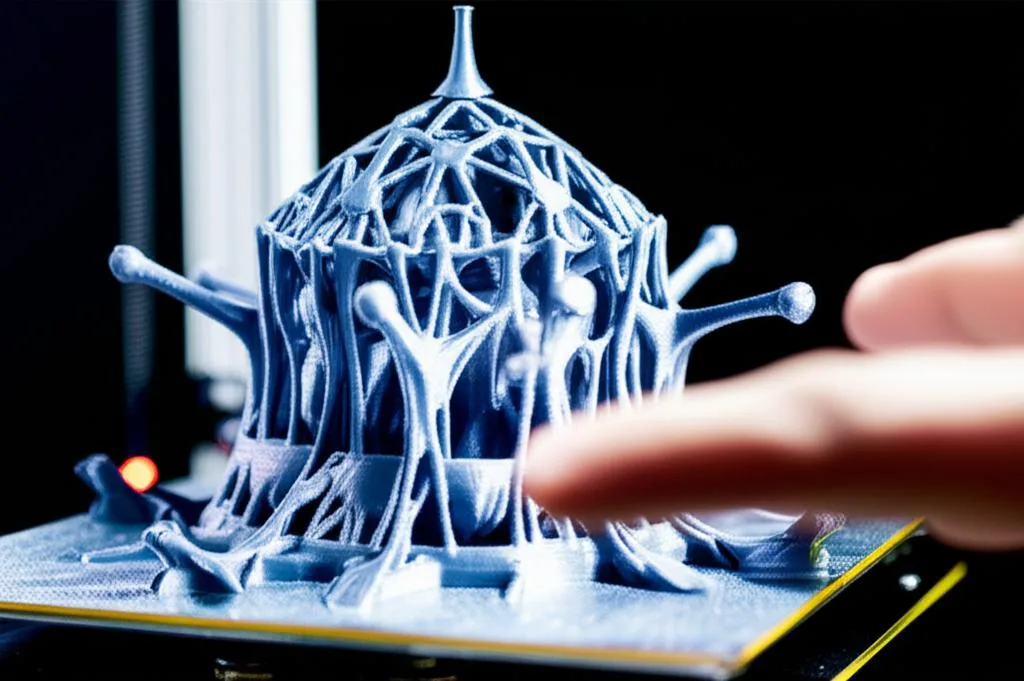
Tree supports — Organic supports in PrusaSlicer, Tree Organic, Slim, Strong or Hybrid in OrcaSlicer and Bambu Studio — grow thin branches from the build plate and touch the model at a few small points instead of dropping a grid under every overhang. They win on figurines, curved shells and scattered small overhangs. They lose under one large flat overhang, which is exactly why Bambu Studio’s Tree Hybrid style puts normal grid supports under big flat regions and branches everywhere else.
Three things decide whether it works: the overhang threshold (50° in Cura, 30° in OrcaSlicer and Bambu Studio, automatic in PrusaSlicer), the branch geometry, and the gaps between support and model — 0.2 mm top contact in PrusaSlicer and OrcaSlicer, 0.1 mm Z and 0.7 mm XY in Cura. Every number below is the factory default in that slicer’s own configuration definition or wiki, linked at the end.
The consumer toolchanger 3D printer: the SnapSwap 4-toolhead system swaps heads in 5 seconds for true multi-color and multi-material printing, with smart calibration and auto filament loading.
- 4 toolheads · 5 s swap
- Up to 500 mm/s · 20,000 mm/s²
- 270 mm cube build volume
- Multi-color & multi-material

Tree or normal supports: the 30-second decision
- Figurine, bust, curved shell, scattered small overhangs: tree supports. Fewer contact points, less scarring.
- One large flat overhang — a roof, a ledge, a wide horizontal deck: normal grid, or Tree Hybrid in OrcaSlicer and Bambu Studio, which puts grid under the flat region and branches elsewhere.
- Underside finish matters more than stiffness: tree supports with top interface layers on.
- Deep cavity you cannot reach with pliers: geometry is not the problem — use a soluble or dedicated support filament for the interface.
- Very tall, narrow support columns: a grid tower is more predictable than a slender branch.
- Variable or adaptive layer height enabled: PrusaSlicer listed it as unsupported for Organic supports at launch, and Bambu Studio falls back to Tree Hybrid, because Tree Organic cannot do it.
The overhang threshold, and why 30° and 50° mean the same thing
Before any branch is generated, the slicer decides which surfaces count as overhangs — and the three measure the angle from different references, which is why the defaults look so far apart:
- Cura — Support Overhang Angle, default 50°. The minimum overhang angle for which support is added: 0° supports everything, 90° nothing. Measured from vertical, so a wall is 0° and a flat roof 90°.
- OrcaSlicer and Bambu Studio — Threshold angle, default 30°, measured from the horizon: support appears where a surface’s slope to horizontal is below it. Bambu Lab’s wiki calls 30° a safe angle to print without support for most materials, and OrcaSlicer notes that 0 makes tree supports fall back to 30° anyway.
- PrusaSlicer — Overhang threshold, default 0 = automatic detection, which the tooltip recommends. Set manually, it is a slope angle where 90° is vertical.
Convert the conventions and they nearly meet: 30° from horizontal is 60° from vertical, so Bambu Studio’s default is slightly more permissive than Cura’s 50°, not four times stricter. Copy a threshold between slicers without converting it and you will either bury the model in supports or get none. For overhang behaviour on the model itself, see diagnosing sagging bridges and drooping overhangs.
Tree support parameters by slicer, with factory defaults
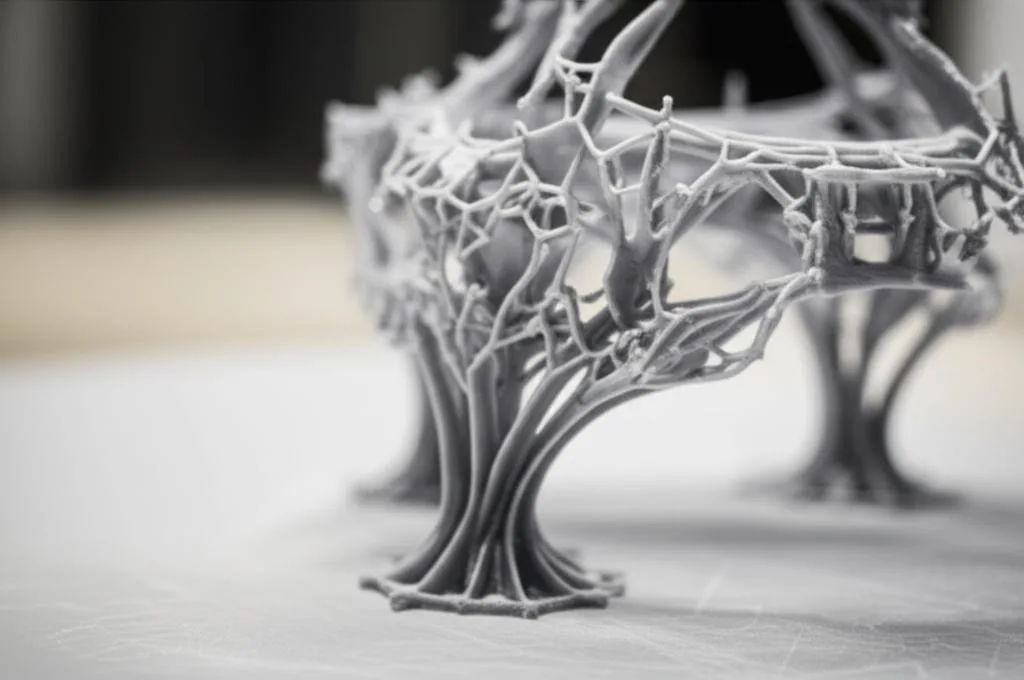
PrusaSlicer’s Organic supports and OrcaSlicer’s Tree Organic both descend from Cura’s algorithm — PrusaSlicer credits Thomas Rahm’s improved version of the Cura trees, and Bambu Lab says Tree Organic started in Cura and was ported twice. The names differ, the maths does not.
| What it controls | PrusaSlicer 2.9 (Organic) | Cura (Tree) | OrcaSlicer (Tree Organic) |
|---|---|---|---|
| Switching it on | Style: Organic | Structure: Tree | Type: tree, Style: Organic |
| Thinnest branch diameter | 2 mm | 5 mm | 2 mm organic, 5 mm Slim/Strong/Hybrid |
| Branch tip diameter | 0.8 mm | 2 × support line width, so 0.8 mm on a 0.4 mm nozzle | 0.8 mm |
| Maximum branch angle | 40° (range 0–85°) | Follows the overhang angle, so 50° at stock settings | 40° (capped at 60°) |
| Preferred branch angle | 25° | Two-thirds of the maximum, about 33° | 25° |
| Taper towards the base | Branch Diameter Angle 5° (max 15°) | 7° (warns above 15°) | 5° |
| Spacing of contact points | Branch Distance 1 mm | No equivalent; set by Branch Density | 1 mm organic, 5 mm Slim/Strong/Hybrid |
| Branch Density (tip density) | 15%, capped at 35% | 10%, or 30% with Support Roof on | 30%, capped at 35% |
| Base and stability | Double perimeter walls above 3 mm branch diameter | Trunk Diameter 25 mm, Initial Layer Diameter 7.5 mm, Optimal Branch Range 30 mm | Tree support brim 3 mm, auto brim on |
Three of these do most of the work. Branch angle is described identically by PrusaSlicer and Cura: lower is more vertical and more stable, higher gives more reach around the model, so it is the first value to lower when branches get knocked over. Branch diameter sets the thinnest branch; thicker is sturdier, costs filament, and branches towards the base end up thicker than the value you type. Branch Density controls the tips, and PrusaSlicer and OrcaSlicer both cap it at 35% with the same advice: if you need a dense contact surface, enable top support interfaces instead, because dense tips are much harder to remove.
Support Z and XY distances that let branches come off
The gap between support and model decides whether branches peel away or weld themselves to the print. The defaults:
| Gap | PrusaSlicer 2.9 | Cura | OrcaSlicer |
|---|---|---|---|
| Gap above the support | Top contact Z distance 0.2 mm | Support Z Distance 0.1 mm | Top Z distance 0.2 mm |
| Gap under the support | Bottom contact Z: same as top | Support Bottom Distance 0.1 mm | Bottom Z distance 0.2 mm |
| Horizontal gap | XY separation 50% of external perimeter width | Support X/Y Distance 0.7 mm, minimum 0.2 mm at overhangs | XY distance 0.35 mm, first-layer gap 0.2 mm |
PrusaSlicer labels the Z gap presets plainly: 0 (soluble), 0.1 (detachable), 0.2 (detachable). Zero also stops the slicer using bridge flow and speed on the first model layer above the support, so it only makes sense when a soluble or dedicated support filament separates the joint for you. Bambu Lab’s wiki agrees: Top Z distance 0 with a dedicated support material, about 0.2 mm when the support is printed in the model’s own filament, or removal becomes very hard.
Two details catch people out. Cura’s Support Distance Priority defaults to Z overrides X/Y, so the vertical gap is protected and the horizontal one gives way near overhangs — hence the separate Minimum Support X/Y Distance of half the nozzle diameter. And PrusaSlicer rounds Organic support separations up to multiples of layer height, so at 0.2 mm layers a 0.1 mm gap is not available.
Interface layers and support filament
The interface is the dense slab between branch tips and model — what turns a handful of contact points into a printable surface. The defaults differ sharply:
- PrusaSlicer: Top interface layers 3, labelled “heavy”, interface pattern spacing 0 mm (solid). Bottom follows the top.
- OrcaSlicer: Top interface layers 3, bottom 0, interface spacing 0.5 mm.
- Cura: Enable Support Interface is off by default. Switched on it gives 1 mm thickness at 100% density, concentric — and it also triples the tree Branch Density expression, from 10% to 30%.
Bambu Lab’s wiki puts the trade-off concretely: with zero interface layers the first model layer over the support has nothing under it and the lines sag, while three build a stable flat platform — and the area is only completely sag-free when Top Z distance is 0 too, which in practice means a dedicated support filament. For something fragile such as silk PLA, Bambu Lab suggests moving away from the default hollow tree base pattern. More on this layer in support interface settings for easy detachment.
Two warnings from the same wiki. Support filament must be temperature-matched to the model filament: a low-temperature support material under ABS, ASA, PC or PAHT-CF, or a high-temperature one under PLA, can clog the extruder or nozzle. And supports in hygroscopic materials — PA filaments, PVA, Support for PA/PET — should come off within two hours, because once damp they soften and leave residue. For supports that dissolve, see dual extrusion with PVA soluble supports.
Tree support failures: symptom, cause, fix
| Symptom | Likely cause | Fix |
|---|---|---|
| Branches fuse to the model and tear chunks out on removal | Z gap too small for a support in the model’s own filament, or XY gap below one line width | Top gap 0.2 mm; keep XY at the default, 0.7 mm in Cura, 0.35 mm in OrcaSlicer. Reserve a zero gap for dedicated support filament. |
| Pimples and shiny scars on the supported surface | Branch Density too high, or tips too large | Lower Branch Density towards 15% and add top interface layers instead. |
| Support towers wobble, get knocked over, or detach from the plate | Branch angle too high, so branches lean far out over a small footprint | Lower Maximum Branch Angle; widen the base with Cura’s Initial Layer Diameter or OrcaSlicer’s tree support brim. |
| First layer over the support sags between contact points | Too few contact points: branch distance too large, or no interface | Reduce Branch Distance (1 mm organic, 5 mm otherwise) and enable 3 top interface layers. |
| Supports missing where you expected them | Threshold angle converted wrongly, or small overhangs ignored (on by default in OrcaSlicer) | Check your slicer’s convention, then paint supports by hand where the automatic pass misses them. |
| Slicing crawls or runs out of memory | Organic supports on a large, heavily supported model | PrusaSlicer’s release notes give 16 GB RAM as the minimum. Split the model, or switch to Snug or Tree Hybrid. |
Common mistakes, and when tree supports are the wrong tool
- Treating tree supports as a universal default. Under a wide flat overhang the branches touch at scattered points and everything between them still has to bridge. A grid, or Tree Hybrid, gives continuous contact.
- Chasing surface quality with Branch Density. It is capped at 35% for a reason; interface layers are the intended tool.
- Copying a threshold angle between slicers. 30° in OrcaSlicer is not 30° in Cura.
- Leaving auto-generation to do everything. Painting enforcers and blockers beats tuning eight parameters to fix one bad branch, and both PrusaSlicer and OrcaSlicer have manual tree modes that generate only inside enforcers. See manual support placement for complex geometries.
- Ignoring orientation. Rotating a part often removes more support than any setting does.
- Planning the print but not the removal. Thin branches snap cleanly, but stubs in narrow channels are worse than grid. Decide how you will get them out before slicing — removing supports from 3D prints and breakaway supports and clean surfaces both apply to trees.
Frequently asked questions
Are tree supports always faster and cheaper than normal supports?
Usually less material, not always less time. Branches grow only where needed, and the default tree base pattern in OrcaSlicer and Bambu Studio is hollow — no infill inside the trunks. Against that, branches mean far more travel moves and slower slicing. Slice the model both ways and compare your slicer’s own estimate.
What overhang angle should I set for tree supports?
Start with the default and change it only if you see a problem: 50° in Cura, 30° in OrcaSlicer and Bambu Studio, automatic in PrusaSlicer. These are not the same units — Cura measures from vertical, the others from horizontal. Lower the Cura value, or raise the Orca value, for more supports.
Can I use tree supports with PVA or another soluble filament?
Yes. Assign a support filament to the interface, or to interface and base, and a zero top Z distance becomes usable — that is what gives a sag-free supported surface. Bambu Lab recommends support material for the interface only in most cases, and warns against pairing it with a model filament outside its temperature range.
Why do my tree supports fall over on tall models?
Slender branches on a small footprint are the trade-off for using less material. Lower the maximum branch angle so branches stay more vertical, widen the base — Cura’s Initial Layer Diameter is 7.5 mm, OrcaSlicer adds an automatic tree support brim — and keep the plate clean, because each branch foot has very little bed contact.