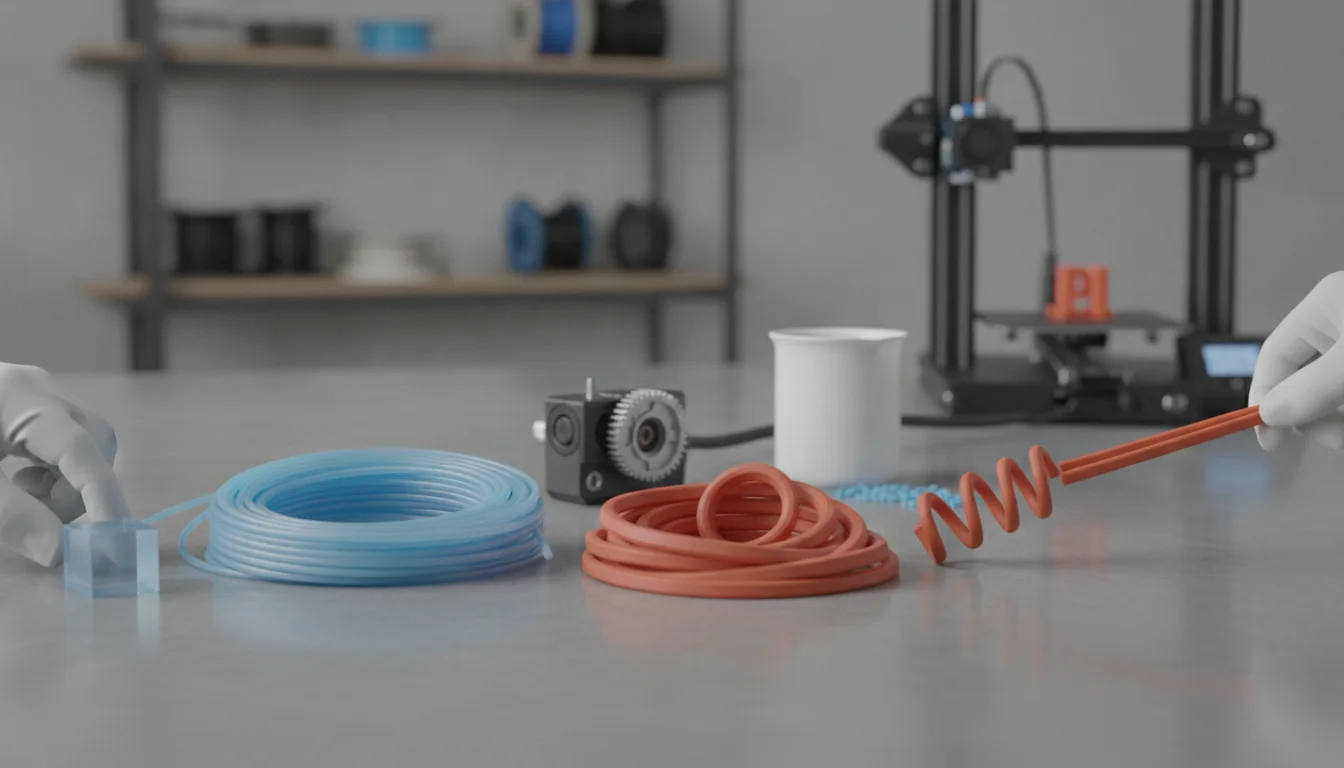
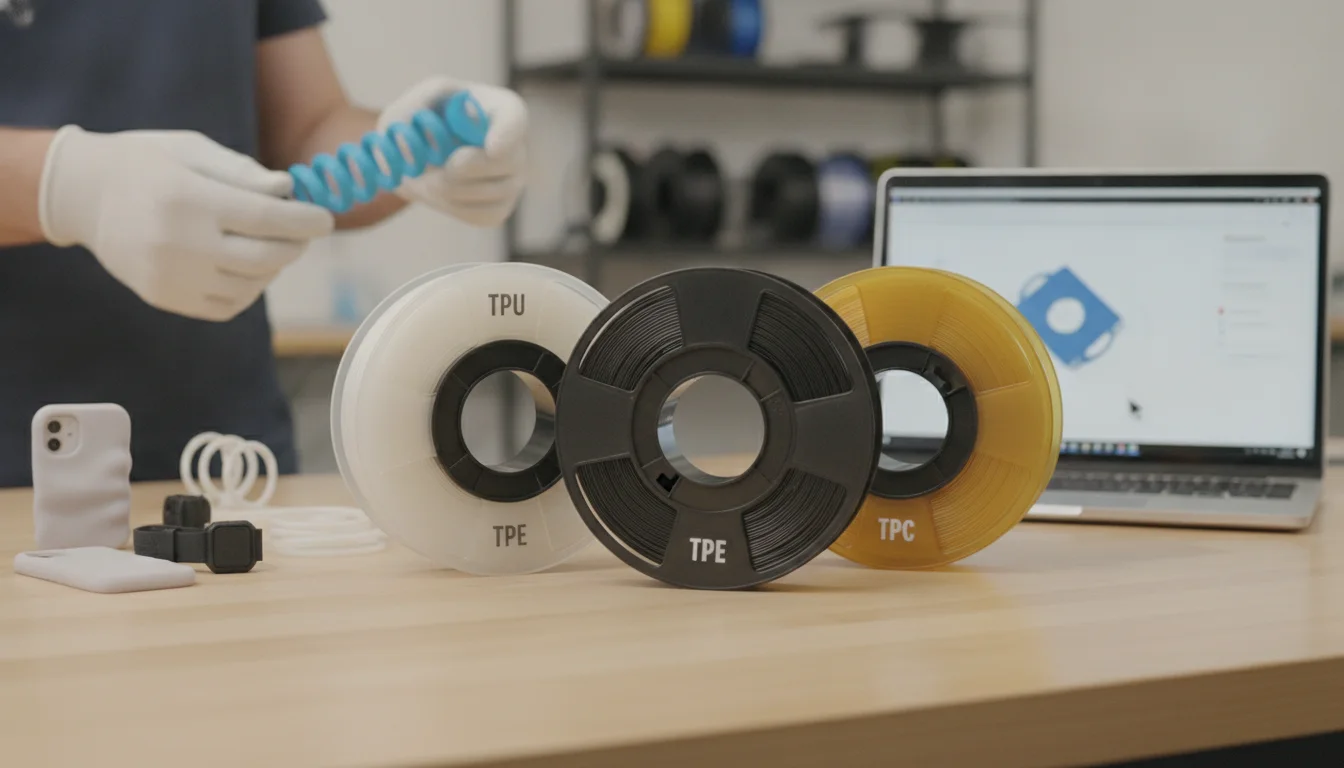
TPE (thermoplastic elastomer) is a whole family of rubber-like plastics, and TPU (thermoplastic polyurethane) is one member of that family. On a filament spool the two labels are used loosely, so choose by Shore hardness and the maker’s data sheet instead: 95A is the easiest flexible filament to print, 85A is softer and wants a direct-drive extruder and slow speeds, and anything below 85A is a specialist job.
Prusa’s flexible-materials guide says the main difference between TPU and TPE is Shore hardness, and the examples below show why: NinjaTek’s 75A Chinchilla is listed as TPU in its product title and described as made from TPE resins in the text. This guide explains what the labels mean, compares real grades from NinjaTek, Polymaker, eSUN, Recreus and Bambu Lab, and ends with a table that maps use cases to a starting grade.
The consumer toolchanger 3D printer: the SnapSwap 4-toolhead system swaps heads in 5 seconds for true multi-color and multi-material printing, with smart calibration and auto filament loading.
- 4 toolheads · 5 s swap
- Up to 500 mm/s · 20,000 mm/s²
- 270 mm cube build volume
- Multi-color & multi-material

Choosing a flexible filament in five lines
- First flexible spool, or a Bowden printer: a 95A TPU. It is one of the firmest flexible grades and the most forgiving.
- Soft, grippy or cushioning parts: 85A or softer, on a direct-drive extruder, printed at 10–20 mm/s for top and bottom layers (NinjaFlex 85A guidance).
- Flexible but stiff, such as hinges or wear parts: look at Shore D grades, for example NinjaTek Armadillo (75D).
- Ignore the TPU or TPE label when it conflicts with the Shore number and the data sheet.
- Dry it either way. Every maker below recommends drying, with different temperatures.
What TPE and TPU mean on a spool
Thermoplastic elastomers are copolymers or blends, usually of a plastic and a rubber, that behave like rubber at room temperature but can be melted and re-formed like plastics. Under ISO 18064, as summarised on Wikipedia, they split into six generic classes: styrenic block copolymers, polyolefin elastomers, thermoplastic vulcanizates, thermoplastic polyurethanes (TPU), copolyesters and polyamides, plus an unclassified group. So “TPU versus TPE” is really “one class versus the whole family”.
Filament makers do not use the words consistently:
- NinjaTek’s Chinchilla page calls the product “TPU” in the title and says it is made from “premium TPE resins”; it is 75A.
- Recreus sells Filaflex under a “TPU-TPE” category and describes Filaflex 82A as “the most widely used TPU”.
- Prusa gives TPU as “usually around 60A–90A” and states that the main difference between TPU and TPE is Shore hardness.
- Comparison articles describe TPE as the softer, harder-to-print one and TPU as the more abrasion-resistant one, but their hardness ranges differ: BigRep gives TPE as 30A–90A and TPU as 60A–98A, while 3DNatives gives TPE as 60A–90A and TPU as 60A–98A. Treat these as tendencies, not rules; the ranges overlap almost completely.
Hardness: the number that matters
Shore hardness is printed as a number and a letter. A higher number means harder and less flexible, and the A and D scales are different: Bambu Lab ranks its list from hardest to softest as 77D, 70D, 68D, 55D, 95A, 90A, 85A, 83A, 80A, 75A and 70A, so even a 55D filament is stiffer than a 95A one. Softer grades are harder to feed: Prusa notes that the softer the filament, the harder it is to print, and Bambu Lab recommends 85A or harder and does not support anything softer on its printers.
| Shore | Grades from maker documents | Printing and typical use |
|---|---|---|
| Shore D (55D–77D) | NinjaTek Armadillo 75D, NinjaTek Eel 60D | Stiffer than any A grade. Armadillo prints at 210–230 °C with top and bottom layers at 20–30 mm/s. |
| 95A | Polymaker PolyFlex TPU95, eSUN eTPU-95A, Bambu Lab TPU 95A HF, NinjaTek Cheetah | The easiest flexible grade to start with. Polymaker’s data sheet describes TPU95 as stretching more than three times its length. |
| 90A | Bambu Lab TPU 90A | Compatible with 0.4, 0.6 and 0.8 mm nozzles on Bambu Lab printers. |
| 82–85A | Recreus Filaflex 82A, NinjaTek NinjaFlex 85A | Soft and rubbery. Makers recommend direct drive; NinjaTek suggests 10–20 mm/s for top and bottom layers. Its own examples include insoles and helmet inserts. |
| 75A and softer | NinjaTek Chinchilla 75A | Soft-touch feel; NinjaTek lists fashion, healthcare liners and sports. Not supported by Bambu Lab printers. |
Settings from the makers, side by side
The grades differ less in temperature than in speed, and speed is what separates soft from firm: NinjaFlex 85A prints its top and bottom layers at 10–20 mm/s, while the firmer Cheetah 95A runs them at 25–45 mm/s. Use your own spool’s data sheet where it exists.
| Filament | Shore | Nozzle | Bed | Speed |
|---|---|---|---|---|
| NinjaTek NinjaFlex | 85A | 225–250 °C | Room temperature to 50 °C | Top/bottom 10–20 mm/s; infill and shells 15–35 mm/s |
| NinjaTek Chinchilla | 75A | 225–235 °C | Room temperature to 40 °C | Top/bottom 10–20 mm/s; infill and shells 15–35 mm/s |
| NinjaTek Cheetah | 95A | 225–250 °C | Room temperature to 50 °C | Top/bottom 25–45 mm/s; infill and shells 50–80 mm/s |
| NinjaTek Armadillo | 75D | 210–230 °C | Room temperature to 50 °C | Top/bottom 20–30 mm/s; infill and shells 35–60 mm/s |
| NinjaTek Eel | 60D | 220–230 °C | Room temperature to 45 °C | Top/bottom 15–20 mm/s; infill and shells 45–60 mm/s |
| Recreus Filaflex 82A (0.4 mm nozzle) | 82A | 240 °C | Room temperature for small parts, 45–50 °C for large | Volumetric limit 3.2 mm³/s |
| Polymaker PolyFlex TPU95 | 95A | 210–230 °C | 25–60 °C | 30–50 mm/s |
| eSUN eTPU-95A | 95A | 220–250 °C | 45–60 °C | 20–50 mm/s |
| Bambu Lab TPU 95A HF (high-speed) | 95A | 220–240 °C | 30–35 °C | Under 200 mm/s on Bambu Lab printers |
| Prusa, flexible filaments in general | — | 230–245 °C | 60–75 °C | Typically 20 mm/s, 30–40 mm/s at most |
Drying and moisture
Flexible filaments take up moisture, and wet material strings, bubbles and bonds poorly. Bambu Lab calls TPU highly hygroscopic, specifies storage below 20% RH with desiccant, and lists a saturated water absorption of 1.08% at 25 °C and 55% RH for its TPU 95A HF. The drying values published by the makers differ, so use the one printed for your spool:
| Maker and grade | Drying |
|---|---|
| Bambu Lab TPU 95A HF | 70 °C for 8 hours in a forced-air oven |
| Polymaker PolyFlex TPU95 | 70 °C for 8 hours |
| eSUN eTPU-95A | 55 °C for more than 4 hours |
| Recreus Filaflex 82A | 55 °C for at least 1 hour |
Which one to buy for your project
| Project | Start with | Notes |
|---|---|---|
| First flexible print, any printer | 95A TPU | Learn speed and retraction before going softer. See preventing TPU jams |
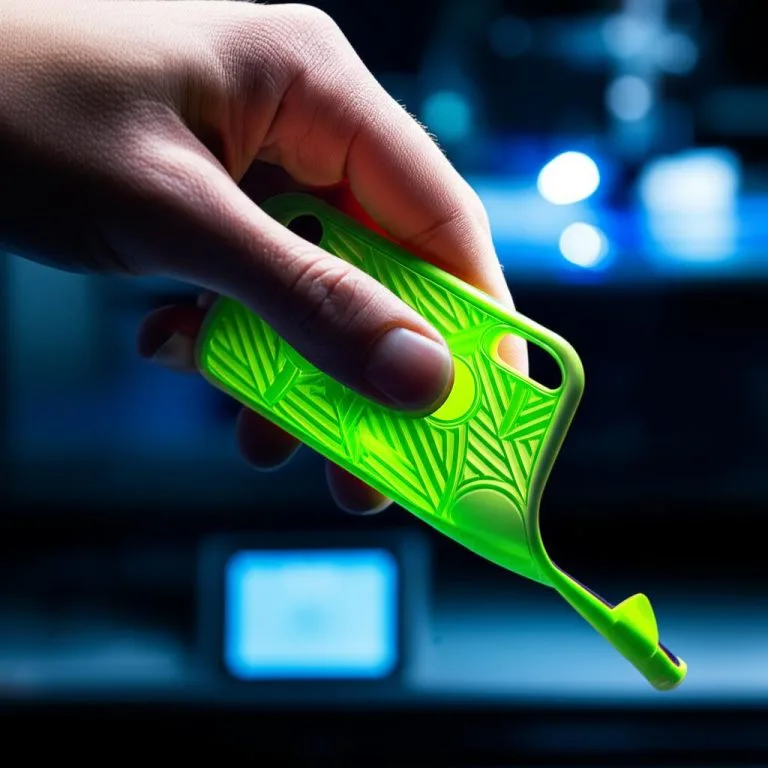
| Phone case | 95A TPU | Firm enough to hold its shape; design and settings in TPU phone case |
| Gaskets and seals | 85A to 95A TPU | The squeeze and groove matter more than the label. See TPU gaskets |
| Soft grips or cushioning | 85A or softer, direct drive | Expect slow printing and a larger nozzle on some printers (Bambu Lab needs 0.6 or 0.8 mm for 85A) |
| Bowden printer | 95A only | Softer grades buckle in a long tube; consider a direct drive conversion |
| Very soft or detailed flexible parts | Flexible resin | See flexible resin printing |
Common mistakes when picking a flexible filament
- Buying by the label. A spool marked TPE can be as firm as a TPU and the other way round. Read the Shore number and the settings table on the data sheet.
- Starting with the softest grade. It is harder to feed and often needs a bigger nozzle. Begin at 95A.
- Mixing up A and D. 55D is harder than 95A.
- Copying PLA settings. Speed and retraction are what break flexible prints, so start from the maker’s numbers.
- Ignoring the plate. Flexible filaments can stick too well or not at all depending on the sheet; TPU bed adhesion covers both.
Frequently asked questions
Is TPU a type of TPE?
Yes. TPE is the umbrella term for thermoplastic elastomers, and TPU is one of its six standard classes. On filament spools the labels are used loosely, so Shore hardness and the data sheet tell you more than the name.
Is TPE or TPU easier to print?
TPU in 95A is the easiest flexible filament to print, and softer grades of either label are harder because the filament buckles in the extruder. Comparison articles describe TPE as harder to print; the practical rule is that the softer the filament, the slower you must print and the more you need a direct-drive extruder.
Can I print TPE on a Bowden printer?
It is possible with a firm grade, but not recommended for soft ones. NinjaFlex’s data sheet calls its filament ideal for direct-drive extruders, and Prusa warns that softer filaments are more difficult. If you print flexibles often on a Bowden machine, a conversion is worth considering.
Do TPU and TPE need different print temperatures?
Not by label. The published ranges are similar: NinjaTek lists 225–235 °C for its TPE-based Chinchilla and 225–250 °C for NinjaFlex TPU. Start in the range printed for your spool and adjust in 5 °C steps.
Sources
- Prusa Knowledge Base: Flexible materials
- NinjaTek: Printing guidelines (settings by product)
- NinjaTek: Chinchilla product page
- Bambu Lab Wiki: TPU printing guide
- Polymaker: PolyFlex TPU95 technical data
- Recreus: Filaflex 82A
- Wikipedia: Thermoplastic elastomer (ISO 18064 classes)
- 3DNatives: TPE vs TPU filament (hardness ranges)
- BigRep: TPE vs TPU (maker blog, hardness ranges)