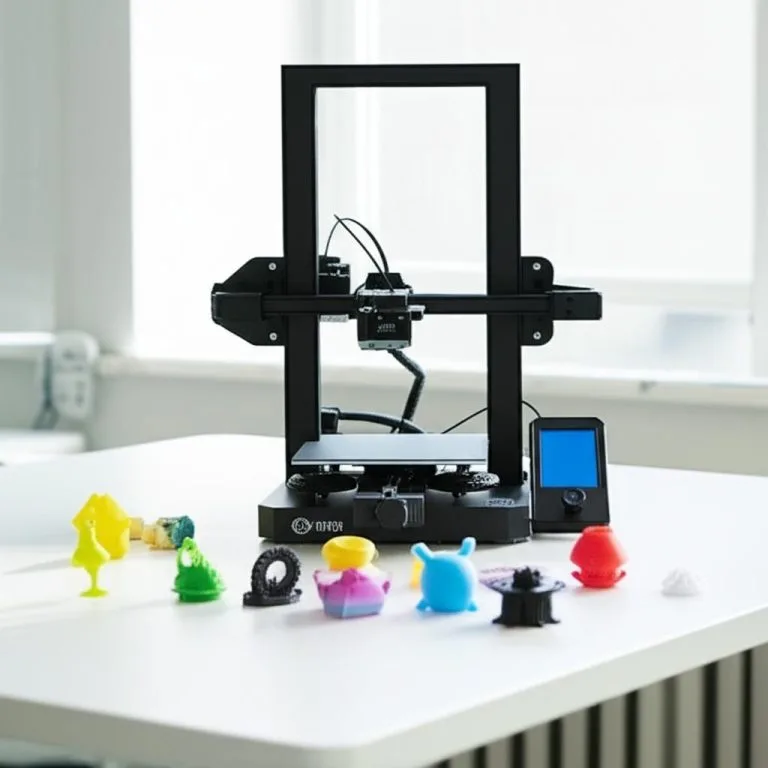
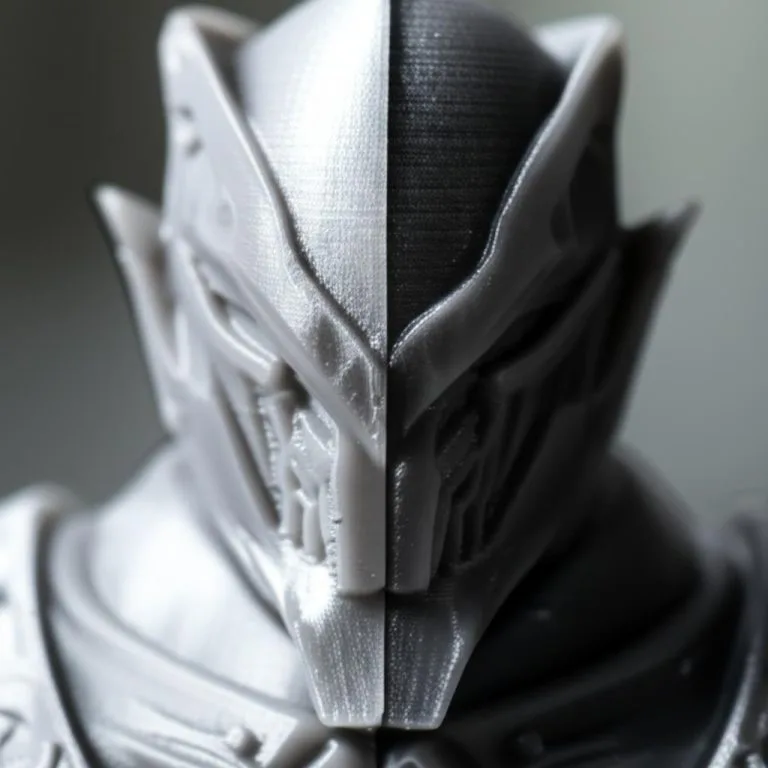
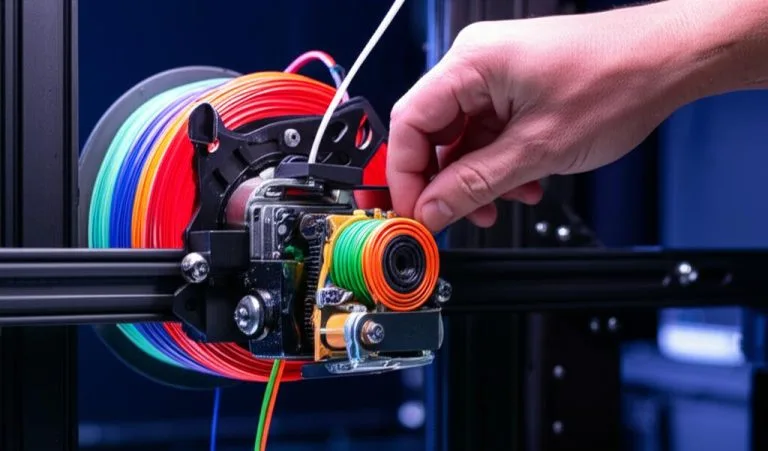
The journey into 3D printing often begins with an entry-level machine, a fantastic gateway to understanding the technology and bringing digital designs into the physical world. However, as skills grow and projects become more ambitious, many enthusiasts and professionals reach a point where their initial setup no longer meets their evolving needs. This pivotal moment often sparks the question: is it time to upgrade your 3D printer, or perhaps invest in a second 3D printer to expand capabilities?
When to consider upgrading your 3D printer
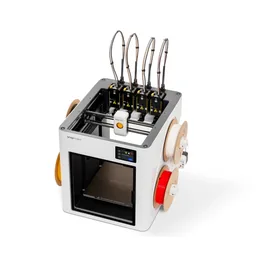
The consumer toolchanger 3D printer: the SnapSwap 4-toolhead system swaps heads in 5 seconds for true multi-color and multi-material printing, with smart calibration and auto filament loading.
- 4 toolheads · 5 s swap
- Up to 500 mm/s · 20,000 mm/s²
- 270 mm cube build volume
- Multi-color & multi-material

Deciding when to move beyond your first 3D printer isn’t always about a single factor. It’s often a combination of hitting the limits of your current machine and developing new aspirations.
Hitting the limitations of your current machine
- Print volume restrictions: Your current build plate might be too small for the larger models or batch productions you envision.
- Material compatibility: Many beginner printers struggle with advanced filaments like ABS, Nylon, or composites due to insufficient bed heating, an open frame, or a basic hotend.
- Speed and reliability: If you find yourself waiting excessively long for prints or constantly troubleshooting, a more robust machine could save significant time and frustration.
- Precision and surface finish: For projects requiring intricate details or smoother surfaces, your current printer might not deliver the necessary accuracy.
- Noise levels: For those printing in shared living spaces, a quieter machine can be a significant quality-of-life improvement.
Expanding your printing ambitions
Beyond current limitations, future goals often drive the desire to upgrade 3D printer capabilities. This might include:
- Professional projects: Needing industrial-grade reliability, speed, or material options for client work.
- Batch production: Requiring multiple machines or a single, faster one to produce parts more efficiently.
- Exploring new technologies: Venturing into resin printing for highly detailed miniatures or prototypes, which requires a completely different type of machine.
Key features to evaluate in your next 3D printer
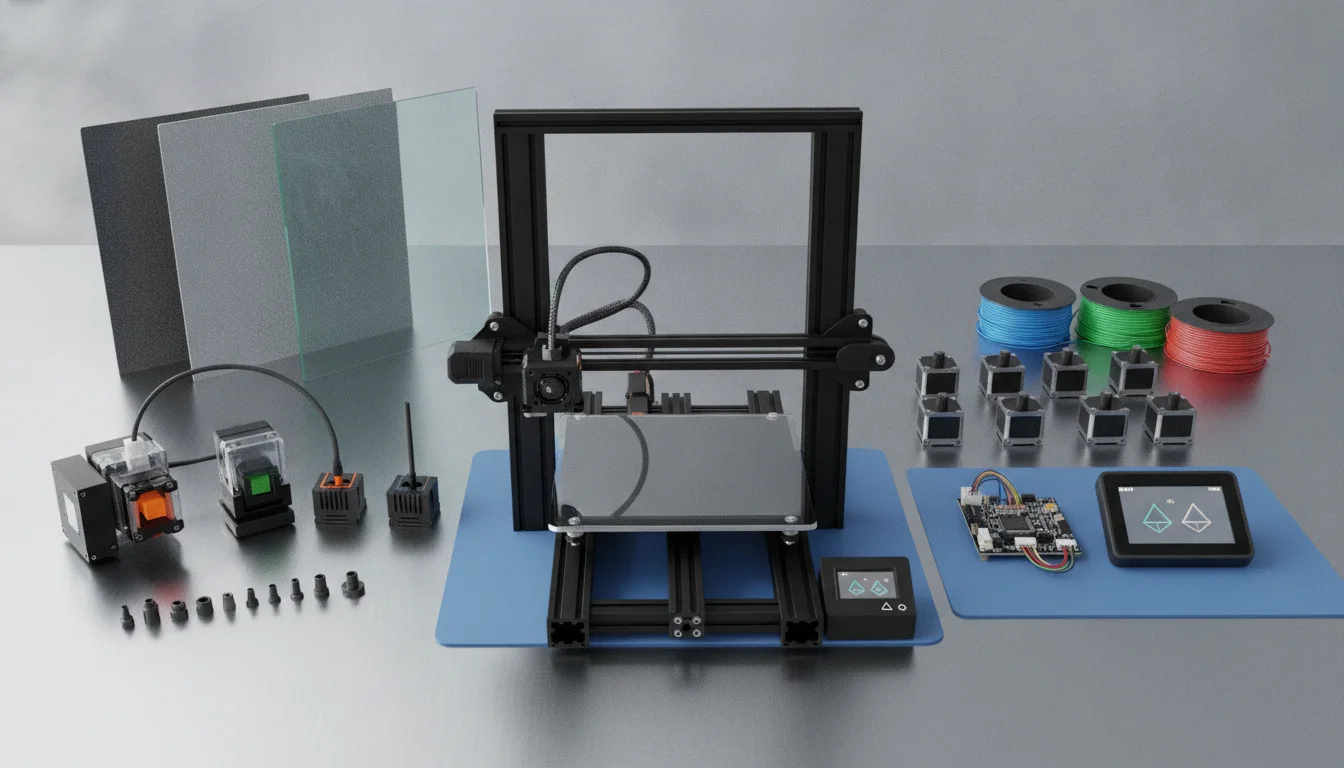
When considering your next 3D printer, a wide array of advanced 3D printer features becomes relevant. Understanding these can help you make an informed decision tailored to your specific requirements.
Printing technology: FDM versus resin (SLA/DLP)
- FDM (Fused Deposition Modeling): Ideal for functional parts, larger models, and a wide range of thermoplastic materials (PLA, PETG, ABS, Nylon, PC). Offers a good balance of strength, cost, and print size.
- Resin (SLA/DLP/LCD): Excels in producing highly detailed, smooth models with intricate geometries. Perfect for miniatures, jewelry, and precise prototypes where surface finish is paramount. Typically involves smaller build volumes and requires more post-processing.
Build volume and plate technology
Consider how large your typical prints are. A larger build volume offers more flexibility. Look for features like flexible or removable build plates for easy print removal, and heated beds for better adhesion with various filaments.
Motion system and precision
Advanced printers often feature more rigid frames, linear rails instead of V-wheels, and higher-quality stepper motors. These contribute to greater stability, reduced vibrations, and ultimately, higher print quality and accuracy. CoreXY kinematics, for example, can offer faster print speeds with less ringing compared to traditional Cartesian systems.
Extruder and hotend advancements
- Direct drive vs. Bowden: Direct drive extruders offer better control over flexible filaments and reduce stringing, while Bowden systems can allow for lighter print heads and faster movements.
- All-metal hotends: Essential for printing high-temperature engineering filaments without risk of degradation or damage.
- Dual extrusion/multi-material systems: Enables printing with multiple colors or different materials in a single print, including soluble supports.
- Automatic bed leveling (ABL): A significant convenience feature that compensates for minor bed irregularities, ensuring consistent first layers.
Connectivity and user experience
Modern printers offer Wi-Fi connectivity, allowing for remote print management via apps or web interfaces like OctoPrint. Touchscreens, intuitive menus, and quiet stepper drivers contribute to a more pleasant user experience.
Enclosures and air filtration
For printing temperature-sensitive materials like ABS or ASA, an enclosed build chamber helps maintain a stable environment, reducing warping. Integrated air filtration systems are crucial when working with resins or certain FDM filaments that produce fumes or ultrafine particles.
Open-source versus proprietary ecosystems
Open-source printers offer maximum flexibility for modification and community support, while proprietary systems often provide a more streamlined, “plug-and-play” experience with dedicated customer service and optimized software. Each approach has its merits depending on your preference for tinkering versus reliability out-of-the-box.
Cost considerations for upgrading
Evaluating the cost of your next 3D printer involves more than just the initial purchase price. It’s about understanding the total value proposition relative to your goals.
- Initial investment: Prices for advanced 3D printers vary significantly based on brand, technology, and features. High-end FDM machines can rival entry-level resin printers in cost, while professional-grade systems can run into thousands.
- Ongoing consumables: Consider the cost of filaments or resins, which can differ based on material type and quality.
- Maintenance and parts: Factor in potential costs for replacement nozzles, build plates, and other wear-and-tear components.
- Software and accessories: Some advanced features or software might require additional purchases.
There isn’t a universally “better” or “cheaper” option; the ideal choice balances your budget with the specific features and performance required for your projects. Carefully weigh the benefits of each feature against its impact on the overall cost.
The decision to upgrade from a beginner 3D printer or add a second 3D printer to your workshop is a significant one. By objectively assessing your current needs, future ambitions, and the array of advanced 3D printer features available, you can confidently navigate the market. Research thoroughly, compare specifications, and consider how each potential machine aligns with your printing journey. Ultimately, the best choice is the one that empowers you to bring your creative visions to life with greater efficiency and quality.
Frequently asked questions
Can I still use my old FDM printer after buying a resin printer, or should I sell it?
Keep your old FDM printer because FDM and resin printers serve different purposes. FDM handles functional parts and larger models using thermoplastics like PLA and PETG, while resin excels at highly detailed miniatures and prototypes with smooth surface finishes. Running both gives you a versatile workshop without needing to choose between strength and detail.
Will an all-metal hotend let me print ABS and Nylon on my existing printer without an enclosure?
An all-metal hotend is essential for high-temperature filaments like ABS and Nylon, but it alone will not prevent warping. The article notes that printing temperature-sensitive materials like ABS requires an enclosed build chamber to maintain a stable environment. You will still need an enclosure or a printer that includes one to successfully print these materials.
Is automatic bed leveling worth the extra cost if my current printer works fine with manual leveling?
Yes, automatic bed leveling is a significant convenience that compensates for minor bed irregularities and ensures consistent first layers. If you print frequently or switch materials often, ABL saves time and reduces failed prints. It is especially valuable when upgrading to a second machine meant for higher reliability and less troubleshooting.