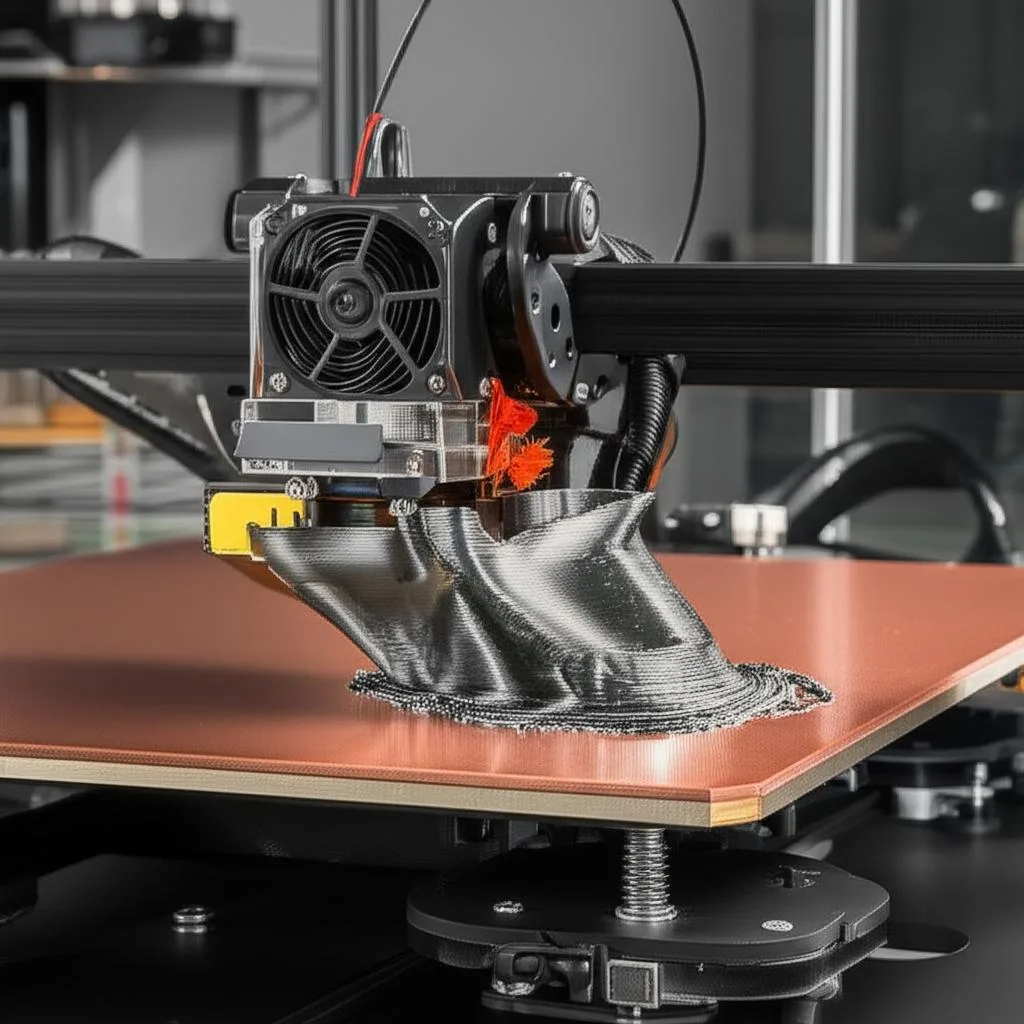
The quest for perfect 3D prints often encounters a formidable adversary: warping. This common issue, where the corners or edges of a print lift off the build plate, can ruin an otherwise successful project. It’s a significant 3D printing warping problem that many enthusiasts and professionals face, leading to failed prints, wasted material, and frustration.
Understanding the Causes of Warping
Warping primarily occurs due to uneven cooling and thermal expansion and contraction of the plastic. As molten filament is laid down, it cools and shrinks. If the bottom layers cool too quickly or at a different rate than the upper layers, internal stresses build up, causing the print to curl upwards from the build surface. This phenomenon is directly related to material properties, ambient temperature, and build plate adhesion.
Effective Strategies to Combat Warping
1. Optimize Bed Adhesion
A strong first layer adhesion is paramount. Ensure your build plate is clean and level. Many users find success with adhesive aids like glue stick, hairspray, or specific build plate adhesives. For certain filaments like ABS, PEI sheets or Kapton tape can significantly improve adhesion. A properly calibrated Z-offset for the first layer is also crucial; it should be slightly squished onto the bed.
2. Control Temperature
Maintaining a consistent temperature environment is key. Use a heated build plate (if your printer has one) set to the recommended temperature for your filament. This keeps the base layers warm and prevents them from shrinking too quickly. For materials prone to significant warping, such as ABS, an enclosed printer can drastically reduce thermal inconsistencies by keeping the ambient temperature around the print elevated and stable. Avoiding drafts in your printing area is also very important.
3. Adjust Print Settings
Slowing down the first few layers can give them more time to bond and cool uniformly. Increasing the first layer line width can also help. For advanced users, adjusting fan speed is critical; excessive cooling on initial layers can exacerbate warping. Consider using a brim or raft: a brim adds a single layer, wide flange around the base of your print, increasing the footprint and adhesion area, while a raft prints a disposable base underneath your object, providing a stable platform.
4. Material Choice
Some filaments are more prone to warping than others. PLA is generally less susceptible than ABS, PETG falls somewhere in between, while Nylon and Polycarbonate are highly prone. Understanding your material’s properties and recommended printing parameters is essential for mitigating this 3D printing warping problem.
Beyond the Warping: Ensuring Overall Print Quality
While eliminating warping solves a major hurdle, remember that it’s just one aspect of achieving excellent print Quality and Problems. Consistent filament diameter, proper extrusion, and optimized retraction settings all contribute to the overall success of your 3D prints. By systematically addressing each potential issue, you can significantly improve the reliability and finish of your creations.
Tackling the 3D printing warping problem requires a multi-faceted approach, combining proper setup, environmental control, and optimized print settings. With these strategies, you’ll be well on your way to producing beautiful, warp-free 3D models.
Frequently asked questions
Does using a brim or raft guarantee a warp-free print?
No, but it significantly reduces the risk. A brim adds a wide flange around the base to increase the footprint and bed contact area, while a raft prints a disposable base layer underneath the object to give it a stable platform. These help distribute the stresses that cause lifting, but they work best combined with good bed adhesion and temperature control rather than as a standalone fix.
Why is ABS more prone to warping than PLA?
ABS undergoes greater thermal contraction as it cools compared to PLA, which is why it’s listed as highly susceptible to warping while PLA is considered generally less susceptible. This is also why an enclosed printer helps so much with ABS specifically: it keeps the ambient temperature around the print elevated and stable, reducing the temperature difference between the hot nozzle area and the surrounding air that drives uneven shrinkage.
What’s a common mistake that makes warping worse even with a heated bed?
Running excessive cooling fan speed on the first few layers is a frequent culprit, since it cools the base too quickly and works against the heated bed’s job of keeping those layers warm. Printing in a drafty area causes the same problem, as uneven airflow across the print creates inconsistent cooling even when the bed temperature itself is correctly set.