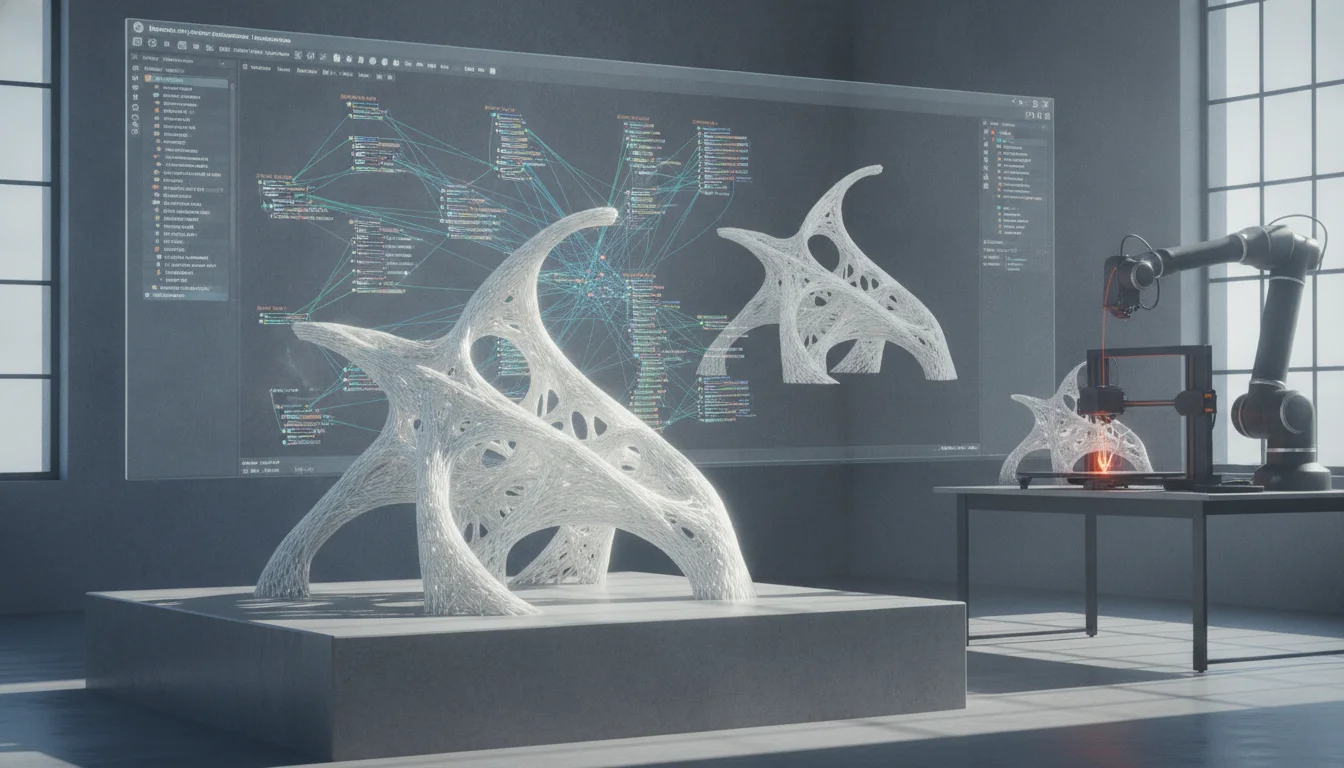
Generative architecture stands at the forefront of design innovation, empowering architects to explore unprecedented formal complexities and performance-driven solutions. Moving beyond traditional static design processes, it harnesses the power of algorithms and computational logic to generate, evaluate, and optimize design options. At the heart of this revolution is Grasshopper 3D, a visual programming environment integrated with Rhinoceros 3D, which provides the tools necessary to define intricate parametric relationships and unleash truly dynamic design possibilities. This guide delves into advanced parametric modeling techniques within Grasshopper, offering a roadmap for architects and designers eager to push the boundaries of complex architectural forms, particularly focusing on elements like intricate facades.
Understanding the ethos of generative architecture
Before diving into the technicalities, it’s crucial to grasp the fundamental principles that underpin generative architecture. It’s not merely about creating complex shapes; it’s about defining a system of rules and parameters that can produce a multitude of design variations. The designer shifts from directly drawing forms to defining the logic that creates them. This paradigm allows for:
- Exploration of vast design spaces: Algorithms can rapidly generate thousands of iterations, revealing solutions that might be overlooked by human intuition alone.
- Performance-driven design: Parameters can be linked to environmental data, structural analysis, or material properties, allowing designs to be optimized for specific criteria from the outset.
- Adaptability and responsiveness: Generative models can be easily adjusted by changing input parameters, making them inherently flexible to evolving project requirements or site conditions.
This approach transforms the design process into an iterative dialogue between designer and algorithm, where the computer acts as an intelligent assistant, expanding the creative horizon.
Grasshopper 3D advanced: Beyond the basics
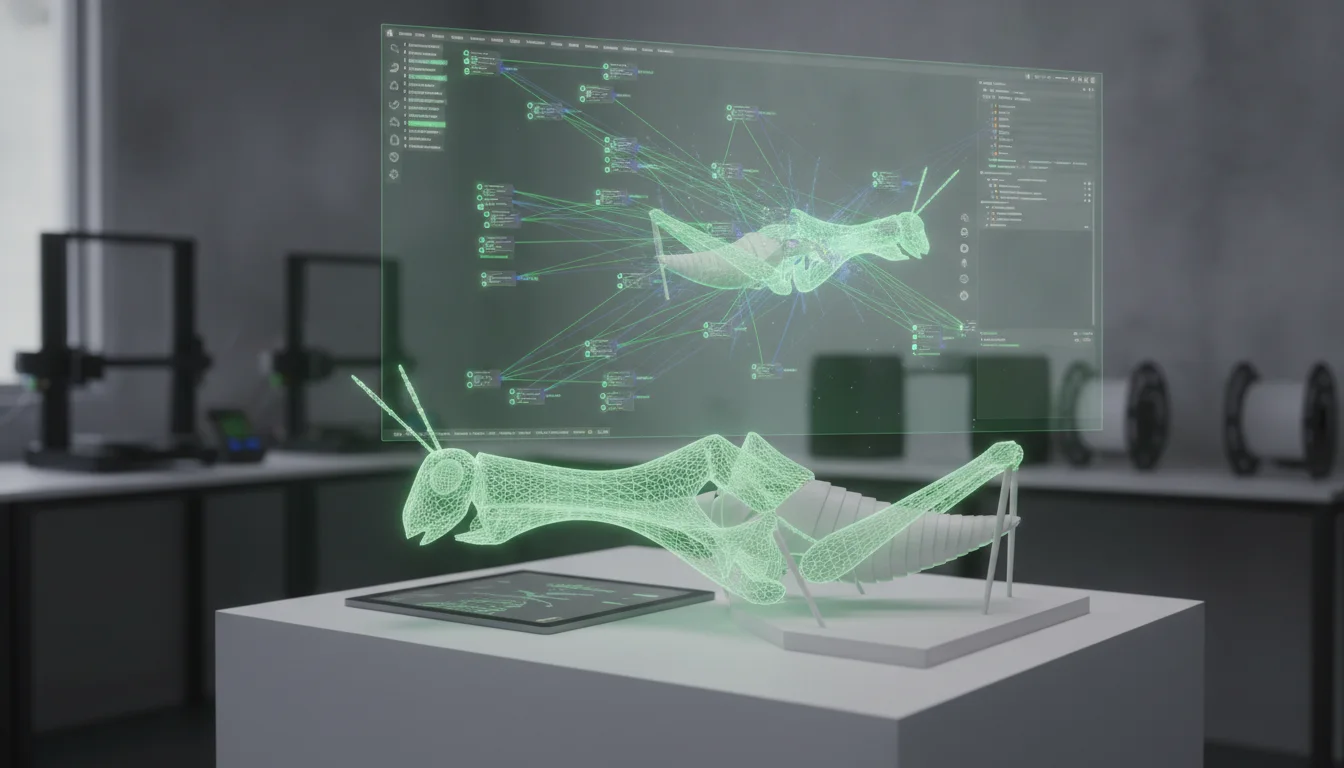
While many users are familiar with Grasshopper’s fundamental components for geometric manipulation, mastering generative architecture requires a deeper dive into its advanced capabilities. Think of Grasshopper as a sophisticated language; basic components are its vocabulary, but advanced techniques allow for complex sentence structures and nuanced expressions.
Harnessing data structures: The power of data trees
One of the most critical concepts in Grasshopper is the data tree. Far more than simple lists, data trees allow for hierarchical organization of data, crucial for managing the complexity inherent in generative designs. Understanding how to graft, flatten, simplify, and manipulate branches of data is paramount for directing information flow precisely where it’s needed, especially when dealing with hundreds or thousands of geometric elements.
- Grafting: Creates a new branch for each item in a list, often used to process items individually.
- Flattening: Collapses all data into a single list, removing all hierarchical structure.
- Simplifying: Cleans up tree paths, removing redundant zeros, making them more manageable.
- Path mapping: Components like Path Mapper offer powerful ways to re-structure data trees, translating complex data relationships into manageable structures for subsequent operations.
Proficiency in data tree manipulation ensures that your algorithms remain robust and scalable, capable of handling intricate geometric arrangements without becoming unwieldy.
Scripting for bespoke solutions: Python and C# in Grasshopper
While Grasshopper offers an extensive library of components, there will always be instances where custom logic is required. This is where scripting components like GhPython and C# Script become indispensable. They allow designers to write their own algorithms, create custom functions, and interact with the Rhino document or external libraries in ways standard components cannot.
- Python scripting (GhPython): Accessible and powerful, Python in Grasshopper allows for rapid prototyping of custom components, complex mathematical operations, and advanced data processing. It’s excellent for tasks like custom sorting, iterative calculations, or interfacing with external APIs.
- C# scripting: For performance-critical applications or when deeper integration with the RhinoCommon SDK is needed, C# offers a robust and compiled solution. It’s often preferred for developing highly optimized custom components or complex geometric algorithms.
Learning even basic scripting can unlock a new level of control and customization, making your generative workflows truly unique and tailored to specific design challenges.
Parametric building design: Crafting complex facade modeling
A retro-styled turntable and add-on speaker system with concrete and wood enclosure options. Currently running on Kickstarter.
The facade of a building is often its most expressive element, and generative design offers unparalleled opportunities for creating dynamic, performative, and aesthetically rich envelopes. Here, we’ll outline a conceptual workflow for complex facade modeling using advanced Grasshopper techniques.
Step 1: Defining the base surface and global parameters
Every complex facade begins with a foundational surface. This could be a simple planar surface, a doubly curved surface, or a series of interconnected surfaces derived from the building’s massing. Once the base surface is established, global parameters are introduced. These might include:
- Overall facade depth.
- Average panel size.
- Maximum opening percentage.
- Environmental factors like solar radiation angles or prevailing wind directions.
These global parameters act as the primary controls for the entire system, allowing for broad design adjustments with minimal effort.
Step 2: Algorithmic division and panelization strategies
The core of complex facade modeling lies in how the base surface is divided into discrete elements or panels. This is where algorithmic design truly shines.
- Isoparametric division: Using Divide Surface or Isotrim components to create a grid of points or sub-surfaces based on the surface’s UV coordinates.
- Custom tessellations: Moving beyond simple grids to Voronoi patterns, Delaunay triangulations, or even custom cellular automata. These can be generated directly on the surface or projected onto it.
- Attractor points/curves: Introduce points or curves that influence the size, rotation, or density of facade elements. For instance, panels near an entrance might become larger or more transparent, while those facing direct sunlight might be smaller and more opaque. This creates a gradient of change across the facade, driven by spatial or contextual input.
Data trees become critical here, as each panel or sub-surface needs to retain its individual identity and positional information for subsequent transformations.
Step 3: Developing panel typologies and transformations
Once the base division is established, the next step is to define the characteristics of the individual facade panels. This often involves creating multiple panel typologies and then assigning them based on specific criteria.
- Parametric panel components: Design a single, highly parametric panel component in Grasshopper. This panel might have parameters for opening percentage, louvre angle, material thickness, or depth.
- Data mapping: Use data from the base surface’s context (e.g., distance to an attractor, solar exposure, curvature) to drive the parameters of each individual panel. For example, a panel’s opening might be inversely proportional to the amount of solar radiation it receives.
- Geometric transformations: Apply rotations, scaling, or translations to panels based on their position or calculated data. This can create a sense of movement or optical effects across the facade.
This iterative process of defining a system, generating variations, and mapping data allows for incredibly nuanced and responsive facade designs.
Step 4: Integrating environmental performance and feedback loops
Generative architecture excels when design decisions are informed by real-world performance data. For complex facade modeling, this means integrating environmental analysis directly into the Grasshopper workflow.
- Ladybug Tools (Ladybug, Honeybee): These popular Grasshopper plugins enable sophisticated environmental analysis directly within your design environment. You can simulate solar radiation, daylighting, wind patterns, and thermal performance.
- Feedback loops: The results from these simulations can then be fed back into the parametric model. For instance, areas of high solar gain might trigger a design response where panels become more shaded or opaque, automatically adjusting the facade’s geometry to improve performance. This creates a self-optimizing design loop, where the algorithm continuously refines the facade based on predefined performance targets.
- Optimization algorithms: Tools like Galapagos or Octopus (evolutionary solvers) can be used to search for the optimal facade configuration based on multiple objectives (e.g., maximizing daylight while minimizing solar heat gain, or balancing material use with aesthetic appeal). Defining a clear fitness function for these solvers is key to achieving desired outcomes.
This integration elevates the design from purely aesthetic exploration to a truly performative solution, where form and function are inextricably linked.
Advanced techniques for materialization and fabrication

The beauty of generative design is its seamless connection to digital fabrication. Once a complex form is generated, Grasshopper can prepare the data for various manufacturing processes.
Data output for digital fabrication
Generative models are inherently digital, making the transition to fabrication relatively straightforward. Grasshopper can export data in formats suitable for:
- CNC milling: Generating toolpaths for complex 3D forms.
- Laser cutting: Unrolling complex surfaces into flat patterns for cutting sheet materials.
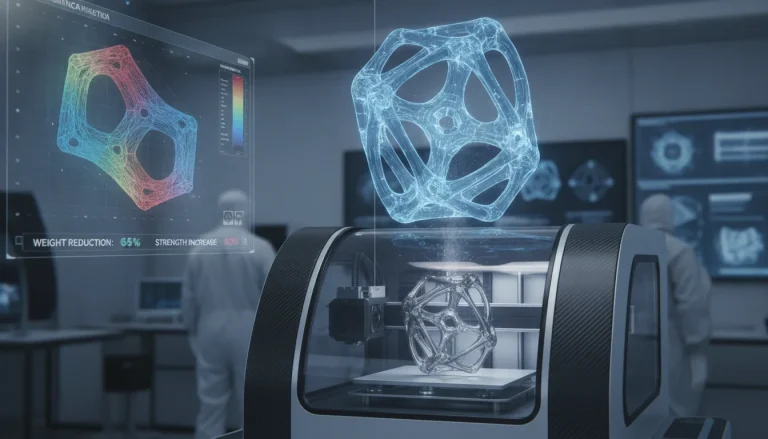
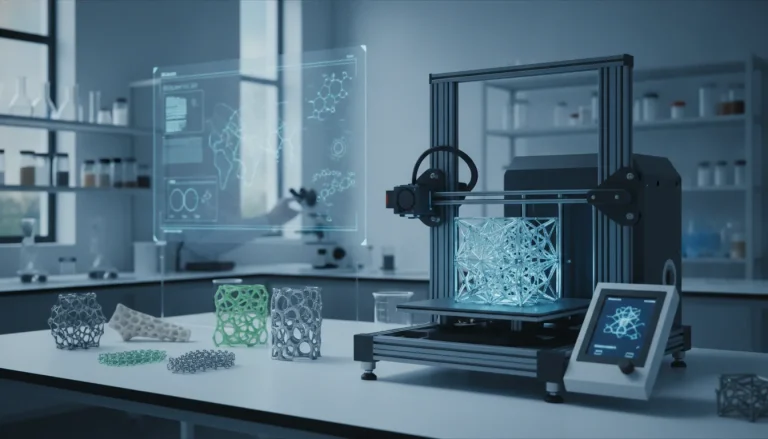
- 3D printing: Exporting meshes (e.g., STL files) for additive manufacturing.
- Robotic fabrication: Providing precise coordinates and orientations for robotic arms to assemble or fabricate components.
This direct link from design to fabrication minimizes errors and allows for the realization of geometries that would be impractical or impossible with traditional methods.
Challenges and best practices in generative architecture
The world’s first desktop full-color 3D & UV printer. Back the Kickstarter campaign with a refundable $50 deposit for VIP pricing.
While generative architecture offers immense potential, navigating its complexities requires discipline and strategic thinking.
Managing computational overhead
Complex Grasshopper definitions can become computationally intensive, leading to slow processing times. Best practices include:
- Simplifying geometry: Work with simpler representations during early design stages.
- Disabling components: Temporarily disable parts of the definition not actively being worked on.
- Using clusters: Group frequently used or complex component sets into clusters for better organization and potential performance gains.
- Optimizing data structures: Efficient data tree management reduces the burden on the processor.
Debugging and error handling
As definitions grow, identifying and resolving errors becomes a significant task. Strategies include:
- Incremental development: Build your definition in small, testable steps.
- Visualizing data: Use panel components to inspect data at various points in the definition.
- Understanding error messages: Grasshopper provides hints; learn to interpret them.
- Using profilers: Identify which components are taking the most time to compute.
The iterative design mindset
Generative design is inherently iterative. Embrace experimentation, failure, and refinement. The first generated solution is rarely the best; continuous iteration and parameter tweaking are key to unlocking optimal outcomes.
Collaboration and documentation
Complex Grasshopper definitions can be challenging for others to understand. Good practices include:
- Clear component naming: Rename components for clarity.
- Grouping and wiring: Organize components logically and use clean wire routing.
- Annotations: Add notes and descriptions to explain complex parts of the definition.
The future of generative architecture
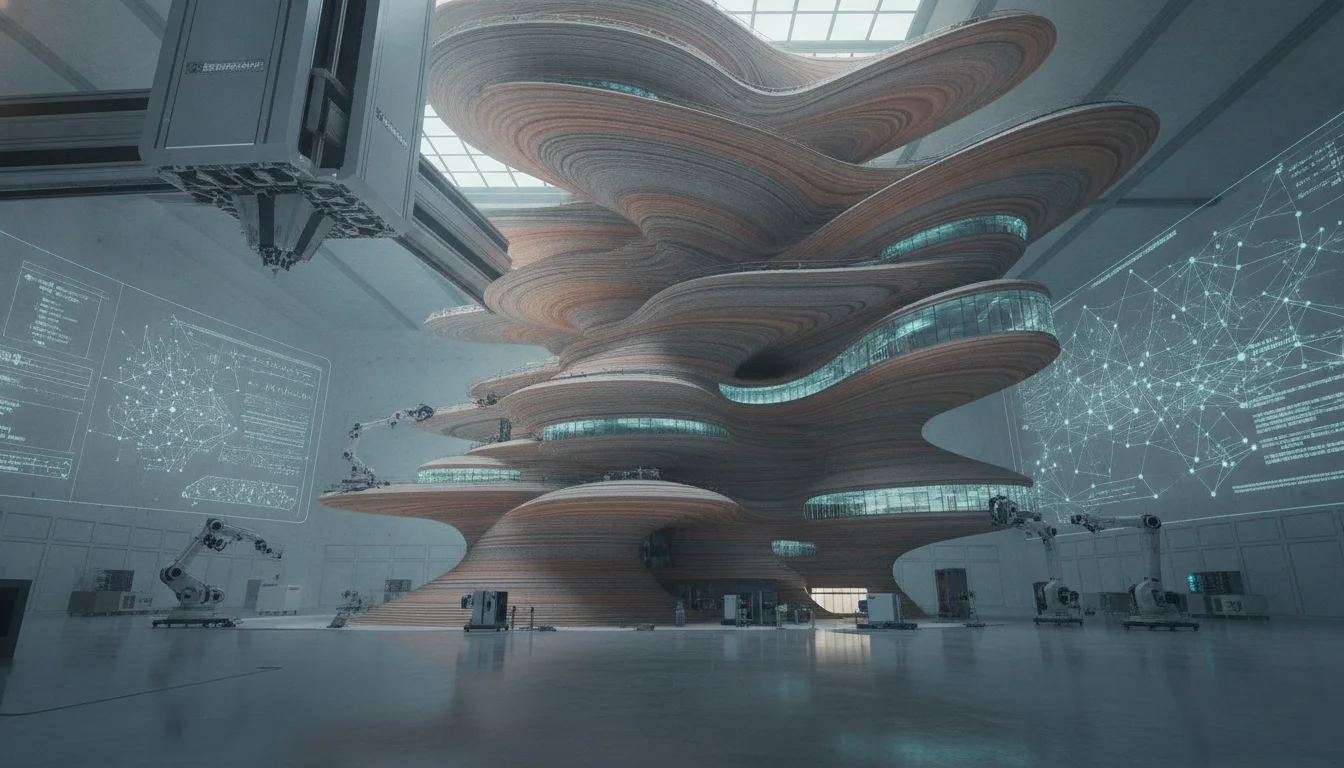
Generative architecture, particularly with tools like Grasshopper 3D, is not just a trend; it’s a fundamental shift in how we conceive, design, and build. As computational power increases and algorithms become more sophisticated, we can expect even more intricate integrations with artificial intelligence, machine learning, and real-time data streams. This will enable architects to design buildings that are not only aesthetically captivating but also hyper-responsive, sustainable, and adaptive to their environments.
The journey into advanced parametric modeling with Grasshopper 3D is an investment in future-proofing your design skills. It equips you with the mindset and tools to tackle the most complex architectural challenges, transforming abstract concepts into tangible, high-performance realities. Embrace the algorithms, master the parameters, and unleash the full potential of generative architecture.
Frequently asked questions
What is the most common mistake beginners make when managing data trees in Grasshopper for complex facades?
The most common mistake is not understanding branch path structure before performing operations like panel mapping or attractor-based transformations. If you graft data incorrectly, each panel might be processed individually when you intended them to stay grouped by row, or flattening too early can strip positional context needed for gradient effects. Always inspect data tree output with a Panel component at critical junctures to verify branch counts match your geometric divisions.
Can I run environmental simulations like solar radiation directly inside Grasshopper without exporting to another program?
Yes, the Ladybug Tools suite (Ladybug and Honeybee plugins) runs entirely inside Grasshopper and Rhino, allowing you to simulate solar radiation, daylighting, and thermal performance without leaving your parametric environment. The simulation results can then be fed back into your definition as input parameters—for example, driving panel opacity based on calculated solar gain—creating a closed-loop optimization workflow.
How do I export my Grasshopper facade geometry for actual fabrication without losing parametric control?
Grasshopper can output fabrication-ready data in multiple formats: STL meshes for 3D printing, unrolled flat patterns (via the Unroll Surface component) for laser cutting, or coordinate data (via the XYZ component) for robotic assembly. The key is to bake only the final geometry to Rhino when you need a static export, while keeping the live definition intact so you can still tweak parameters and regenerate fabrication data as the design evolves.