Embarking on the journey of resin 3D printing, whether with SLA or DLP technology, opens up a world of intricate detail and smooth finishes. However, unlocking this potential hinges on a foundational step: proper calibration. Without it, you’re essentially flying blind, risking failed prints, wasted resin, and endless frustration. This guide will walk you through the critical process of your first resin calibration print, helping you choose the right model and interpret its results to dial in your printer’s optimal settings for unparalleled precision and reliability.
Understanding the crucial role of calibration
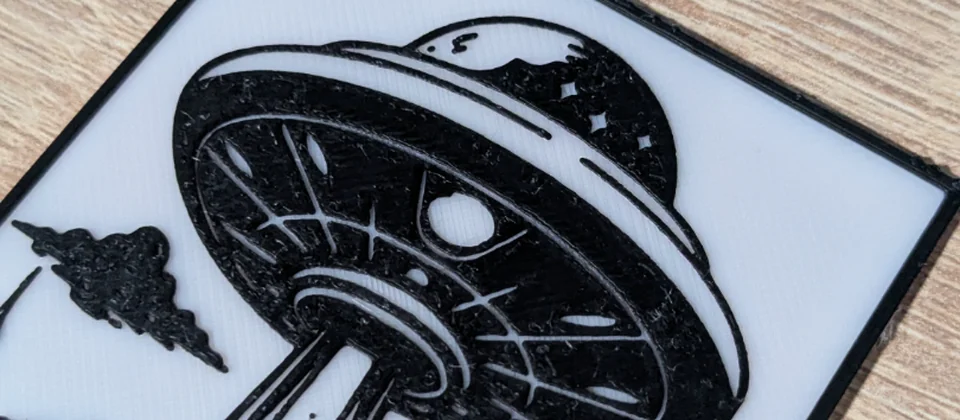
Every model we design and test gets uploaded as a free STL – browse the full profile on MakerWorld.
At the heart of resin printing lies photopolymerization – the process where liquid resin solidifies under UV light. The duration of this UV exposure is paramount, and it’s rarely a one-size-fits-all setting. Various factors influence how your resin cures, including the specific resin type, ambient temperature, layer height, and even the wear and tear on your printer’s UV light source. An inaccurate exposure time can lead to a host of problems, from fragile, under-cured parts that crumble to brittle, over-cured prints that lose fine details and suffer from dimensional inaccuracies. This is where a dedicated exposure test becomes indispensable, serving as your diagnostic tool for achieving consistent SLA settings and superior DLP accuracy, ultimately ensuring successful print validation.
Choosing the right resin calibration print model
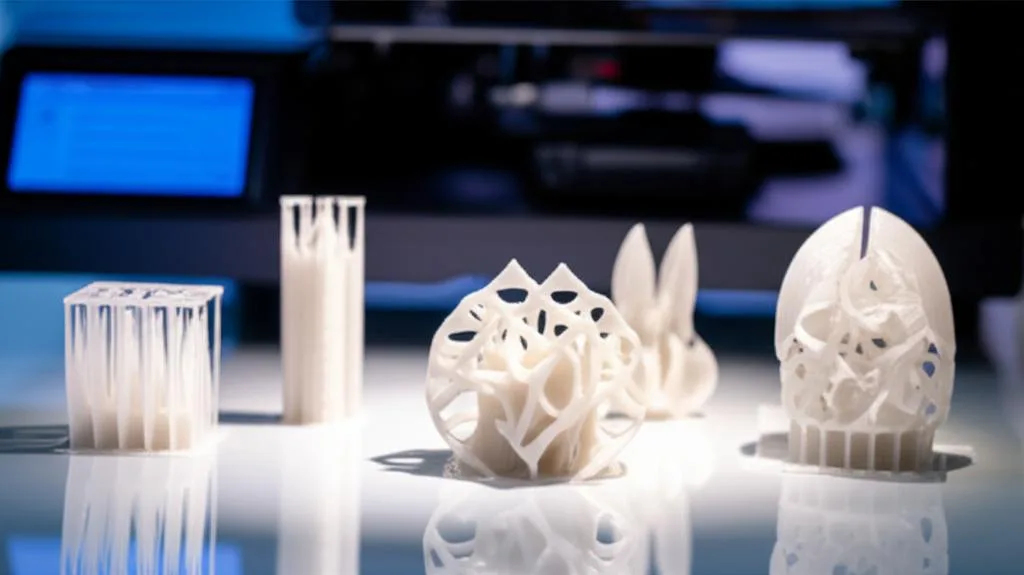
The market offers a diverse array of resin calibration print models, each designed to highlight different aspects of your printer’s performance. Selecting the appropriate model depends on what you’re trying to optimize or troubleshoot. Here, we’ll compare some popular types and their unique benefits, allowing you to make an informed decision for your specific needs.
Exposure test models: fine-tuning cure times
These models are specifically engineered to help you find the sweet spot for your resin’s exposure time. They typically feature a variety of intricate elements that react differently to varying levels of UV light, making it easy to spot signs of under- or over-curing.
- Cones of Calibration (by Tableflip Foundry): This widely popular model is ingenious in its simplicity. It features a series of tiny cones on one side designed to fail if under-exposed and cones on the other side designed to fuse if over-exposed. The goal is to find an exposure time where the “success” cones print perfectly, and the “failure” cones do not, indicating a balanced cure. Its main advantage is its clear pass/fail criteria, making interpretation relatively straightforward for beginners seeking quick feedback on their SLA settings.
- AmeraLabs Town: This comprehensive test print incorporates an impressive array of features, including fine text, small holes, thin walls, and overhangs. It’s excellent for evaluating overall detail resolution, dimensional accuracy, and support performance simultaneously. While more complex to interpret than the Cones, it provides a holistic view of your printer’s capabilities and is highly valued for its ability to push the limits of detail and assess DLP accuracy across multiple parameters.
- Phrozen XP Finder / Photon Mono X Validation Matrix / Elegoo Mars Calibration Matrix: Many printer manufacturers offer their own branded calibration prints. These are often optimized for their specific machines and resins, featuring elements like thin pillars, small holes, and embossed/engraved text. They are a great starting point, especially for new users, as they are designed to be relevant to the printer’s native capabilities. Their primary benefit is direct compatibility and often accompanying instructions from the manufacturer, making them an accessible first exposure test.
- ResinXP2 Validation Matrix (by J3D.tech): This model is renowned for its scientific approach, featuring a grid of small squares with varying heights and negative features. It’s designed to help identify the optimal exposure time by observing which squares print cleanly and which fail. It offers a precise way to determine the minimum and maximum printable feature sizes for your current settings, providing granular data for advanced users focused on detailed print validation.
When comparing these exposure test models, consider your experience level and the depth of analysis you require. The Cones of Calibration offer a quick, visual pass/fail, ideal for initial setup. AmeraLabs Town and the various manufacturer matrices provide a more detailed assessment of fine features. The ResinXP2 offers a more analytical, data-driven approach. Each serves a distinct purpose, and you might find yourself using different models for different stages of your calibration journey, adapting your strategy as your understanding of resin calibration print deepens.
Dimensional accuracy models: ensuring true-to-size prints
Once your exposure time is reasonably dialed in, you might want to verify the physical accuracy of your prints. These models focus on precise measurements, which is crucial for functional parts or components that need to interface with others.
- Simple calibration cubes or rulers: These straightforward prints allow you to measure dimensions (X, Y, Z axes) with calipers to check for scaling issues. They are invaluable for engineering parts or components that need to fit together perfectly, providing direct feedback on your printer’s DLP accuracy.
- Hole and peg tests: Designed to check how accurately your printer reproduces internal and external diameters, crucial for assemblies where tight tolerances are required.
While not strictly an exposure test, dimensional accuracy models are a crucial component of comprehensive print validation, especially for functional parts. They complement the detail-oriented exposure tests by ensuring your finely detailed prints are also correctly sized, elevating your SLA settings beyond mere aesthetics.
Support test models: optimizing structural integrity
Some models specifically challenge support structures, featuring aggressive overhangs and isolated islands that require robust support. These are useful when you’re consistently experiencing print failures due to supports detaching or not forming correctly. Optimizing supports is a key part of overall print validation, as even perfect exposure won’t save a print from inadequate support.
Interpreting your calibration print results
After your resin calibration print is complete, the real work begins: analyzing the results. This is where you translate physical observations into actionable adjustments for your SLA settings or DLP accuracy. A keen eye and systematic approach are your best allies.
Signs of under-curing
- Soft, mushy, or sticky surfaces: The print feels tacky even after post-curing and cleaning, or parts of it are still liquid. This indicates insufficient polymerization.
- Missing details or incomplete features: Fine details, thin walls, or small holes may not form at all or appear poorly defined and washed out.
- Supports failing or not forming: Supports may detach from the print or the build plate, leading to print failures as sections of the model fall into the vat.
- Poor adhesion to the build plate: The print may detach prematurely, often resulting in a “pancake” of cured resin on the FEP film.
- Mild “elephant’s foot” effect: The base layers spread out slightly, but the primary issue is overall weakness and lack of detail.
If you observe these symptoms, your resin isn’t receiving enough UV energy. The solution is to increase your exposure time, typically in small increments (e.g., 0.1-0.5 seconds for standard resins) and rerun the exposure test. Remember to clean the build plate and vat thoroughly before each new test print.
Signs of over-curing
- Lost fine details: Small holes may be filled in, engraved text may be illegible, and intricate features might appear bloated or fused together, losing their sharpness.
- Brittle prints: The final part is overly rigid and snaps easily, lacking the intended flexibility or toughness of the resin.
- Dimensional inaccuracy (swollen features): Parts are consistently larger than designed, especially noticeable in holes or gaps which become too small, or pegs that won’t fit.
- Difficulty removing supports: Supports are excessively strong, often requiring significant force to remove and leaving substantial marks or pitting on the print surface.
- Excessive “elephant’s foot” effect: The base of your print flares out significantly, creating an undesirable lip around the bottom edge.
These signs indicate your resin is receiving too much UV energy, causing it to cure beyond the intended geometry. The remedy is to decrease your exposure time, again in small increments, and repeat the print validation process. Over-curing can be just as detrimental as under-curing, compromising both aesthetics and functionality.
Specific feature analysis (common across models)
- Holes and Pillars: Look for distinct, open holes and separate, well-defined pillars. Fused pillars or closed holes suggest over-curing. Missing pillars or incomplete holes point to under-curing. This is a primary indicator for DLP accuracy.
- Text and Fine Details: Embossed or engraved text should be sharp and legible. Blurry, swollen, or absent text indicates incorrect exposure. The clarity of these features directly reflects your current SLA settings.
- Overhangs and Bridges: These should be clean and not droop or show signs of delamination. Failures here can indicate under-curing, insufficient support, or improper angling of the print.
- Dimensional Accuracy: Use calipers to measure features on cubes, rulers, or specific dimensional tests. If a 10mm cube measures 10.2mm, you might be slightly over-curing or have an uncalibrated Z-axis. Consistent deviations require careful adjustment.
Beyond exposure time: other critical SLA/DLP settings
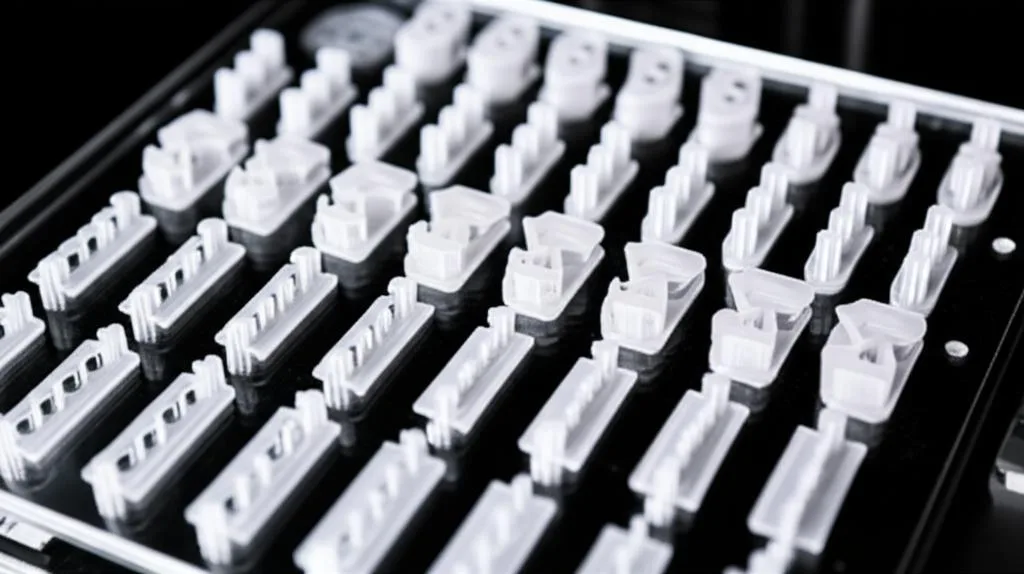
While exposure time is often the primary focus of an exposure test, other settings play a vital role in achieving perfect DLP accuracy and overall print quality. Understanding these can prevent issues even with perfectly calibrated exposure, ensuring comprehensive print validation.
- Lift Speed and Lift Distance: These settings control how fast and how far the build plate moves away from the FEP film after each layer cures. Too fast a lift speed can create suction forces that rip delicate features off the print or the build plate. Too slow, and your print times skyrocket. Lift distance ensures the cured layer fully separates from the FEP, preventing layer lines or delamination.
- Retract Speed: How fast the build plate returns to the printing position. Again, too fast can cause resin turbulence, potentially affecting layer adhesion, while too slow increases print time.
- Burn-in Layers (Bottom Layers): These initial layers are printed with a significantly longer exposure time to ensure strong adhesion to the build plate. Incorrect burn-in settings can lead to prints detaching mid-print, a common and frustrating failure point.
- Ambient Temperature: Resin viscosity changes with temperature. Colder resin is thicker, requiring slightly longer exposure and potentially slower lift speeds to allow for proper flow. Warmer resin flows more easily, which can sometimes reduce required exposure. Always aim for a stable, recommended operating temperature for your resin, typically around 20-30°C (68-86°F).
- Anti-aliasing and Grey Levels: These software settings can smooth jagged edges on prints, improving visual quality by blending pixels at layer boundaries. While beneficial for aesthetics, they can potentially affect very fine details. Experiment cautiously once core settings are stable and your resin calibration print shows good baseline quality.
- Resin Mixing: Always ensure your resin is thoroughly mixed before printing, especially after it has been sitting for a while. Pigments and additives can settle, leading to inconsistent curing and print failures.
The iterative process for print validation
Calibrating your resin printer is rarely a one-shot deal. It’s an iterative process of printing a test, evaluating the results, adjusting settings, and repeating until you achieve the desired quality. Documenting your settings for each resin and environmental condition is crucial. Keep a log of exposure times, lift speeds, and successful outcomes. This practice will save you immense time and resin in the long run, turning guesswork into a systematic approach for maintaining optimal SLA settings and DLP accuracy.
You’ll need to recalibrate whenever you:
- Switch to a new type or brand of resin (as each resin has unique curing properties).
- Change your layer height (thinner layers often require less exposure).
- Experience significant changes in ambient temperature (as discussed, temperature affects resin viscosity and cure).
- Replace key printer components (e.g., FEP film, UV LCD screen, which can alter light transmission).
- Notice a decline in print quality for previously successful prints (suggesting component wear or environmental shift).
Achieving optimal settings and consistent print validation
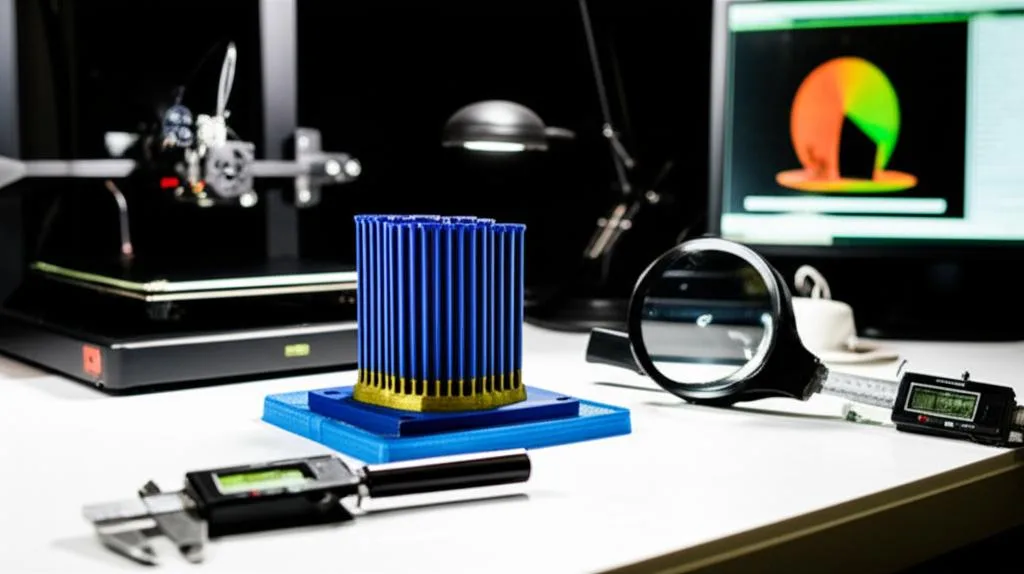
Ultimately, the goal of the resin calibration print is to achieve consistent, high-quality results with minimal effort and waste. By methodically working through the calibration process, understanding what each test model tells you, and making informed adjustments, you empower yourself to conquer the nuances of resin printing. This meticulous approach not only ensures beautiful, accurate prints but also maximizes the lifespan of your printer and minimizes the cost of wasted materials, making every gram of resin count.
Mastering your SLA settings and DLP accuracy through diligent calibration is not just about avoiding failure; it’s about unlocking the full potential of your 3D printer. It transforms a potentially frustrating hobby into a rewarding experience, allowing you to reliably produce stunning, precise models every time. Embrace the calibration process, and you’ll soon be reaping the rewards of perfectly tuned prints and achieving true print validation.
Frequently asked questions
How many times should I run a calibration test before I can trust my settings?
You should expect to run at least two to three iterations of your chosen exposure test, adjusting exposure time in small increments (0.1–0.5 seconds for standard resins) between each print. Calibration is an iterative process, and a single test rarely lands on perfect settings. Once you achieve clean pass/fail criteria (e.g., success cones print and failure cones do not on the Cones of Calibration), your baseline exposure is trustworthy.
Can I reuse the same calibration model after changing resins or temperatures, or do I need a different one?
You can reuse the same calibration model, but you must reprint it from scratch with fresh settings whenever you switch resin brands or types, change layer height, or experience a significant ambient temperature shift (e.g., moving from summer to winter). Each resin has unique curing properties, and temperature changes affect resin viscosity and cure time, so old calibration results become invalid.
What should I do if my calibration print shows both under-cured and over-cured features on the same model?
This usually indicates that your exposure time is close but not yet optimal, or that other settings like lift speed or ambient temperature are interfering. First, check that your resin is thoroughly mixed and your printer is at a stable recommended temperature (20–30°C). If the mix persists, focus on the dominant issue — for example, if fine details are fused (over-cure) but supports are failing (under-cure), try decreasing exposure slightly and then verifying support settings separately.