In the vibrant world of additive manufacturing, a common misconception often surfaces: the idea of “3D printing without modeling.” While the phrase might conjure images of magically materializing objects, the reality is far more grounded in digital design. At its core, 3D printing is a process of transforming a digital blueprint into a physical object, and that blueprint, in virtually every instance, is a 3D model. To truly understand the power and limitations of 3D printing, it’s essential to grasp this fundamental connection.
The indispensable digital blueprint
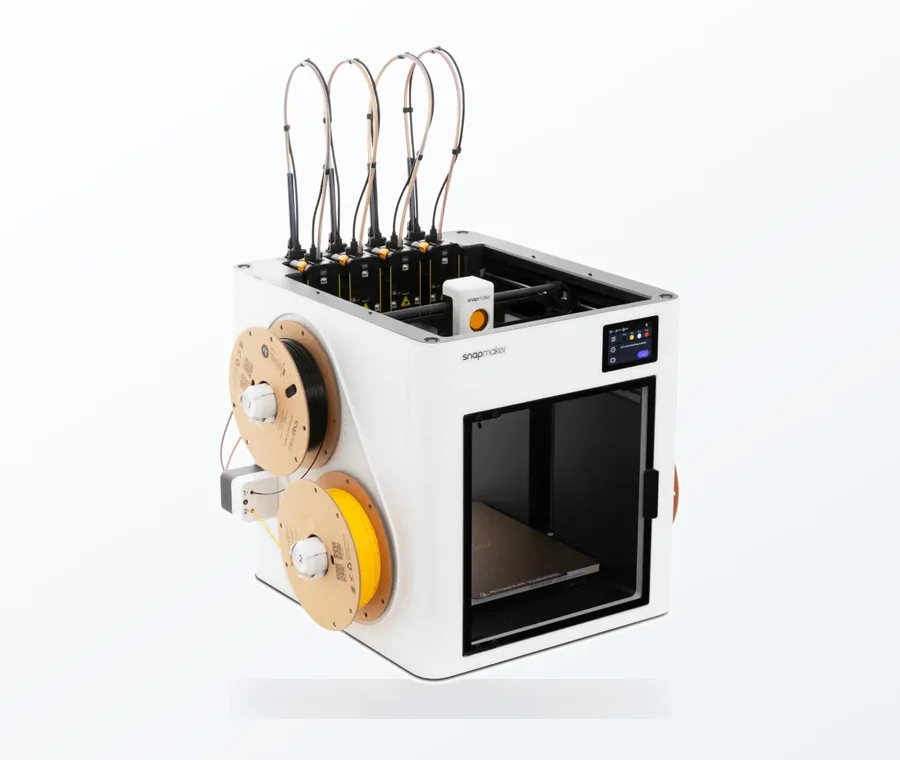
The consumer toolchanger 3D printer: the SnapSwap 4-toolhead system swaps heads in 5 seconds for true multi-color and multi-material printing, with smart calibration and auto filament loading.
- 4 toolheads · 5 s swap
- Up to 500 mm/s · 20,000 mm/s²
- 270 mm cube build volume
- Multi-color & multi-material
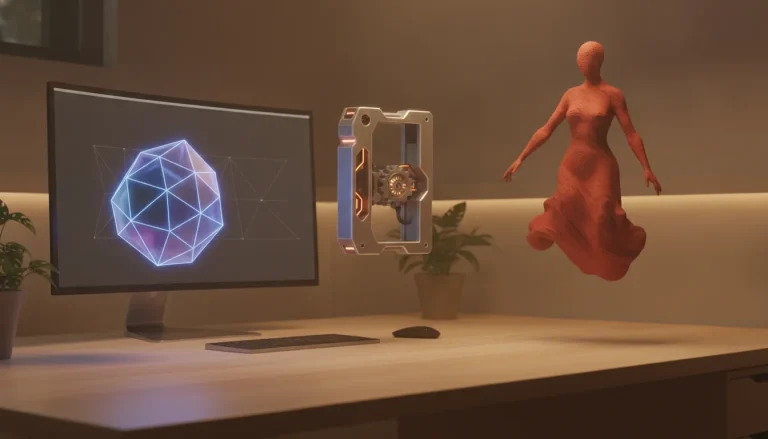
Imagine trying to build a house without an architectural plan, or baking a cake without a recipe. It’s simply not feasible. Similarly, a 3D printer, whether it’s an FDM, SLA, or SLS machine, requires a precise set of instructions to lay down material layer by layer. These instructions are derived directly from a digital 3D model. This model isn’t just a picture; it’s a mathematical representation of a three-dimensional object, defining its geometry, surfaces, and volume.
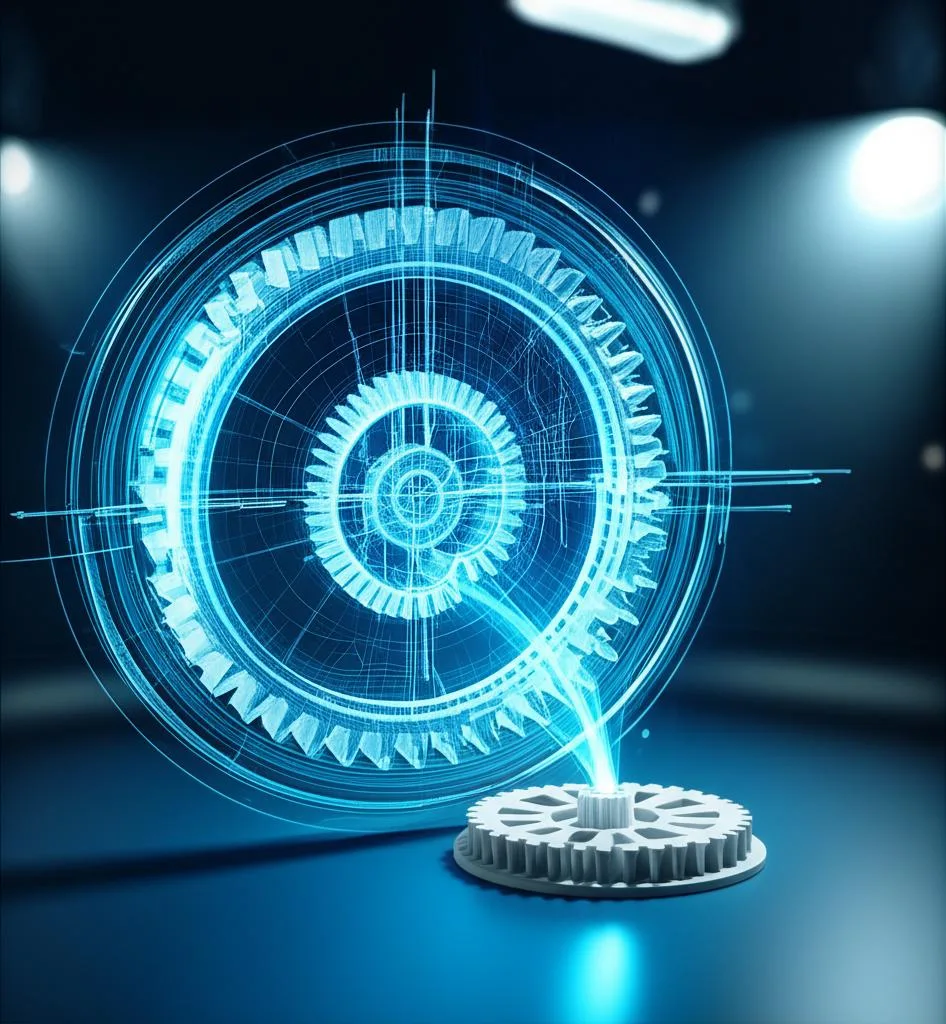
When we talk about 3D printing, we’re talking about taking a digital file – commonly in formats like STL (Stereolithography), OBJ, or 3MF – and feeding it into a ‘slicer’ program. This software then dissects the 3D model into hundreds or thousands of thin horizontal layers and translates them into G-code, the language that directs the printer’s movements, extrusion, and temperature settings. Without that initial 3D model, there’s simply nothing for the slicer to slice, and nothing for the printer to print. This highlights why essential 3D modeling for 3D printing is not just a recommendation, but a prerequisite.
What constitutes 3D modeling in the context of 3D printing?
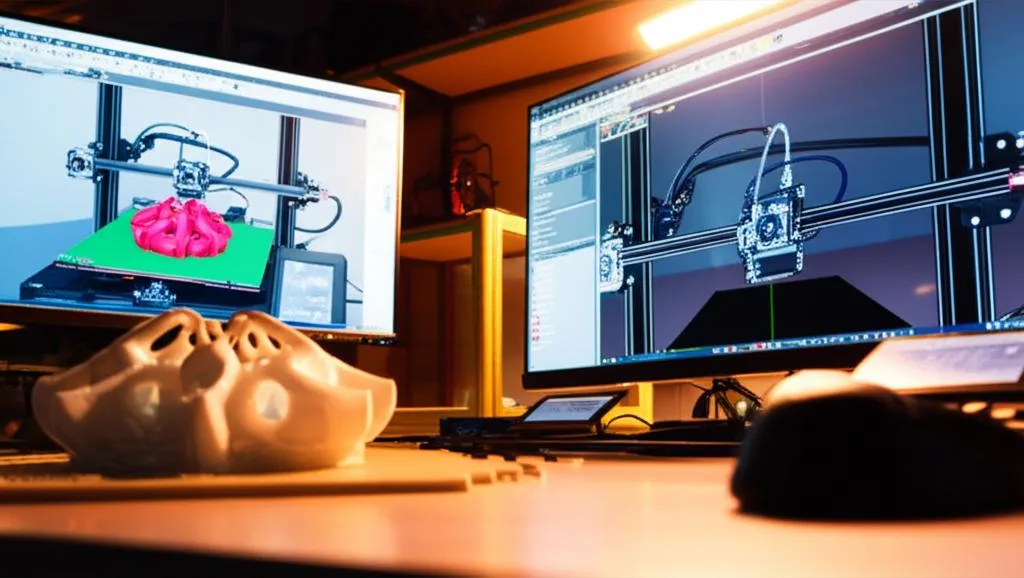
When we say “3D modeling,” we’re referring to the process of creating a three-dimensional digital representation of an object. This can take many forms:
- CAD (Computer-Aided Design): Often the backbone for engineering, product design, and architectural applications. Software like SolidWorks, Fusion 360, AutoCAD, and Onshape allows for precise, parametric modeling, where dimensions and relationships between features are meticulously defined. This is crucial for functional parts and prototypes, making CAD for 3D print a cornerstone for many professional applications.
- Digital Sculpting: Tools like ZBrush or Blender are more akin to working with digital clay, allowing artists to create organic shapes, characters, and intricate details with a focus on aesthetics rather than strict dimensional accuracy.
- Mesh Modeling: Working directly with polygons (triangles, quads) to define surfaces, often used in animation, gaming, and visual effects, but also applicable for less geometrically rigid 3D print models.
Regardless of the method, the end goal is a digital file that accurately describes the object’s geometry, ready to be interpreted by a 3D printer.
The journey: From concept to physical object
Let’s trace the typical path an idea takes to become a 3D printed object:
- Conception: An idea, a problem to solve, or a design to bring to life. This is where the creative spark ignites.
- 3D Modeling: Using one of the methods described above, the idea is translated into a digital 3D model. This stage is critical for defining the object’s form, function, and dimensions.
- Preparation for Printing (Slicing): The 3D model is imported into a slicer. Here, parameters like layer height, infill density, print speed, support structures, and raft/brim are set. This process effectively translates the 3D model into machine-readable G-code. This step is also where you prepare model for print, ensuring it’s watertight, manifold, and optimized for the specific printer and material.
- 3D Printing: The printer executes the G-code, building the object layer by layer.
- Post-Processing: Removing supports, sanding, painting, or assembling multiple parts.
As evident, 3D modeling sits squarely at the second, indispensable step in this sequence.
Exploring alternatives: When you’re not modeling from scratch
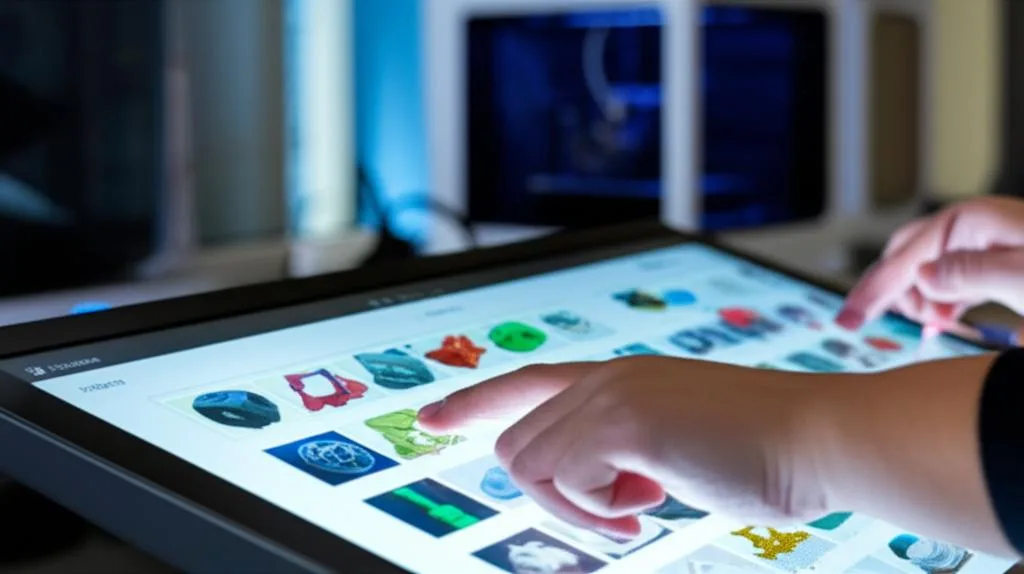
The phrase “3D printing without modeling” often arises from the fact that not every maker personally designs every single object they print. There are indeed several avenues to acquire a 3D model without having to sculpt or engineer it from the ground up. These are not instances of 3D printing without modeling, but rather 3D printing using models acquired through alternative means:
1. Downloading existing models
This is perhaps the most common way hobbyists and even professionals access 3D models without designing them. Platforms like Thingiverse, MyMiniFactory, Printables, GrabCAD, and Cults3D host vast libraries of user-generated and professional 3D models. You can search for almost anything, download the STL file, and proceed directly to slicing and printing. While you aren’t creating the model, you are still relying entirely on a pre-existing 3D model.
2. 3D scanning
Want to replicate a physical object? 3D scanning allows you to capture the geometry of a real-world item and convert it into a digital 3D model. Using dedicated 3D scanners or even smartphone apps with photogrammetry capabilities, you can generate a mesh model that can then be refined, edited, and prepared for printing. This is a powerful way to bridge the gap between the physical and digital, but it inherently produces a 3D model.
3. Generative design and AI tools
Emerging technologies are pushing the boundaries of design. Generative design algorithms can create optimized shapes based on specified parameters (e.g., weight, strength, material). Similarly, AI tools are starting to generate 3D models from text prompts or 2D images. While the human input might be minimal, the software itself is performing a sophisticated form of 3D modeling to produce the digital blueprint.
4. Customization tools and configurators
Many online services allow users to customize existing templates or input simple parameters (e.g., text for a name tag, dimensions for a simple box) to generate a unique 3D model. These tools essentially automate parts of the modeling process, allowing users to “design” without needing deep CAD skills. However, behind the scenes, a 3D model is still being dynamically generated.
The enduring importance of 3D modeling skills (even when not modeling from scratch)
Even if you primarily rely on downloaded or scanned models, a foundational understanding of 3D modeling principles and a grasp of design for additive manufacturing are invaluable:
- Model repair and optimization: Downloaded models aren’t always perfect. They might have errors (non-manifold edges, inverted normals), need scaling, or require modifications for specific print requirements (e.g., adding a hole, strengthening a weak point). Basic modeling skills allow you to prepare model for print effectively.
- Customization: Even a downloaded model might need slight tweaks to fit your specific needs. Being able to modify an existing design opens up a world of possibilities for personalization.
- Understanding printability: Knowledge of how 3D models translate into physical prints helps in selecting appropriate models and anticipating potential print failures. This includes understanding overhangs, wall thickness, tolerances, and the need for support structures.
- True innovation: While using existing models is convenient, creating truly novel, custom, or functional parts requires the ability to model them from scratch. This is where CAD for 3D print truly shines, enabling engineers and designers to solve specific problems with bespoke solutions.
Conclusion: The essential connection remains
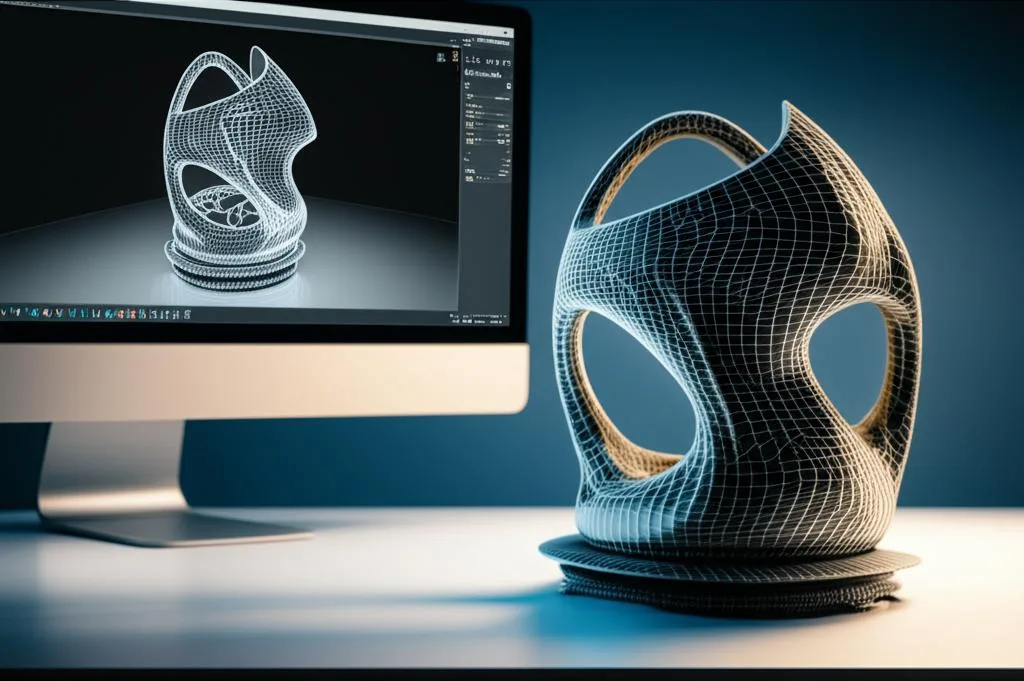
The notion of “3D printing without modeling” is largely a misnomer. While you might not always be the person *creating* the 3D model from a blank canvas, the process of 3D printing is utterly dependent on the existence of a digital 3D model. Whether it’s designed from scratch using sophisticated CAD for 3D print software, downloaded from an online repository, generated by a scanner, or customized through an online tool, that digital blueprint is the non-negotiable first step. For anyone looking to delve deeper into additive manufacturing, embracing the essential role of 3D modeling – in whatever form it takes – is the key to unlocking its full potential.
Frequently asked questions
Can I 3D print an object I found online without learning any 3D modeling software?
Yes. You can download an STL file from sites like Thingiverse or Printables and send it directly to a slicer program to generate G-code for your printer. However, you still rely on a pre-existing 3D model, and basic modeling skills are very helpful for repairing broken files, resizing, or adding custom features.
Is 3D scanning a way to print objects without any modeling at all?
No. 3D scanning captures the geometry of a real object and converts it into a digital 3D model, which must then be prepared in a slicer before printing. You are still using a digital blueprint; scanning simply replaces the manual design step with an automated capture process.
What is the most common mistake beginners make when they skip learning 3D modeling?
The most common mistake is downloading a model that has errors such as non-manifold edges or inverted normals, which cause print failures. Without basic modeling skills, beginners cannot repair these issues, scale the model correctly, or add necessary modifications like holes or supports, often leading to wasted time and material.