Acrylonitrile Butadiene Styrene, commonly known as ABS, stands as a venerable workhorse in the world of 3D printing. Renowned for its strength, durability, and post-processing capabilities, ABS is a material of choice for functional prototypes and end-use parts. However, its widespread adoption is often tempered by its notorious susceptibility to issues like warping and cracking. These challenges primarily stem from its thermal characteristics, specifically its high coefficient of thermal expansion and contraction. Mastering ABS printing hinges on a nuanced understanding and precise control of temperature settings.
Understanding ABS’s thermal behavior
The root cause of ABS print failures often lies in uneven cooling. As ABS cools, it contracts. If different parts of a print cool at varying rates, internal stresses build up. This stress can manifest as warping, where the edges of the print lift from the build plate, or cracking, particularly in taller or thinner sections, as layers pull apart. The goal of advanced temperature management is to create a controlled thermal environment that minimizes these differential cooling rates.
Nozzle temperature: the melting point balance
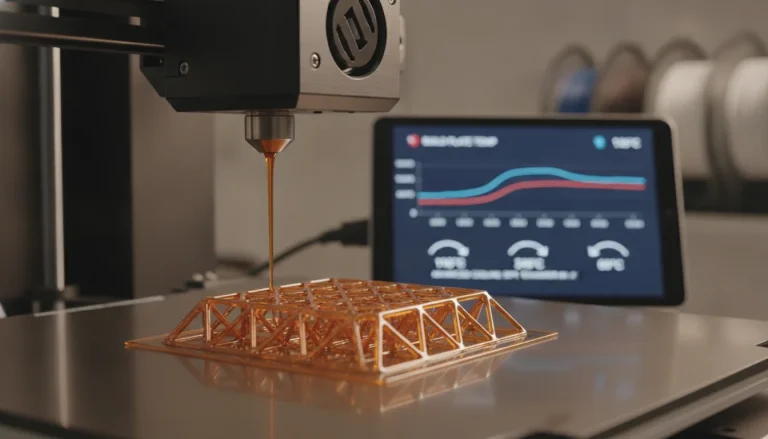
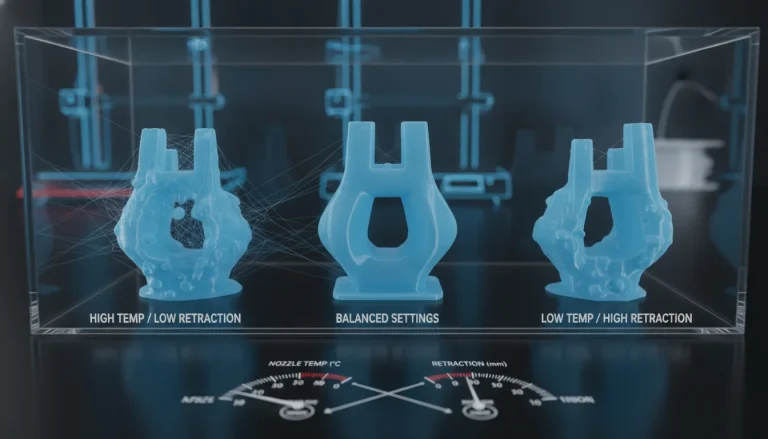
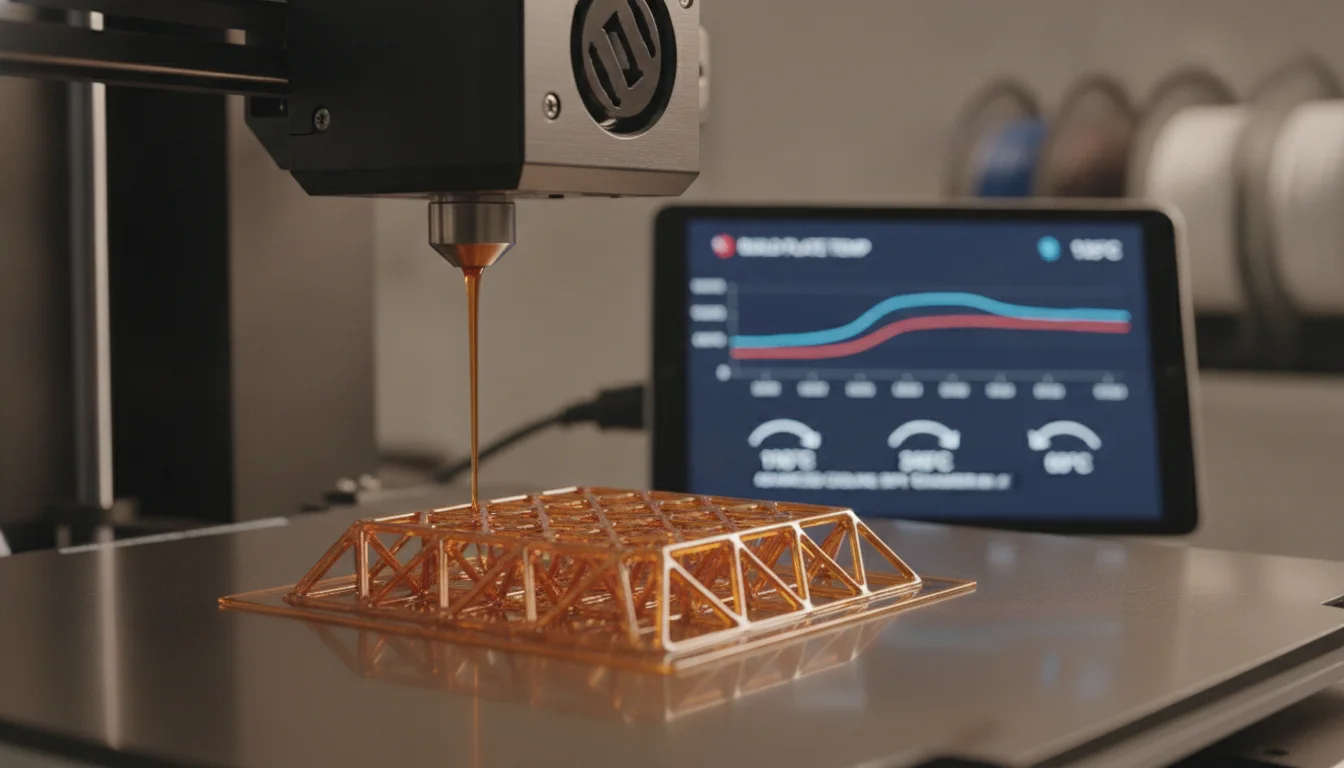
The nozzle temperature is critical for proper layer adhesion and extrusion quality. For ABS, a common range is 220-250°C. Printing too cold can lead to poor layer bonding, resulting in weak parts prone to cracking. Conversely, printing too hot can cause stringing, excessive oozing, and degradation of the material, impacting part strength and surface finish. Fine-tuning this setting often involves printing temperature towers to identify the optimal balance for a specific filament brand and printer.
Bed temperature: anchoring the print
A heated bed is non-negotiable for successful ABS printing. The bed temperature helps maintain the base of the print above its glass transition temperature (Tg) for as long as possible, preventing premature cooling and subsequent warping. ABS typically requires a bed temperature between 90-110°C. Using an appropriate build surface, such as PEI, Kapton tape, or ABS slurry, in conjunction with the correct bed temperature, significantly improves first-layer adhesion. An insufficient bed temperature is a primary culprit for prints detaching and warping.
The role of an enclosure: stabilizing ambient temperature
While nozzle and bed temperatures are fundamental, the ambient temperature surrounding the print is arguably the most impactful factor for preventing warping and cracking with ABS. An enclosure serves to trap heat, creating a warmer, more stable environment around the print. This reduces the temperature differential between the printed layers and the surrounding air, allowing the ABS to cool more slowly and uniformly. Without an enclosure, even perfectly dialed-in nozzle and bed temperatures may struggle against significant drafts or cool room temperatures.
- DIY enclosures: Often built from inexpensive materials like IKEA tables, foam board, or acrylic sheets. These offer a cost-effective entry point, requiring some DIY skills but providing substantial thermal benefits.
- Commercial enclosures: Pre-built solutions offer convenience, better aesthetics, and often superior thermal insulation and safety features. They represent a higher initial investment but can offer a more robust and integrated solution.
Advanced calibration and slicer settings
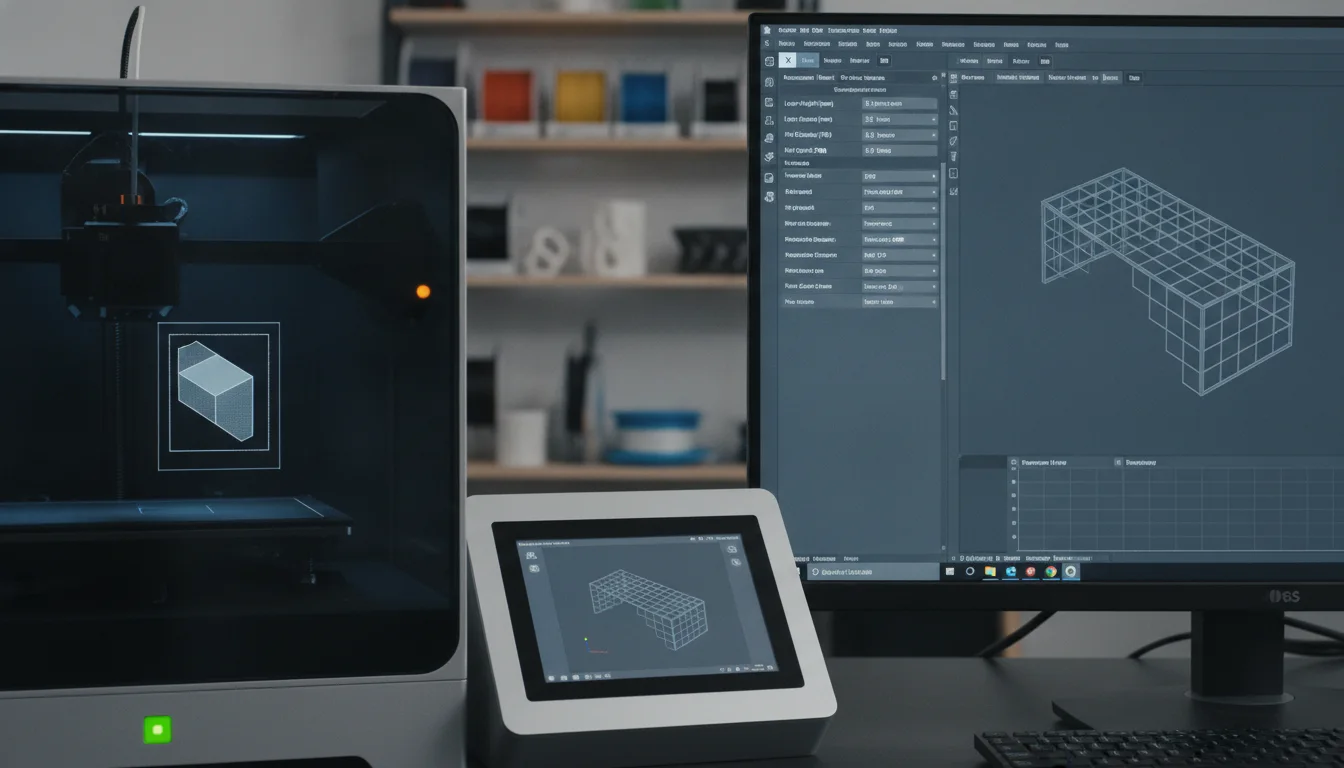
Advanced calibration goes beyond simple temperature adjustments, incorporating other slicer settings and environmental controls.
Fan speed management
Cooling fan speed for ABS is generally kept very low or off for the initial layers and often throughout the entire print, especially for larger parts. Rapid cooling, even from a part cooling fan, can induce stress and lead to cracking. Some users might introduce minimal fan speed for bridging or very fine details, but this requires careful experimentation.
Brims, skirts, and rafts
These initial layer features can significantly aid in mitigating warping. A wide brim increases the surface area adhering to the print bed, distributing stresses over a larger area. Rafts provide a completely separate, stable base for the part, though they consume more material and can leave a less desirable surface finish on the bottom of the print.
Infill and perimeters
Adjusting infill density and the number of perimeters can also influence thermal stability. Higher infill can create more internal heat, which might be beneficial, but also more material to contract. Experimentation with these settings, alongside temperature, is key.
Comparing approaches to ABS optimization
A retro-styled turntable and add-on speaker system with concrete and wood enclosure options. Currently running on Kickstarter.
Optimizing ABS printing involves various approaches, each with its own considerations regarding cost and complexity.
- Basic slicer adjustments: Focusing solely on nozzle and bed temperatures, fan speed, and adhesion aids (brims/rafts). This approach has minimal direct cost beyond time for calibration. It’s foundational and essential for any ABS printing setup.
- Environmental control (enclosures): Implementing an enclosure significantly improves success rates. DIY options are generally more budget-friendly but demand time and effort for construction. Commercial enclosures offer a turnkey solution, often with better thermal performance and safety features, but at a higher financial outlay.
- Advanced material handling: This includes ensuring ABS filament is kept dry, as moisture can lead to bubbling and poor print quality, exacerbating issues. While not a “temperature setting,” proper filament storage is a low-cost, high-impact practice.
The choice between these approaches often depends on the user’s budget, technical aptitude, and the consistency required from their ABS prints. A foundational understanding of temperature settings combined with environmental control often yields the most reliable results.
Ultimately, successful ABS printing is less about finding a single “magic” setting and more about understanding the material’s thermal properties and creating an environment where it can print and cool uniformly. By meticulously calibrating nozzle and bed temperatures, and crucially, managing the ambient temperature with an enclosure, users can significantly reduce the incidence of warping and cracking, unlocking the full potential of this robust filament.
Frequently asked questions
Can I print ABS without an enclosure, or is it a waste of time?
You can print small, simple ABS parts without an enclosure by using a very hot bed (90-110°C), a brim, and keeping the printer away from drafts. However, for medium to large parts, the article states that even perfectly dialed-in nozzle and bed temperatures will struggle against cool room temperatures, making an enclosure the most impactful factor for preventing warping and cracking.
What is the best build surface to use for ABS to prevent warping?
The article recommends using a build surface such as PEI, Kapton tape, or ABS slurry in conjunction with a bed temperature of 90-110°C. These surfaces provide the strong first-layer adhesion needed to anchor the print as the material contracts during cooling.
Should I turn the part cooling fan on or off when printing ABS?
The article advises keeping the cooling fan speed very low or off entirely for the initial layers and often throughout the entire print, especially for larger parts. Rapid cooling from a fan can induce internal stress and lead to cracking, though minimal fan speed might be experimented with for bridging or very fine details.