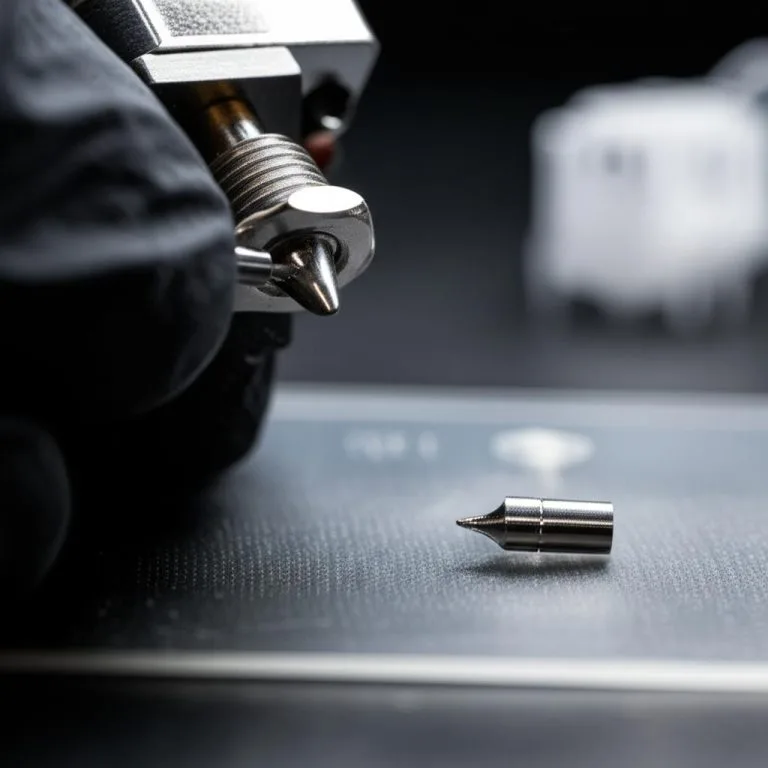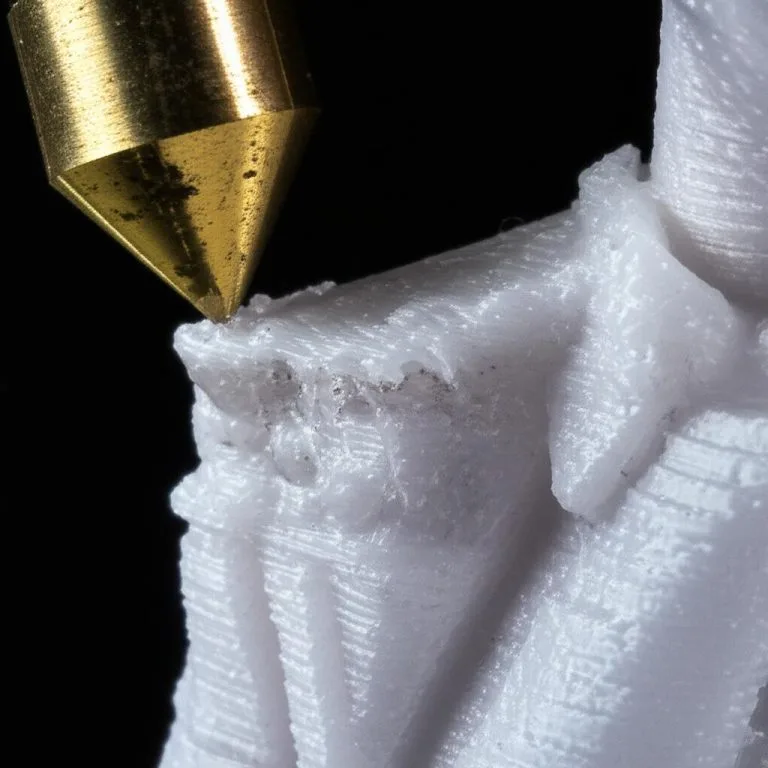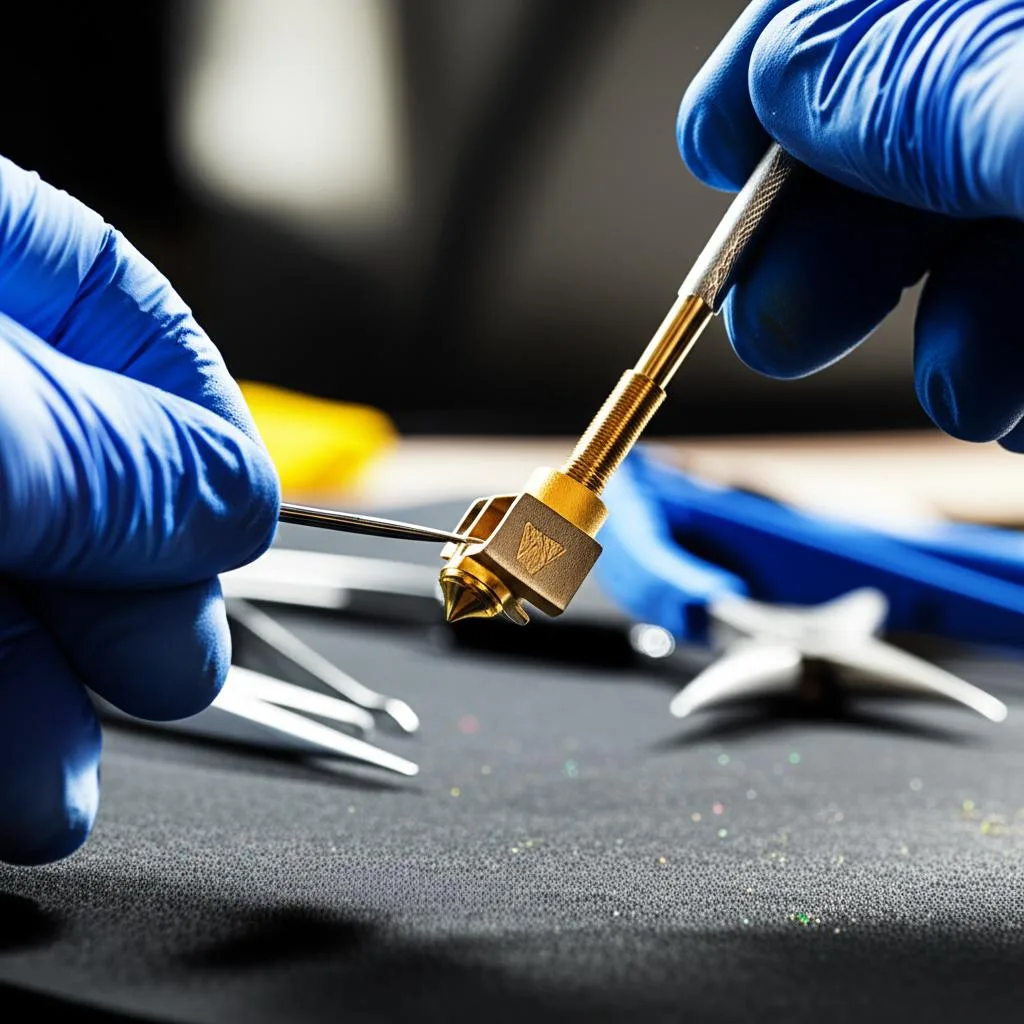
3D printing is an exciting hobby and a powerful tool, but like any intricate machine, 3D printers require regular maintenance to perform optimally. One of the most common issues users face is a clogged or dirty hotend, which can lead to poor print quality, under-extrusion, or even complete print failures. This guide will walk you through the essential steps for 3D printing hotend cleaning, ensuring your printer continues to produce high-quality prints.
Why Hotend Cleaning is Crucial
Over time, filament residue, dust, and tiny particles can build up inside your hotend. This accumulation restricts filament flow, leading to inconsistent extrusion and potentially damaging your printer’s components. Regular hotend cleaning is a vital part of printer maintenance that prevents these issues, prolongs the life of your nozzle and hotend, and significantly improves the reliability and quality of your prints.
Tools You’ll Need
- Heat-resistant gloves
- Small wire brush (brass or nylon)
- Allen keys or wrenches (depending on your printer)
- Needle-nose pliers
- Cleaning needles or acupuncture needles (for nozzle)
- Brass filament or cleaning filament (optional, for cold pulls)
- Cotton swabs and Isopropyl Alcohol (IPA)
Step-by-Step Hotend Cleaning Guide
1. Prepare Your Printer: Ensure your printer is completely powered off and unplugged for safety. Allow the hotend to cool down to room temperature. This is critical for preventing burns and accidental damage.
2. Remove Filament: If there’s filament loaded, carefully remove it. If it’s jammed, you might need to heat the hotend slightly (e.g., to 90-100°C) to ease its removal, then power off again.
3. Inspect the Nozzle and Hotend Exterior: Use a wire brush to gently clean any plastic residue or dust from the outside of the nozzle and heater block. Be careful not to damage the thermistor wires.
4. The Cold Pull Method (Optional but Recommended): This is an excellent way to clear internal blockages. Heat your hotend to the printing temperature of the filament that was last used (e.g., 200°C for PLA). Extrude a small amount, then let the hotend cool down to around 80-100°C (PLA). At this temperature, quickly but firmly pull the filament straight out of the hotend. It should pull out any lodged debris. Repeat a few times if necessary. For different filaments, adjust the pull temperature accordingly (e.g., ABS 120-140°C).
5. Clear the Nozzle: If clogs persist, heat the hotend to printing temperature and use a thin cleaning needle (often supplied with printers) to gently poke through the nozzle orifice from below. Be gentle to avoid damaging the nozzle or brass threads. Never force the needle.
6. Inspect and Clean the Extruder Gear: Sometimes, blockages originate higher up. Check the extruder gear for accumulated filament dust, which can reduce grip. Use a small brush or compressed air to clean it.
7. Reassemble and Test: Once everything is clean, reassemble any parts you might have disassembled (e.g., cooling fans). Power on your printer and perform a test print, such as a calibration cube, to ensure proper extrusion and print quality.
Tips for Prevention
- Always unload filament when your printer is idle for extended periods.
- Use good quality filament, as cheap filament can contain impurities.
- Ensure your filament is stored in a dry environment to prevent moisture absorption.
- Perform regular visual inspections of your hotend and nozzle.
- Consider using a filament dust filter.
By following these steps for 3D printing hotend cleaning and implementing preventive measures, you can ensure smooth and reliable 3D printing for years to come. Remember, consistent printer maintenance is key to enjoying your 3D printing journey without frustrating interruptions.
Frequently asked questions
How often should I clean my hotend?
There’s no fixed schedule, but you should clean it as soon as you notice under-extrusion, inconsistent flow, or print failures, since these are signs of filament residue and dust buildup inside. Preventive habits matter more than a strict interval: unload filament whenever the printer sits idle for extended periods, and do a quick visual inspection of the hotend and nozzle regularly. Printers running cheap or poorly stored filament will need cleaning more often, since impurities and absorbed moisture accelerate buildup.
Is the cold pull method safe to do on any printer, and what if it doesn’t clear the clog?
Cold pulls are generally safe since they only require heating to normal printing range and then cooling to a lower pull temperature (around 80-100°C for PLA, 120-140°C for ABS) before pulling the filament straight out. If a few repetitions don’t clear the blockage, move on to heating the hotend back to printing temperature and gently working a thin cleaning needle through the nozzle orifice from below, without forcing it. Always power off and unplug the printer before touching the hotend directly, and let it cool to room temperature first to avoid burns.
What’s the biggest mistake people make when cleaning a hotend?
Forcing a cleaning needle into the nozzle or scrubbing too aggressively with a wire brush are the most damaging mistakes, since they can widen the nozzle orifice, snap the brass threads, or nick the thermistor wires on the heater block. Working on a hotend that’s still powered on or not fully cooled is equally risky, since it’s both a burn hazard and can lead to careless handling. The safest approach is powering off and unplugging the printer, letting the hotend reach room temperature, and using gentle pressure with the wire brush and needle at every step.