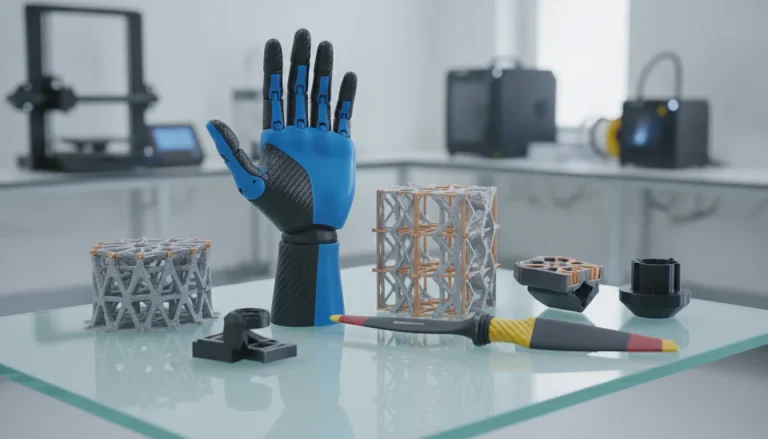
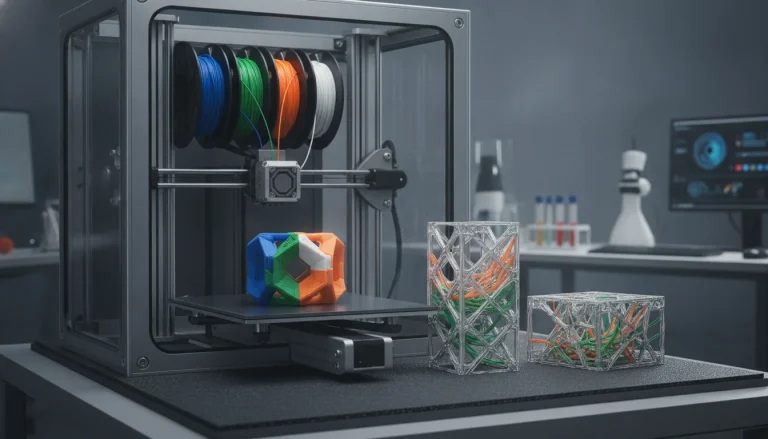
Nylon, a powerhouse in the world of engineering-grade filaments, is celebrated for its exceptional strength, flexibility, abrasion resistance, and chemical resilience. These properties make it an ideal choice for functional prototypes, durable end-use parts, and mechanical components that demand high performance. However, working with nylon in 3D printing often comes with its own set of formidable challenges, primarily nylon warping and delamination. These issues can quickly turn a promising print into a frustrating failure, leading to wasted material and time. But fear not, for with a deeper understanding and advanced strategies, these hurdles can be effectively overcome.
Understanding the root causes of nylon warping and delamination
Before diving into solutions, it’s crucial to grasp why nylon behaves this way. The two primary culprits are thermal dynamics and hygroscopy.
Thermal dynamics: the expansion and contraction conundrum
- High thermal expansion coefficient: Nylon expands significantly when heated and contracts just as much when cooling. As a print cools unevenly, especially the lower layers exposed to cooler ambient air while upper layers are still hot, internal stresses build up. This differential cooling causes the material to pull inwards, lifting the edges or corners of the print from the build plate – the classic sign of nylon warping.
- Uneven cooling: The rapid cooling of the printed material, particularly large flat surfaces, exacerbates these stresses. Without a controlled environment, the temperature gradient across the print can be severe.
Hygroscopy: the moisture absorption challenge
- Moisture absorption: Nylon is highly hygroscopic, meaning it readily absorbs moisture from the air. This isn’t just a storage issue; moisture within the filament can cause significant problems during printing.
- Steam generation and voids: When moist nylon is heated in the extruder, the absorbed water turns into steam. This steam creates tiny bubbles and voids within the molten plastic, leading to inconsistent extrusion, poor layer bonding (delamination), and a rough surface finish. More critically, these voids can weaken the internal structure, making the print more susceptible to stress and, consequently, warping.
Advanced strategies for mitigating nylon warping
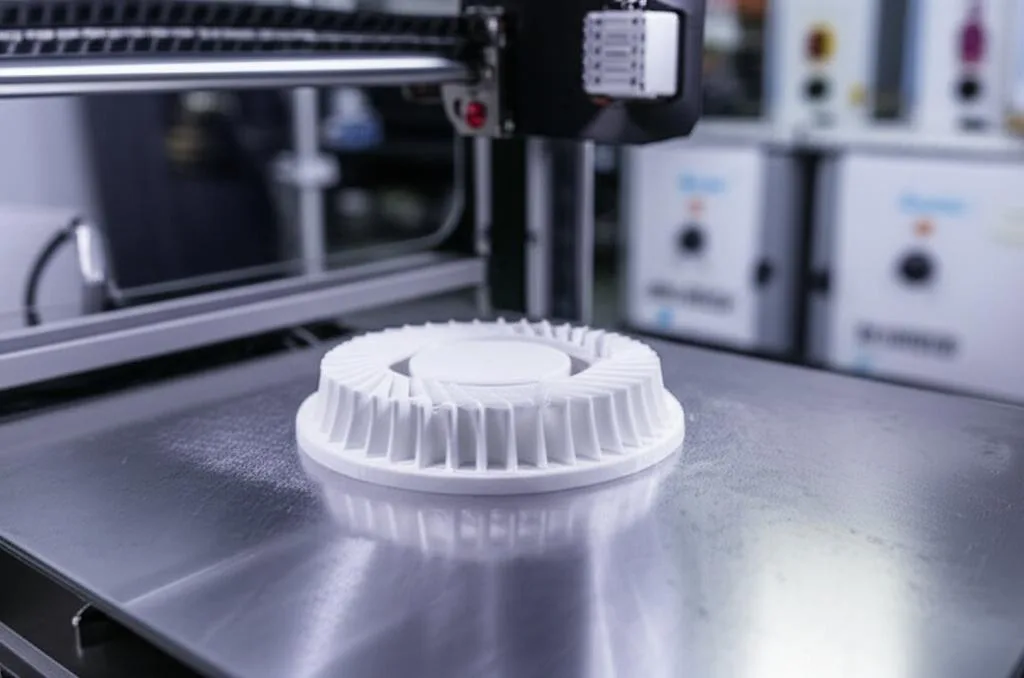
Tackling nylon warping requires a multi-pronged approach, focusing on environmental control, superior bed adhesion, and meticulous print settings.
1. Environmental control: creating a stable print environment
Controlling the ambient temperature around your print is perhaps the most critical factor in preventing warping.
- Enclosed printer: An enclosure is almost non-negotiable for successful nylon printing. It traps heat, raising the ambient temperature around the print and slowing down the cooling process. This reduces the temperature gradient between layers and the build plate, significantly minimizing internal stresses.
- Heated chamber (active vs. passive):
- Passive enclosure: A simple box or cover will help retain heat.
- Active heated chamber: For truly demanding nylon prints, a printer with an actively heated chamber (capable of maintaining temperatures of 40-70°C or higher) provides the ultimate control. This ensures the entire print cools uniformly, virtually eliminating warping.
- Draft prevention: Even subtle drafts can introduce uneven cooling. Ensure your printer is away from open windows, air conditioning vents, or busy doorways.
2. Superior bed adhesion techniques
Even with a heated chamber, robust bed adhesion is paramount to keep the first layer firmly anchored.
- Build plate surface:
- Garolite (G10/FR4): This composite material is often considered the gold standard for nylon. Its slightly textured surface provides excellent mechanical adhesion, and nylon tends to stick to it remarkably well without excessive force, making part removal easier than some other methods.
- Glass with adhesives: A plain glass bed often struggles with nylon. However, a thin, even coat of PVA glue stick (the purple disappearing kind works well), a diluted ABS slurry (acetone + ABS filament), or specialized adhesion sprays like Magigoo Pro PA can create a strong bond.
- Textured PEI: While smooth PEI can sometimes be too slick for nylon, textured PEI sheets can offer improved adhesion due to their surface topography. Experimentation is key here.
- Bed temperature optimization: Nylon typically requires a high bed temperature, often between 80-110°C, depending on the specific nylon type (e.g., Nylon 6, Nylon 12, NylonX). Start at the manufacturer’s recommended setting and adjust in small increments. A bed that’s too hot can sometimes cause elephant’s foot, while one too cool will lead to immediate warping.
- Brims, rafts, and skirts:
- Brims: A wide brim (5-15mm, 5-10 lines) significantly increases the footprint of the first layer, distributing the lifting forces over a larger area and improving adhesion.
- Rafts: A raft creates a disposable base layer that adheres strongly to the build plate, providing a stable foundation for the actual part. This can be particularly useful for parts with small footprints or intricate first layers.
- Skirts: While not directly improving adhesion, a skirt primes the nozzle and helps stabilize the initial chamber temperature before the print begins.
3. Filament management: dryness is key
Moisture is the silent killer of nylon prints. Proper filament management is non-negotiable for preventing delamination and contributing to warping.
- Filament drying:
- Dedicated filament dryer: This is the most effective method, providing controlled heat and sometimes active air circulation.
- Food dehydrator: A budget-friendly alternative that works well. Set it to 60-80°C for 4-8 hours, or even longer for heavily saturated spools.
- Oven: Use with extreme caution. Set to the lowest possible temperature (e.g., 60-70°C) and monitor closely. Avoid direct contact with heating elements.
- Storage solutions: Always store nylon filament in airtight containers or vacuum-sealed bags with desiccant packets (silica gel) immediately after drying and when not in use.
- Printing from a dry box: For longer prints, consider printing directly from a dry box to prevent re-absorption of moisture during the print job.
Optimizing nylon print settings for success
Fine-tuning your slicer Nylon settings is critical for achieving good layer adhesion and minimizing internal stresses.
1. Extrusion temperature
- Higher temperatures: Nylon generally requires higher extrusion temperatures than many other plastics, often in the range of 230-260°C, or even higher for some carbon fiber-filled nylons. Higher temperatures promote better melt flow and improved layer adhesion.
- Temperature towers: Print a temperature tower to find the optimal temperature for your specific filament. Look for the best balance between layer bonding, surface finish, and minimal stringing.
2. Cooling fan settings
- Minimal or no cooling for initial layers: For the first few layers (e.g., 5-10 layers), turn the part cooling fan off completely or set it to a very low percentage (e.g., 10-20%). This allows the lower layers to stay hot and bond well to the bed and to each other.
- Controlled cooling for subsequent layers: After the initial layers, you can gradually increase cooling, but usually, nylon benefits from minimal cooling overall (e.g., 20-50%). Too much cooling will lead to rapid contraction and poor layer adhesion.
3. Print speed
- Slower is better: Printing nylon at slower speeds (e.g., 30-60 mm/s) allows the molten plastic more time to fuse with the previous layer, enhancing layer adhesion and reducing internal stresses.
- First layer speed: The first layer should be printed very slowly (e.g., 10-20 mm/s) to ensure maximum adhesion to the build plate.
4. First layer settings
- First layer height and width: Increase the first layer height slightly (e.g., 0.25-0.3mm for a 0.4mm nozzle) and ensure a good ‘squish’ by calibrating your Z-offset. A wider first layer extrusion width (e.g., 120-150% of nozzle diameter) can also improve adhesion.
- First layer temperature: Sometimes a slightly higher first layer extrusion temperature can aid adhesion, but be careful not to overdo it, as this can lead to elephant’s foot.
5. Infill patterns and density
- Stress-reducing patterns: Avoid infill patterns that create excessive internal stress. Gyroid or cubic infill patterns tend to distribute stress more evenly than rectilinear patterns.
- Lower density: A lower infill density (e.g., 15-30%) can reduce the total amount of material contracting, thereby lessening internal stresses and potential warping.
Addressing delamination: ensuring robust layer adhesion
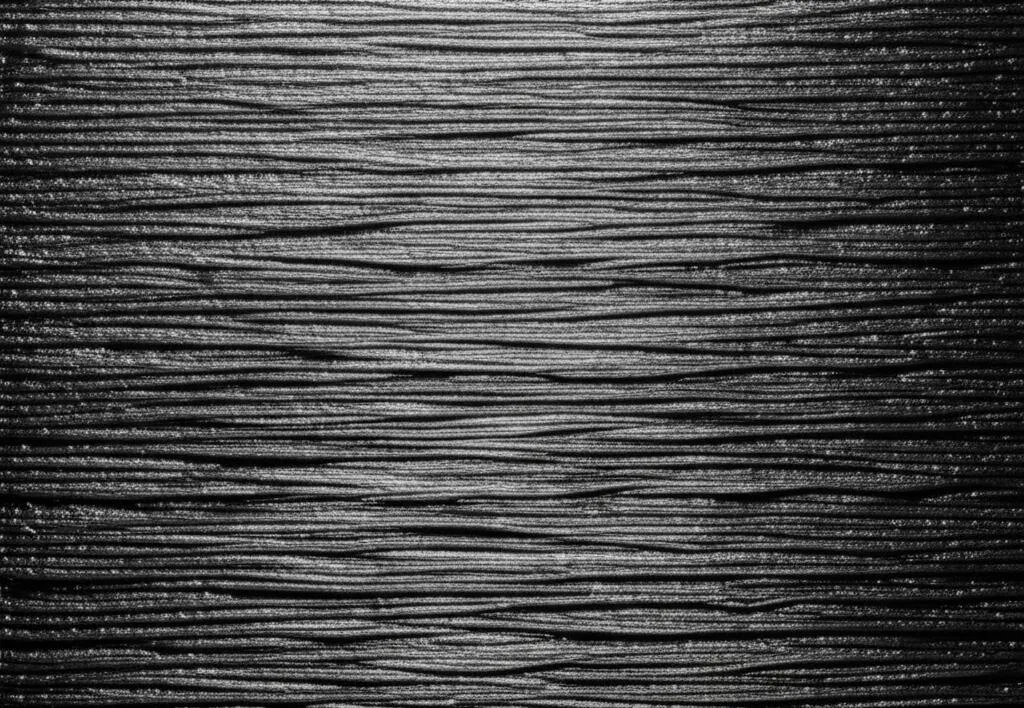
While often intertwined with warping, delamination specifically refers to layers failing to bond properly. Many of the solutions for warping also help with delamination, but some points deserve special emphasis.
1. Filament dryness (reiterated)
This cannot be stressed enough. Moist nylon prints with bubbles and gaps between layers, leading directly to poor layer adhesion and easy delamination. Always print with dry filament.
2. Extrusion multiplier calibration
An under-extruded print will have weak layer bonds. Calibrate your extrusion multiplier (flow rate) to ensure you’re extruding the correct amount of material. Print a single-wall cube and measure its thickness, adjusting the flow until it matches your nozzle diameter.
3. Nozzle temperature (revisited)
If you’re experiencing delamination despite dry filament, try increasing your nozzle temperature by 5-10°C. A hotter melt flows better and has more energy to fuse with the previous layer, leading to stronger bonds.
4. Print speed vs. layer time
For very small features or thin walls, layers might cool too quickly before the next layer is deposited, leading to poor adhesion. Consider:
- Minimum layer time: Set a minimum layer time in your slicer to ensure each layer has enough time to cool slightly but not too much before the next layer is added. If a layer prints too fast, the printer will pause or slow down to meet this minimum.
- Printing multiple parts: If you have many small parts, printing them simultaneously can increase the layer time for each individual part, improving adhesion.
Advanced printer hardware and software considerations
- PID tuning: Ensure your printer’s hotend and heated bed are PID tuned for consistent temperature regulation. Fluctuations can lead to inconsistent extrusion and adhesion.
- Firmware adjustments: Some advanced users might explore firmware settings for specific material profiles, though this is generally for experienced individuals.
- Direct drive extruders: For flexible nylons, a direct drive extruder can offer better control over filament path and retraction, reducing print defects.
Nylon print troubleshooting checklist
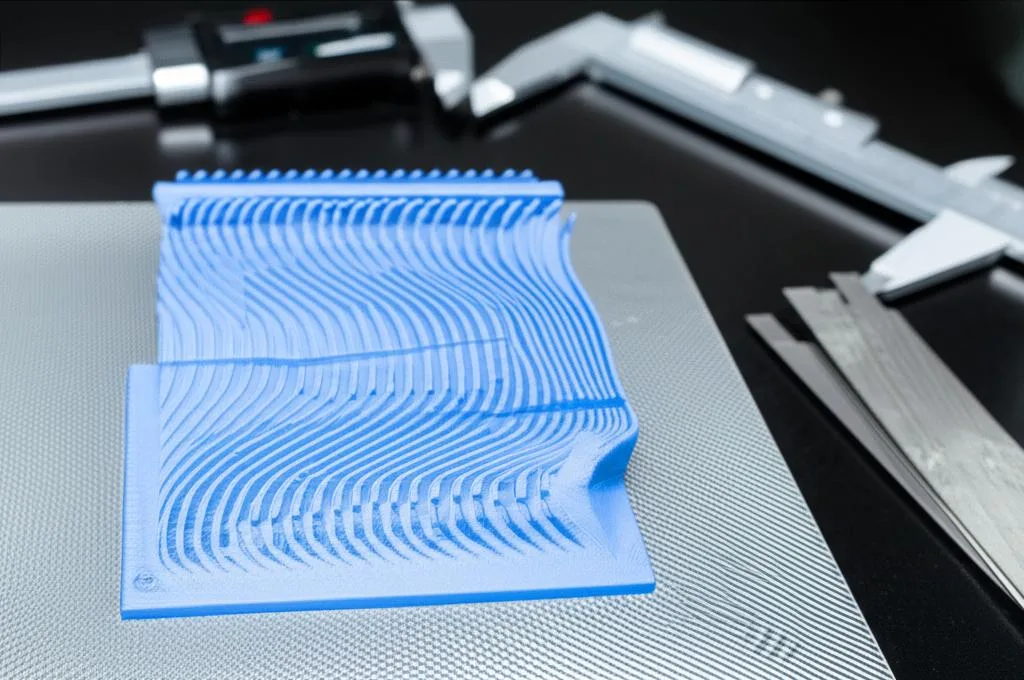
When facing issues, follow a systematic approach:
- Is your filament bone dry? This is the first and most common culprit. Dry it thoroughly.
- Is your printer enclosed? If not, consider building or buying one.
- What’s your bed surface and adhesion method? Experiment with Garolite, PVA glue on glass, or specialized adhesives.
- Are your bed and nozzle temperatures optimized? Use manufacturer recommendations as a starting point, then fine-tune with temperature towers.
- Are your first layer settings dialed in? Ensure a slow speed, good ‘squish’, and appropriate width.
- Is your part cooling fan too high? Reduce or turn it off for the first few layers, and keep it minimal overall.
- Is your print speed too fast? Slow it down, especially for the first layer.
- Have you calibrated your extrusion multiplier? Ensure you’re not under-extruding.
Conclusion
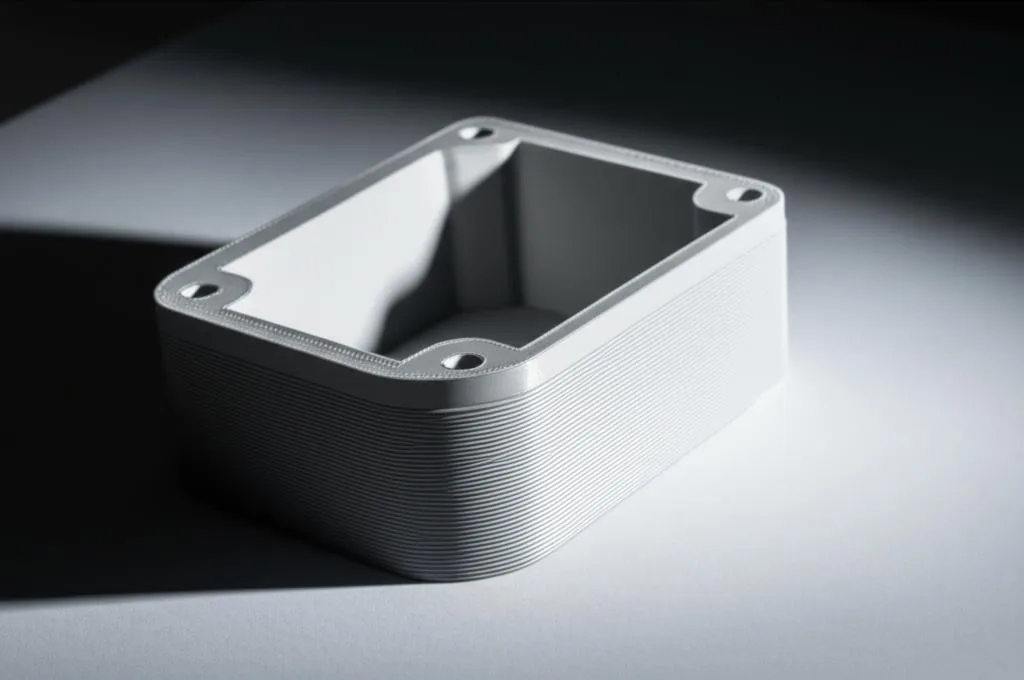
Printing with nylon filaments, while challenging, is incredibly rewarding. The high-performance characteristics of nylon make it indispensable for many engineering applications. By understanding the underlying causes of nylon warping and delamination, and by meticulously applying these advanced strategies – from diligent filament drying and environmental control to precise Nylon settings and robust bed adhesion – you can transform frustrating failures into consistent successes. Patience and systematic print troubleshooting are your best allies on this journey. Embrace the learning curve, and unlock the full potential of this remarkable material.
Frequently asked questions
Do I absolutely need a heated chamber, or can I get away with just an enclosure and a heated bed?
For small parts, a passive enclosure combined with a heated bed at 80–110°C and a brim can work. However, for large parts or engineering-grade nylons, an actively heated chamber (40–70°C or higher) is nearly non-negotiable. Without one, the temperature gradient between layers will almost certainly cause warping, even with perfect bed adhesion.
How long should I dry nylon filament before printing, and can I dry it while it’s in the printer?
Drying typically takes 4–8 hours at 60–80°C in a dedicated dryer or food dehydrator; heavily saturated spools may need longer. You cannot reliably dry filament inside a standard printer enclosure because most printers lack the controlled, sustained low heat and air circulation required. Always dry beforehand and store in an airtight container with desiccant.
My first layer sticks fine, but the print still warps after a few hours. What is the most likely cause?
This is almost always a chamber temperature issue, not a bed adhesion problem. As the print gets taller, the upper layers cool faster than the lower ones, creating internal stresses that pull the corners up. Increase ambient chamber temperature (add an enclosure or active heating), slow your print speed to 30–60 mm/s, and ensure your part cooling fan is set to 20–50% or off entirely for the first 5–10 layers.