In the dynamic world of architecture, engineering, and construction (AEC), professionals rely on a suite of sophisticated software to bring their visions to life. Among the most prominent industry standard 3D tools are Autodesk Revit and Rhino 3D, each carving out its own niche and boasting a loyal following. While both are powerful architectural 3D software solutions, they approach design and documentation from fundamentally different philosophical standpoints. This comparison delves into the core functionalities, cost structures, and ideal use cases for Revit vs Rhino, offering insights to help practitioners discern which tool aligns best with their project requirements and workflow.
Revit: The BIM powerhouse for integrated project delivery
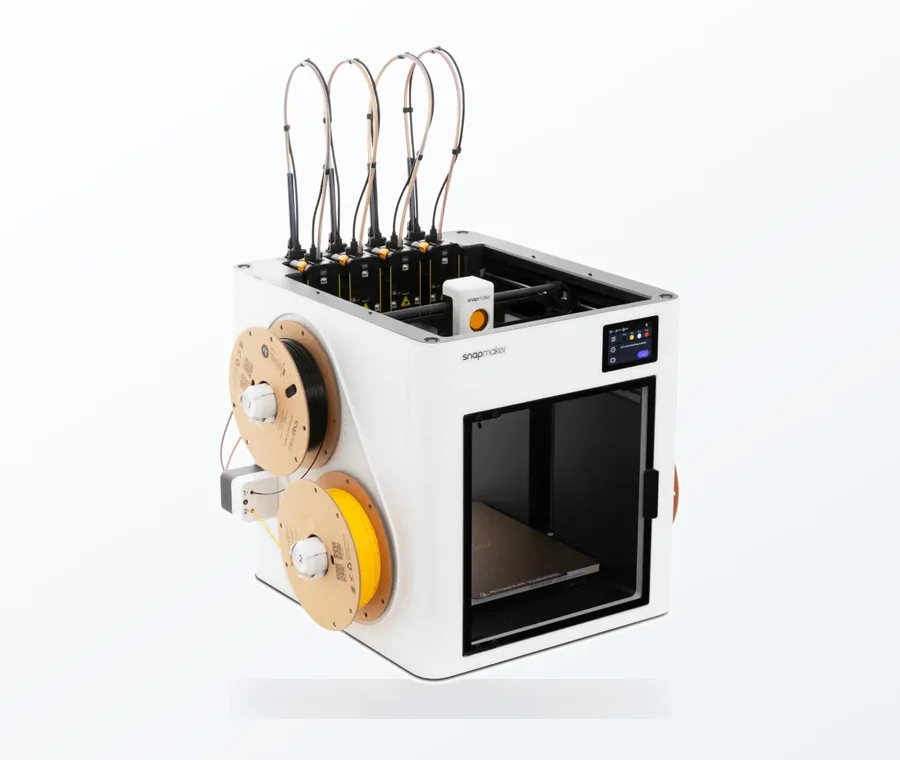
The consumer toolchanger 3D printer: the SnapSwap 4-toolhead system swaps heads in 5 seconds for true multi-color and multi-material printing, with smart calibration and auto filament loading.
- 4 toolheads · 5 s swap
- Up to 500 mm/s · 20,000 mm/s²
- 270 mm cube build volume
- Multi-color & multi-material
Autodesk Revit stands as the undisputed champion of Building Information Modeling (BIM) software. Its strength lies in its ability to create intelligent 3D models that are rich with data, encompassing not just geometry but also information about building components, materials, and systems. This data-centric approach facilitates a highly coordinated and collaborative workflow, making it an indispensable tool for large-scale, complex projects where interdisciplinary coordination is paramount.
Key features and capabilities of Revit
- BIM-centric workflow: Revit excels at creating a unified model where every change in one view (e.g., plan, section, elevation) is automatically updated across all other views and schedules. This dramatically reduces errors and improves consistency.
- Parametric components: While not parametric in the free-form sense of Rhino, Revit’s families (components) are parametric. Users can define parameters for dimensions, materials, and other properties, allowing for quick modifications and variations of standard elements.
- Documentation and scheduling: Its robust documentation tools allow for the automatic generation of construction documents, schedules, and quantity take-offs directly from the model data, streamlining the handover process.
- Collaboration: Worksharing capabilities enable multiple team members to work concurrently on the same model, fostering real-time collaboration among architects, structural engineers, and MEP engineers.
- Analysis tools: Revit integrates with various analysis tools for structural performance, energy analysis, and clash detection, promoting a more sustainable and efficient design process.
Rhino 3D: The parametric design maverick for form exploration

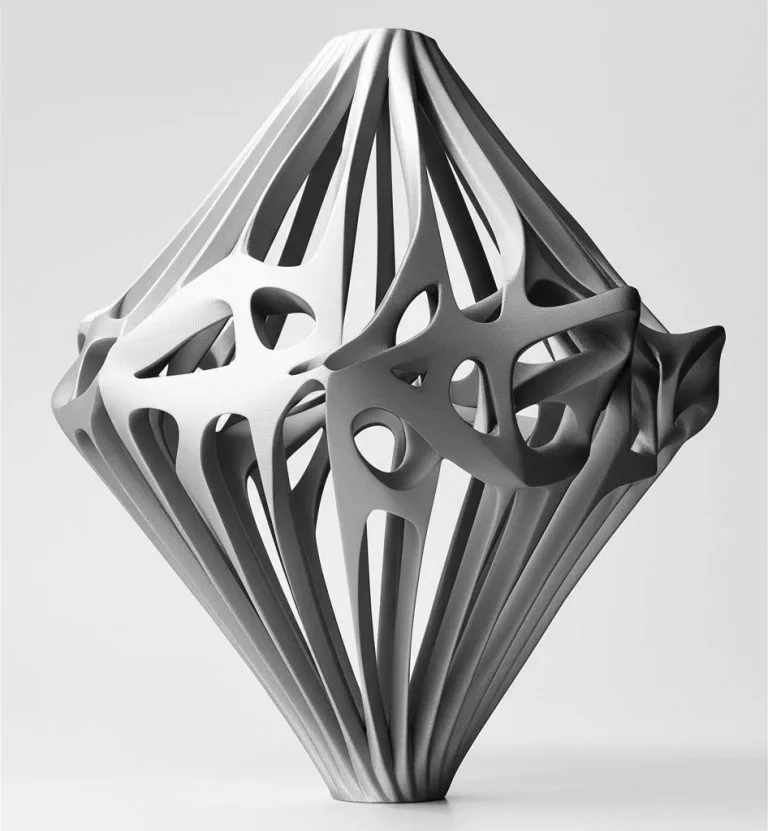
Rhino 3D, developed by Robert McNeel & Associates, is renowned for its unparalleled flexibility in free-form modeling. Built upon NURBS (Non-Uniform Rational B-Splines) geometry, Rhino allows designers to create, edit, analyze, and render complex curves, surfaces, and solids with remarkable precision and fluidity. It’s the go-to choice for architects and designers pushing the boundaries of form, seeking intricate geometries and custom solutions that might be challenging to achieve with traditional BIM software.
Key features and capabilities of Rhino
- NURBS modeling: Rhino’s core strength is its advanced NURBS engine, enabling the creation of organic, highly complex, and precise forms that are difficult to replicate in polygon or BIM-based software.
- Grasshopper: The jewel in Rhino’s crown is Grasshopper, a visual programming editor that allows for powerful parametric design. Users can define relationships and rules between geometric elements, creating generative designs and automating complex modeling tasks without writing code. This is a game-changer for exploring design variations and optimizing forms.
- Versatile file formats: Rhino boasts exceptional interoperability, supporting a vast array of 3D file formats, making it easy to integrate into diverse workflows and exchange data with other software.
- Rendering and visualization: While not its primary focus, Rhino offers capable rendering tools and integrates seamlessly with popular rendering engines like V-Ray, Enscape, and Twinmotion for high-quality visualizations.
- Scripting and customization: With support for Python and other scripting languages, Rhino offers extensive customization options, allowing users to tailor the software to specific needs.
Feature face-off: A deeper dive into Revit vs Rhino
Understanding the fundamental differences in their design philosophies is crucial when comparing Revit vs Rhino. While Revit prioritizes data integrity and construction documentation, Rhino champions design freedom and parametric exploration.
Core modeling philosophy
- Revit: Object-oriented, rule-based BIM. Every element is an intelligent object with associated data, designed for building construction.
- Rhino: Pure geometric modeling. Focuses on manipulating points, curves, and surfaces to create any form imaginable, often independent of construction logic initially.
Design flexibility and complexity
- Revit: Excellent for standard building geometries and repetitive elements. Can handle complex forms to a degree, especially with massing studies, but detailed organic shapes can be cumbersome.
- Rhino: Unrivaled for complex, organic, and non-standard geometries. Grasshopper extends this flexibility exponentially, allowing for algorithmic design and form-finding.
Documentation and data management
- Revit: Superior for generating comprehensive construction documents, schedules, and quantity take-offs directly from the model. Its strength is in managing project data throughout the lifecycle.
- Rhino: Primarily a modeling tool. While it can generate 2D drawings, it lacks the integrated documentation and data management capabilities of a dedicated BIM software. Often paired with other tools for documentation.
Collaboration and interoperability
- Revit: Built for multidisciplinary team collaboration with robust worksharing features. Interoperability within the Autodesk ecosystem is strong, but exporting to other platforms can sometimes require careful handling.
- Rhino: Highly interoperable with a vast array of file formats, making it an excellent bridge between different software platforms. Collaboration is more about file exchange than simultaneous real-time editing within the same model.
Learning curve and user experience
- Revit: Can have a steeper initial learning curve due to its BIM methodology and structured approach. Users need to understand families, systems, and categories.
- Rhino: Generally considered more intuitive for those with a background in 3D modeling, offering a direct manipulation approach. However, mastering Grasshopper introduces its own significant learning curve.
Unpacking the costs: A financial perspective on Revit vs Rhino

When evaluating architectural 3D software, understanding the cost structure is paramount. Both Revit and Rhino represent significant investments, but their licensing models differ considerably.
Revit’s subscription model
Autodesk Revit operates on a subscription-based model. Users typically pay a recurring fee, either monthly or annually, to access the software. This model ensures users always have the latest version and includes access to technical support and cloud services. For firms using multiple Autodesk products, the Autodesk AEC (Architecture, Engineering & Construction) Collection offers a cost-effective bundle, including Revit, AutoCAD, Civil 3D, Navisworks Manage, and other tools, potentially reducing the per-software cost significantly. While the upfront cost is lower than a perpetual license, the cumulative cost over many years can be substantial.
Rhino’s perpetual license
In contrast, Rhino 3D typically offers a perpetual license, meaning you buy the software once and own that version indefinitely. This can represent a lower long-term cost if you’re comfortable not upgrading with every new release. McNeel & Associates does offer paid upgrades for new major versions, which are generally priced lower than a full new license. Rhino also has a very competitive educational license, making it highly accessible for students and academic institutions. While the initial outlay for a perpetual license might be higher than a single year’s Revit subscription, it eliminates ongoing mandatory payments.
Beyond licenses: Hidden costs and considerations
- Training: Both software packages require significant training to master. Factor in costs for courses, tutorials, or in-house expertise development.
- Hardware: High-performance computing hardware is essential for efficient work with complex 3D models in both applications.
- Plugins and extensions: While both have extensive plugin ecosystems, some specialized tools or integrations may incur additional costs (e.g., advanced rendering engines, specific analysis plugins). Grasshopper for Rhino is free and integrated, but many powerful Grasshopper components are developed by third parties and may be paid.
- Support: Autodesk subscriptions typically include support. For Rhino, support is often community-driven or comes with paid service plans.
Who chooses which? Ideal use cases for industry standard 3D tools
The choice between Revit and Rhino often boils down to the specific demands of a project and the overarching philosophy of a design practice.
- Revit is often the preferred choice for:
- Large-scale commercial, institutional, and infrastructure projects.
- Projects requiring extensive documentation, regulatory compliance, and clash detection.
- Multidisciplinary teams needing highly coordinated workflows and data exchange.
- Firms deeply invested in a BIM-centric project delivery methodology.
- Rhino is frequently chosen for:
- Experimental architecture, complex facades, and non-standard building forms.
- Early-stage design exploration, massing studies, and form-finding processes.
- Product design, industrial design, and custom fabrication where intricate surfaces are key.
- Parametric design workflows leveraging Grasshopper for generative design.
- Bridging between different software platforms due to its excellent interoperability.
Making an informed decision: Revit vs Rhino
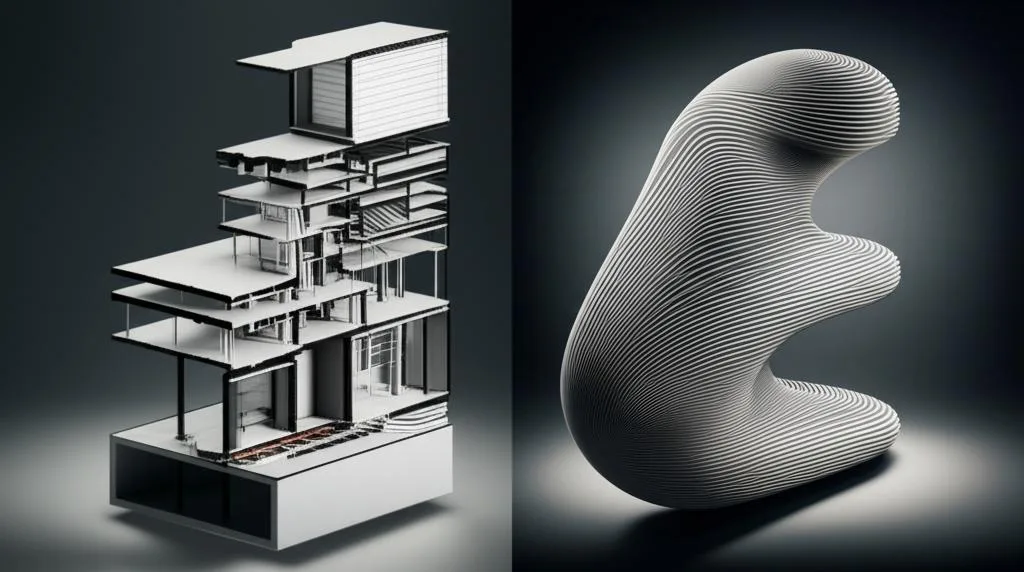
Ultimately, the decision between Revit vs Rhino is not about identifying a ‘better’ software, but rather selecting the tool that best serves your specific needs and objectives. Revit, as a comprehensive BIM software, is the cornerstone for integrated project delivery, data management, and robust documentation in the AEC industry. Rhino, with its unparalleled NURBS modeling and parametric design capabilities via Grasshopper, empowers designers to push the boundaries of form and explore complex geometries with unmatched freedom.
Many advanced practices find value in utilizing both. Rhino might be employed for early conceptual design and complex form generation, with models then refined and integrated into Revit for BIM documentation and construction coordination. By understanding the distinct strengths and cost implications of each, architects and engineers can make an informed decision that optimizes their workflow, enhances their design capabilities, and ensures project success.
Frequently asked questions
Can Rhino and Revit be used together in the same project workflow?
Yes, many advanced practices use both tools together. Rhino is often employed for early conceptual design and complex form generation, and those models are then refined and integrated into Revit for BIM documentation and construction coordination. Rhino’s excellent interoperability with a vast array of 3D file formats makes this data exchange possible.
Which software has a steeper learning curve for a new user?
Revit generally has a steeper initial learning curve due to its BIM methodology, requiring users to understand families, systems, and categories. Rhino is often considered more intuitive for those with a background in 3D modeling, though mastering its Grasshopper parametric design plugin introduces its own significant learning curve.
Is Rhino actually cheaper than Revit in the long run?
It depends on your upgrade habits. Rhino uses a perpetual license—you buy once and own that version indefinitely—which can mean lower long-term cost if you skip upgrades. Revit uses a subscription model requiring ongoing monthly or annual payments. However, both require significant investment in training, high-performance hardware, and potentially paid plugins.