In the intricate world of 3D printing, achieving optimal part strength and durability is often a delicate balancing act. While material selection and printer calibration play significant roles, one of the most overlooked yet profoundly impactful factors is model orientation. The way a 3D model is positioned on the build plate can dramatically influence its mechanical properties, surface finish, and even the efficiency of the printing process itself. Understanding and strategically applying model orientation principles is not merely a ‘nice-to-have’ but a fundamental skill for anyone aiming to produce high-quality, functional, and long-lasting 3D printed parts.
Understanding anisotropic properties in 3D printing
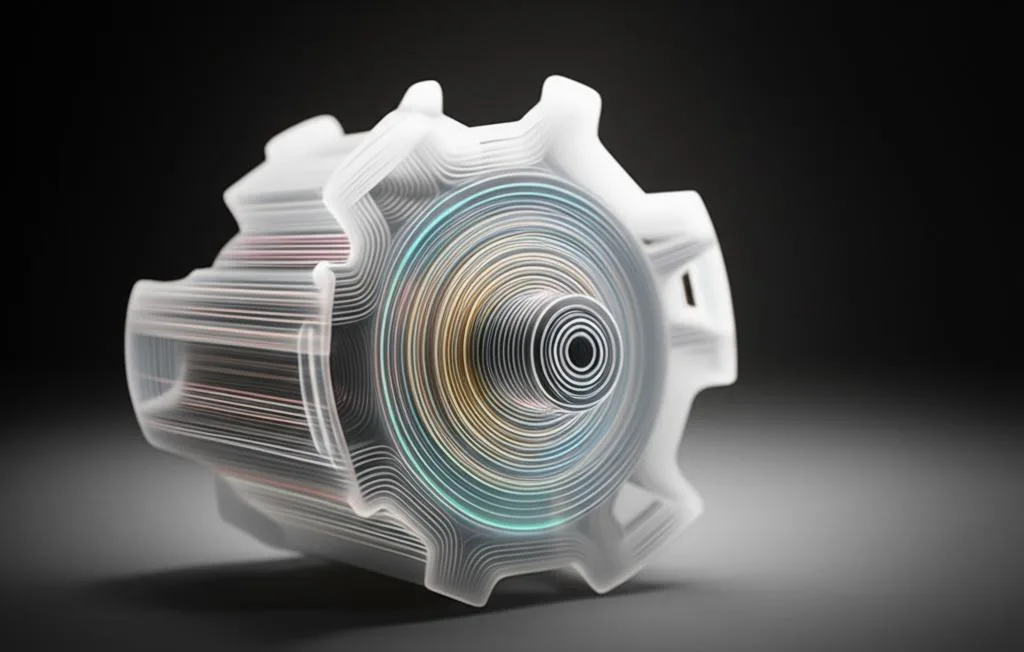
To truly grasp the importance of model orientation, we must first delve into the concept of anisotropy. Unlike traditionally manufactured parts, which often exhibit uniform properties in all directions (isotropic), 3D printed parts, particularly those produced with Fused Deposition Modeling (FDM) or Stereolithography (SLA), are inherently anisotropic. This means their mechanical properties — such as tensile strength, compressive strength, and flexural strength — vary significantly depending on the direction of the applied force relative to the print layers.
- Layer Adhesion: In FDM, parts are built layer by layer. The bond between these layers, known as layer adhesion, is typically the weakest point. Forces applied parallel to the print layers (e.g., trying to pull layers apart) will reveal this weakness more readily than forces applied perpendicular to the layers.
- Material Deposition: For SLA/DLP, while layer adhesion is generally stronger than FDM, the cured resin layers can still have preferential directions of strength, and the ‘peel’ forces during printing can introduce internal stresses.
This inherent anisotropy means that a part designed to withstand a specific load will perform vastly differently if oriented incorrectly, potentially leading to premature failure even if printed with strong materials. Strategic model orientation aims to align the strongest axes of the printed part with the expected directions of stress and load in its intended application.
The core of model orientation: Why it matters
The impact of model orientation permeates every aspect of the 3D printing workflow, from design validation to post-processing. Its significance cannot be overstated when the goal is to produce robust and reliable parts.
Direct impact on mechanical properties
The primary reason for meticulous orientation is to optimize the part’s mechanical performance. By understanding where the forces will be applied during the part’s use, you can orient the model so that the strongest bonds (within layers) bear the brunt of the load, rather than the weaker layer adhesion points. For instance, a part designed to be pulled in a specific direction should ideally have its layers oriented perpendicular to that pulling force, maximizing resistance to delamination.
Influence on stress distribution
Proper orientation helps distribute stress more evenly across the part. Poor orientation can concentrate stress at specific layer interfaces, creating critical failure points. This is particularly crucial for parts undergoing cyclic loading or fatigue, where even small imperfections can propagate into catastrophic failures over time.
Minimizing print failures and improving reliability
Beyond strength, orientation also impacts print reliability. Parts with large overhangs or insufficient contact area with the build plate are prone to warping, detachment, or support structure failures. A well-chosen orientation can mitigate these risks, ensuring a higher success rate for complex prints.
Key factors influenced by model orientation
The decision of how to orient a model is a multi-faceted one, requiring consideration of several interconnected factors:
Print strength and part durability
- Layer Adhesion Strength: As discussed, this is paramount. Orienting the part to align the strongest layer bonds with anticipated load directions is critical for maximizing overall print strength and part durability.
- Stress Distribution: Proper orientation helps to distribute stresses more evenly, preventing localized failure points.
- Fatigue Resistance: Parts subjected to repeated stress cycles will benefit significantly from an orientation that minimizes stress concentrations at layer interfaces.
Surface finish
- Stair-Stepping Effect: Curved or angled surfaces printed with FDM will exhibit a ‘stair-stepping’ effect due to the discrete nature of layers. Orienting these surfaces to be as vertical as possible can minimize this effect, leading to a smoother finish.
- Support Structure Impact: Surfaces that require supports will often have a rougher finish where the supports were attached. Strategic orientation can hide these support marks on non-critical surfaces or minimize the need for supports on aesthetically important areas.
Support requirements
- Overhangs and Bridges: Gravity is an enemy of overhangs. Orienting a part to minimize the angle and length of unsupported features reduces the need for support material.
- Material Waste and Post-Processing: More supports mean more material consumption and more time spent removing supports and finishing the part. An optimized orientation can significantly reduce both.
Print time and cost
- Layer Height vs. Print Time: While not directly orientation-dependent, orientation can influence how much of the part can be printed with larger layer heights without compromising critical features.
- Material Consumption (Supports): Fewer supports directly translate to less material used, reducing overall print cost.
- Machine Wear: Shorter print times due to optimized orientation can also contribute to less wear and tear on the printer over its lifespan.
Strategies for optimizing model orientation
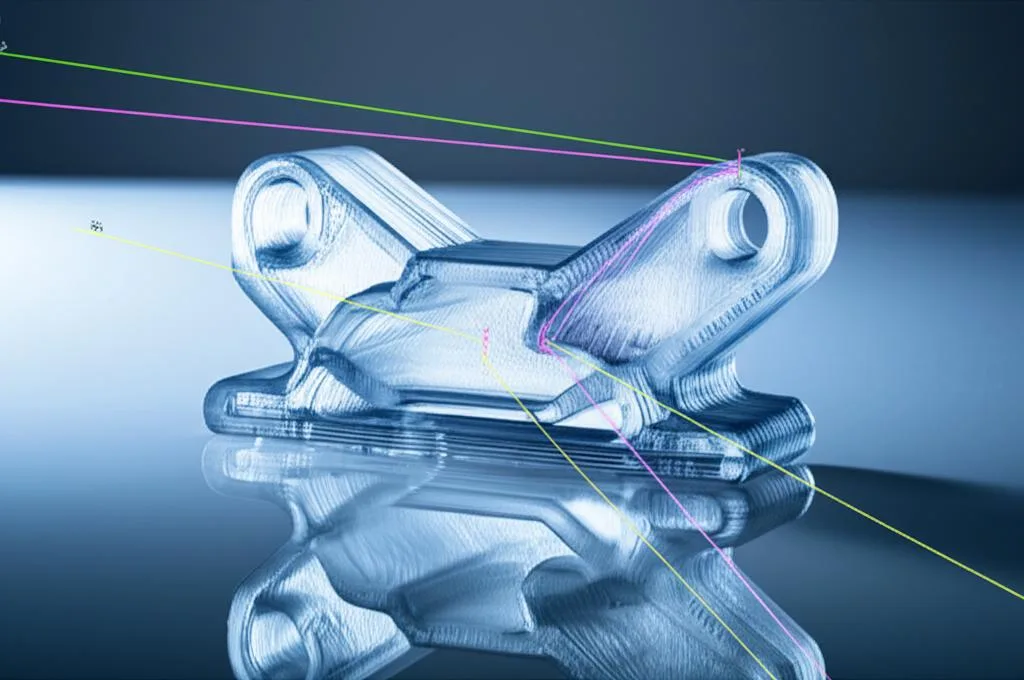
Approaching model orientation systematically can yield superior results. It’s not just about trial and error; it’s about informed decision-making.
Identifying critical stress axes
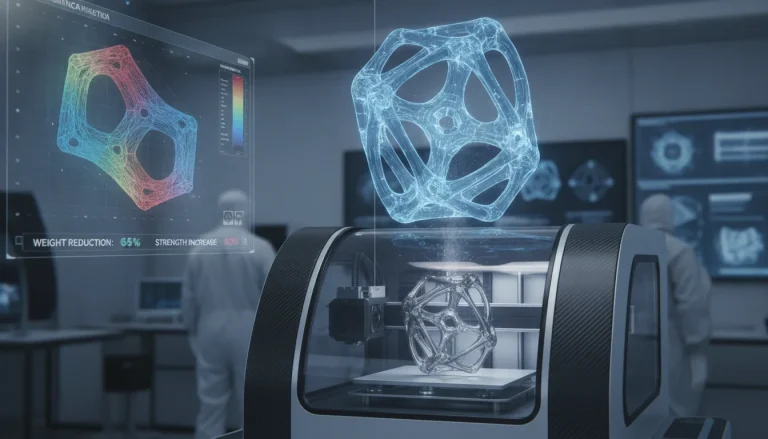
The first step is always to understand the part’s function. Where will the forces act? Will it be under tension, compression, bending, or torsion? Visualizing these forces will guide your orientation decisions. For complex parts, engineers might use Finite Element Analysis (FEA) software to simulate stress distribution, providing invaluable data for optimal orientation.
Aligning layers with load
For FDM, the golden rule is often to orient the part so that the primary load-bearing direction is perpendicular to the print layers. This leverages the strength of the fused plastic lines rather than relying solely on the weaker layer adhesion. If a part needs to withstand a strong pulling force along its length, orient it vertically so the layers run across the pull, not along it. Conversely, if a part needs to resist bending, orient it such that the bending force is applied across multiple layers, distributing the stress.
Minimizing overhangs and maximizing contact area
From a printability standpoint, try to orient the model to minimize steep overhangs (angles greater than 45-60 degrees, depending on the printer and material). This reduces the need for support structures, saving material and post-processing time. Simultaneously, maximize the contact area between the first layer and the build plate to improve adhesion and prevent warping.
Balancing multiple objectives
Rarely will a single orientation perfectly optimize all factors. You’ll often face trade-offs:
- An orientation that maximizes print strength might require more supports, leading to a rougher surface finish and longer print times.
- An orientation that minimizes supports might compromise part durability in critical areas.
- An orientation for the best surface finish might extend print time considerably.
The key is to prioritize based on the part’s most critical requirements. If strength is paramount, accept compromises on surface finish or print time. If aesthetics are key, consider post-processing options to refine areas affected by supports.
Specific considerations for different 3D printing technologies
While the core principles of model orientation remain consistent, their application varies significantly depending on the 3D printing technology used.
Fused Deposition Modeling (FDM)
FDM technology, which builds parts by extruding molten thermoplastic layer by layer, is highly susceptible to anisotropic properties. The bond between layers is typically the weakest point, making the Z-axis (vertical direction) the most vulnerable to delamination under tensile or shear forces.
- Z-axis Strength: Always consider how forces will act on the part relative to its Z-axis. If a part needs to withstand significant force along its vertical axis, orienting it horizontally can dramatically improve its strength by aligning the internal filament lines with the force.
- Overhangs: FDM struggles with large, unsupported overhangs. Orienting the part to minimize these, or to place them where supports are easily removable and less critical, is essential.
- Warping: Large, flat surfaces in contact with the build plate are prone to warping. Sometimes, orienting the part at an angle can reduce the likelihood of warping, even if it introduces more supports.
Stereolithography (SLA) and Digital Light Processing (DLP)
SLA and DLP technologies cure liquid resin using UV light. While these parts generally have better isotropic properties than FDM, orientation is still crucial, primarily due to peel forces and support requirements.
- Peel Forces: As each layer is cured, the build plate (or vat) separates from the cured layer, creating a ‘peel’ force. Orienting the part to minimize the cross-sectional area of each layer being peeled reduces these forces, preventing layer separation or print failures. Tilting the part at an angle (e.g., 45 degrees) is a common strategy.
- Support Placement: Supports are often necessary for overhangs and to prevent parts from detaching during the peel process. Strategic placement can minimize marks on critical surfaces.
- Hollow Parts: For hollow SLA/DLP prints, drainage holes must be oriented to allow uncured resin to escape, preventing internal pressure buildup and reducing material waste.
Material Jetting/Binder Jetting
These technologies generally produce parts with more isotropic properties compared to FDM or SLA, as the binding or curing process occurs more uniformly throughout the material. However, orientation still plays a role, especially for surface quality and support considerations.
- Surface Quality: While less prone to stair-stepping, orienting parts to minimize complex geometries facing upwards can still improve the overall surface finish, especially for features that rely on fine detail.
- Powder Removal (Binder Jetting): For binder jetting, orientation can affect how easily unfused powder can be removed from internal channels or complex geometries during post-processing.
Tools and software for model orientation
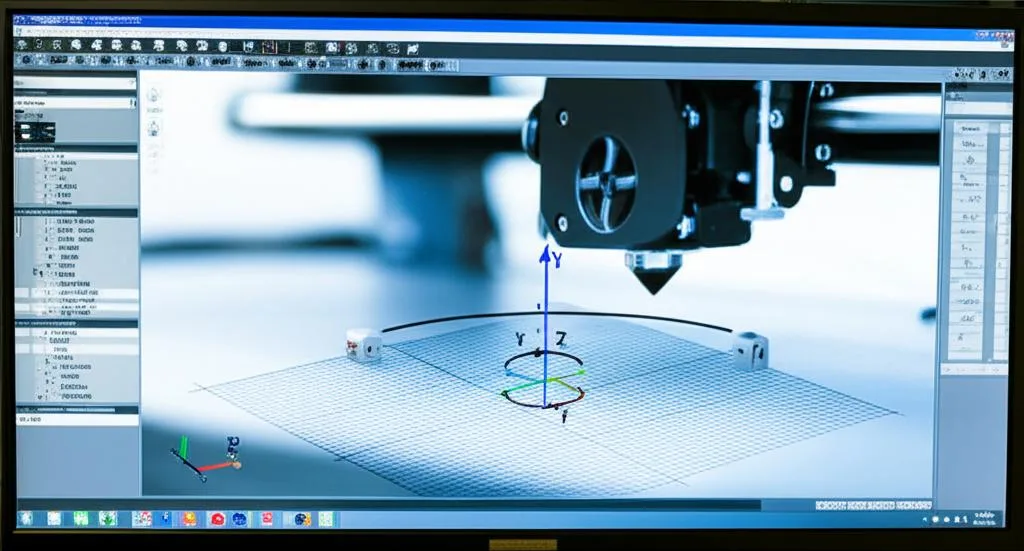
Modern 3D printing software has evolved to assist users in making informed orientation decisions, moving beyond simple manual rotation.
Slicer software features
Almost all slicer software (e.g., Cura, PrusaSlicer, Simplify3D, Lychee Slicer, Chitubox) offers robust tools for model manipulation:
- Manual Rotation: The most basic function, allowing users to rotate models around X, Y, and Z axes. This is the primary tool for custom orientation.
- Auto-Orientation: Many slicers include algorithms that attempt to automatically orient a part based on predefined criteria (e.g., minimize supports, maximize contact area, reduce print time). While helpful for quick prints, these algorithms don’t always consider specific load conditions or critical aesthetic surfaces, so manual adjustment is often necessary.
- Support Generation Previews: Visualizing where supports will be generated helps in refining orientation to reduce their quantity and placement on critical surfaces.
- Overhang Analysis: Tools that highlight overhangs based on angle thresholds can guide users to problematic areas that need re-orientation or additional support.
CAD software for design analysis
Before even reaching the slicer, Computer-Aided Design (CAD) software can be invaluable. Designers can:
- Simulate Load Conditions: Using built-in or plugin-based FEA tools, designers can apply virtual loads to their models to identify stress concentrations. This data directly informs the optimal orientation.
- Design for Additive Manufacturing (DfAM): Good design practices in CAD can reduce the challenges of orientation. For instance, designing with self-supporting angles or incorporating features that facilitate easier support removal can make orientation less critical.
Simulation tools (FEA)
For high-stakes applications, advanced simulation software offers precise insights into how a part will behave under various stresses. While often complex and requiring specialized knowledge, these tools can:
- Predict Failure Points: Accurately identify areas most likely to fail under specific load conditions.
- Optimize Orientation for Strength: Suggest orientations that distribute stress most effectively, leveraging the part’s inherent anisotropic properties.
Case studies and examples
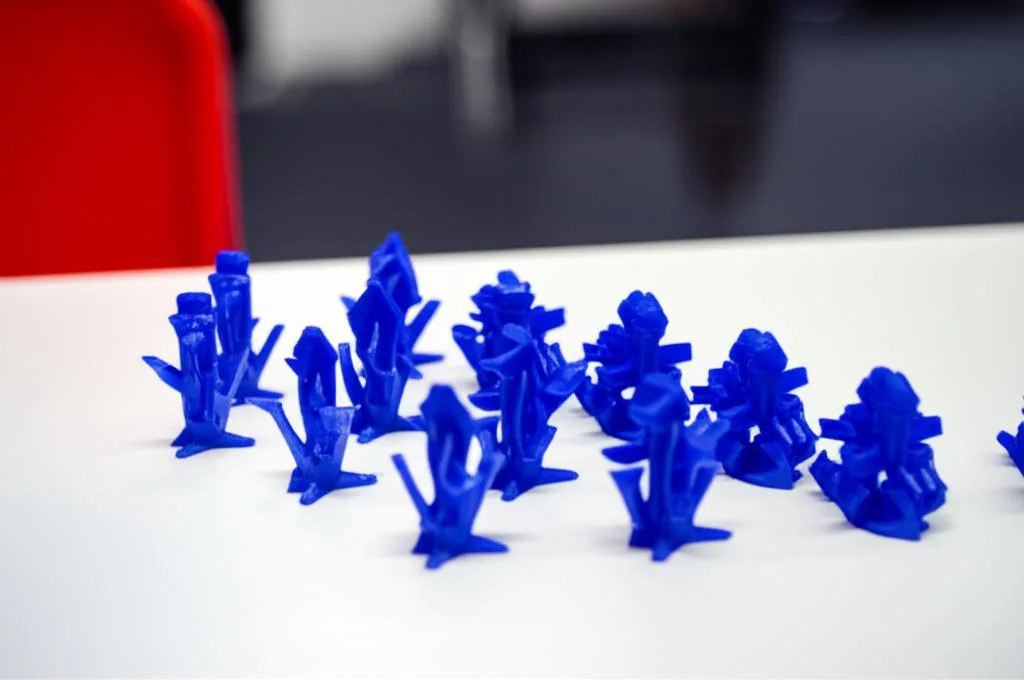
Let’s consider a few practical scenarios to illustrate the power of strategic model orientation:
A simple hook
- Incorrect Orientation: If a hook is printed lying flat on its side (layers parallel to the direction of the pulling force), the weight it can hold will be limited by the weakest layer adhesion. The layers will want to delaminate as the hook is pulled downwards.
- Correct Orientation: Printing the hook standing upright, with the layers perpendicular to the pulling force, dramatically increases its strength. The load is now borne by the fused plastic lines themselves, not just the layer bonds. This is a classic example of optimizing for print strength.
A structural bracket
- Incorrect Orientation: A bracket designed to support a horizontal load might be printed flat. While this minimizes supports, the horizontal load could cause the layers to shear or delaminate easily.
- Correct Orientation: Orienting the bracket at an angle (e.g., 45 degrees) or even vertically, depending on the load, can significantly improve its resistance to bending and shear forces. This might introduce more supports, but the gain in part durability is often worth it.
A gear or cogwheel
- Incorrect Orientation: Printing a gear flat on the build plate might seem intuitive. However, the gear teeth, which experience significant shear and bending forces during operation, would be weakest at their layer lines.
- Correct Orientation: Printing the gear vertically on its side (like a coin) ensures that the layers run perpendicular to the forces on the teeth, maximizing their strength and resistance to breakage. This is another prime example of considering anisotropic properties.
Advanced tips and best practices
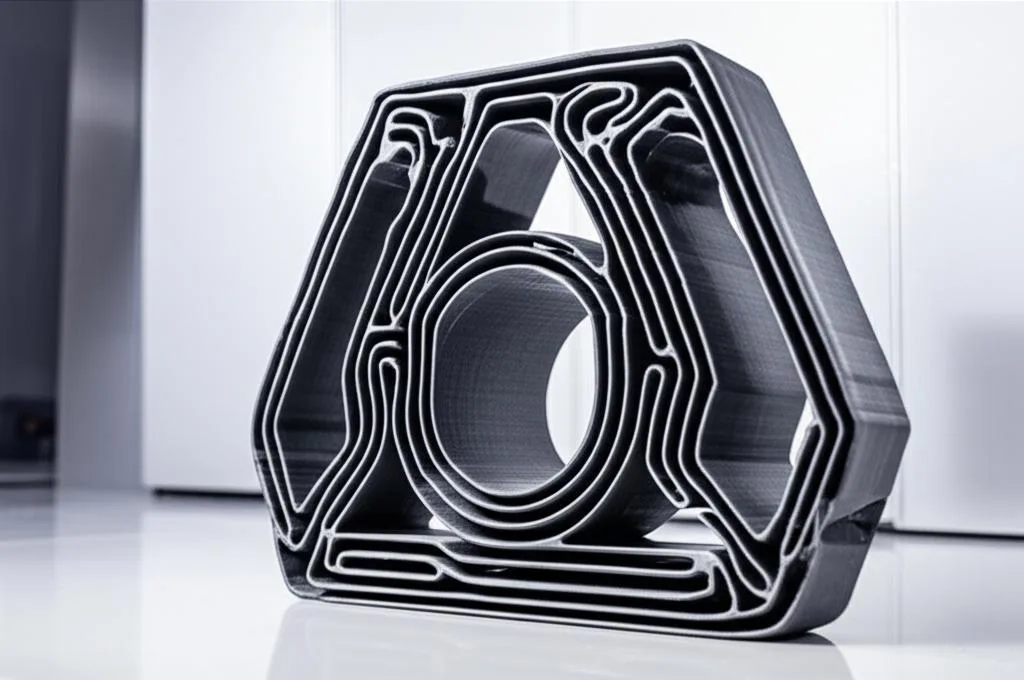
Beyond the fundamental strategies, incorporating advanced techniques can further refine your orientation process and elevate your 3D printing results.
Iterative testing
For critical applications, don’t rely solely on theoretical optimization. Print several prototypes with different orientations and test them under realistic load conditions. This empirical approach provides invaluable data and helps validate your orientation choices. Start with small, representative sections of your part for quicker, more cost-effective testing.
Understanding material properties
Different materials exhibit varying degrees of anisotropy. For instance, some engineering-grade filaments (like carbon fiber reinforced composites) might have more robust layer adhesion than standard PLA or ABS, slightly reducing the impact of orientation on strength, but not eliminating it. Always consult material data sheets and manufacturer recommendations.
Considering post-processing
If post-processing (sanding, painting, vapor smoothing) is planned, factor this into your orientation. Areas that will be heavily post-processed can tolerate more support marks. Conversely, highly detailed or aesthetically critical surfaces should be oriented to minimize support contact, even if it means slightly more overall support material.
Documentation of successful orientations
For recurring parts or similar designs, keep a record of successful orientations, including the rationale behind the choice, the material used, and the observed performance. This creates a valuable internal knowledge base, saving time and improving consistency for future prints. This is a key 3D printing tip for any professional workflow.
Utilizing support blockers and enforcers
Many slicers offer tools to manually add or remove supports in specific areas. This allows for fine-tuning an otherwise good orientation by adding support only where absolutely necessary, or removing it from critical surfaces where its presence would be detrimental to aesthetics or functionality.
Considering thermal effects (for FDM)
For large parts or materials prone to warping, consider how the part’s geometry interacts with the build plate’s heat. Orienting a part to minimize thermal gradients across its footprint can reduce warping, even if it means a slight compromise on other factors. This is particularly relevant for materials like ABS.
Hollowing and infill patterns
While not strictly orientation, these factors are closely related to part strength. For parts oriented for strength, consider infill patterns and densities that complement the load direction. For example, a rectilinear infill might be oriented to align its strongest lines with the primary stress direction. Hollowing parts (especially in SLA/DLP) can save material, but requires careful consideration of wall thickness and drainage hole placement, which are directly impacted by orientation.
In conclusion, mastering model orientation is a cornerstone of advanced 3D printing. It’s a strategic decision that bridges the gap between digital design and physical reality, profoundly impacting a part’s mechanical performance, visual quality, and overall printability. By understanding the anisotropic properties inherent in additive manufacturing and systematically evaluating the trade-offs between strength, surface finish, and print efficiency, you can unlock the full potential of your 3D printer. This thoughtful approach to orientation ensures that your 3D printed objects are not just visually accurate, but truly durable, functional, and fit for purpose, delivering optimal print strength and lasting part durability. Embrace these 3D printing tips to elevate your creations from mere prototypes to robust, high-performance components.
Frequently asked questions
Will orienting a part vertically always make it stronger?
No. While vertical orientation often improves tensile strength along the Z-axis by aligning filament lines with the load, it can weaken the part against other forces. For example, a vertically printed hook resists pulling well, but a vertical bracket may fail under bending or shear loads if the layers delaminate. Always align the strongest axis (within layers) with the primary direction of applied force for your specific use case.
Does model orientation matter for resin (SLA/DLP) printers as much as for FDM?
Yes, but for different reasons. Resin parts have better layer adhesion than FDM, so orientation primarily affects print success rather than strength. Tilting the model at 45 degrees reduces peel forces on each layer, preventing detachment, and ensures uncured resin can drain from hollow parts. Orientation also determines where support marks appear on the final surface finish.
Can I rely on my slicer’s auto-orientation for strong parts?
Only for basic prints. Auto-orientation algorithms typically minimize supports or print time, not maximize strength under specific loads. For functional parts, manually identify where forces will act (tension, bending, torsion) and orient layers perpendicular to the main load direction. Use auto-orientation as a starting point, then adjust based on your part’s critical stress axes and surface requirements.