Few things are as frustrating in the world of 3D printing as watching your carefully prepared print job start to lift from the build plate, its corners curling upwards in a phenomenon known as PLA warping. For beginners, this common issue can be a significant roadblock, turning excitement into exasperation. But fear not, aspiring makers! Understanding and conquering PLA warping, particularly through superior bed adhesion, is a fundamental skill that will unlock a world of successful prints. This guide aims to demystify the problem, explore its root causes, and provide you with a comprehensive arsenal of solutions to keep your prints firmly rooted to the print bed.
Understanding the enemy: What is PLA warping?
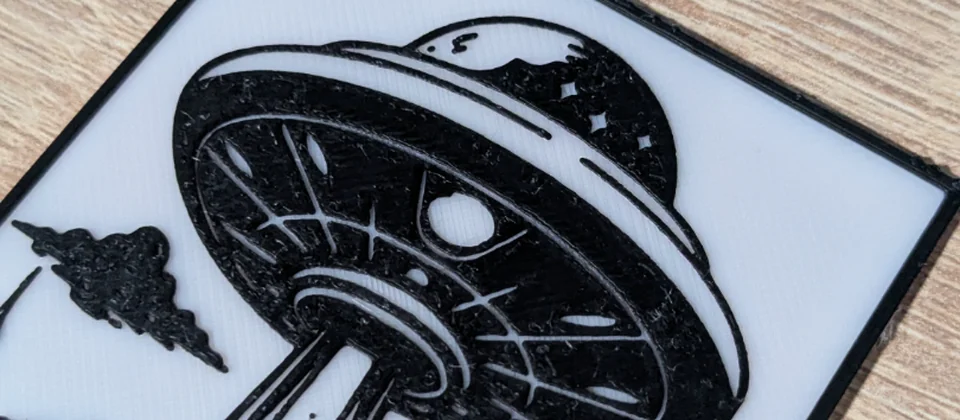
Every model we design and test gets uploaded as a free STL – browse the full profile on MakerWorld.
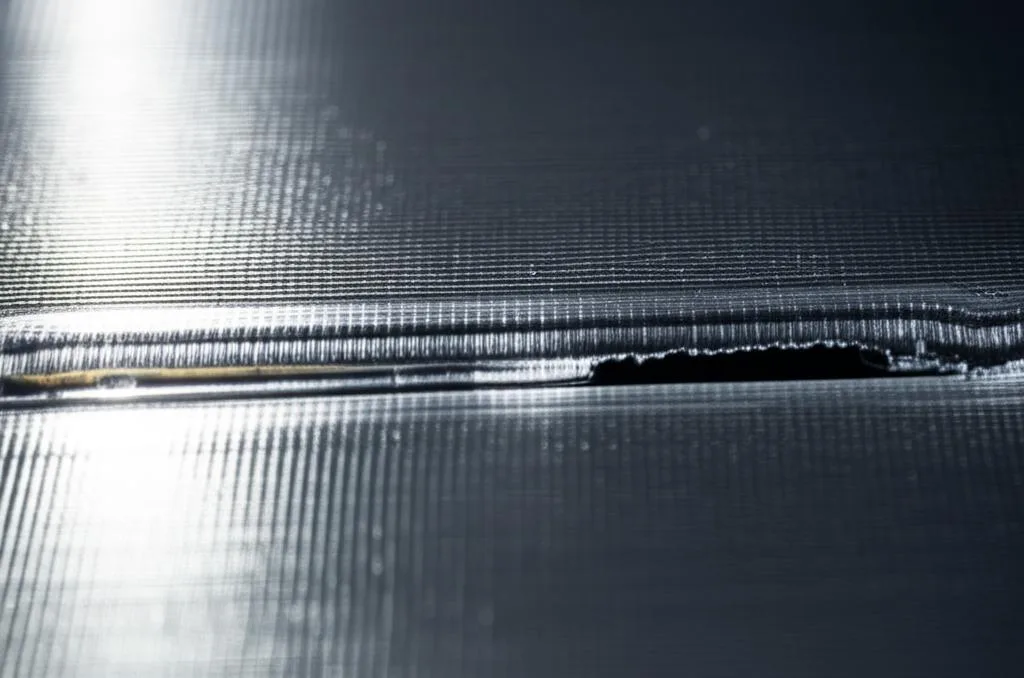
At its core, PLA warping, often referred to as ‘curling’ or ‘lifting,’ is a result of thermal contraction. As your 3D printer lays down molten plastic, it’s hot – typically around 200°C. Once deposited onto the cooler print bed, or as subsequent layers cool in the ambient air, the plastic contracts. This is a natural property of most materials, but in 3D printing, it creates internal stresses within the printed part. When these stresses become too great, especially at the edges of a print, they can overcome the adhesive forces holding the print to the bed, causing the corners to lift upwards. This lifting not only ruins the aesthetic appeal of your print but can also lead to structural weaknesses, layer shifting, and even complete print failure.
The severity of warping is influenced by several factors, including the size and geometry of the print (larger, flatter prints with sharp corners are more susceptible), the material properties of the filament, and, crucially, the temperature differential between the hot extruded plastic and its surrounding environment. For PLA, while generally considered an easier material to print with, warping can still occur if conditions aren’t optimized.
The foundation: The importance of bed adhesion
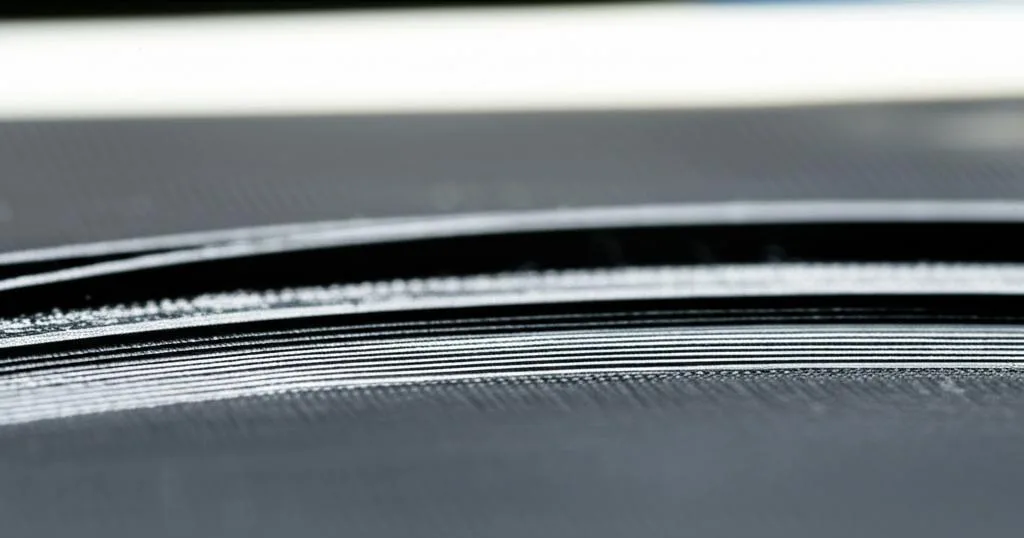
Think of your print bed as the foundation of a house. If the foundation is weak, unstable, or improperly prepared, the entire structure is compromised. In 3D printing, the first layer is the most critical. It’s the point of contact between your print and the build plate, and its successful adhesion dictates the success of every subsequent layer. Excellent bed adhesion ensures that the first layer forms a strong, consistent bond with the print surface, resisting the contracting forces that lead to warping. When this bond is weak, even minor stresses can cause the print to detach, leading to the tell-tale signs of warping.
Achieving optimal bed adhesion isn’t a one-size-fits-all solution; it’s a combination of proper printer calibration, environmental control, and sometimes, the use of adhesion aids. Mastering this aspect of 3D printing is arguably the most impactful step you can take towards consistent, high-quality prints.
Root causes of PLA warping
To effectively combat PLA warping, it’s essential to understand its various potential causes. Often, it’s not a single factor but a combination of issues contributing to the problem. Let’s break down the common culprits:
Temperature differentials
- Inconsistent or incorrect heated bed temperature: A heated bed is crucial for PLA as it helps keep the base of the print warm, reducing the temperature differential between the print and the bed. If the bed temperature is too low, the plastic cools too quickly. If it’s too high, some surfaces might lose adhesion.
- Ambient temperature and drafts: Cold air currents hitting your print can cause rapid, uneven cooling, exacerbating thermal contraction. An open window, an air conditioning vent, or even just a cool room can be detrimental.
- Aggressive cooling fans: While cooling is necessary for PLA’s detail and bridging, applying too much fan speed on the initial layers can cool the plastic too rapidly before it has a chance to properly adhere and bond to the bed, leading to lifting.
Print bed issues
- Poor bed leveling: If the print bed isn’t perfectly level, or the nozzle is too far or too close to the bed, the first layer won’t be laid down consistently. An inconsistent first layer is a weak first layer.
- Dirty print surface: Oils from fingerprints, dust, or residual adhesive from previous prints can create a microscopic barrier between your print and the bed, severely compromising adhesion.
- Incompatible surface material: Not all print surfaces are created equal for PLA. Some materials naturally offer better adhesion than others, while some might require additional aids.
Printer settings (slicer settings)
- First layer height and width: An optimal ‘squish’ of the first layer is vital. If the layer is too thin, it may not have enough surface area to adhere. If it’s too thick, it might not spread sufficiently.
- Print speed for the first layer: Printing the first layer too quickly doesn’t allow enough time for the molten plastic to properly bond with the print surface.
- Infill density: High infill density can create more internal stress within the print, potentially contributing to warping.
- Lack of adhesion aids: Slicer features like brims and rafts are specifically designed to increase the surface area of the first layer, providing a stronger grip.
Filament quality and storage
- Moisture absorption: PLA, like many filaments, can absorb moisture from the air. Moist filament can lead to inconsistent extrusion, bubbles, and poor layer adhesion, indirectly affecting bed adhesion.
- Inconsistent filament diameter: Poor quality filament with varying diameters can lead to inconsistent extrusion, resulting in a patchy first layer and weak adhesion.
Comprehensive solutions for superior bed adhesion
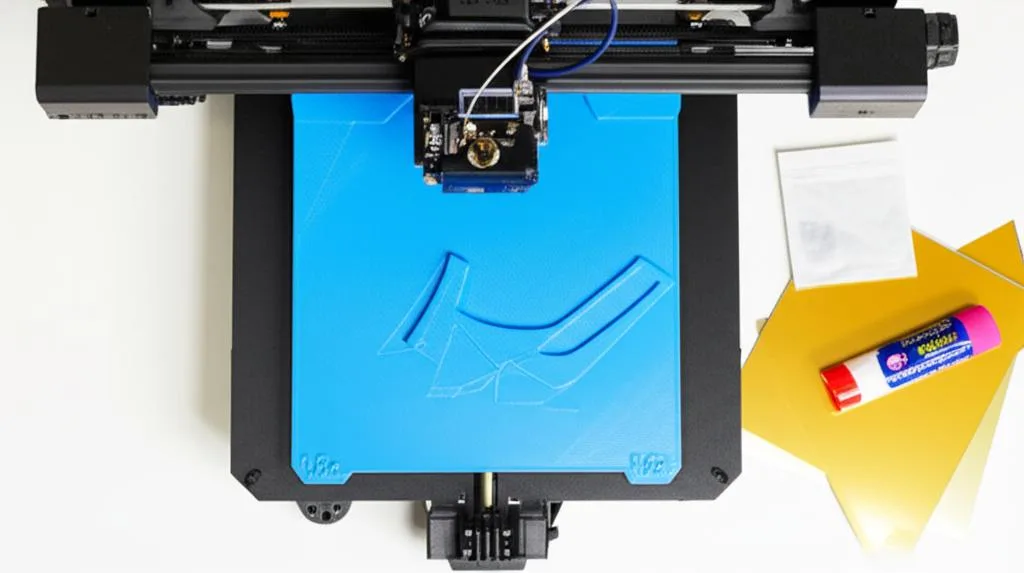
Tackling PLA warping requires a multi-pronged approach, focusing on optimizing your printer, your environment, and your print settings. Here’s a detailed breakdown of effective strategies:
A. Print bed preparation and maintenance
1. Leveling the print bed
A perfectly level print bed is non-negotiable for consistent first layer adhesion. The goal is to ensure the nozzle maintains a consistent distance from the print surface across its entire printable area.
- Manual leveling: Most entry-level printers require manual leveling. This typically involves adjusting screws at the corners of the bed while moving the nozzle to specific points. The ‘paper test’ is a common method: slide a piece of standard printer paper between the nozzle and the bed. Adjust the bed until you feel a slight drag on the paper. Repeat this process at multiple points (e.g., four corners and the center) until the drag is consistent across the entire bed.
- Automatic bed leveling (ABL): Many modern printers come equipped with ABL sensors (e.g., BLTouch, CRTouch, inductive sensors). These systems probe the bed at multiple points and create a mesh compensation map, allowing the printer to adjust its Z-axis height dynamically during printing to account for minor bed irregularities. While ABL automates the process, it’s still crucial to ensure your physical bed is as level as possible and that your Z-offset (the distance between the probe trigger point and the actual nozzle tip) is accurately calibrated.
- Importance of consistent Z-offset: Even with a perfectly level bed, if your Z-offset is incorrect, your first layer will suffer. Too high, and the plastic won’t squish enough, leading to poor adhesion. Too low, and the nozzle will scrape the bed, potentially damaging it and preventing proper extrusion. Fine-tuning your Z-offset, often done during the first layer of a test print, is critical.
2. Cleaning the print bed
A pristine print surface is paramount. Even invisible residues can dramatically reduce adhesion.
- Isopropyl alcohol (IPA): A go-to cleaner for most print surfaces (glass, PEI, magnetic plates). Use 70% or 90%+ IPA on a clean, lint-free cloth. Wipe down the bed when it’s cool or slightly warm (around 40°C) to facilitate evaporation.
- Soap and water: For more stubborn grime, particularly on glass or PEI, a thorough wash with dish soap and warm water can be effective. Ensure the bed is completely rinsed and dried before reattaching it to the printer.
- Acetone: Use with extreme caution. While effective for some surfaces (like bare glass), acetone can damage or dissolve certain coatings (like PEI or proprietary build surfaces). Always check your printer’s manual or the build plate manufacturer’s recommendations before using acetone.
- Frequency of cleaning: Clean your bed before almost every print, or at least after every few prints, especially if you’ve touched the surface.
3. Choosing the right print surface
Different print surfaces offer varying degrees of adhesion and ease of use. Understanding their characteristics can help you choose the best option for your needs.
- Glass (Borosilicate or Tempered):
- Characteristics: Extremely flat, provides a perfectly smooth bottom finish, durable, and relatively inexpensive.
- Adhesion: Can be challenging for PLA on its own, often requiring adhesion aids.
- Maintenance: Easy to clean with IPA or soap and water.
- Considerations: Slower to heat up and cool down compared to other surfaces. Prints can be difficult to remove if adhesion is too strong (can chip glass).
- PEI (Polyetherimide) Sheets (Smooth or Textured/Powder-Coated):
- Characteristics: Known for excellent adhesion when heated and easy release when cooled. Available as flexible magnetic sheets or rigid sheets applied to glass/aluminum.
- Adhesion: Often considered the gold standard for PLA, providing strong adhesion without additional glues.
- Maintenance: Clean with IPA. Avoid acetone on smooth PEI as it can degrade the surface over time.
- Considerations: Higher initial cost than glass. Smooth PEI can show minor scratches over time. Textured PEI offers a unique bottom finish and good durability.
- BuildTak / Proprietary Surfaces:
- Characteristics: Many printers come with their own branded build surfaces, often a plastic sheet with a slightly textured finish.
- Adhesion: Generally good for PLA, designed to work well with the specific printer.
- Maintenance: Typically cleaned with IPA. Specific instructions vary by manufacturer.
- Considerations: Can wear out over time, requiring replacement. Replacement sheets can be proprietary and more expensive.
- Magnetic Flexible Plates (often PEI or similar coating):
- Characteristics: Consist of a magnetic base stuck to the heated bed and a flexible steel sheet (often coated with PEI or a similar material) that adheres magnetically.
- Adhesion: Adhesion depends on the coating (e.g., PEI). The main advantage is effortless print removal by simply flexing the plate.
- Maintenance: Clean with IPA.
- Considerations: Can be scratched if aggressive tools are used. The magnetic base needs to be applied carefully.
- Blue Painter’s Tape (e.g., Scotch Blue Original Painter’s Tape):
- Characteristics: An inexpensive and readily available option, often applied directly to a bare aluminum or glass bed.
- Adhesion: Provides a good textured surface for PLA to adhere to.
- Maintenance: Replace tape when it shows wear or loses adhesion.
- Considerations: Can leave adhesive residue. Applying it smoothly without bubbles or overlaps can be tedious. The texture of the tape will be visible on the bottom of the print.
B. Optimizing printer settings (slicer settings)
Your slicer software is a powerful tool for combating warping. Adjusting specific settings can significantly improve bed adhesion.
1. Bed temperature
For PLA, a heated bed is highly recommended. It helps keep the initial layers warm, minimizing the temperature differential.
- Optimal range: Typically 50-70°C for PLA. Experiment within this range. A common starting point is 60°C.
- Experimentation: Different PLA brands and even colors can behave slightly differently. Start with your filament manufacturer’s recommendations and adjust in 5°C increments.
- Heat soak time: Allow your heated bed to reach its target temperature and stabilize for a few minutes before starting the print. This ensures the entire surface is uniformly heated.
2. First layer settings
These settings are crucial for creating a strong bond.
- First layer height: Consider making your first layer slightly thicker than subsequent layers (e.g., 0.24mm for a 0.2mm layer height print). This allows for more material to be ‘squished’ onto the bed, increasing contact area.
- First layer line width/extrusion multiplier: Slightly over-extruding the first layer (e.g., 110-120% flow for the first layer) can also help. This forces more plastic out, creating a wider, flatter bead that adheres better.
- First layer speed: Slow down the first layer significantly. A speed of 10-20 mm/s is often recommended. This gives the molten plastic more time to bond with the print surface and cool slightly, reducing internal stresses.
3. Cooling settings
While cooling is essential for PLA, it needs to be managed carefully on the first few layers.
- Fan speed for initial layers: Turn off your part cooling fan for the first 3-5 layers. This allows the plastic to remain warmer for longer, promoting better adhesion to the heated bed and between the initial layers.
- Gradual ramp-up of fan speed: After the initial layers, gradually increase the fan speed over several subsequent layers until it reaches your desired setting for the rest of the print.
4. Adhesion aids (slicer-generated)
Slicer features can significantly enhance bed adhesion, especially for prints prone to warping.
- Brims: A brim adds a single-layer, flat perimeter of plastic around the base of your print, extending outwards. It increases the footprint of the print on the bed, distributing the warping forces over a larger area. Brims are generally easy to remove and leave minimal marks. Experiment with brim width and line count (e.g., 5-10mm width, 10-20 lines).
- Rafts: A raft creates a disposable base layer underneath your print, effectively creating its own flat, stable surface for the print to sit on. Rafts are particularly useful for prints with very small footprints, complex first layers, or when printing on beds with poor adhesion. They can also help bridge uneven bed surfaces. However, rafts use more filament, take longer to print, and can leave a rougher finish on the bottom of your print, requiring post-processing.
- Skirts: A skirt is a perimeter drawn around the print but not connected to it. While it doesn’t directly aid adhesion, it’s useful for priming the nozzle and ensuring consistent extrusion before the actual print begins, which indirectly contributes to a better first layer.
C. External adhesion enhancers
Sometimes, even with optimized settings, a little extra help is needed to ensure rock-solid bed adhesion.
1. Glues and adhesives
These products create a temporary, sticky layer on your print bed, enhancing the bond with the PLA.
- PVA Glue Sticks (e.g., Elmer’s Purple, Pritt Stick):
- Application: Apply a thin, even layer to a clean, heated bed (around 50-60°C). The glue dries tacky.
- Cleaning: Easily washable with warm water and soap.
- Pros: Inexpensive, widely available, effective for most PLA prints on glass.
- Cons: Can leave residue on the print, requires reapplication.
- Hair Spray (e.g., Aqua Net Extra Hold):
- Application: Spray a light, even mist onto a cool or slightly warm bed. Allow to dry. Use unscented, extra-hold varieties.
- Cleaning: Can be cleaned with IPA or soap and water.
- Pros: Convenient, creates a very fine, even layer.
- Cons: Can create overspray that gets into printer components (cover your printer when applying), requires reapplication.
- Sugar Water Solution:
- Application: A DIY option. Mix 1 part sugar to 3-4 parts water, heat gently to dissolve. Apply a thin layer to the print bed with a cloth or spray bottle.
- Cleaning: Washable with water.
- Pros: Extremely cheap, non-toxic.
- Cons: Can be messy, not as consistent as commercial options, requires reapplication.
- Specialized 3D Printing Adhesives (e.g., Magigoo, 3DLAC):
- Purpose: Formulated specifically for 3D printing materials, often offering excellent adhesion when hot and easy release when cool.
- Cost: Generally a higher initial investment compared to household items.
- Application: Typically come in stick or spray formats, follow manufacturer instructions.
- Effectiveness: Can be very effective for specific materials or challenging prints, often reducing the need for brims/rafts.
2. Enclosures
An enclosure creates a stable microclimate around your printer, significantly reducing the impact of ambient temperature fluctuations and drafts.
- Maintaining stable ambient temperature: By enclosing the print area, you minimize cool air currents that cause rapid, uneven cooling and subsequent warping.
- Reducing drafts: An enclosure acts as a physical barrier against drafts from windows, doors, or air conditioning.
- DIY vs. purpose-built enclosures: Enclosures can range from simple IKEA cabinet hacks to custom-built acrylic boxes or commercially available printer enclosures.
- Considerations for PLA: While beneficial for temperature stability, PLA can suffer from heat creep (filament softening in the hot end) if the enclosure gets too hot, especially during long prints. Ensure adequate ventilation or consider a slightly open enclosure for PLA if temperatures become excessive.
D. Filament considerations
The quality and condition of your filament also play a role in bed adhesion.
- Filament quality: Reputable filament brands often produce more consistent filament diameters and better material properties, leading to more reliable extrusion and adhesion. Cheap, inconsistent filament can lead to under-extrusion or over-extrusion, creating a weak first layer.
- Filament storage (moisture absorption): PLA is hygroscopic, meaning it absorbs moisture from the air. Moist filament can cause ‘popping’ or ‘sizzling’ sounds during extrusion, leading to voids in the print and poor layer adhesion, including the first layer. Store your filament in airtight containers with desiccant packets or use a dedicated filament dryer to ensure it’s dry before printing.
Troubleshooting checklist: A step-by-step approach
When encountering PLA warping, it’s helpful to have a systematic approach to troubleshooting:
- Re-level your print bed: This is often the first and most critical step. Ensure your Z-offset is correct.
- Clean your print bed thoroughly: Use IPA or soap and water to remove any residue.
- Adjust your bed temperature: Try increasing your heated bed temperature by 5-10°C within the 50-70°C range.
- Optimize first layer settings: Slow down the first layer speed, slightly increase first layer height, and consider a small extrusion multiplier increase for the first layer.
- Manage cooling: Ensure your part cooling fan is off for the first 3-5 layers.
- Add a brim or raft: Use these slicer-generated adhesion aids for prints prone to warping.
- Try an external adhesive: Apply a PVA glue stick, hair spray, or a specialized 3D printing adhesive to your print surface.
- Check for drafts: Move your printer to a less drafty location or consider a simple enclosure.
- Dry your filament: If you suspect moisture, dry your PLA filament.
Advanced tips and nuances
- Temperature towers for optimal settings: Print a temperature tower with your specific filament to determine the ideal hot end and bed temperatures for optimal layer adhesion and print quality.
- Calibrating E-steps: Ensuring your extruder is pushing out the correct amount of filament (E-steps calibration) is fundamental for consistent extrusion, which directly impacts first layer quality.
- Understanding environmental factors: Keep a consistent room temperature. Even subtle changes can affect print quality over long print times.
Conclusion
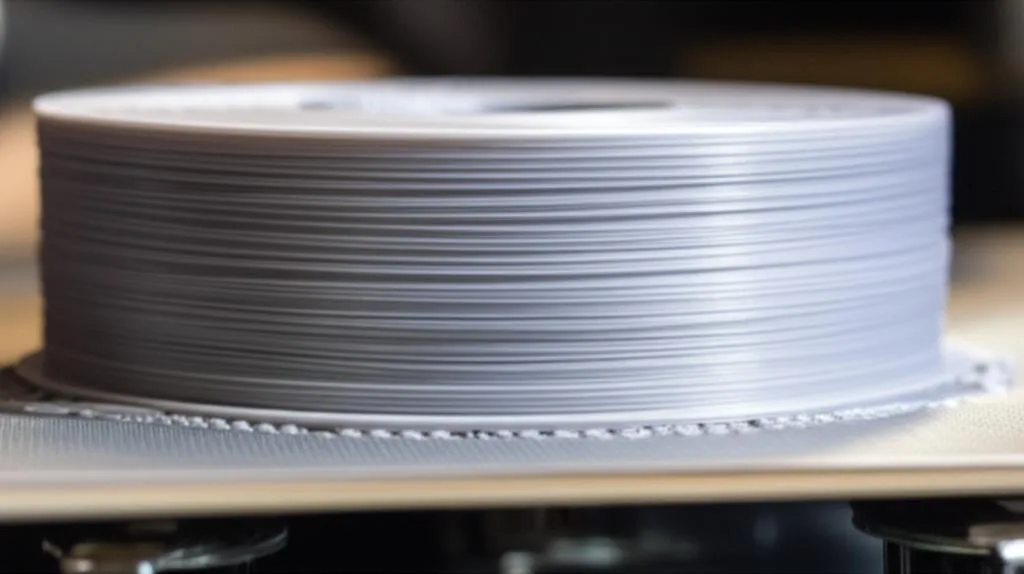
Conquering PLA warping and achieving robust bed adhesion is a rite of passage for every 3D printing enthusiast. It’s a journey of understanding the science behind the process, meticulously preparing your machine, and fine-tuning your settings. While there’s no single magic bullet, a combination of proper bed leveling, thorough cleaning, optimized slicer settings, and strategic use of adhesion aids will dramatically improve your success rate.
Don’t be discouraged by initial failures; instead, view them as learning opportunities. Experiment with different temperatures, adhesion methods, and print surfaces. With patience, persistence, and the knowledge gained from this guide, you’ll soon be consistently producing perfectly adhered, warp-free PLA prints, unlocking the full potential of your 3D printer.
Frequently asked questions
Is it safe to use hairspray or sugar water on my printer bed, and how do I clean it off?
Yes, both are safe on common surfaces like glass and PEI. For hairspray, apply a light mist to a cool or slightly warm bed, then clean with isopropyl alcohol or soap and water. Sugar water is removed with warm water and soap. Avoid spraying hairspray near the printer’s moving parts or electronics; cover the printer or remove the bed before application to prevent overspray from gumming up components.
My prints still warp even though I leveled the bed and cleaned it. What is the next thing to try?
Check for drafts or temperature fluctuations in the room, as cold air currents cause uneven cooling and warping. If that’s not the issue, try adding a brim in your slicer (5-10mm width) to increase the print’s footprint, or apply a thin layer of PVA glue stick to the clean, heated bed. Also verify your part cooling fan is turned off for the first 3-5 layers, as aggressive cooling on initial layers is a common cause of lifting.
Do I need an enclosure to print PLA without warping?
No, an enclosure is not required for PLA. PLA generally has low warping tendencies and prints well on a heated bed (50-70°C) in a normal room environment. However, an enclosure can help if you have persistent drafts or a very cold room. Be cautious: if the enclosure gets too hot (above ~45°C), PLA can suffer from heat creep, softening in the hot end and causing jams, so leave the enclosure slightly open or vented for PLA prints.