One of the most critical, yet often underestimated, stages in resin 3D printing is the post-processing of your models, specifically the removal of supports. While the print itself might be a marvel of engineering, a poorly executed support removal can easily mar an otherwise perfect piece, leading to unsightly blemishes, pockmarks, and even structural damage. Mastering `resin print support removal` is not just about getting the supports off; it’s about achieving a smooth, flawless surface with minimal damage, ensuring your finished print truly shines.
Understanding the Role of Supports in Resin Printing
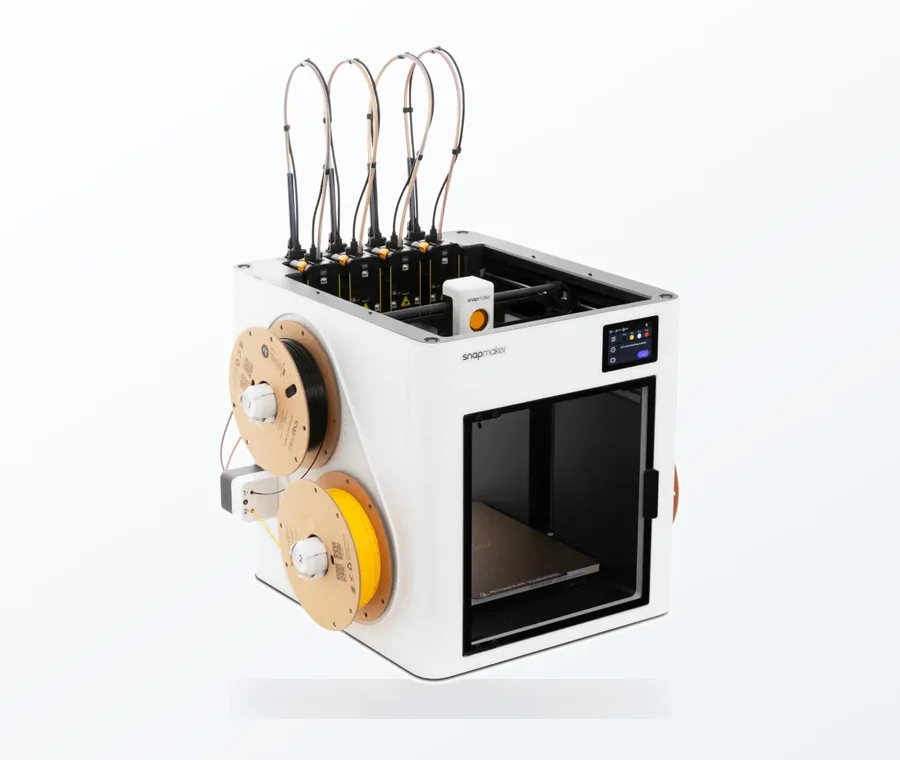
The consumer toolchanger 3D printer: the SnapSwap 4-toolhead system swaps heads in 5 seconds for true multi-color and multi-material printing, with smart calibration and auto filament loading.
- 4 toolheads · 5 s swap
- Up to 500 mm/s · 20,000 mm/s²
- 270 mm cube build volume
- Multi-color & multi-material
Before diving into removal techniques, it’s essential to understand why supports are necessary in the first place. Resin (SLA/DLP) 3D printing builds models layer by layer, curing liquid resin with UV light. Overhangs, floating elements, and intricate details would simply fail to print without structural support from the build plate or other parts of the model. Supports act as temporary scaffolding, ensuring each layer has a solid foundation to cure upon. Their design – contact point size, density, and angle – significantly impacts both print success and the ease of removal.
Pre-Removal Best Practices: Setting the Stage for Success
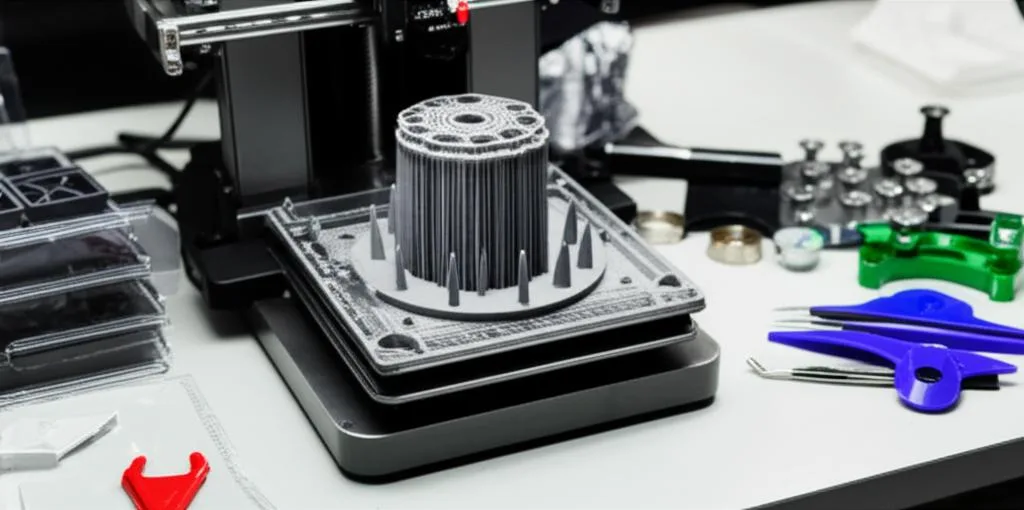
The journey to `clean supports` and a pristine model begins even before you pick up your first tool. Proper preparation can drastically reduce the effort and potential for damage during removal.
- Partial Curing: The Sweet Spot: Many experienced users recommend removing supports after the initial wash but before a final, hard cure. At this stage, the resin is still slightly flexible, making supports less brittle and prone to snapping off cleanly without taking chunks of your model with them. If the print is too soft, it might deform; if it’s too hard, supports will shatter, leaving rough spots or `pockmarks`. Experiment to find the optimal window for your specific resin.
- Washing Off Excess Resin: Always wash your print thoroughly in IPA (isopropyl alcohol) or a resin cleaner to remove any uncured resin. This not only makes the print safer to handle but also prevents sticky residue from interfering with your tools or contaminating your workspace.
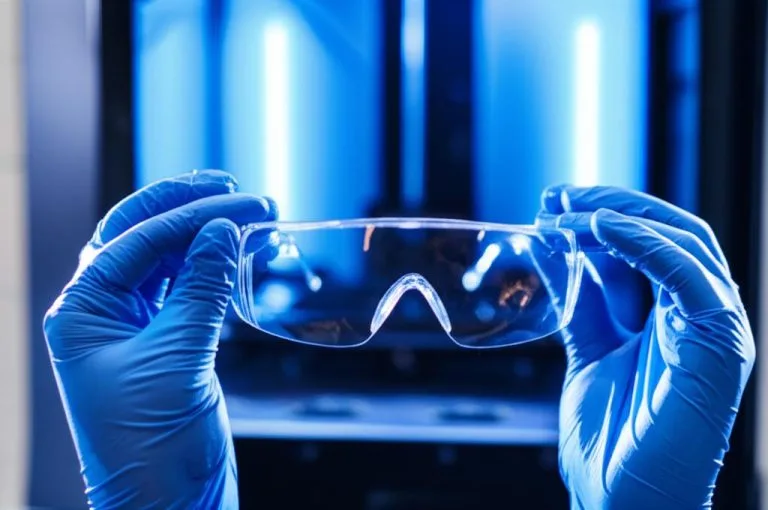
- Safety First: Resin, even cured, can be an irritant. Always wear appropriate Personal Protective Equipment (PPE), including nitrile gloves and eye protection, throughout the post-processing workflow.
Essential Post-Processing Tools for Support Removal
Having the right `post-processing tools` in your arsenal is half the battle. While some methods require specialized equipment, many tasks can be accomplished with readily available items.
- Flush Cutters/Nippers: These are the workhorses of manual support removal. Their flat cutting edge allows for a very close trim to the model surface. Opt for a high-quality pair with a fine tip for precision work.
- Hobby Knives/Scalpels: Indispensable for delicate areas, intricate details, and trimming supports flush with the surface. Always use a sharp blade and exercise extreme caution.
- Sanding Sticks/Files: Essential for smoothing out any remaining nubs or rough patches after the initial support removal. Various grits will allow you to progressively refine the surface.
- Heat Gun or Warm Water: Applying gentle heat can soften supports, making them more pliable and easier to remove without stressing the model.
- Tweezers: Useful for pulling away tiny, stubborn support remnants.
Comparing Techniques for Effective Support Removal
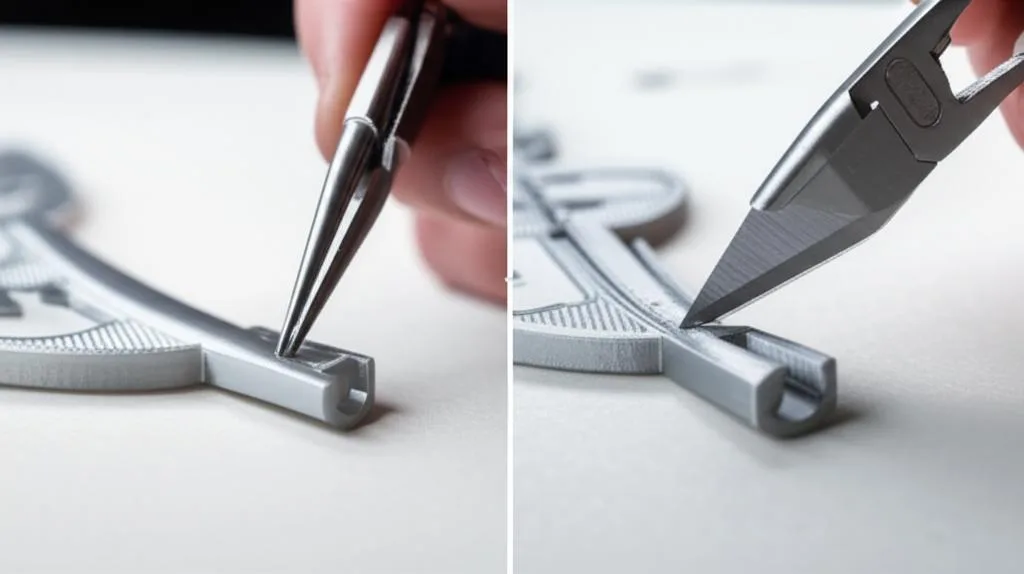
Different models and resin types may benefit from varied approaches. Here, we’ll objectively compare common techniques.
1. Manual Support Removal (The Traditional Approach)
This is the most common and accessible method, relying on hand tools to snip or slice away supports. It offers unparalleled control, making it suitable for intricate models where precision is paramount.
- Process: Using flush cutters, carefully snip supports as close to the model as possible without touching the model itself. For very fine contact points or hard-to-reach areas, a hobby knife can be used to slice them away. Always cut *away* from the model to prevent accidental gouges.
- Pros: High precision and control, low cost of entry, suitable for a wide range of models.
- Cons: Time-consuming, requires a steady hand and patience, higher risk of leaving `pockmarks` or damaging delicate features if rushed or executed poorly. Can lead to hand fatigue on larger prints.
2. Temperature-Assisted Removal
Incorporating heat can significantly ease the support removal process, especially for brittle resins or models with thick supports.
- Process: Briefly submerge the print (after washing) in warm water (not boiling!) or gently apply heat with a heat gun for a few seconds. The warmth makes the resin slightly more flexible, allowing supports to bend and snap off more easily. Then proceed with manual removal.
- Pros: Reduces the force needed for removal, lessens the chance of fracturing the model, can result in cleaner breaks and fewer `pockmarks`.
- Cons: Requires careful temperature control to avoid deforming or damaging the print. Adds an extra step to the workflow.
3. Strategic Support Design and Placement
While not a removal technique per se, optimizing support structures in your slicer software is a proactive step that directly impacts the ease and cleanliness of removal.
- Process: Experiment with different support settings: contact point size, density, and angle. Smaller contact points generally mean easier removal but might compromise print success. Placing supports on less visible areas of the model also minimizes post-processing work on critical surfaces.
- Pros: Reduces the amount of physical work needed, minimizes the risk of damage, can dramatically improve surface finish from the outset.
- Cons: Requires understanding of slicer settings and print mechanics, may involve trial and error to find optimal settings for specific models.
Post-Removal Finishing: Achieving That Smooth-as-Glass Finish
Once the bulk of the supports are gone, the focus shifts to refining the surface.
- Sanding: Start with a relatively coarse grit (e.g., 400-600) to remove prominent nubs, then progressively move to finer grits (800, 1000, 1500, 2000+) using wet sanding. Wet sanding helps prevent heat buildup and clogs, resulting in a smoother finish.
- Polishing: For an exceptionally smooth or glossy finish, use a polishing compound with a soft cloth or a rotary tool with a buffing pad.
- Final Curing: After all mechanical work is done, give your model a final, thorough UV cure. This hardens the resin completely, ensuring durability and preventing any further deformation.
Avoiding Pockmarks and Minimizing Damage
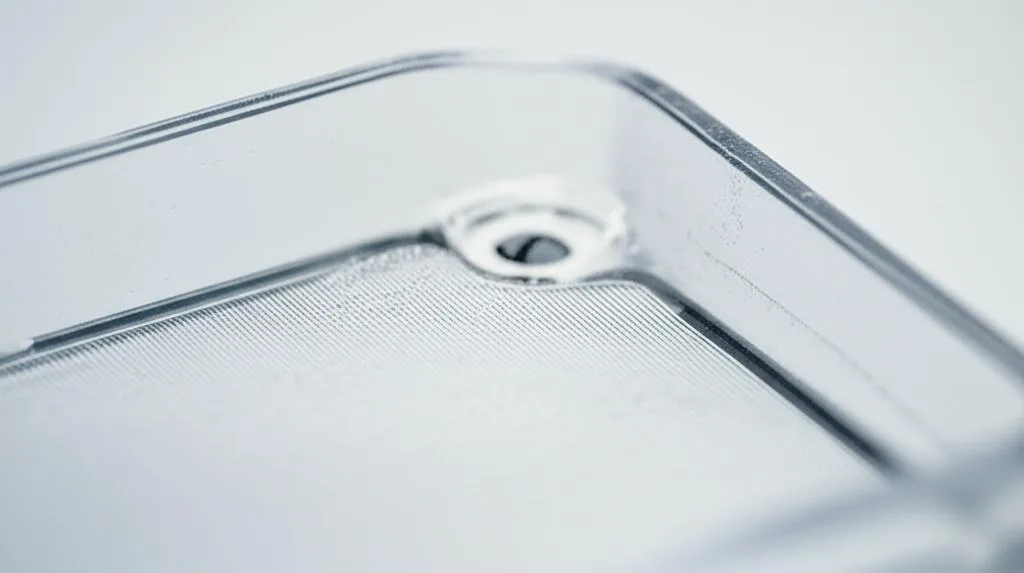
The bane of many resin printers, `pockmarks` are small indentations left behind when supports are removed improperly. Here’s how to prevent them:
- Cut, Don’t Pull: Always snip supports cleanly with flush cutters rather than pulling or tearing them away. Pulling often rips out a piece of the model’s surface.
- Leave a Small Nub: It’s better to leave a tiny bit of support material on the model and sand it down later than to cut too deep and create a divot.
- Angle Your Cuts: Cut supports at an angle that directs force away from the model, or parallel to the surface where the support meets the print.
- Optimize Support Contact Points: In your slicer, use the smallest possible contact points that still ensure print success. This makes removal easier and less invasive.
- Work in Good Lighting: Proper illumination helps you see exactly where the support meets the model, preventing miscuts.
Choosing Your Support Removal Strategy
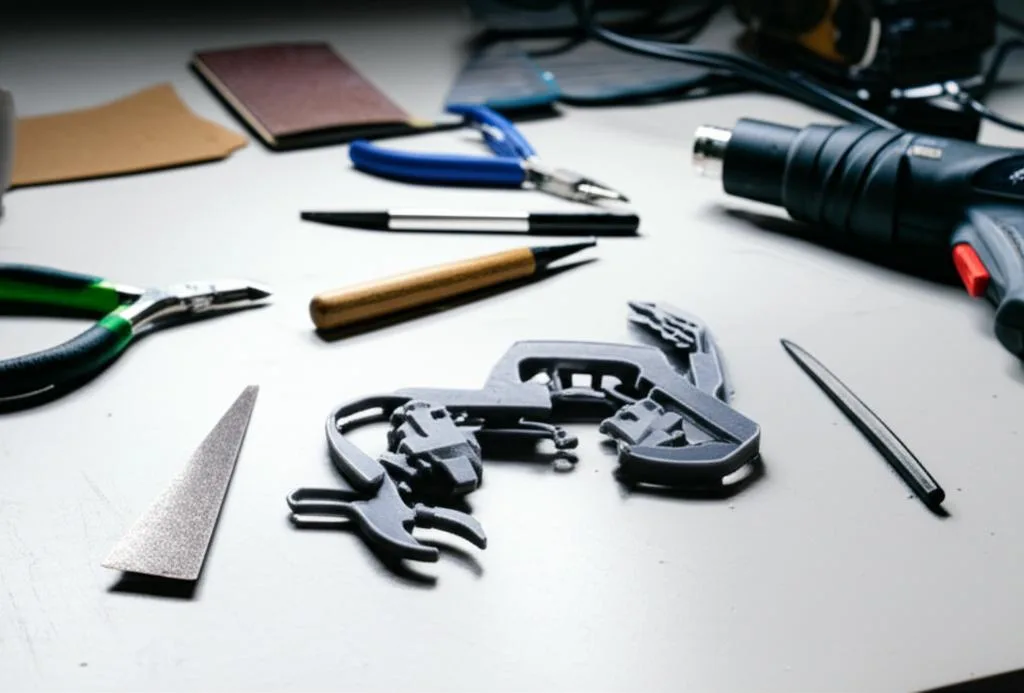
There’s no single “best” method for `resin print support removal`; the ideal approach often combines several techniques and depends on several factors:
- Model Complexity: Highly detailed models with delicate features will benefit from precise manual removal, possibly with temperature assistance.
- Desired Finish: If a mirror-smooth finish is paramount, expect to spend more time on careful removal and extensive post-removal sanding and polishing.
- Resin Type: Some resins are more brittle than others. Flexible resins might allow for easier support removal, while rigid resins benefit more from warming techniques.
- Available Tools & Skill Level: Start with basic tools and refine your technique before investing in more advanced equipment. Patience and practice are your most valuable assets.
Ultimately, mastering `resin print support removal` is an art form that improves with practice. By understanding the principles, utilizing the right `post-processing tools`, and employing thoughtful techniques, you can consistently achieve `clean supports` and stunning, damage-free resin prints that showcase your hard work and attention to detail. Embrace the post-processing stage as an integral part of the creative process, and your models will thank you for it.
Frequently asked questions
Is it safe to use a heat gun on uncured resin prints, or should I only use warm water?
The article recommends either warm water or a heat gun, but warns that careful temperature control is required to avoid deforming or damaging the print. A heat gun can be used on washed (but not fully cured) prints, but keep the nozzle moving and apply heat only for a few seconds at a time. Warm water is generally safer for beginners because it is harder to overheat the resin accidentally.
What grit sandpaper should I start with to remove support nubs without scratching the model too deeply?
The article recommends starting with a relatively coarse grit like 400-600 to remove prominent nubs, then progressively moving to finer grits (800, 1000, 1500, 2000+) using wet sanding. Wet sanding prevents heat buildup and clogs, resulting in a smoother finish. Always test on an inconspicuous area first.
Can I remove supports before washing the print in IPA, or must I wash first?
The article states that you should always wash your print thoroughly in IPA or a resin cleaner first to remove uncured resin. This makes the print safer to handle and prevents sticky residue from interfering with your tools or contaminating your workspace. Removing supports before washing can spread uncured resin and create a mess.