Achieving truly exceptional resin print detail is often seen as the holy grail for 3D printing enthusiasts and professionals alike. While many factors contribute to a successful print, from the quality of your 3D model to the ambient temperature of your workspace, few are as critical and often misunderstood as exposure settings. The nuanced interplay of light and resin dictates the very fidelity of your printed object, making precise exposure calibration an art form in itself.
This comprehensive guide will walk you through the intricacies of optimizing your resin printer settings to unlock the full potential of your machine, ensuring every intricate feature and delicate surface is rendered with breathtaking accuracy. We’ll delve into the science behind exposure, explore various calibration methodologies, and provide actionable steps to elevate your fine feature printing capabilities.
Understanding the fundamentals of resin exposure
Before diving into calibration, it’s essential to grasp what exposure settings actually control. In resin 3D printing, a UV light source cures liquid photopolymer resin layer by layer. The exposure time dictates how long each layer is subjected to this UV light, directly influencing the degree of polymerization (hardening).
- Under-exposure: If a layer doesn’t receive enough UV light, it won’t fully cure. This can lead to weak, brittle prints, missing details, layer separation, or even complete print failures where parts detach from the build plate or supports. Fine features, in particular, may simply not form.
- Over-exposure: Conversely, too much UV light can cause light bleed, where the UV light spreads beyond the intended area, curing adjacent resin. This results in bloated features, lost detail, thicker walls, and a general loss of sharpness. It can also lead to increased brittleness and difficulties in removing supports.
The sweet spot lies in finding the optimal exposure time where each layer is just sufficiently cured to be strong and adhere properly, without over-curing and sacrificing detail. This balance is paramount for achieving high-resolution resin prints.
Essential tools and methods for exposure calibration
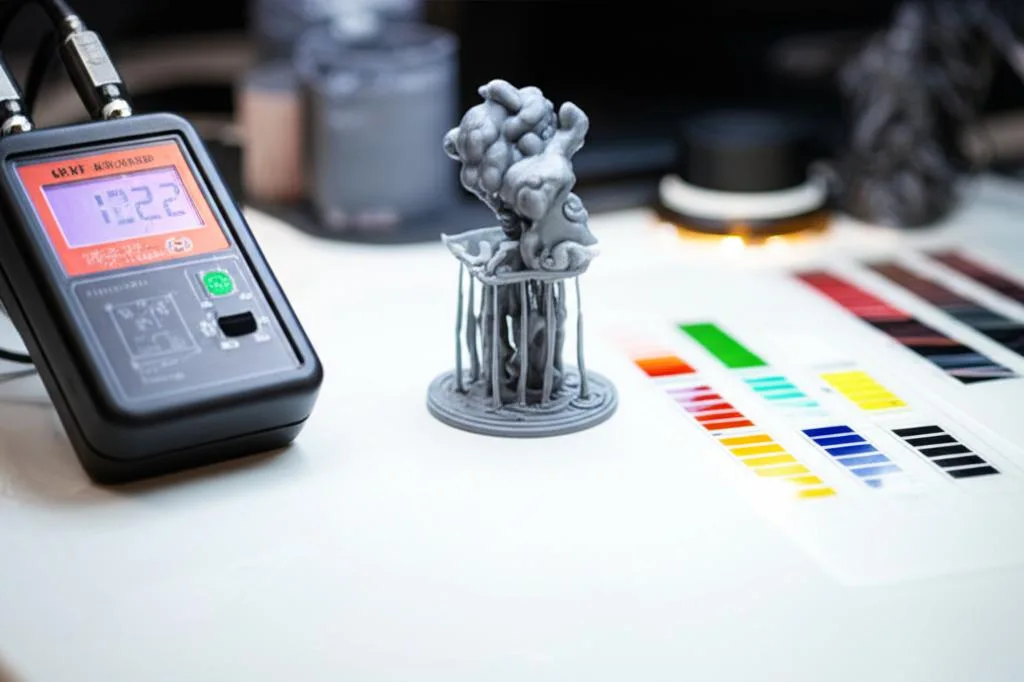
To embark on your journey of precise exposure calibration, you’ll need a few key resources. The choice of calibration method can significantly impact the accuracy and efficiency of your fine-tuning process. Different approaches offer varying levels of detail and complexity, often reflecting a trade-off between simplicity and diagnostic depth.
Calibration models and test prints
These are specially designed 3D models that feature a variety of intricate geometries, small text, thin walls, and delicate structures. By printing these models with different exposure settings, you can visually assess the impact of each change.
- Free community models: Many popular and effective calibration models are freely available online. Examples include the R_E_R_F (Resin Exposure Range Finder) test, which prints multiple instances of a small model with incrementally varied exposure times, or models designed to test specific features like thin walls or negative spaces. These are an excellent, cost-effective starting point, requiring only your printer and resin.
- Proprietary calibration tools: Some resin manufacturers or printer brands offer their own calibration models, sometimes integrated into their slicer software or as part of a premium package. These can be highly optimized for their specific resins or printer ecosystems, potentially offering more precise diagnostics for their particular products, though they might involve an additional cost or require specific software.
- Cones of Calibration: This popular method focuses on identifying the ideal exposure by observing the integrity of small “cones” on a test print. It’s particularly effective for gauging support adhesion and overall structural integrity, providing a clear visual indicator of under or over-exposure by whether the cones print successfully or fail.
- AmeraLabs Town: This highly detailed test print includes a wide array of features designed to push the limits of your printer, such as tiny text, delicate bridges, and intricate patterns. It’s excellent for evaluating overall
resin print detailand pinpointing exactly where your settings might be falling short forfine feature printing.
When choosing a calibration model, consider what aspects of resin print detail are most critical for your typical projects. Some models excel at revealing dimensional accuracy, while others are better at highlighting surface finish or the success of tiny unsupported features.
Resin manufacturer data sheets
Always consult the manufacturer’s recommended exposure settings for your specific resin and printer model. These provide a valuable baseline, saving you significant time and resin. Keep in mind that these are often starting points, as environmental factors and individual printer variations can necessitate adjustments.
Other useful tools
- Magnifying glass or jeweler’s loupe: Essential for closely examining the minute details on your calibration prints.
- Digital calipers: For measuring dimensional accuracy on test prints.
- Thermometer: To monitor ambient temperature, which can affect resin viscosity and cure time.
- Clean IPA and UV curing station: For proper post-processing of test prints.
Step-by-step exposure calibration process
This methodical approach will guide you through fine-tuning your resin printer settings for optimal detail.
Step 1: Initial setup and baseline settings
- Clean and level: Ensure your resin vat is impeccably clean, free of cured resin bits, and your build plate is perfectly leveled. Even minor debris or misalignment can sabotage your calibration efforts.
- Resin temperature: Ensure your resin is at the manufacturer’s recommended temperature, typically around 20-25°C (68-77°F). Colder resin is thicker and requires longer exposure; warmer resin is thinner and cures faster.
- Start with manufacturer recommendations: Load your chosen resin’s recommended exposure settings into your slicer software. If no specific settings are available for your printer, use a conservative estimate based on similar resins or printers. This serves as your initial baseline.
Step 2: Choose and prepare your calibration model
Select a calibration model that best suits your needs for evaluating resin print detail. For a comprehensive assessment of fine feature printing, models like AmeraLabs Town or detailed R_E_R_F tests are excellent choices. Orient the model on the build plate and add supports as necessary, mimicking how you would support a complex model.
Step 3: Run your first test print
Print your chosen calibration model using the baseline exposure settings. For R_E_R_F tests, the slicer or printer itself will automatically vary the exposure for different sections of the print, simplifying this step.
Step 4: Analyze the results
Once the print is complete, carefully remove it from the build plate, wash it thoroughly with IPA, and post-cure it. Now, the critical analysis begins:
- Examine details: Use your magnifying glass to inspect the smallest features, text, and intricate patterns. Are they crisp and defined, or are they blurry and bloated?
- Dimensional accuracy: If your model has measurable features, use calipers to check if dimensions are accurate. Over-exposure tends to make features larger, while under-exposure can make them smaller or cause them to fail.
- Surface finish: Is the surface smooth, or does it show signs of layer lines or texture issues?
- Support integrity: Are supports properly formed and adhering well? Do they remove cleanly without damaging the model?
- Holes and negative spaces: Are holes round and open, or are they filled in (over-exposure) or incomplete (under-exposure)?
Step 5: Iterative refinement
Based on your analysis, adjust your exposure settings and repeat the print and analysis process. This is an iterative loop until you achieve optimal results.
- If over-exposed: Features are bloated, holes are filled, details are lost. Decrease the exposure time in small increments (e.g., 0.1-0.2 seconds for monochrome LCDs, 0.5-1.0 seconds for RGB LCDs).
- If under-exposed: Features are missing, parts are weak, supports fail. Increase the exposure time in small increments.
It’s often beneficial to test a range of settings. For instance, if your baseline is 2.5 seconds, try prints at 2.3, 2.5, and 2.7 seconds simultaneously if your calibration model allows (like an R_E_R_F test), or individually if not. This side-by-side comparison can make the optimal setting more apparent.
Factors influencing optimal exposure for high-resolution resin prints
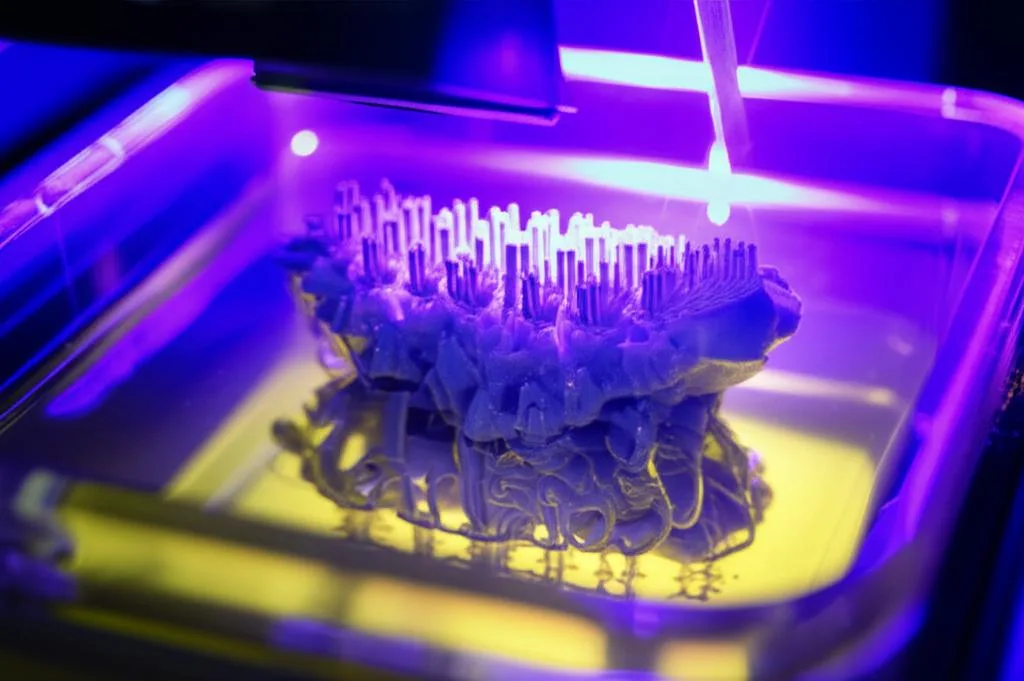
The ideal exposure setting isn’t a universal constant; it’s a dynamic variable influenced by several factors. Understanding these allows for more informed adjustments.
Resin type and properties
Different resins have vastly different curing characteristics. While standard grey or clear resins are often a good starting point for general printing, specialty resins are designed for specific applications, each with unique requirements for fine feature printing:
- Standard resins: Generally easier to work with and more forgiving. They are also typically more affordable, making them excellent for prototyping and general models where cost-effectiveness is a consideration.
- Engineering resins: Designed for specific mechanical properties (e.g., toughness, flexibility, high temperature resistance). These often have different pigmentations and chemical compositions, requiring unique exposure times. They are usually more expensive but offer superior functional performance.
- Clear resins: Can be tricky as light can scatter more, potentially leading to less sharp details without precise calibration.
- Castable resins: Formulated to burn out cleanly for jewelry or dental applications. They often require very specific, sometimes shorter, exposure times to maintain delicate details for casting.
Always cross-reference your resin’s data sheet. The pigment density, chemical composition, and UV reactivity all play a role in how quickly and thoroughly a resin cures.
Printer type and light source
The technology and specifications of your resin 3D printer significantly impact exposure requirements:
- LCD vs. DLP vs. SLA: Each technology uses a different method to project UV light, affecting the light intensity and uniformity across the build area. LCD printers, for example, have an array of UV LEDs behind an LCD screen, while DLP projectors use a digital micromirror device. SLA printers use a laser. These fundamental differences mean that exposure settings are not directly transferable between technologies.
- Light source power: A more powerful UV light source will cure resin faster, requiring shorter exposure times. Less powerful light sources will need longer exposure.
- Screen resolution and pixel size: Printers with higher native resolution (e.g., 4K, 8K) and smaller pixel sizes are inherently capable of producing finer details. However, even with a high-resolution screen, incorrect exposure will still compromise the
resin print detail. While higher resolution printers often come at a higher initial investment, they offer the ultimate potential forhigh-resolution resinprints, provided calibration is meticulous.
Layer height
Thinner layers (e.g., 0.02mm) generally require slightly shorter exposure times than thicker layers (e.g., 0.05mm) because there’s less resin to cure per layer. However, the primary reason for using thinner layers is to improve vertical resolution and reduce visible layer lines, enhancing overall resin print detail.
Ambient temperature
As mentioned, temperature affects resin viscosity. A colder environment makes resin thicker, potentially requiring slightly longer exposure times. A warmer environment thins the resin, which can lead to faster curing and potentially over-exposure if not adjusted. Maintaining a stable, consistent temperature is crucial for repeatable results.
Lift speed and distance
While not directly an exposure setting, lift speed and distance are crucial for layer separation and resin flow. Too fast a lift speed can cause suction issues and print failures, while too slow can increase print time. Ensure these are optimized to prevent print failures that might be mistaken for exposure issues.
Advanced tips for maximizing high-resolution resin prints
Once you’ve nailed down your basic exposure settings, consider these advanced techniques to push your fine feature printing even further.
- Anti-aliasing and grey levels: Many slicers offer anti-aliasing features, which smooth out jagged edges by partially curing pixels at the boundaries of features. Using higher grey levels (if available) can further refine this, creating smoother transitions and enhancing perceived detail. Experiment cautiously, as aggressive anti-aliasing can sometimes soften very sharp edges.
- Burn-in layers: The initial base layers that adhere to the build plate usually require significantly longer exposure times to ensure strong adhesion. While crucial for print success, too many burn-in layers or excessively long exposure can cause elephant’s foot (a slight widening of the base). Calibrate these settings independently to balance adhesion with minimal base distortion.
- Cleanliness is paramount: Dust on the FEP film, cured resin bits in the vat, or smudges on the screen can block UV light and cause print failures or loss of detail. Regular cleaning of your printer and resin vat is non-negotiable for consistent
resin print detail. - Optimize support structures: Even with perfect exposure, poorly placed or insufficient supports can lead to warped or failed features. Use smaller, more numerous supports for delicate areas, and place them strategically to minimize post-processing marks while ensuring structural integrity for
fine feature printing. - Post-processing precision: Proper washing and curing are extensions of the printing process. Incomplete washing can leave sticky residue, while over-curing can make prints brittle or yellow them. Follow resin manufacturer guidelines for washing and post-curing times.
- Firmware and software updates: Keep your printer’s firmware and slicer software updated. Manufacturers often release updates that improve print quality, add new features, or optimize exposure algorithms for better
high-resolution resinoutput.
Conclusion
Mastering exposure settings is a cornerstone of achieving truly exceptional resin print detail. It’s a journey of meticulous calibration, keen observation, and iterative refinement. By understanding the fundamental principles of UV curing, utilizing effective calibration tools, and methodically adjusting your resin printer settings, you gain unparalleled control over your prints.
Remember that the optimal settings are unique to your specific printer, resin, and even environmental conditions. There’s no one-size-fits-all solution, and what works perfectly for one setup might not for another. Embrace the process of experimentation, and you will unlock the full potential of your resin 3D printer, transforming your visions into tangible objects with astonishing fine feature printing and high-resolution resin quality.
Frequently asked questions
Can I use the same exposure settings for a clear resin that I use for a standard grey resin?
No. As explained in the article, clear resins have different light-scattering properties than standard grey resins, which can lead to less sharp details without precise calibration. Always consult the manufacturer’s data sheet for your specific resin and printer model to find a baseline, then run a calibration test print like the AmeraLabs Town to dial in the optimal exposure time.
My calibration print shows bloated features and filled-in holes. Which direction should I adjust my exposure time?
These are classic signs of over-exposure, where too much UV light causes light bleed that cures resin beyond the intended area. You should decrease the exposure time in small increments—the article recommends 0.1-0.2 seconds for monochrome LCD printers, or 0.5-1.0 seconds for RGB LCD printers—and reprint the calibration model to check for improvement.
Do I need to re-calibrate my exposure settings when the temperature in my workspace drops by 5°C?
Yes, likely. The article notes that colder resin is thicker and requires longer exposure times to cure fully, while warmer resin is thinner and cures faster. Because ambient temperature directly affects resin viscosity, a significant change in your workspace temperature will shift the optimal exposure, so you should run a fresh calibration test to maintain consistent print quality.