In an era defined by rapid technological advancement, equipping the next generation with essential skills in science, technology, engineering, and mathematics (STEM) is more crucial than ever. 3D printing stands at the forefront of this educational revolution, offering a tangible, hands-on learning experience that brings abstract concepts to life. Moving beyond mere novelty, its integration into K-12 STEM education transforms classrooms into dynamic innovation hubs, fostering critical thinking, problem-solving, and creativity. This guide delves into practical strategies for incorporating 3D printing, exploring diverse project ideas, aligning with curriculum standards, and objectively examining the cost structures and features of various implementation approaches to empower educators in making informed decisions.
The transformative power of 3D printing in K-12 STEM education
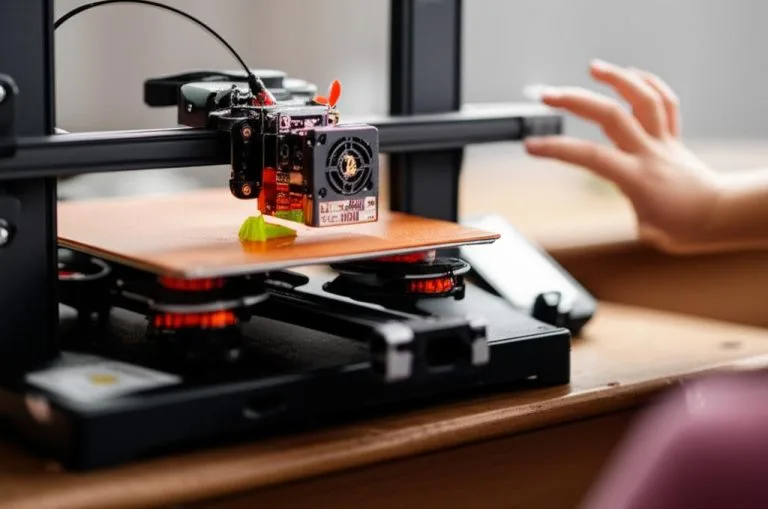
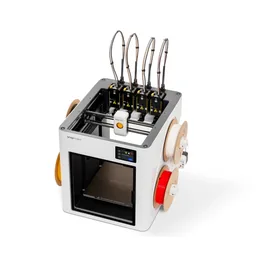
The consumer toolchanger 3D printer: the SnapSwap 4-toolhead system swaps heads in 5 seconds for true multi-color and multi-material printing, with smart calibration and auto filament loading.
- 4 toolheads · 5 s swap
- Up to 500 mm/s · 20,000 mm/s²
- 270 mm cube build volume
- Multi-color & multi-material

3D printing, or additive manufacturing, allows students to design and create physical objects from digital models. This process is inherently interdisciplinary, touching upon design, mathematics, physics, material science, and computer science. For K-12 students, it offers an unparalleled opportunity for hands-on learning, moving beyond theoretical understanding to practical application. It cultivates an engineering mindset, encouraging iterative design, prototyping, and testing – a cycle crucial for innovation.
Integrating 3D printing into the K-12 STEM curriculum helps bridge the gap between classroom theory and real-world challenges. Students can visualize complex geometries, build models for scientific experiments, design solutions to everyday problems, and even create functional prototypes. This direct engagement not only deepens comprehension but also ignites a passion for STEM fields, potentially guiding students towards future careers in engineering education, manufacturing, and design.
Key benefits of 3D printing in education:
- Tangible learning: Abstract concepts become concrete objects.
- Problem-solving skills: Students design solutions to authentic challenges.
- Creativity and innovation: Unleashes imagination through design and creation.
- Interdisciplinary connections: Links various STEM subjects seamlessly.
- Future-ready skills: Develops proficiency in digital design, manufacturing, and critical thinking.
- Personalized learning: Allows students to pursue their own interests and projects.
Curriculum alignment strategies for 3D printing
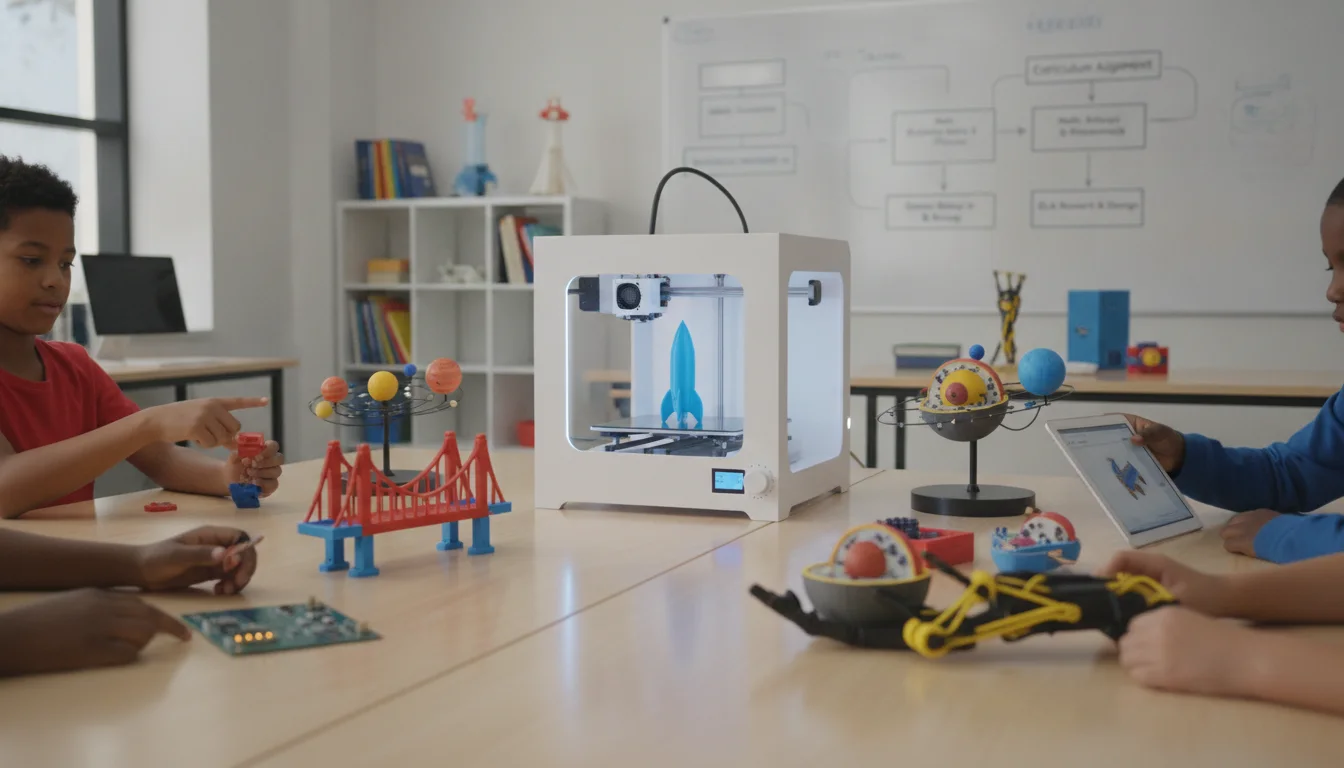
Successful integration of 3D printing isn’t about adding another isolated subject; it’s about weaving it into the existing fabric of STEM education. Aligning 3D printing activities with established learning standards ensures that these innovative tools serve to enhance, rather than disrupt, educational goals.
Connecting to national and state standards
Educators can leverage frameworks like the Next Generation Science Standards (NGSS), Common Core State Standards for Mathematics, and the International Society for Technology in Education (ISTE) Standards. 3D printing naturally supports:
- NGSS: Science and Engineering Practices (e.g., developing and using models, designing solutions, constructing explanations). Disciplinary Core Ideas (e.g., structure and properties of matter, engineering design).
- Common Core Math: Geometric concepts, measurement, ratios, and proportional reasoning are often integral to 3D design.
- ISTE Standards: Empowered Learner, Innovative Designer, Computational Thinker, Creative Communicator.
Subject-specific integration examples
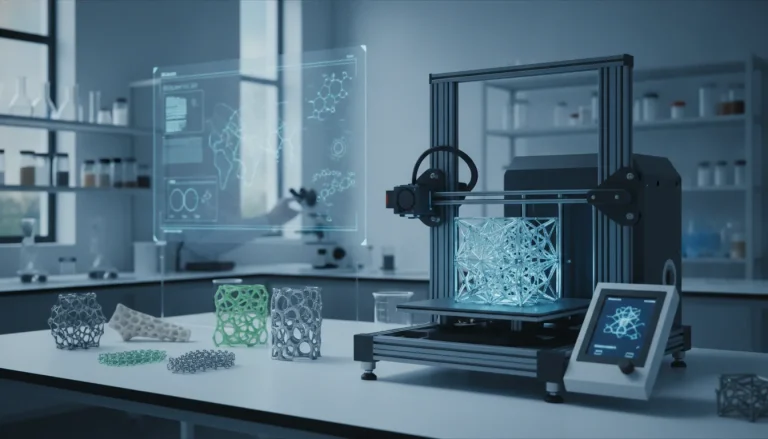
- Science: Printing models of cells, DNA structures, geological formations, or planetary systems. Designing experimental apparatus or prototypes for scientific investigations.
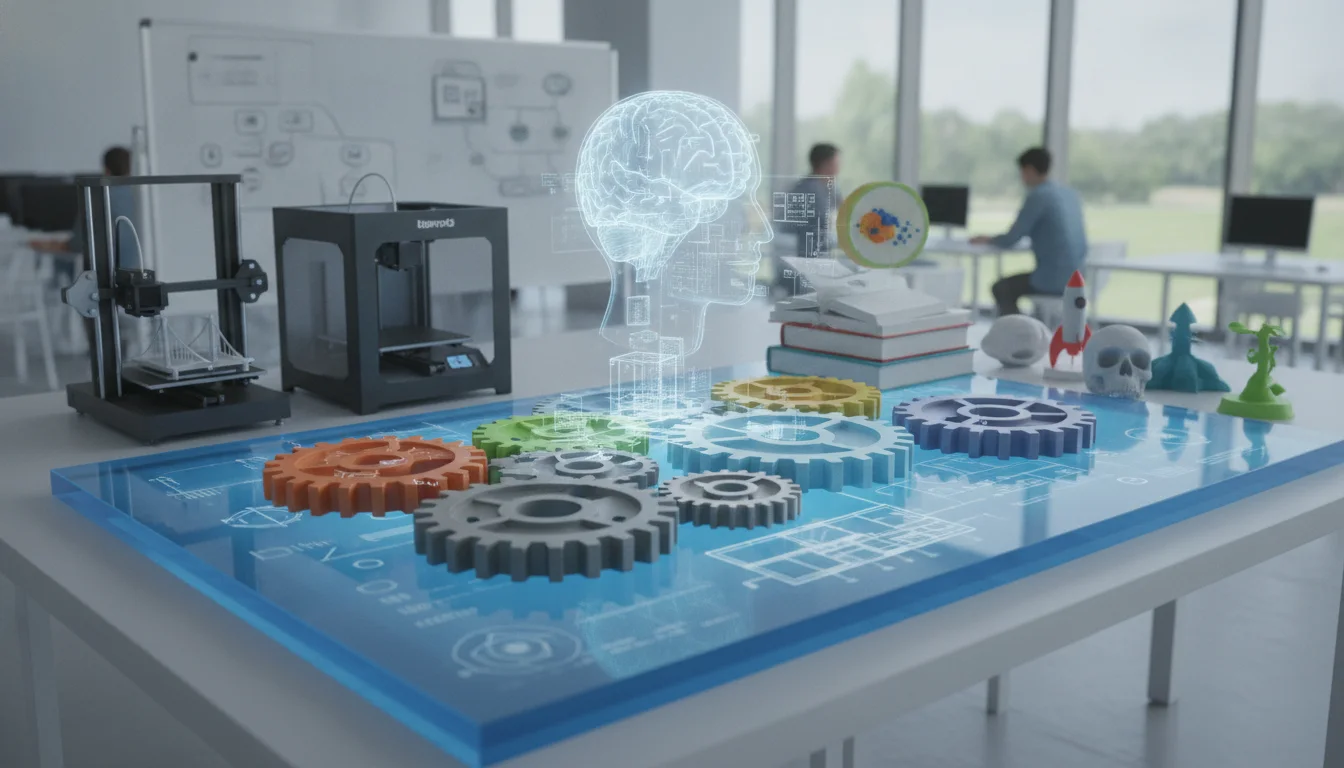
- Technology & Engineering: Core applications include CAD design, rapid prototyping, robotics components, and exploring manufacturing processes. This is central to engineering education.
- Mathematics: Exploring geometry, scaling, volume, surface area, and proportional reasoning through designing objects. Visualizing mathematical functions in 3D.
- Art & Design: Combining artistic expression with digital design tools to create sculptures, functional art, or architectural models.
- History & Social Studies: Recreating historical artifacts, architectural models of ancient civilizations, or geographical features.
Inspiring 3D printing educational projects
The beauty of 3D printing lies in its versatility, offering a spectrum of educational projects suitable for all K-12 age groups. Here are some ideas, progressively increasing in complexity:
Elementary school (grades K-5): Fostering curiosity and basic design
At this level, the focus is on introducing the concept of 3D objects, simple design, and problem-solving through play.
- Customized game pieces: Students design and print their own chess pieces, board game tokens, or dice.
- Storytelling props: Create characters or objects from stories they’ve written or read.
- Simple tool design: Design a holder for pencils, a small scoop, or a custom button.
- Animal habitats: Design and print simple models of animal shelters or environmental features.
- Geometric shape exploration: Print various 3D shapes and combine them to build structures.
Middle school (grades 6-8): Introducing design thinking and engineering principles
Middle school projects can delve deeper into the design process, material properties, and basic engineering concepts.
- Bridge design challenge: Students design and print a bridge to span a gap, testing its load-bearing capacity. This introduces structural engineering education principles.
- Prosthetic hand challenge: Design and print a simple prosthetic hand model that can grasp objects, focusing on biomechanics and functionality.
- Sustainable packaging: Design and print a prototype for eco-friendly packaging for a specific product.
- Topographical maps: Use elevation data to 3D print relief maps of local areas or significant geographical features.
- Custom phone stands/holders: Design functional accessories, considering ergonomics and device compatibility.
High school (grades 9-12): Advanced design, prototyping, and real-world applications
High school projects can tackle complex problems, involve advanced CAD skills, and explore career pathways.
- Robotics components: Design and print custom parts for robotics competitions or educational robots.
- Scientific instrument prototypes: Create custom enclosures for sensors, microscope adapters, or lab equipment.
- Architectural models: Design and print detailed models of buildings or urban planning projects.
- Biomedical models: Print anatomical models for study, or design prototypes for medical devices (e.g., custom splints, surgical guides).
- Product design and entrepreneurship: Students identify a market need, design a product, prototype it with 3D printing, and develop a business plan.
- Artistic installations: Explore complex geometries and parametric design to create intricate sculptures or functional art pieces.
Cost structures and feature considerations for 3D printing integration
Implementing 3D printing in K-12 STEM environments requires careful consideration of various solutions, each with distinct cost implications and feature sets. There isn’t a one-size-fits-all answer; the optimal choice depends on budget, educational goals, technical support availability, and the scale of integration. This section objectively compares different approaches to help educators navigate these decisions.
Initial investment: Hardware and software
Printer hardware
- Entry-level FDM printers (e.g., Creality Ender series, Prusa Mini):
- Cost: Typically $200 – $600 per unit.
- Features: Good starting point for FDM technology. Often require more user calibration and maintenance. Smaller build volumes. Excellent for basic hands-on learning and understanding printer mechanics.
- Considerations: Ideal for individual classrooms or small pilot programs. Scalability might involve managing many units. Learning curve for teachers can be steeper without dedicated support.
- Mid-range FDM printers (e.g., Ultimaker, LulzBot, Prusa MK4):
- Cost: $1,000 – $4,000 per unit.
- Features: More robust, reliable, and user-friendly. Larger build volumes, better print quality, and often come with more advanced features like network connectivity, automatic bed leveling, and enclosed print chambers for safety and material versatility. Better ecosystem support.
- Considerations: Suitable for dedicated STEM labs or school-wide programs. Reduced teacher workload for maintenance. Higher upfront cost but potentially lower long-term frustration and better educational outcomes due to reliability.
- SLA/Resin printers (e.g., Formlabs Form 3B+, Elegoo Mars series):
- Cost: $200 (entry-level) – $4,000+ (professional).
- Features: Exceptional detail and smooth surface finish. Ideal for intricate models, art projects, or small, high-precision parts.
- Considerations: Requires specialized handling of liquid resins (toxic), ventilation, and post-processing (washing, curing). Not suitable for all K-12 environments due to safety concerns and complexity, but can be valuable in advanced high school settings with strict protocols.
- Multi-printer labs vs. single powerful printer:
- Multiple entry-level: Lower per-unit cost, allows more students to print concurrently, but higher management overhead.
- Fewer mid-range/professional: Higher per-unit cost, potentially better reliability and features, but limits concurrent printing.
Software solutions
- Free/Open-Source CAD & Slicer Software (e.g., Tinkercad, Fusion 360 (educational license), Onshape (free plan), Blender, Cura, PrusaSlicer):
- Cost: Free.
- Features: Tinkercad is excellent for beginners (K-8). Fusion 360 and Onshape offer professional-grade tools for high schoolers. Cura and PrusaSlicer are robust and widely used slicing software.
- Considerations: No licensing costs, widely supported by communities. Can be a learning curve for more advanced software. Requires internet access for cloud-based options.
- Proprietary/Paid CAD & Slicer Software (e.g., SolidWorks, AutoCAD, Simplify3D):
- Cost: Varies, often with educational discounts or site licenses (thousands annually).
- Features: Industry-standard tools, comprehensive features, professional support.
- Considerations: Significant recurring costs. May offer more advanced functionalities and better integration with specific printer ecosystems. Relevant for advanced high school engineering education programs aiming for industry readiness.
Ongoing costs and operational considerations
- Filament/Resin:
- Cost: PLA filament typically $20-$30 per kg. PETG $25-$40 per kg. ABS $25-$45 per kg. Resins $30-$80+ per liter.
- Considerations: PLA is most common for K-12 due to ease of use, safety (minimal fumes), and affordability. Other materials offer different properties (strength, flexibility) but may require specific printer features (enclosures, higher temperatures) and ventilation. This is a recurring operational cost that can add up quickly.
- Maintenance and replacement parts:
- Cost: Nozzles ($5-$20), print beds ($30-$100), hotends ($50-$150), belts, bearings.
- Considerations: All printers require periodic maintenance. Entry-level printers may need more frequent adjustments or part replacements. Factor in staff time for troubleshooting and repairs. Service contracts are available for some professional-grade printers.
- Staff training and professional development:
- Cost: Varies widely, from free online resources to paid workshops and certifications ($100-$1000+ per teacher).
- Considerations: Crucial for successful integration. Teachers need confidence in operating printers, troubleshooting, and integrating them into 3D printing curriculum. This can be a significant investment but pays dividends in program quality.
- Energy consumption:
- Cost: Relatively low per printer (50-200W during operation), but can add up with multiple printers running for long hours.
- Considerations: Factor into operational budget, especially for labs with many machines.
Feature considerations for K-12 environments
- Ease of use & reliability: Prioritize printers that are easy for both students and teachers to operate and maintain. Reliability minimizes downtime and frustration.
- Safety features: Enclosed print chambers, automatic shut-off, and proper ventilation are paramount, especially with younger students or when using materials that emit fumes.
- Build volume: Consider the size of projects students will undertake. Larger build volumes offer more flexibility but come with higher costs.
- Material compatibility: While PLA is standard, the ability to print with PETG or other materials can expand project possibilities for older students.
- Network connectivity: Allows for remote monitoring, print management, and easier file transfer in a lab setting.
- Software ecosystem: How well does the printer integrate with common CAD and slicing software? Is there a proprietary ecosystem that locks you in?
- Support & community: Strong manufacturer support and an active user community can be invaluable for troubleshooting and finding educational resources.
- Durability: Printers in a school environment will face heavy use and potential mishaps. Robust construction is a plus.
Overcoming challenges and best practices
The consumer toolchanger 3D printer: the SnapSwap 4-toolhead system swaps heads in 5 seconds for true multi-color and multi-material printing, with smart calibration and auto filament loading.
Integrating 3D printing into K-12 STEM education isn’t without its hurdles, but proactive strategies can pave the way for success.
Common challenges:
- Budget constraints: Initial setup and ongoing material costs.
- Teacher training: Lack of expertise and confidence among educators.
- Curriculum development: Time and resources needed to create meaningful 3D printing curriculum.
- Maintenance and troubleshooting: Technical issues can disrupt learning.
- Safety protocols: Ensuring a safe environment, especially with materials and heated components.
- Scalability: Managing a program for an entire school or district.
Best practices for successful integration:
- Start small and scale up: Begin with a few printers in a dedicated space or a pilot classroom. Gather feedback and refine your approach before expanding.
- Invest in professional development: Provide ongoing training for teachers, focusing not just on printer operation but also on pedagogical strategies for integrating 3D printing into various subjects.
- Leverage free resources: Utilize platforms like Tinkercad, Thingiverse, and extensive online tutorials for design and project ideas.
- Foster interdisciplinary collaboration: Encourage teachers from different subjects to collaborate on educational projects that utilize 3D printing.
- Establish clear safety guidelines: Develop and enforce strict safety protocols for printer operation, material handling, and lab supervision.
- Build a support network: Connect with other educators, local maker spaces, or industry professionals for advice and mentorship.
- Focus on problem-based learning: Frame 3D printing activities around solving real-world problems to maximize engagement and learning outcomes.
- Involve students in maintenance: For older students, allow them to assist with basic printer maintenance and troubleshooting, fostering a deeper understanding of the technology.
Conclusion
Integrating 3D printing into K-12 STEM education is a powerful step towards preparing students for a future that demands innovation, critical thinking, and hands-on technical skills. While the journey involves navigating various cost structures and feature considerations, from entry-level FDM printers and free CAD software to more advanced systems, the educational return on investment is substantial. By carefully aligning activities with curriculum standards, implementing engaging educational projects, and adopting best practices, schools can transform their learning environments. The goal isn’t just to teach students how to operate a machine, but to empower them as designers, engineers, and problem-solvers, equipping them with the foundational knowledge and practical experience that will serve as a springboard for their continued success in STEM fields and beyond. The future is being built today, one layer at a time, in classrooms around the world.
Frequently asked questions
What is the safest type of 3D printer for an elementary school classroom?
For elementary settings, an enclosed FDM printer using PLA filament is the safest option. Enclosed chambers prevent contact with hot components, and PLA produces minimal fumes compared to materials like ABS, making it suitable for standard classroom ventilation. Entry-level FDM printers with enclosures start around $200-$600, but mid-range models offer better safety features like automatic shut-off.
How much does it actually cost to run a 3D printer for a school year?
Ongoing costs include filament at $20-$30 per kilogram of PLA, replacement nozzles ($5-$20), and periodic maintenance parts. A single printer running regularly might consume $200-$500 in filament and parts annually, plus low energy costs (50-200W per printer). Staff training and professional development are additional costs that can range from free online resources to $1,000+ per teacher for formal workshops.
Can 3D printing be integrated without buying expensive CAD software?
Yes, entirely. Free tools like Tinkercad are excellent for beginners in grades K-8, while Fusion 360 offers free educational licenses for high school students. Open-source slicers like Cura and PrusaSlicer are also free and widely supported. These free options cover the full design-to-print workflow without any licensing costs.