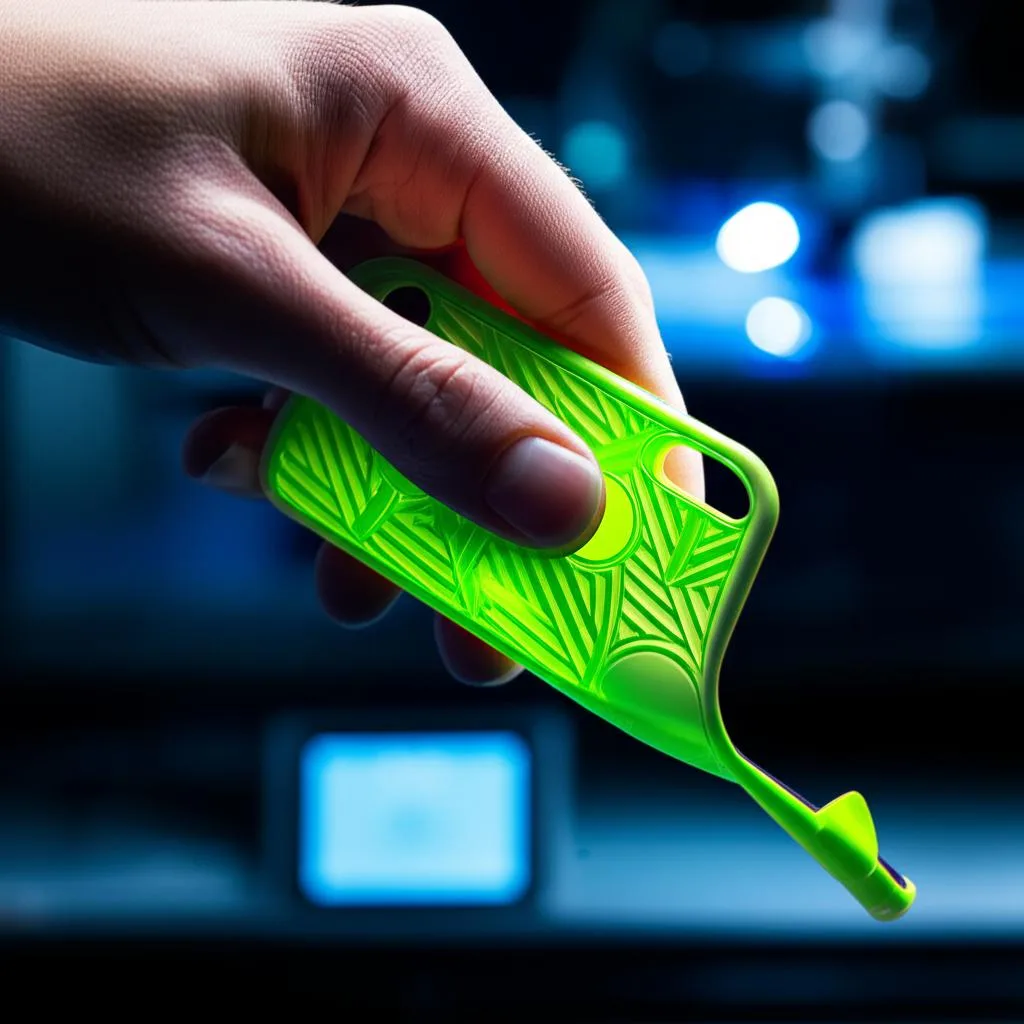
In an age where smartphones are indispensable, protecting them has become a top priority. While countless off-the-shelf phone cases exist, none offer the perfect blend of custom fit, personalized aesthetics, and specific impact resistance quite like a 3D printed TPU phone case. This comprehensive guide will walk you through the entire process, from initial design concepts to the final print, ensuring you create a durable, custom phone cover design that stands up to daily wear and tear.
3D printing with Thermoplastic Polyurethane (TPU) filament offers a unique advantage: it’s a flexible and specialty filament known for its elasticity, abrasion resistance, and excellent impact absorption. These properties make it an ideal material for crafting an impact-resistant 3D printing solution for your phone, providing a snug fit and superior protection against drops and scratches.
Understanding TPU: the flexible powerhouse
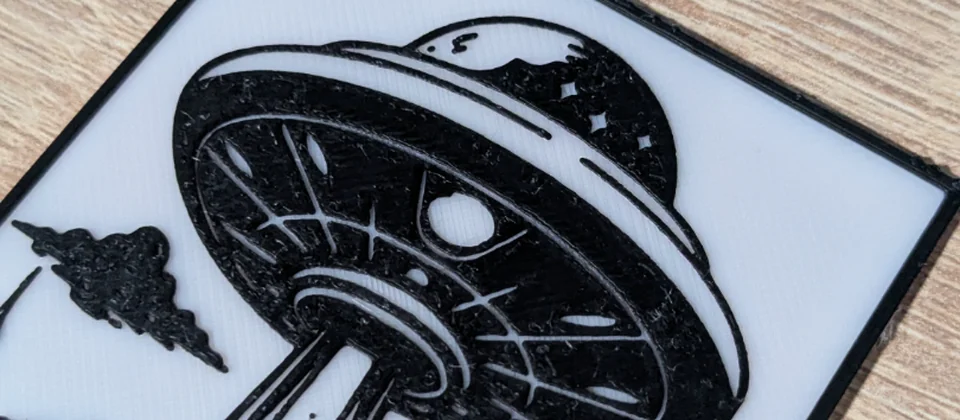
Every model we design and test gets uploaded as a free STL – browse the full profile on MakerWorld.
Before diving into the design and printing phases, it’s crucial to understand what makes TPU such a stellar choice for phone cases. TPU is a type of thermoplastic elastomer (TPE), a class of materials that combines the properties of rubber and plastic. Unlike rigid plastics, TPU can bend, flex, and absorb significant kinetic energy without breaking, making it perfect for an item designed to cushion impacts.
Key characteristics of TPU:
- Flexibility: Ranging from soft and rubbery to rigid, depending on its Shore hardness. This allows for cases that are easy to put on and take off, yet firm enough to hold their shape.
- Impact Resistance: Its elastic nature allows it to deform upon impact and then return to its original shape, effectively dissipating energy from drops.
- Abrasion Resistance: TPU is highly resistant to wear and tear, which means your custom phone cover design will hold up well against keys, coins, and rough surfaces.
- Chemical Resistance: Generally resistant to oils, greases, and many solvents, helping to maintain its integrity over time.
- Temperature Performance: Maintains flexibility across a wide range of temperatures.
While TPU offers numerous benefits, it also presents unique challenges for 3D printing, primarily due to its flexibility. Issues like stringing, oozing, and difficulty with extrusion are common, but with the right settings and preparation, these can be effectively managed.
Phase 1: designing your custom phone cover
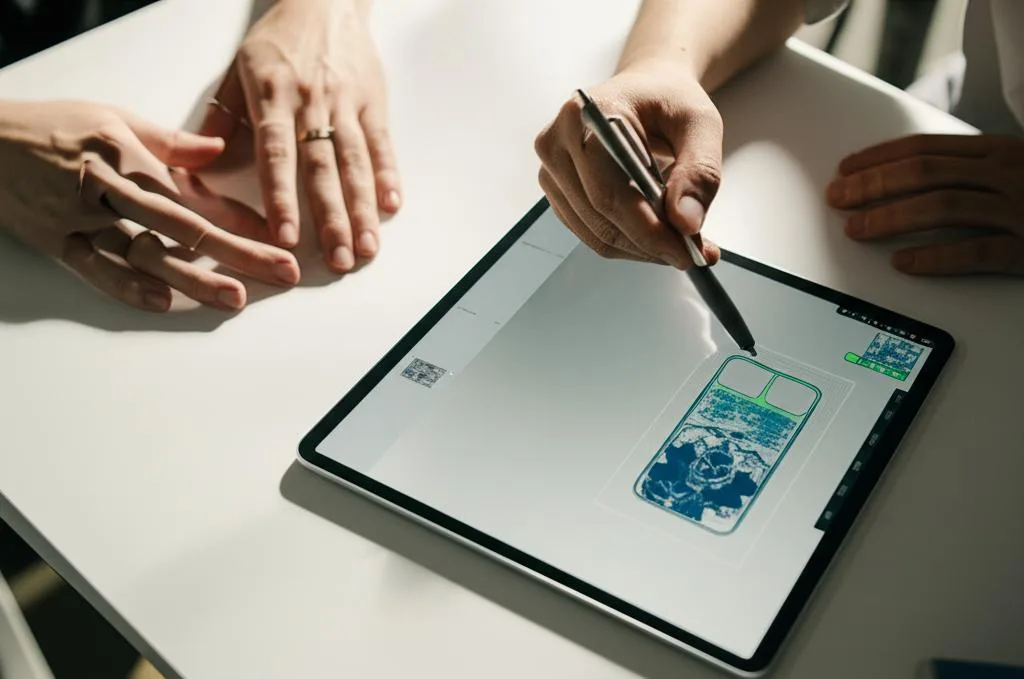
The foundation of a great 3D printed phone case is a precise and functional design. This phase requires attention to detail and an understanding of your phone’s specific dimensions and features.
Gathering accurate phone dimensions
Accuracy is paramount. Even a millimeter off can result in a case that doesn’t fit properly. You’ll need the exact dimensions of your phone, including length, width, thickness, and the precise locations of all buttons, ports, speakers, and camera modules. You can find these specifications on the manufacturer’s website or by carefully measuring your device with digital calipers.
Choosing your CAD software
The choice of CAD (Computer-Aided Design) software can significantly influence the complexity of your design and your workflow. Different solutions offer varying features and cost structures, catering to different skill levels and project requirements.
- Beginner-Friendly / Free Options:
- Tinkercad: An excellent web-based tool for absolute beginners. It’s intuitive, uses simple geometric shapes, and is ideal for basic, straightforward designs. While it’s free, its feature set is limited, making complex organic shapes or highly detailed engineering challenging. It’s a great starting point for understanding 3D design principles without a steep learning curve.
- Fusion 360 (Hobbyist License): A powerful, professional-grade software offered free for personal, non-commercial use. It provides a robust set of tools for parametric modeling, sculpting, and rendering. Fusion 360 offers significantly more features than Tinkercad, allowing for intricate designs and precise measurements. However, it has a steeper learning curve, requiring a greater time investment to master its capabilities.
- Advanced / Professional Options:
- SolidWorks, Inventor, AutoCAD: These are industry-standard professional CAD packages. They offer unparalleled precision, advanced surfacing tools, simulation capabilities, and extensive feature sets for complex engineering designs. The cost associated with these solutions is substantial, typically involving annual licenses. They are best suited for experienced designers or those undertaking professional projects where the investment is justified by the advanced functionality and integration with other engineering workflows.
When selecting software, consider your current skill level, the complexity of the custom phone cover design you envision, and your willingness to invest time in learning. For most hobbyists looking to 3D print a TPU phone case, Fusion 360 (hobbyist license) strikes an excellent balance between power and accessibility.
Key design elements for durability and functionality
When designing your phone case, several critical elements contribute to its protective qualities and usability:
- Overall Case Thickness: A common thickness for TPU phone cases is between 1.5mm and 2.5mm for the walls. Thicker walls offer more impact resistance but add bulk. Consider reinforcing corners with slightly thicker material (e.g., 3-4mm) where impacts are most common.
- Bezel (Lip) for Screen Protection: This is crucial for an impact-resistant 3D printing solution. Design a raised lip around the screen (at least 1mm higher than the screen surface) to prevent direct contact when the phone is placed face down or dropped. Ensure the lip doesn’t interfere with screen protectors.
- Camera Cutout Precision: The cutout for the camera module must be precise to avoid obstructing the lens, flash, or sensors. Add a slight chamfer or fillet to the edges of the cutout for a smoother finish and to prevent light reflections.
- Button Integration: You have a few options:
- Cutouts: Simply leave openings for buttons. This is simpler but leaves buttons exposed.
- Integrated Flexible Buttons: Design thin, flexible overlays for the buttons that are part of the case itself. These should be thin enough (e.g., 0.6-0.8mm) to allow for tactile feedback when pressed. This offers better protection and a more integrated look. Ensure there’s a small gap or hinge design to allow them to flex inwards.
- Port Access: Ensure all charging ports, headphone jacks (if applicable), and speaker grilles have adequately sized cutouts. Consider the size of various charging cables or headphone plugs to ensure compatibility.
- Texture and Grip: TPU can be a bit slippery. Adding a subtle texture (e.g., a fine grid, horizontal lines, or a stippled pattern) to the back and sides of the case can significantly improve grip and tactile feel.
- Internal Reinforcement Structures: For enhanced impact resistance without excessive bulk, consider integrating internal structures. A honeycomb infill pattern designed into the case’s inner surface can provide excellent energy absorption. This is an advanced technique, but highly effective for an impact-resistant 3D printing outcome.
Phase 2: slicing for success with flexible filaments
Once your 3D model is complete, the next critical step for your flexible phone case tutorial is preparing it for printing using a slicer software (e.g., Cura, PrusaSlicer, Simplify3D). Slicer settings for TPU are markedly different from those for rigid filaments like PLA or PETG.
Filament considerations
TPU filaments come in various Shore hardness ratings (e.g., 95A, 90A, 85A). A higher number indicates greater rigidity. For a balance of flexibility and protection for a 3D print TPU phone case, 95A is a common and manageable choice. Softer TPUs (like 85A) are more challenging to print but offer superior flexibility and shock absorption.
Printer preparation: Bowden vs. direct drive
Your printer’s extruder type plays a significant role in successful TPU printing. This is another area where different solutions offer varying levels of ease and performance:
- Direct Drive Extruders: These are generally superior for flexible filaments. The extruder motor is located directly above the hotend, minimizing the distance the flexible filament has to travel unsupported. This greatly reduces the chance of buckling or tangling, leading to more consistent extrusion and fewer print failures.
- Bowden Extruders: While possible, printing TPU with a Bowden setup is more challenging. The long PTFE tube between the extruder motor and the hotend allows the flexible filament to compress and buckle, leading to inconsistent extrusion, clogs, and stringing. If using a Bowden setup, ensure the PTFE tube is tightly seated, consider a Capricorn PTFE tube for tighter tolerances, and print significantly slower with minimal retraction.
Critical slicer settings for TPU
Dialing in your slicer settings is key to a successful flexible phone case tutorial. Here are the most important parameters:
- Nozzle Temperature: TPU typically prints hotter than PLA, often in the range of 220°C to 240°C. Refer to your filament manufacturer’s recommendations and perform a temperature tower test to find the optimal setting for your specific brand and printer.
- Bed Temperature: A heated bed is recommended to prevent warping and ensure good adhesion. Temperatures between 40°C and 60°C are common. Some TPUs print well on an unheated bed, but consistency improves with heat.
- Print Speed: This is arguably the most critical setting for TPU. Slow down significantly! Start with speeds as low as 20-30 mm/s for all movements (print speed, travel speed, wall speed). Going too fast is the primary cause of under-extrusion and clogs with flexible filaments. For Bowden setups, even slower speeds (15-20 mm/s) might be necessary.
- Retraction Settings: Retraction is problematic with TPU because its flexibility makes it difficult for the extruder to pull it back quickly and precisely. Often, it’s best to minimize or even disable retraction, especially on Bowden setups. If you must use retraction (e.g., to combat stringing), use very low retraction distances (0.5-1.5 mm for direct drive, 2-3 mm for Bowden) and slow retraction speeds (10-20 mm/s). Be prepared for some stringing, as it’s a common trade-off.
- Infill Pattern and Density: For an impact-resistant 3D printing solution, infill plays a crucial role. A higher infill density (20-40%) provides more structural integrity and cushioning. Consider patterns like honeycomb, gyroid, or cubic, which offer good multi-directional strength and energy absorption. The default grid or rectilinear can also work.
- Wall/Perimeter Count: Increase the number of perimeters (walls) to 3 or 4. This significantly enhances the case’s strength and durability, contributing to its impact resistance.
- Layer Height: A layer height of 0.2mm to 0.28mm is generally good. Thicker layers can bond better and are less prone to delamination, which is beneficial for durability.
- Cooling: Use minimal cooling, if any, for the first few layers to ensure good bed adhesion. For subsequent layers, a low fan speed (20-50%) is usually sufficient. Too much cooling can lead to layer adhesion issues and warping.
- Bed Adhesion: TPU sticks well to many surfaces. A clean PEI sheet, glass with glue stick, or blue painter’s tape are good options. Ensure your first layer squish is perfect – not too much, not too little – to get a strong bond without causing elephant’s foot.
- Supports: Design your custom phone cover to minimize the need for supports. If necessary, use minimal support structures with a generous Z-distance (0.2-0.3mm) to make removal easier. Tree supports can be effective for complex overhangs as they are generally easier to remove from flexible parts.
Phase 3: the 3D printing process
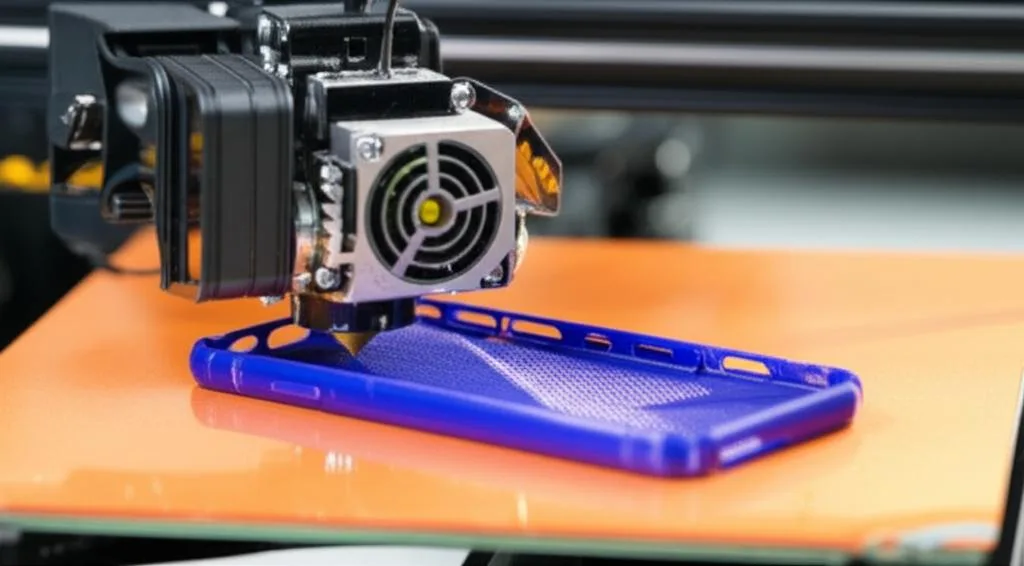
With your design finalized and slicer settings optimized, it’s time to bring your 3D print TPU phone case to life.
- Loading TPU: Due to its flexibility, TPU can be tricky to load. Gently feed the filament into the extruder, ensuring it doesn’t bend or buckle before entering the hotend. If you have a Bowden setup, manually push the filament through until it reaches the hotend and starts extruding.
- First Layer Calibration: A perfect first layer is paramount for success. Ensure your bed is level and the nozzle height is correctly calibrated. Watch the first layer closely; it should adhere smoothly without gaps or excessive squish.
- Monitoring the Print: TPU prints can be slow, but it’s wise to monitor the initial layers closely. Look out for common issues like stringing, blobs, or poor adhesion. Since print speeds are low, you’ll have time to react if something goes wrong.
- Troubleshooting Common Issues:
- Stringing/Oozing: This is common with TPU. Experiment with lower retraction distances and speeds, or even disabling retraction. Ensure your nozzle temperature isn’t too high.
- Under-extrusion/Clogging: Usually a sign of printing too fast, or the filament buckling in a Bowden tube. Slow down print speeds and check for any obstructions in the filament path.
- Poor Bed Adhesion: Re-level your bed, clean the print surface, increase bed temperature slightly, or apply a thin layer of glue stick.
- Layer Separation: Ensure your nozzle temperature is adequate for good layer bonding. Too much cooling can also cause this.
Phase 4: post-processing and finishing touches
Once your custom phone cover design is complete, a few final steps will ensure it’s ready for use.
- Removing Supports: If you used supports, carefully remove them. TPU’s flexibility can make support removal a bit challenging, as it can stretch rather than break cleanly. Use flush cutters or a hobby knife, being mindful not to damage the case itself.
- Cleaning Up: Any stringing or small blobs can usually be carefully trimmed with flush cutters or a sharp hobby knife. For a smoother finish, some users lightly sand TPU with very fine-grit sandpaper (though this can be tricky due to its flexibility) or use a heat gun carefully to melt away fine strings (use extreme caution to avoid deforming the case).
- Testing the Fit: Place your phone into the new 3D printed TPU phone case. Check that all buttons are accessible and functional, ports are unobstructed, and the camera cutout is clear. Ensure the bezel provides adequate screen protection. If anything is off, you can adjust your design in CAD and print a revised version.
Conclusion
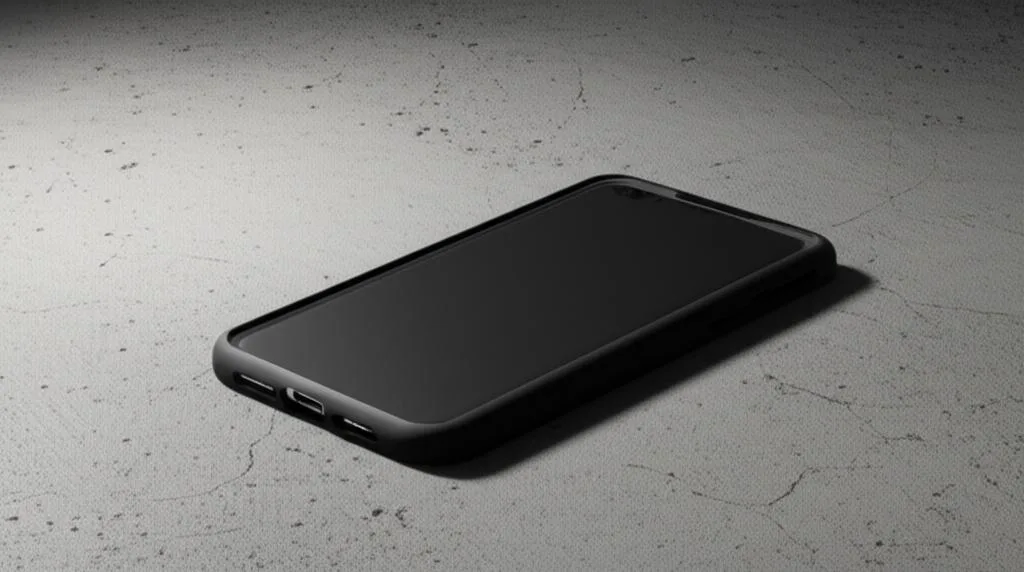
Designing and 3D printing your own durable, impact-resistant TPU phone case is a rewarding project that combines creativity with practical engineering. By understanding the unique properties of TPU, meticulously crafting your custom phone cover design, and fine-tuning your slicer settings, you can achieve a professional-grade result that offers superior protection and a personalized touch. This flexible phone case tutorial equips you with the knowledge to tackle the specific challenges of printing with flexible filaments, transforming your ideas into a robust, custom accessory. Embrace the process, learn from each iteration, and enjoy the satisfaction of using a phone case that’s truly one-of-a-kind.
Frequently asked questions
Can I print this TPU phone case on a stock Ender 3 (Bowden extruder)?
Yes, it is possible but challenging. You will need to print much slower than with a direct-drive machine—start at 15-20 mm/s—and minimize or disable retraction to prevent filament buckling in the PTFE tube. A Capricorn PTFE tube can help by providing tighter tolerances, and you must ensure the tube is fully seated against the nozzle to avoid clogs.
How do I clean stringing off a flexible TPU print without damaging it?
First, trim any large strings or blobs with flush cutters or a sharp hobby knife. For fine wisps, you can very briefly pass a heat gun over the surface from a distance of 15-20 cm, but use extreme caution—TPU deforms quickly if overheated. Light sanding with very fine-grit paper (e.g., 400+) is possible but tricky due to the material’s flexibility and tends to leave a cloudy finish.
Will a 1.5 mm thick TPU case actually protect my phone from a drop?
Yes, if designed correctly, because TPU’s elasticity absorbs and dissipates impact energy rather than transferring it to the phone. The article recommends reinforcing the corners to 3-4 mm thickness, using 3-4 perimeters, and an infill density of 20-40% with a honeycomb or gyroid pattern for maximum cushioning. A raised bezel at least 1 mm above the screen is also critical to prevent face-down impacts from hitting the glass.