Achieving truly exceptional print quality with your resin 3D printer often boils down to one critical, yet frequently overlooked, parameter: resin exposure time. Much like a master chef precisely seasoning a dish, dialing in the perfect exposure time is an art and a science that unlocks the full potential of your SLA or DLP machine. Without this crucial calibration, you might find yourself battling with fuzzy details, brittle parts, or prints that simply refuse to adhere. This comprehensive guide will walk you through the process, empowering you to consistently produce prints with crisp details and robust mechanical properties.
Understanding the Fundamentals of Resin Exposure Time
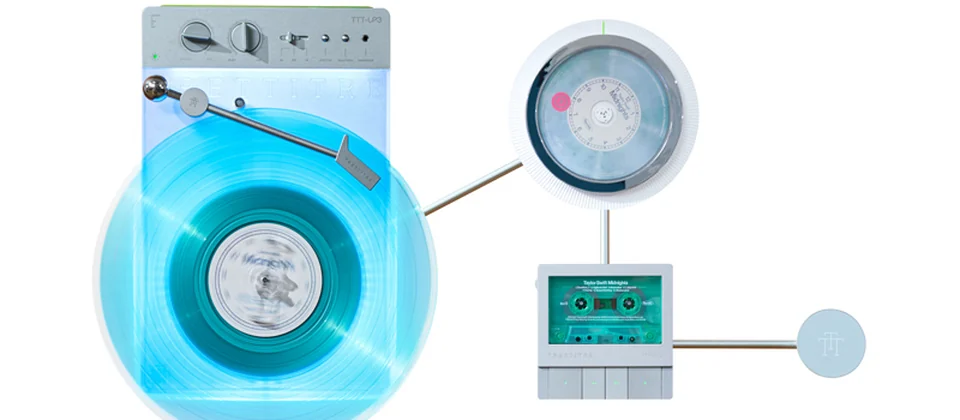
A retro-styled turntable and add-on speaker system with concrete and wood enclosure options. Currently running on Kickstarter.
What is resin exposure time?
At its core, resin 3D printing (SLA/DLP) works by selectively curing liquid photopolymer resin layer by layer using a UV light source. Each layer is exposed to UV light for a specific duration, causing the resin to solidify. This duration is what we refer to as the resin exposure time. It’s the precise window during which the UV light activates photoinitiators within the resin, triggering a chemical reaction that transforms the liquid into a solid polymer.
Why is accurate exposure time critical?
The quest for accurate exposure time isn’t just about getting a successful print; it’s about optimizing every aspect of your print’s quality and integrity. Here’s why it’s so pivotal:
- Detail resolution and crispness: The most immediate and noticeable impact of correct exposure is on the fidelity of your print. Optimal settings ensure that fine features, sharp edges, and intricate textures are rendered with breathtaking precision. Under-curing leads to mushy, ill-defined details, while over-curing can cause features to swell and blur.
- Dimensional accuracy: For functional parts or models requiring precise fitting, dimensional accuracy is paramount. Correct exposure ensures that the cured resin maintains its intended size and shape, preventing warping or shrinkage that can throw off critical tolerances.
- Print success rates: Proper exposure contributes significantly to the adhesion of layers to each other and to the build plate. This minimizes print failures such as delamination, parts detaching from the build plate, or supports failing mid-print.
- Material properties: The degree of cure directly influences the mechanical properties of your finished print. Properly cured parts exhibit the intended hardness, flexibility, and strength. Under-cured parts are weak, brittle, or sticky, while severely over-cured parts can become overly brittle and prone to cracking.
The perils of incorrect exposure
Veering from the optimal resin exposure time can lead to a host of frustrating issues:
- Under-curing: This occurs when the resin doesn’t receive enough UV energy to fully solidify.
- Over-curing: This happens when the resin is exposed to UV light for too long.
Factors Influencing Optimal Exposure Time
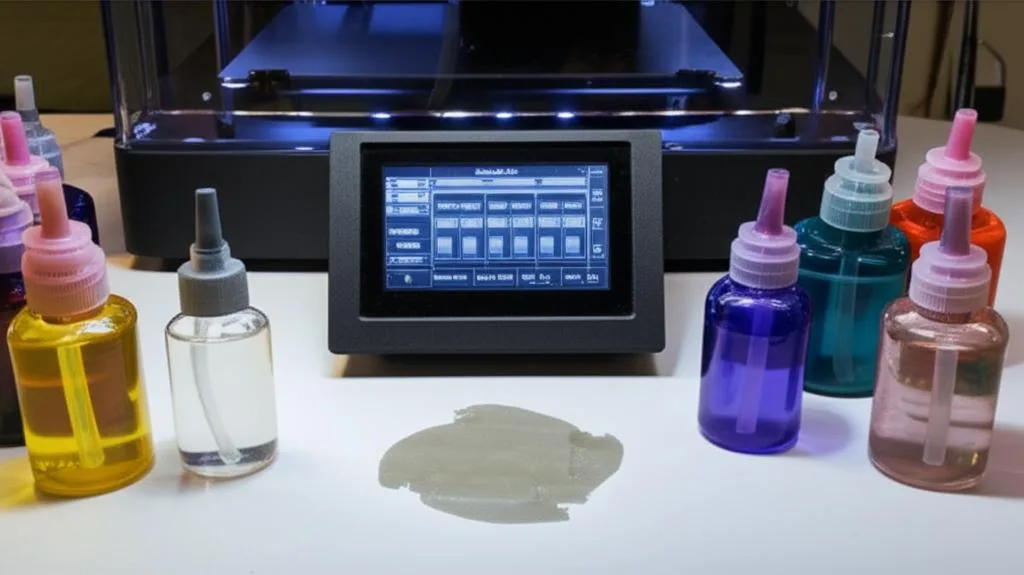
There’s no single magic number for resin exposure time that works for every scenario. Several variables come into play, each subtly influencing the ideal setting:
- Resin Type and Brand: This is arguably the most significant factor. Different resins have varying formulations, pigments, and photoinitiators. A clear resin will typically require less exposure than a heavily pigmented grey or black resin, as pigments block UV light. Always treat each new resin type or even a different batch of the same resin as a fresh calibration challenge.
- Printer Type and Light Source: SLA printers use lasers, DLP printers use projectors, and most consumer resin printers use LCD screens with a UV backlight. The intensity, wavelength, and uniformity of the UV light source vary considerably between different printer models. A powerful monochrome LCD screen, for instance, will cure resin much faster than an older RGB LCD screen.
- Layer Height: Thicker layers (e.g., 0.1mm) contain more resin volume to cure, often requiring slightly longer exposure times compared to thinner layers (e.g., 0.025mm). Conversely, very thin layers might be prone to over-curing if the exposure time isn’t reduced proportionally.
- Ambient Temperature: Resin viscosity changes with temperature. Colder resin is thicker and may require a slightly longer exposure time to cure properly, as the photoinitiators might be less reactive. A stable, warm environment (typically 20-25°C or 68-77°F) is generally recommended for consistent results.
- Print Geometry: While less direct, the geometry of your print can sometimes influence perceived optimal exposure. Prints with very thin walls or delicate features might highlight under-curing issues more readily than large, bulky models.
- FEP Film and Screen Degradation: Over time, the FEP (or nFEP) film in your resin vat can become cloudy or scratched, reducing UV light transmission. Similarly, the UV light source or LCD screen can degrade, losing intensity. These factors might necessitate slight increases in exposure time to compensate.
Preparing for Calibration: Essential Pre-Flight Checks
Before embarking on your SLA calibration journey, a little preparation goes a long way. Think of this as your pre-flight checklist to ensure accurate and reliable results.
Gathering your tools
- Your Resin Printer: Clean and ready for action. Ensure the build plate is level and the resin vat is clean and free of cured resin bits.
- Fresh Bottle of Resin: Use the exact brand, type, and color of resin you intend to calibrate. Different resins, even from the same manufacturer, can have vastly different optimal exposure times. Shake the bottle well before use.
- Calibration Print Files: There are many excellent, freely available exposure test models. Popular choices include:
- Isopropyl Alcohol (IPA) or Resin Cleaner: For thorough cleaning of your calibration prints.
- Soft Cloths or Paper Towels: For drying and wiping.
- Gloves and Safety Glasses: Always prioritize safety when handling liquid resin.
- Slicer Software: ChituBox, Lychee Slicer, PrusaSlicer, etc., compatible with your printer.
- UV Curing Station (Optional but Recommended): For post-curing your test prints to their final hardness for accurate evaluation.
Environmental considerations
- Stable Room Temperature: Aim for a consistent temperature, ideally between 20-25°C (68-77°F). Significant temperature fluctuations can affect resin viscosity and cure times.
- Dark, Dust-Free Environment: Minimize ambient UV light exposure to prevent premature curing in the vat. A clean environment prevents dust particles from being embedded in your prints, which can mimic print defects.
Step-by-Step Resin Exposure Time Calibration
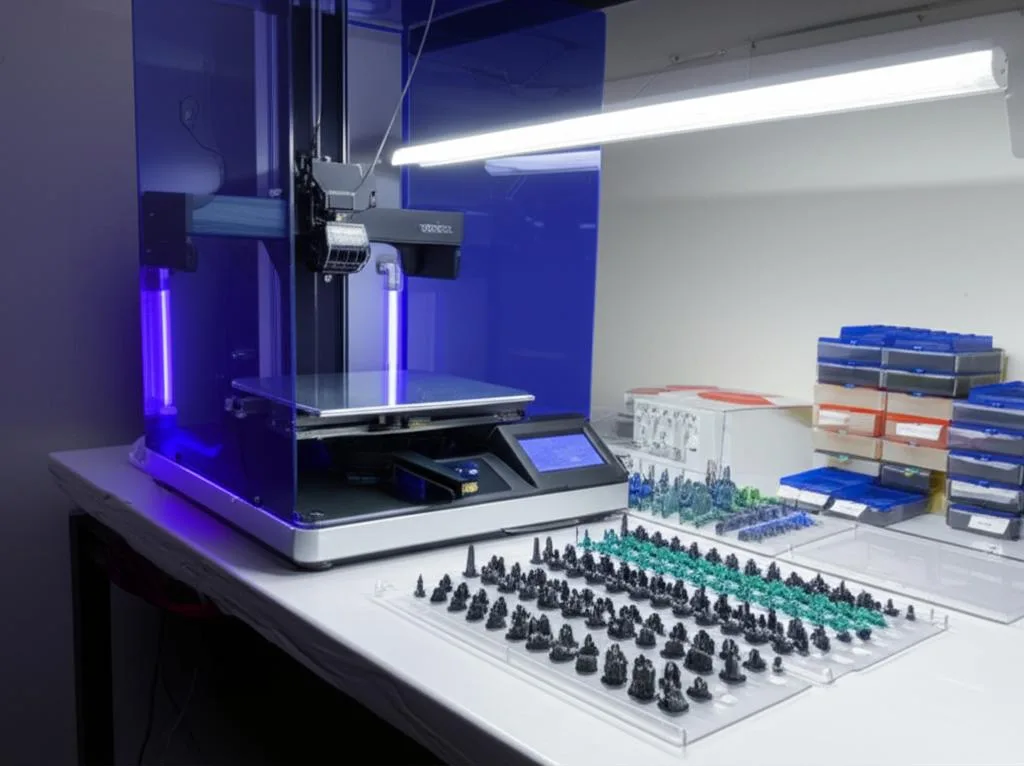
Now, let’s dive into the practical steps to fine-tune your DLP settings or SLA parameters for optimal print quality.
Step 1: Research and initial settings
Don’t start from scratch! Leverage existing knowledge:
- Check Resin Manufacturer’s Recommendations: Most resin manufacturers provide a data sheet or recommended settings for various popular printers. This is an excellent starting point.
- Consult Community Databases: Websites, forums, and community-maintained spreadsheets (e.g., Google Sheets for specific printer models and resins) often contain user-reported optimal settings. These can offer a good baseline.
- Start with a Conservative Base Exposure Time: If no specific recommendations are available, pick a reasonable starting point. For monochrome LCD printers at 0.05mm layer height, this might be around 2.0-2.5 seconds. For older RGB LCD printers, it could be 6-10 seconds.
Step 2: Choose your calibration model
Select a calibration print that suits your immediate needs. For a general calibration focusing on details, the AmeraLabs town or Phrozen XP Finder are excellent. If you’re struggling with supports, the Cones of Calibration might be more appropriate. For your first calibration, pick a model that features both fine details and some structural elements.
Step 3: Slice and prepare the print file
Open your chosen slicer software and import the calibration model.
- Set Layer Height: Stick to a standard layer height, typically 0.05mm, for consistency during calibration.
- Configure Bottom Layers: Set a sufficient number of bottom layers (e.g., 4-6) with a longer bottom layer exposure time (e.g., 20-40 seconds, depending on resin and printer) to ensure strong adhesion to the build plate.
- Set Lift Heights and Speeds: Use the manufacturer’s recommended lift height and speed settings for your printer and resin. These influence print success but generally don’t directly impact the *cure* of a single layer.
- Crucially, Set the Normal Layer Exposure Time: Input your chosen initial exposure time from Step 1.
- Add Supports (if necessary): Some calibration prints are designed to be printed directly on the build plate or are self-supporting. If your chosen model requires supports, add them judiciously. For models like the Cones of Calibration, supports are integral to the test.
- Export to USB: Save the sliced file to your printer’s USB drive.
Step 4: Run the first calibration print
With everything prepared:
- Fill the Resin Vat: Ensure you have enough resin for the print.
- Level the Build Plate: Double-check that your build plate is properly leveled.
- Start the Print: Insert the USB drive and select your calibration file.
- Monitor Progress: Observe the first few layers. Ensure the print adheres successfully to the build plate.
Step 5: Post-processing and critical evaluation
Once the print is complete:
- Remove and Clean: Carefully remove the print from the build plate. Wash it thoroughly in IPA or a dedicated resin cleaner to remove all uncured resin. Rinse and dry it.
- Post-Cure (Briefly): For accurate evaluation, especially of mechanical properties, give the print a brief post-cure under UV light (e.g., 5-10 minutes). This stabilizes the resin and brings it closer to its final state. Avoid over-curing during this stage, as it can skew your assessment.
- Analyze the Print Meticulously: This is the most crucial step. Use a magnifying glass or jeweler’s loupe if available.
- Fine details: Are small features, textures, and engravings sharp and well-defined? Or are they blurry, rounded, or missing?
- Holes/Pins: Are holes open and true to size? Are pins present and not swollen or broken?
- Edges and Corners: Are they crisp and angular, or do they appear rounded or feathered?
- Structural integrity: Does the print feel solid and robust, or is it brittle, crumbly, or overly flexible?
- Over-curing indicators: Look for the ‘elephant foot’ effect at the base, swollen features, filled-in holes, or supports that are exceptionally difficult to remove, leaving significant marks. The print might feel unusually hard or brittle.
- Under-curing indicators: Check for sticky or tacky surfaces, mushy or undefined details, incomplete features, delamination between layers, or supports that fail or peel away too easily. The print might feel soft or rubbery.
Step 6: Adjust and iterate
Based on your detailed evaluation, you’ll need to adjust your resin exposure time and repeat the process.
- If your print shows signs of over-curing: Decrease the normal layer exposure time. Make small, incremental adjustments. For monochrome LCD printers, a step of 0.1-0.2 seconds is often appropriate. For older RGB LCD printers, you might adjust by 0.5-1.0 second.
- If your print shows signs of under-curing: Increase the normal layer exposure time. Again, use small increments (0.1-0.2s for mono, 0.5-1.0s for RGB).
Repeat steps 3-5 (slice, print, evaluate) until you achieve a print that exhibits excellent detail, dimensional accuracy, and appropriate mechanical properties. This iterative process is key to finding the sweet spot.
Advanced Calibration Techniques and Tips
Using exposure test matrices
Some advanced calibration models, often referred to as exposure test matrices or ramp tests, allow you to print a single model that has different sections cured at varying exposure times. This can significantly speed up the calibration process by providing a range of results in one print. You evaluate the different sections to pinpoint the optimal time without running multiple full prints.
The “R_E_R_F” (Resin Exposure Range Finder)
Many modern resin printers (especially those from Anycubic, Elegoo, Phrozen) include a built-in feature called R_E_R_F. This function automatically prints multiple identical small models on the build plate, each cured at a slightly different exposure time (e.g., 8 models with times ranging from T-4 to T+3 seconds, where T is your base setting). This is an incredibly efficient way to visually compare the effects of varying exposure and quickly identify the best setting.
Temperature compensation
If your printing environment’s temperature fluctuates significantly, you might find that your optimal exposure time needs slight adjustment. Colder resin cures slower, so you might need to increase exposure slightly in a cold room. Conversely, a warmer environment might allow for a slight reduction. Consider investing in a small vat heater or maintaining a consistent room temperature for best results.
FEP film and screen degradation
Remember that your FEP film and LCD screen are consumables. Over many prints, the FEP can become cloudy, and the LCD’s UV light transmittance can diminish. If you notice a sudden drop in print quality or an increase in under-curing issues, even with previously calibrated settings, it might be time to inspect or replace these components. You may also need to slightly increase your exposure time to compensate for minor degradation.
Documenting your settings
This tip is invaluable for long-term success and consistency. Create a detailed logbook or spreadsheet to record your findings:
- Resin Brand and Type: (e.g., Anycubic Standard Grey, Siraya Tech Fast ABS-like White)
- Printer Model: (e.g., Elegoo Mars 3 Pro)
- Layer Height: (e.g., 0.05mm)
- Optimal Normal Layer Exposure Time: (e.g., 2.3 seconds)
- Bottom Layer Count and Exposure Time: (e.g., 5 layers, 30 seconds)
- Lift Height and Speed: (e.g., 7mm, 60mm/min)
- Room Temperature: (e.g., 22°C)
- Specific Calibration Model Used: (e.g., AmeraLabs town)
- Notes/Observations: (e.g., “Crisp details, slightly brittle, might try 2.2s next time for flexibility”)
This documentation becomes your go-to reference, saving you countless hours of re-calibration in the future, especially when switching between resins or troubleshooting issues.
Common Pitfalls to Avoid
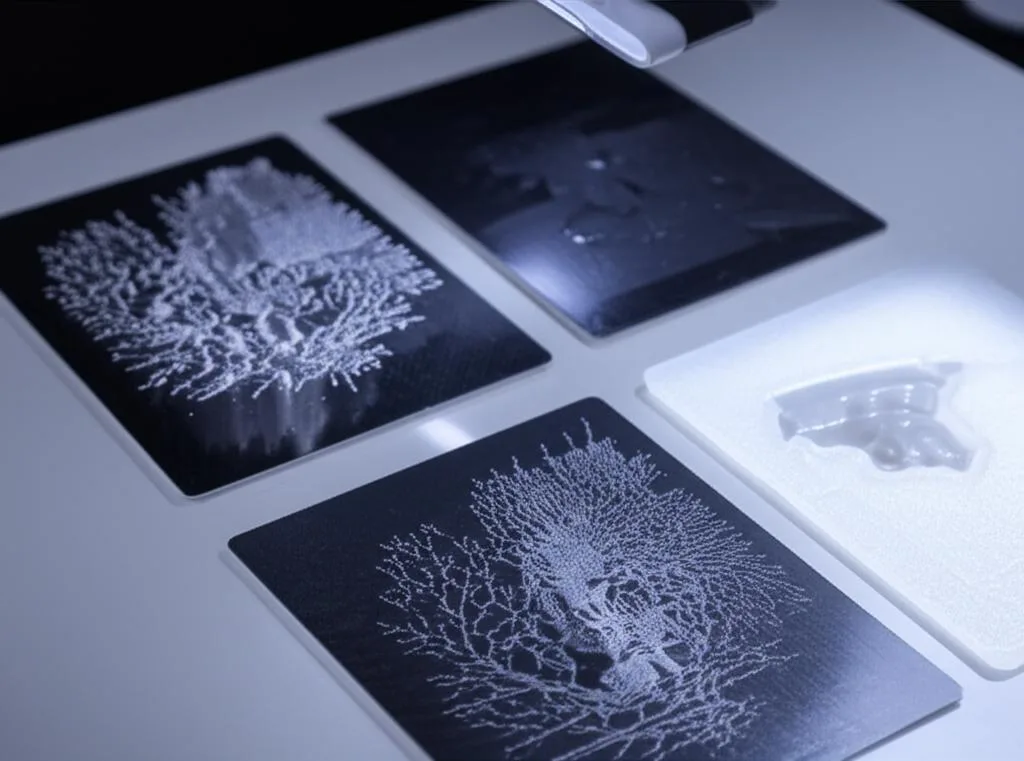
Even with a clear guide, it’s easy to fall into common traps during exposure test and calibration. Be mindful of these to streamline your process:
- Changing Too Many Settings at Once: When troubleshooting or calibrating, isolate variables. Only change the normal layer exposure time between test prints. Don’t simultaneously adjust layer height, lift speed, and exposure time, as you won’t know which change had what effect.
- Not Cleaning the Printer/Vat Between Tests: Small bits of cured resin or debris in the vat can cause print failures or light blockage, leading to inaccurate results. Always clean your vat and FEP thoroughly.
- Using Old or Expired Resin: Resin has a shelf life. Over time, its properties can change, leading to inconsistent curing. Always use fresh, well-mixed resin for calibration.
- Skipping Post-Curing for Evaluation: While you don’t need a full, long post-cure, a brief cure helps stabilize the print and reveals its true mechanical properties and surface finish, which are crucial for accurate assessment.
- Ignoring Environmental Factors: Temperature, humidity, and ambient light can all play a role. Try to maintain a consistent environment for repeatable results.
- Being Impatient: Calibration takes time and several iterations. Don’t rush the process or get discouraged if your first few tests aren’t perfect. Each test provides valuable data.
Conclusion: The Path to Pristine Prints
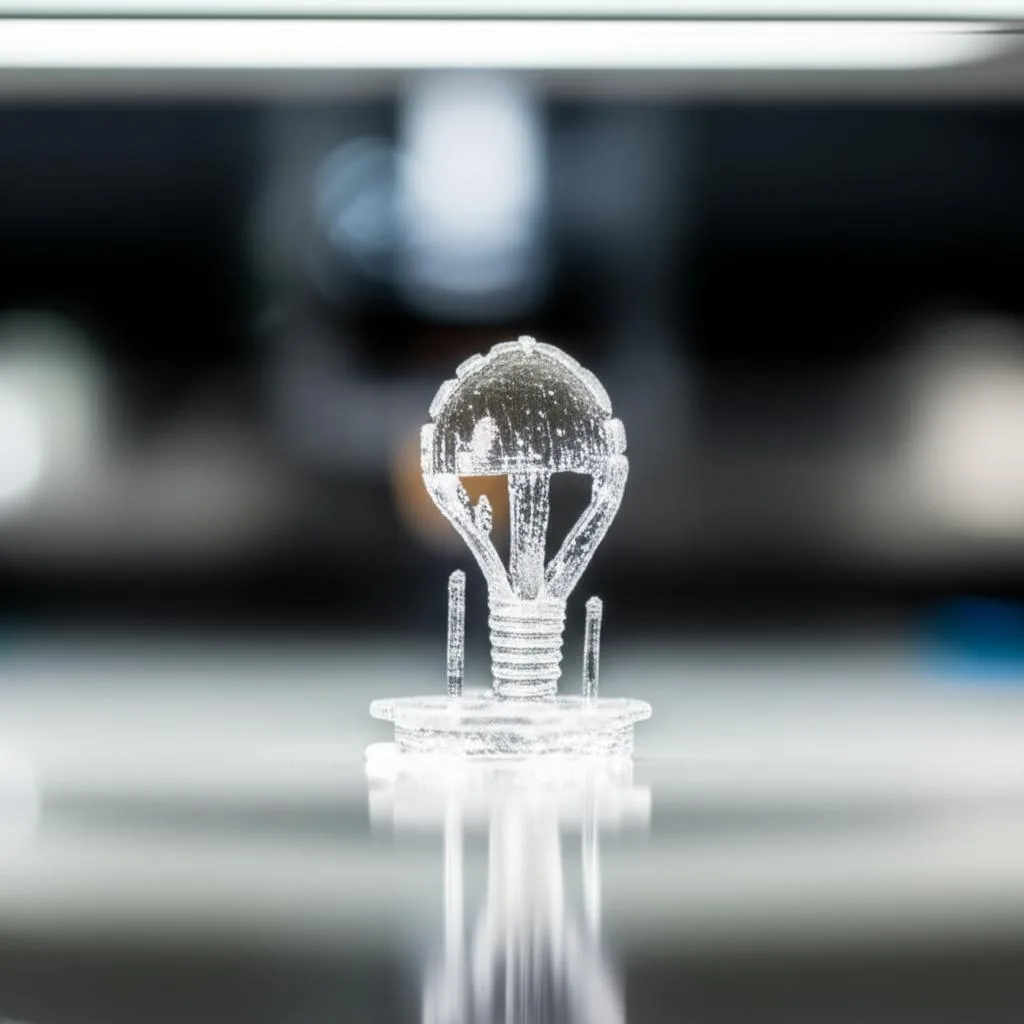
Mastering resin exposure time calibration is arguably the single most impactful skill you can develop to elevate your resin 3D printing game. It’s the cornerstone of achieving those coveted crisp details, robust mechanical properties, and consistent print success. While it requires a methodical, iterative approach and a keen eye for detail, the investment of your time will pay dividends in the form of superior print quality and reduced frustration.
Embrace the process of experimentation, meticulous observation, and diligent documentation. By understanding the nuances of SLA calibration and DLP settings, you’re not just adjusting a number; you’re unlocking the full potential of your resin printer and ensuring that every model you create is a testament to precision and craftsmanship. Happy printing!
Frequently asked questions
Can I use the same exposure time for different colors of the same resin brand?
No, you generally cannot. Heavily pigmented resins like grey or black block more UV light than clear or translucent resins, so they typically require a longer exposure time. Always treat each new color as a separate calibration challenge, even within the same brand.
How do I know if my LCD screen or FEP film is degrading and affecting my exposure time?
If you notice a sudden drop in print quality or an increase in under-curing issues with previously calibrated settings, inspect your FEP film for cloudiness or scratches and your LCD screen for diminished brightness. Over many prints, these components lose UV transmittance, which may require a slight increase in exposure time to compensate.
What is the most common mistake people make when calibrating exposure time?
The most common mistake is changing too many settings at once between test prints. You should isolate variables and only adjust the normal layer exposure time during calibration; changing layer height, lift speed, or exposure simultaneously makes it impossible to know which adjustment caused the observed effect.