Embarking on the journey of 3D printing often brings with it the desire for improved print quality, especially when venturing into more demanding materials like ABS. A well-designed DIY printer enclosure is not just a luxury; it’s a practical upgrade that can significantly enhance your printing experience by stabilizing temperatures, mitigating unpleasant odors, and reducing noise. This comprehensive guide will walk you through the various considerations, material choices, and feature comparisons involved in a 3D printer enclosure build, empowering you to create a solution tailored to your specific needs and budget.
Understanding the benefits of a printer enclosure
Before delving into the specifics of construction, it’s crucial to understand the multifaceted advantages an enclosure offers. For many users, the primary motivation is to achieve better print results with temperature-sensitive filaments. Materials like ABS are notorious for warping and delaminating due to rapid cooling or drafts. A controlled print chamber environment helps maintain a consistent ambient temperature around the print bed and the printed object, leading to stronger, more dimensionally accurate parts.
Beyond thermal stability, an enclosure plays a vital role in managing the byproducts of 3D printing. Filaments, particularly ABS, can emit volatile organic compounds (VOCs) and ultrafine particles (UFPs) during the extrusion process. An enclosure, especially one equipped with an effective exhaust and filtration system, can provide crucial odor control 3D printer functionality, protecting your indoor air quality and making your printing space more comfortable. Furthermore, the physical barrier of an enclosure helps to reduce the operational noise of your printer and protects it from dust and accidental bumps, ensuring a cleaner, quieter, and safer printing environment.
Core design philosophies and their implications
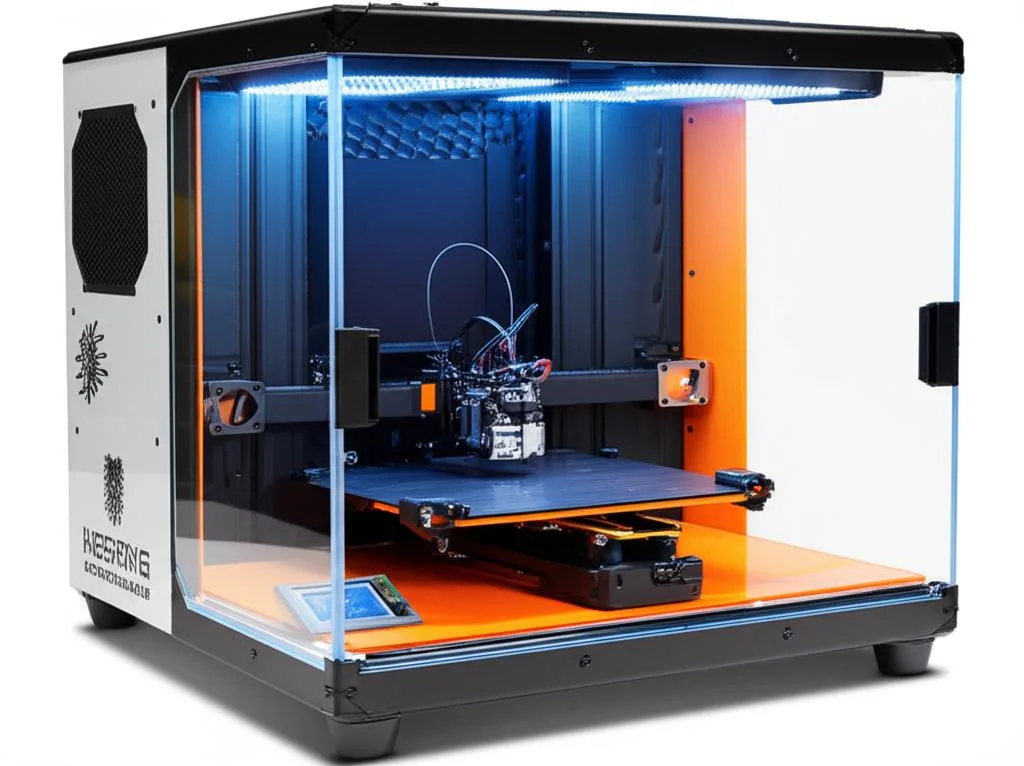
When planning your DIY printer enclosure, you’ll encounter several fundamental design philosophies, each with its own cost structure, complexity, and feature set. Understanding these will help you choose the right path for your specific goals.
Minimalist and budget-friendly solutions
This approach often leverages readily available, inexpensive materials or repurposed items. A classic example is the IKEA Lack enclosure, which utilizes multiple Lack tables stacked to form a basic frame. While incredibly cost-effective and relatively simple to assemble, these designs typically offer limited insulation and may require additional modifications for effective climate control or advanced filtration. They are excellent entry points for those looking for basic temperature stability and dust protection without a significant financial outlay.
Purpose-built and balanced enclosures
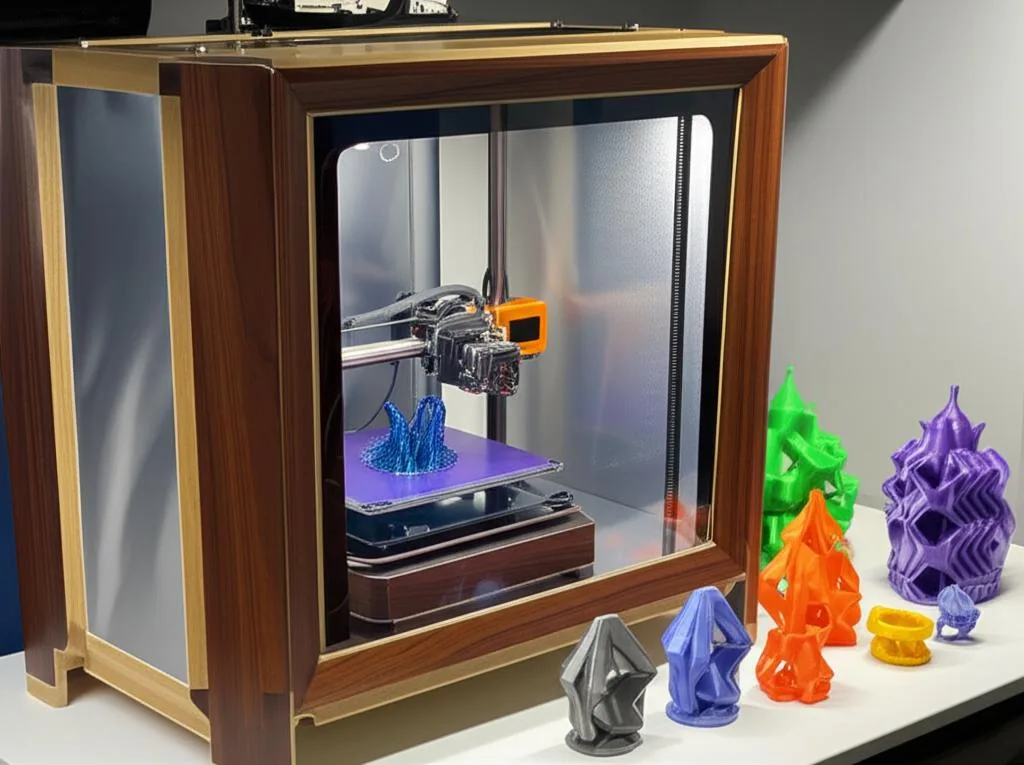
Moving up in complexity and cost, purpose-built enclosures are designed from the ground up to meet specific requirements. These often involve constructing a frame from wood, aluminum extrusions, or PVC, and then paneling it with materials like acrylic, polycarbonate, or MDF. This approach offers a greater degree of customization in terms of size, features, and aesthetics. You can integrate better insulation, more robust doors, and dedicated mounting points for electronics and filtration systems. The cost here varies widely based on material choices and the level of finish desired, but it generally represents a good balance between performance and affordability for a comprehensive 3D printer enclosure build.
Advanced climate-controlled systems
At the higher end of the DIY spectrum are advanced enclosures that incorporate active heating, precise temperature regulation, and sophisticated multi-stage filtration. These are often pursued by users who print exclusively with high-temperature materials or require exceptional air quality control. Such systems typically involve more specialized components like PTC heaters, dedicated temperature controllers, powerful exhaust fans, and HEPA/activated carbon filter arrays. While offering the best performance for an ABS printing enclosure and superior odor control, they naturally come with a higher component cost and require more technical expertise in electronics and system integration.
Material choices and their cost implications
The materials you select for your enclosure will significantly impact its performance, durability, aesthetics, and, crucially, its overall cost. Let’s explore the common options for various components.
Frame materials: Structure and stability
- Wood (Plywood/MDF): Plywood and MDF are highly accessible and cost-effective. Plywood offers good strength-to-weight ratio and can be stained or painted, with costs varying based on type (e.g., birch, pine) and thickness. MDF is cheaper, denser, and offers a very smooth finish, but is heavier, more susceptible to moisture damage, and can release fine dust when cut. Both require basic woodworking tools (saw, drill) and fasteners (screws, wood glue, corner brackets). The cost of a basic wooden frame can range from $30-$100 depending on size and wood quality.
- Aluminum Extrusions (V-slot/T-slot): These modular systems are popular for their strength, precision, and ease of assembly/disassembly. They offer a professional look and allow for easy integration of accessories. However, they are significantly more expensive than wood, with costs for the extrusions themselves, plus specialized fasteners (T-nuts, corner brackets, end caps), adding up. A typical frame for a medium-sized printer might cost $100-$300 or more for materials alone, not including panels.
- PVC Piping: A very budget-friendly option, PVC piping is lightweight and easy to cut and assemble with simple tools and PVC cement or fittings. Its primary drawbacks are lower rigidity compared to wood or aluminum, and a less refined aesthetic. It’s best suited for lighter-duty enclosures or those where cost is the absolute priority. Expect to spend $20-$50 on PVC pipe and fittings for a basic frame.
- Existing Furniture (e.g., IKEA Lack tables): As mentioned, repurposing furniture can drastically reduce frame costs, potentially to $0 if you already own suitable pieces, or the cost of the furniture itself (e.g., $10-$20 per Lack table). The trade-off is often a lack of ideal dimensions or thermal properties, requiring additional modifications.
Wall and panel materials: Insulation, visibility, and safety
- Acrylic (Plexiglass): A popular choice for its clarity, allowing full visibility of the print process. It offers decent thermal insulation and is relatively easy to cut and drill. However, acrylic can be brittle and may crack under stress or impact. It’s also more expensive than some alternatives, with 3mm or 5mm sheets costing $20-$50 per square foot, depending on thickness and quality.
- Polycarbonate: A more durable and impact-resistant alternative to acrylic, polycarbonate is ideal for enclosures that might experience bumps or require enhanced safety. It’s less prone to cracking but can be more challenging to cut cleanly and is generally more expensive than acrylic, often 1.5-2x the cost.
- Plywood/MDF: These provide excellent thermal insulation and noise reduction due to their density. They are opaque, which means no visibility into the print chamber unless combined with a clear door or window. They are cost-effective but require painting or finishing for aesthetics and moisture protection.
- Foam Board/Corrugated Plastic: These are extremely lightweight and inexpensive options, often used for temporary or very budget-conscious builds. They offer minimal thermal insulation and durability but are very easy to cut and assemble. Not ideal for an ABS printing enclosure where precise temperature control is critical, but might suffice for basic dust protection.
Doors: Access and sealing
The choice of door mechanism impacts accessibility and the effectiveness of sealing the print chamber. Hinged doors are common and relatively simple to implement with standard hinges. Sliding doors save space but require more complex track systems. Materials for doors typically match the wall panels (acrylic, polycarbonate, or wood). Magnets or latches are essential for a tight seal. Adding weather stripping or foam tape around the door edges is a cost-effective way to improve thermal retention and odor control 3D printer performance.
Environmental control features: Mastering the print chamber
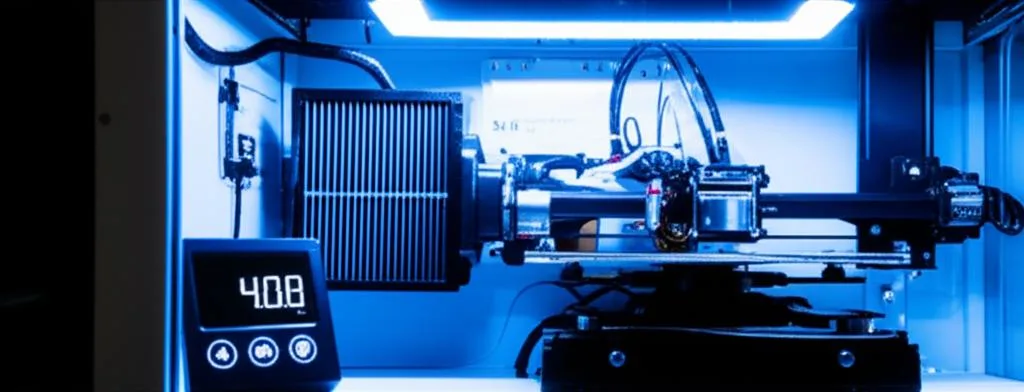
Achieving a stable and clean environment within your enclosure is paramount for quality prints and user comfort. This section compares various approaches to temperature and air quality control.
Temperature management: Passive vs. active heating
- Passive Heating: The simplest approach relies on the waste heat generated by the printer’s heated bed and hotend. For smaller enclosures and printers that already generate significant heat, this can be surprisingly effective for maintaining temperatures suitable for many ABS prints. This method incurs no additional cost for heating components, but offers no direct control over the internal temperature.
- Active Heating: For larger enclosures or more demanding materials, active heating becomes necessary.
- Temperature Monitoring: Basic digital thermometers ($5-$15) provide a simple way to monitor the internal temperature. For active heating systems, a dedicated thermostat or a smart controller (e.g., a PID controller or a Raspberry Pi-based system) offers precise temperature regulation, allowing you to set and maintain a target temperature. These can add $30-$100+ to the cost but provide significant control.
Ventilation and odor control: Breathing easy
Effective ventilation and filtration are critical for odor control 3D printer setups and for managing potentially harmful fumes. This is a key area where different approaches yield vastly different results and cost implications.
- Passive Vents: Simple holes or grates in the enclosure allow for some air exchange. This is the lowest cost option (potentially free) but offers minimal control over airflow and virtually no filtration. It’s generally insufficient for effective odor control or significant fume extraction.
- Active Exhaust Fans: Integrating an active fan system is the most common and effective method for ventilation.
- Filtration Systems:
Noise reduction: A quieter printing experience
3D printers can be surprisingly noisy, with stepper motors, fans, and vibrations contributing to the din. An enclosure can significantly mitigate this, but certain design choices enhance noise reduction.
- Material Density: Denser materials like MDF or thick plywood absorb sound better than lightweight acrylic or foam board. Building a solid enclosure with these materials will inherently reduce noise transmission.
- Airtightness: Gaps and cracks allow sound to escape. A well-sealed enclosure, especially around doors and cable pass-throughs, will be quieter. Weather stripping and silicone caulk are effective for sealing.
- Dampening Mats: Adding acoustic foam or rubber dampening mats to the interior walls of the enclosure can further absorb sound waves. These can be purchased for $10-$30 per sheet.
- Isolation Feet: Placing your printer on vibration-dampening feet (e.g., rubber pads, Sorbothane feet, or 3D printed TPU feet) inside the enclosure can prevent vibrations from transmitting to the enclosure structure itself, reducing resonant noise.
Lighting and accessibility: Enhancing usability
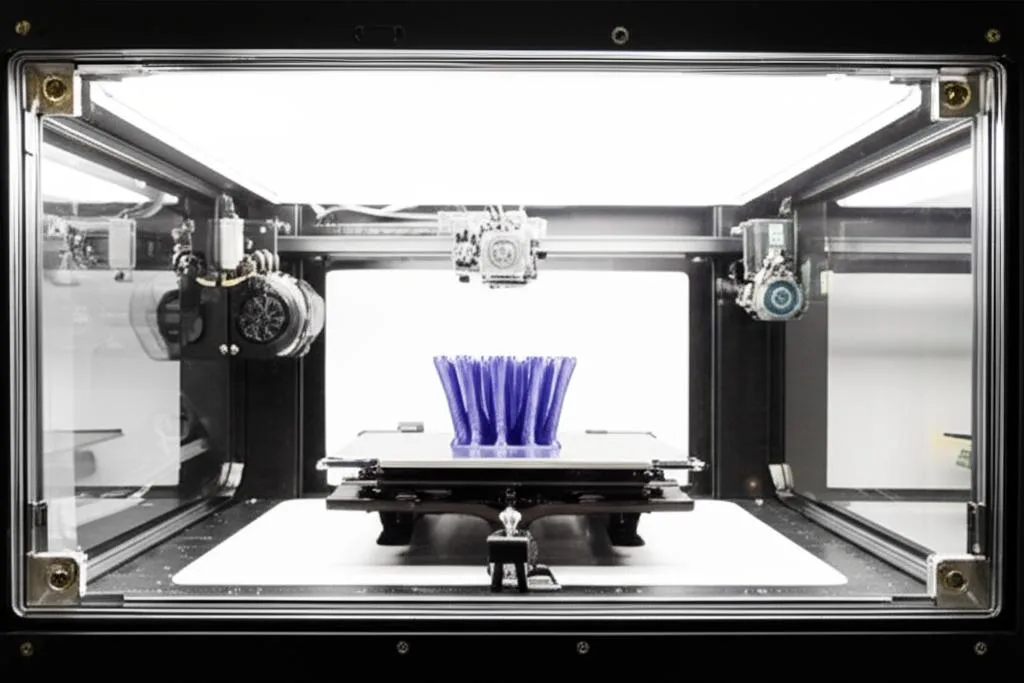
A functional enclosure isn’t just about performance; it’s also about ease of use.
- Internal Lighting: LED strip lights (e.g., 12V LED strips) are inexpensive ($5-$20) and easy to install, providing crucial visibility for monitoring prints and performing maintenance.
- Access Ports: Thoughtful placement of access ports for filament loading/unloading, USB cables, and power cables improves usability. Gland fittings or simple grommets can create neat, sealed pass-throughs.
- Tool Storage: Integrating shelves, hooks, or 3D printed tool holders into the enclosure design can keep essential tools close at hand, improving workflow.
Safety considerations: Printing responsibly
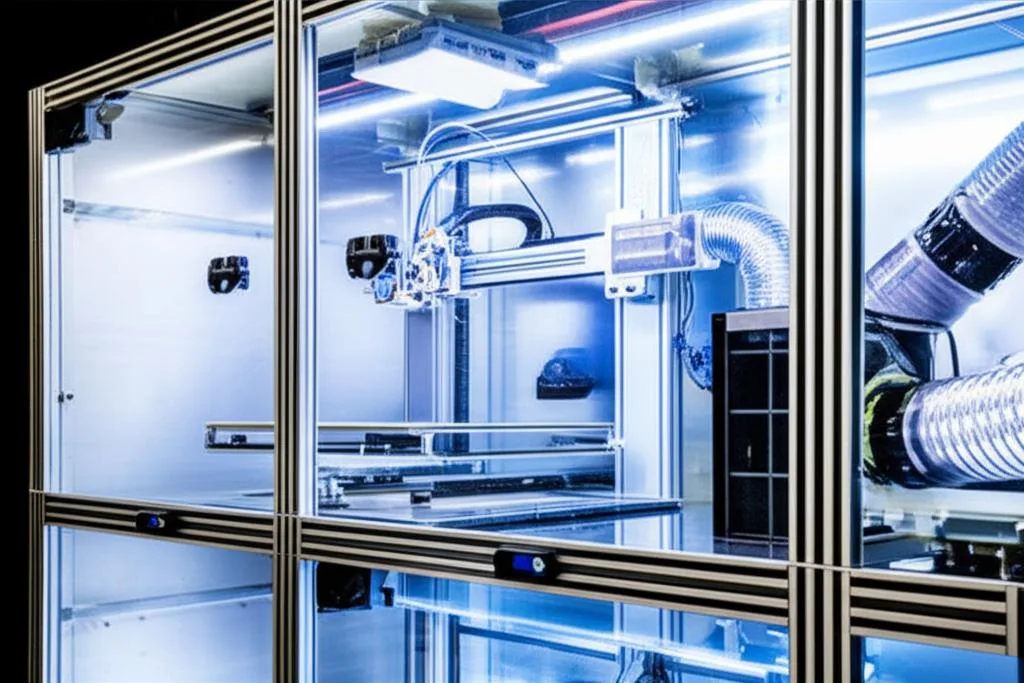
Safety should always be a top priority in any DIY printer enclosure project, especially when dealing with heat, electricity, and potentially harmful fumes.
- Fire Safety:
- Ventilation for Harmful Fumes: As discussed, robust ventilation and filtration are crucial for mitigating exposure to VOCs and UFPs, especially when printing with materials like ABS. Ensure your exhaust system is adequate for the volume of air in your print chamber and the materials you use.
- Stability: Ensure the enclosure is stable and won’t tip over, especially if it’s tall or heavy. Secure it to a workbench or wall if necessary.
Assembly techniques and tools: Bringing it all together
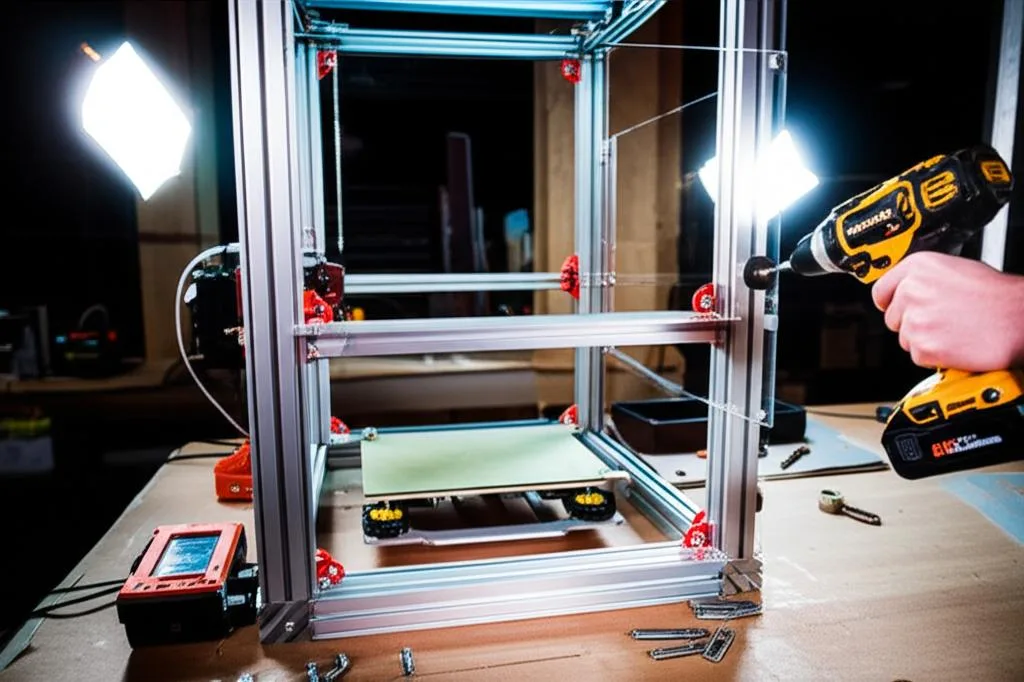
The construction method you choose will depend on your frame materials and your comfort level with different tools.
- Fasteners:
- Adhesives: Wood glue for wooden joints, silicone sealant for sealing gaps and securing panels, and construction adhesives can all play a role in creating a robust and airtight enclosure.
- Tools:
Comparative cost analysis and feature overview
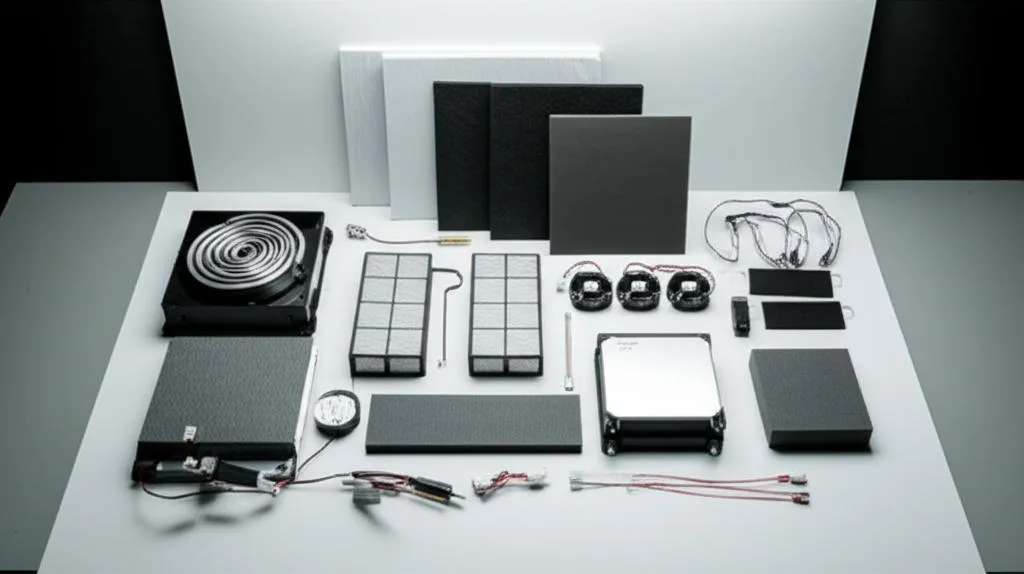
To help you make an informed decision, let’s objectively compare the typical cost structures and feature sets across different levels of DIY printer enclosure builds. It’s important to remember these are estimates, and actual costs will vary based on material availability, regional pricing, and your specific design choices.
Budget-friendly basic enclosure (e.g., modified IKEA Lack)
- Frame: $20-$60 (for 2-3 Lack tables if purchased new).
- Panels: $30-$80 (for acrylic/polycarbonate sheets for doors and perhaps a window, or even cheaper foam board/corrugated plastic for sides).
- Sealing/Hardware: $10-$30 (hinges, latches, weather stripping, screws).
- Temperature Control: Passive (relying on printer heat) – $0.
- Ventilation/Odor Control: Basic PC fan with simple DIY carbon filter – $15-$40.
- Total Estimated Cost: $75 – $210
- Key Features: Basic temperature stability, dust protection, minimal noise reduction, rudimentary odor control. Excellent entry point for testing the benefits of an enclosure.
Mid-range purpose-built enclosure (e.g., wood or basic aluminum frame)
- Frame: $50-$200 (for plywood/MDF or basic aluminum extrusions and connectors).
- Panels: $80-$200 (for thicker acrylic/polycarbonate, or wood panels with an acrylic window).
- Sealing/Hardware: $20-$50 (better hinges, robust latches, comprehensive weather stripping, corner brackets).
- Temperature Control: Passive, or a simple PTC heater with basic thermostat – $20-$60.
- Ventilation/Odor Control: Inline duct fan with a dedicated activated carbon filter – $50-$120.
- Total Estimated Cost: $220 – $630
- Key Features: Good temperature stability for ABS printing enclosure, improved dust/noise reduction, effective odor control. Offers a balance of performance, customization, and cost.
Advanced climate-controlled enclosure (e.g., robust aluminum frame with active heating and multi-stage filtration)
- Frame: $150-$400+ (for robust aluminum extrusions and high-quality connectors, or thick, high-grade plywood).
- Panels: $150-$350+ (for thick polycarbonate, or insulated composite panels with a large viewing window).
- Sealing/Hardware: $30-$80 (premium hinges, magnetic seals, robust latches, cable glands).
- Temperature Control: PTC heater with a PID controller or smart thermostat – $50-$150 (including sensors and power supply).
- Ventilation/Odor Control: Powerful inline duct fan with combined HEPA and activated carbon filtration system, potentially with external venting – $100-$300+.
- Additional Features: Internal LED lighting, dedicated power strip, integrated tool storage – $20-$50.
- Total Estimated Cost: $500 – $1330+
- Key Features: Excellent temperature control for high-performance materials, superior odor control 3D printer capabilities, significant noise reduction, professional aesthetics, and advanced safety features. This option provides the most control and highest print quality potential but requires a substantial investment in time and money for the 3D printer enclosure build.
It is important to note that these cost estimates do not include the cost of tools you might need to purchase if you don’t already own them. The complexity of the build also scales with the desired features; a more advanced setup will demand more time, precision, and potentially specialized skills.
Making your informed decision
The journey to building your own DIY printer enclosure is a rewarding one, offering tangible benefits for your 3D printing endeavors. By carefully considering the objective comparisons of materials, features, and cost structures presented here, you are well-equipped to make a decision that aligns with your specific needs, skill level, and budget.
Whether you opt for a minimalist setup to address basic warping issues, a balanced purpose-built design for a reliable ABS printing enclosure, or a sophisticated climate-controlled system for ultimate performance and odor control 3D printer functionality, the key is to choose components and a design that serve your primary goals. Each approach has its merits and trade-offs. Evaluate what matters most to you: is it maximum cost savings, optimal print quality for challenging filaments, superior air quality, or a combination of these factors? With this knowledge, you can confidently embark on your 3D printer enclosure build, transforming your printing experience for the better.
Frequently asked questions
Do I need to vent my enclosure outside, or is recirculating through a carbon filter enough for ABS fumes?
For effective odor control and safety when printing ABS, recirculating through an activated carbon filter is a common approach, but it has limits. A dedicated inline duct fan with a carbon filter will significantly reduce VOCs and odors inside the room, but for maximum protection, venting the exhaust directly outside is the best practice. If you use only a recirculating filter, you must replace the carbon regularly, as it becomes saturated over time.
Can I use an IKEA Lack enclosure for printing ABS without adding active heating?
Yes, a basic IKEA Lack enclosure can work for small to medium ABS prints using passive heating from the printer’s heated bed, but results depend on your room’s ambient temperature. The Lack frame offers minimal insulation, so you may still experience warping in a cold or drafty room. Adding weather stripping to seal gaps and placing the enclosure in a warm, stable room improves your chances of success without active heating.
What is the most cost-effective way to add active heating to a mid-range wooden enclosure?
The most cost-effective active heating solution for a mid-range wooden enclosure is a small PTC heater paired with a basic digital thermostat or PID controller. You can expect to spend $20–$60 for the heater and controller combined. This setup allows you to set and maintain a target chamber temperature, which is critical for reliable ABS printing, without the expense of a full smart-home integration system.