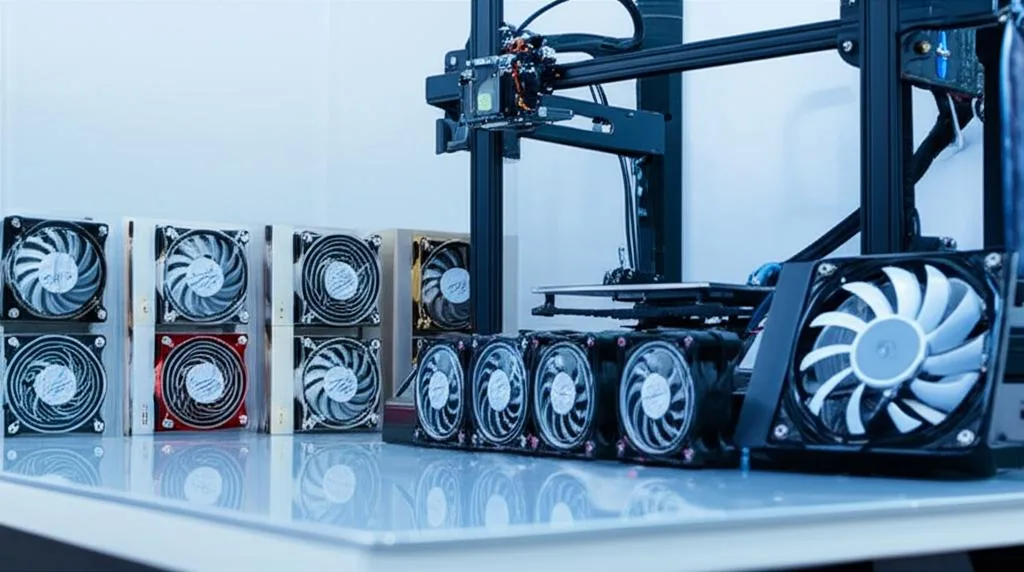
The persistent hum and whir of a 3D printer can quickly transform the excitement of creation into a test of patience, especially in shared living spaces or quiet workshops. For many enthusiasts, the quest for a truly quiet printing experience often leads to exploring options for a silent 3D printer fan. While stepper motors contribute to noise, the cooling fans — for the hotend, part cooling, mainboard, and power supply — are frequently the primary culprits. This article delves into an objective comparison of various solutions, including the popular Noctua fan upgrade for Ender 3 and its clones, alongside other alternatives, to help you navigate the landscape of noise reduction modifications.
Understanding the sources of 3D printer fan noise
The consumer toolchanger 3D printer: the SnapSwap 4-toolhead system swaps heads in 5 seconds for true multi-color and multi-material printing, with smart calibration and auto filament loading.
- 4 toolheads · 5 s swap
- Up to 500 mm/s · 20,000 mm/s²
- 270 mm cube build volume
- Multi-color & multi-material
Before diving into solutions, it’s beneficial to understand where the noise originates. Stock 3D printer fans are often chosen for their low cost and adequate airflow, not necessarily for their acoustic performance. They typically use sleeve bearings, which can become noisy over time, or lower-quality ball bearings. The small size and high RPM required for sufficient cooling also contribute to a high-pitched whine that can be particularly irritating. Addressing these specific noise sources is key to a successful noise reduction mod.
The Noctua fan upgrade: features and cost considerations
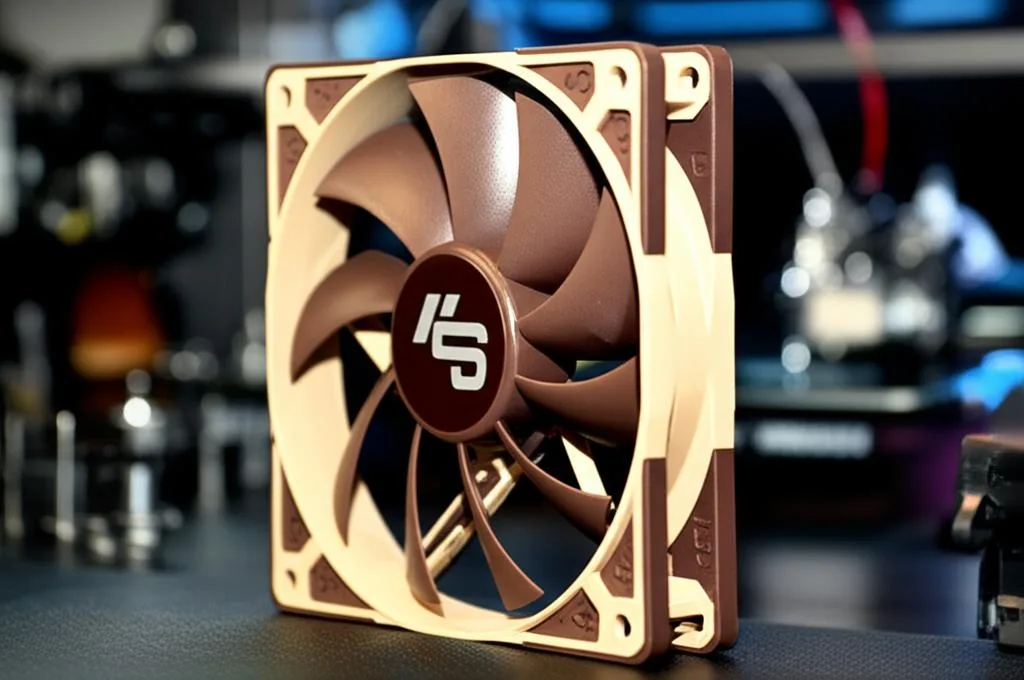
Noctua fans have earned a strong reputation in the PC building community for their exceptional balance of low noise and high performance, a reputation that has naturally extended to 3D printing. A Noctua fan upgrade is a common recommendation for an Ender 3 quiet fan solution.
- Key Features: Noctua fans are known for their advanced SSO2 bearing system, optimized blade geometry, and robust build quality, all contributing to their low noise profile and long lifespan. They typically offer excellent airflow for their noise level.
- Voltage Considerations: Most popular Noctua fans (e.g., 40x10mm, 40x20mm) operate at 12V. Since many 3D printers like the Ender 3 run on 24V systems, integrating Noctua fans necessitates the use of buck converters (step-down voltage regulators) to reduce the voltage from 24V to 12V.
- Cost Structure: The upfront cost of individual Noctua fans is generally higher than generic alternatives. Furthermore, the need for buck converters, wiring, and potentially 3D-printed adapter shrouds (to fit different fan sizes or mounting points) adds to the total investment. While the per-fan cost is higher, the perceived value often comes from their reliability and consistent acoustic performance over time.
Exploring alternative silent fan solutions
While Noctua fans are a benchmark for quiet operation, they are not the only option. Various alternatives present different balances of cost, performance, and installation complexity.
- Generic Silent Fans (12V/24V): Many manufacturers offer “silent” or “low-noise” fans specifically for 3D printers.
- Features: These fans aim to provide improved acoustics over stock fans, often at a lower price point than Noctua. They can be found in both 12V and 24V versions.
- Cost Structure: Generally, these are more budget-friendly per fan. If a 24V version is chosen, it can eliminate the need for a buck converter, simplifying wiring and reducing overall cost for that specific fan.
- Considerations: Quality and actual noise reduction can vary significantly between brands. Airflow might be less optimized than premium options, potentially requiring larger fans or careful selection to maintain adequate cooling. Longevity might also be less predictable.
- Other Premium Brands: A few other brands offer high-quality fans that compete with or sit between generic and Noctua options in terms of price and performance. These might focus on specific applications, such as high-airflow fans that are still quieter than stock, or fans with advanced bearing types. Their availability and compatibility with 3D printer systems vary.
Key areas for fan replacement on the Ender 3 (and clones)
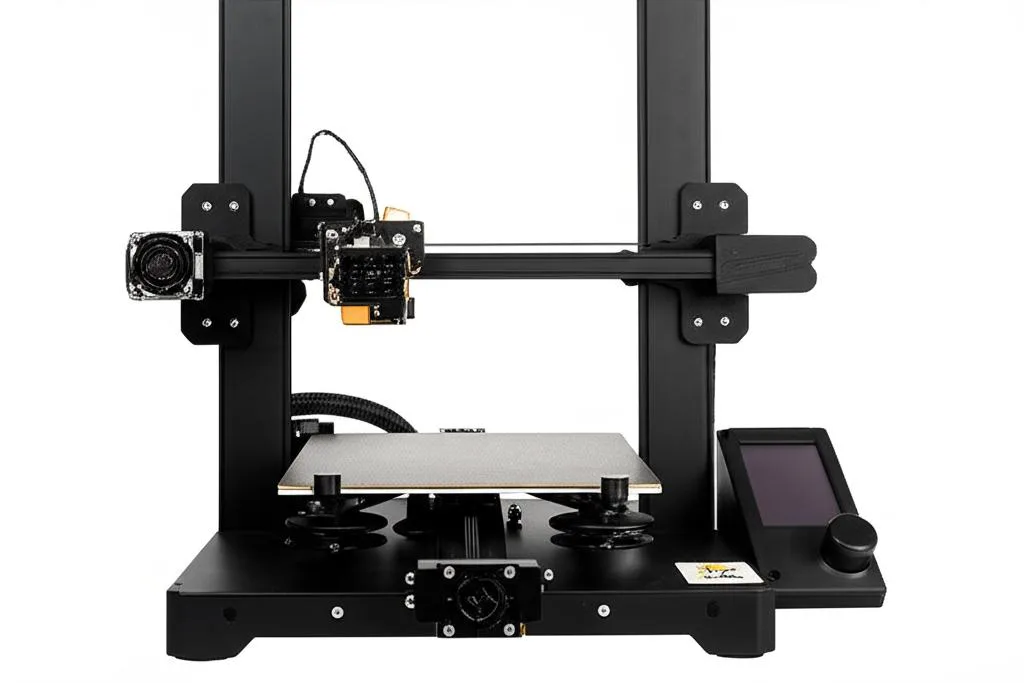
When considering a fan replacement guide, it’s important to identify which fans are contributing most to the noise and their critical functions:
- Hotend Fan (40x10mm): Essential for preventing heat creep and clogs. A quiet fan here must still provide sufficient airflow.
- Part Cooling Fan (often radial/blower, but axial 40x10mm also used): Directly impacts print quality, especially for overhangs and bridging. Airflow is paramount.
- Mainboard Fan (40x10mm): Cools the stepper drivers and mainboard components, preventing thermal throttling and ensuring stable operation.
- PSU Fan (often 60x25mm or 80x25mm): Frequently the loudest fan. Replacing it can yield significant noise reduction, but proper voltage and current handling are crucial for safety.
Installation considerations and complexity
The process of upgrading your 3D printer fans involves more than just swapping out components. The overall complexity can influence the perceived “cost” of the upgrade, beyond monetary expenditure.
- Wiring and Connectors: Many replacement fans come with different connectors or require splicing wires, which necessitates basic soldering or crimping skills.
- Voltage Conversion: As mentioned, 12V fans on a 24V system require buck converters. Proper integration and insulation of these components are vital for safety and reliability.
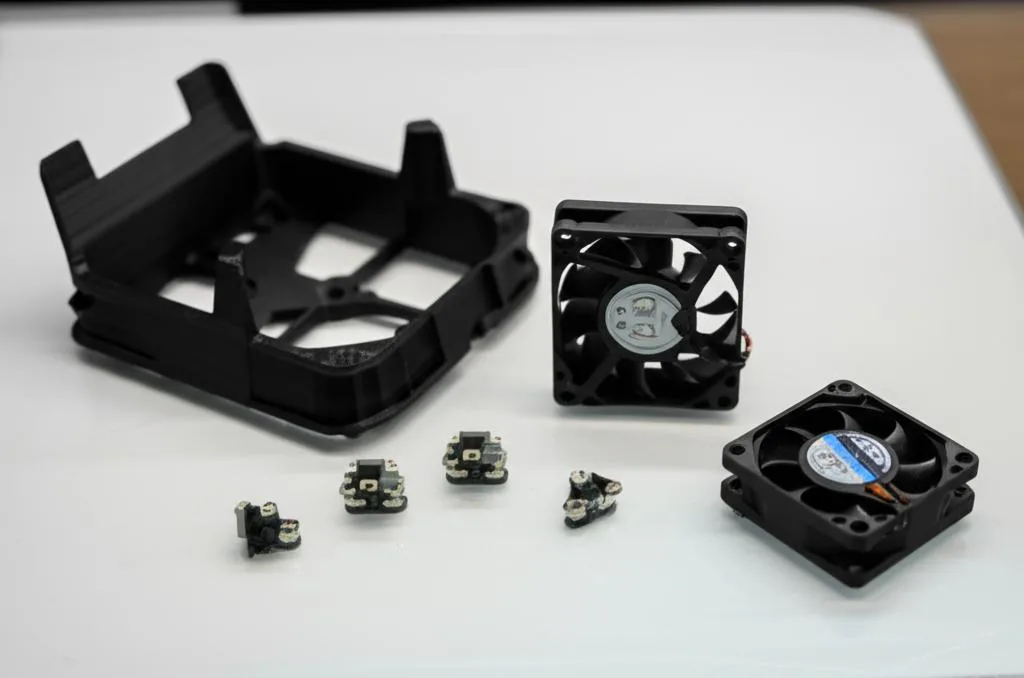
- Mounting Solutions: Fans of different sizes or mounting patterns may require 3D-printed adapter shrouds or custom brackets. This adds a layer of effort and requires access to another 3D printer or a printing service.
- Firmware Adjustments: In some cases, particularly with part cooling fans, optimizing fan speed control or PWM settings in the printer’s firmware might be beneficial to maximize efficiency and quietness.
Making an informed decision for your quiet 3D printer fan upgrade
Choosing the right silent 3D printer fan solution ultimately depends on a balance of your priorities. There isn’t a universally “best” option, but rather one that aligns with your specific needs and constraints. Consider the following:
- Budget: How much are you willing to invest? This includes not just the fans but also necessary accessories like buck converters and wiring.
- Desired Noise Level: Are you aiming for near-silence, or is a significant reduction from stock sufficient?
- Technical Skill and Time: Are you comfortable with wiring, soldering, and potentially printing custom parts?
- Reliability and Longevity: Is long-term, consistent performance a top priority, or are you comfortable with potentially shorter lifespans for more budget-friendly options?
By objectively evaluating the features, cost structures, and installation requirements of various fan replacement guide options, you can make an informed decision that leads to a quieter and more enjoyable 3D printing experience.
Frequently asked questions
Will a Noctua fan provide enough cooling for my Ender 3 hotend, or is the airflow too low?
Noctua fans are designed to provide excellent airflow relative to their noise output, but you must select the correct size (typically 40x10mm) and ensure it has adequate static pressure. For a stock Ender 3 hotend, a standard 40x10mm Noctua fan usually provides sufficient cooling to prevent heat creep, but if you have an all-metal hotend or print at high temperatures, the lower maximum airflow of a quiet fan could be insufficient. Always check the fan’s rated airflow (CFM) against your specific cooling requirements.
Do I need a buck converter for every Noctua fan I install on a 24V printer?
Yes, any 12V Noctua fan connected to a 24V printer (like the Ender 3) requires a buck converter to step the voltage down, or the fan will be damaged immediately. One buck converter can power multiple 12V fans if its current rating is sufficient, but you must wire them in parallel and respect the total amp draw. For a simpler installation without voltage conversion, consider buying a 24V “silent” fan from a generic brand instead of a Noctua.
Is it safe to replace the power supply fan on my 3D printer?
Yes, but it requires extra caution because the PSU contains high-voltage components and retains a charge even when unplugged. You must disconnect the printer from mains power and wait several minutes for capacitors to discharge before opening the PSU casing. When replacing the fan, match the voltage (12V or 24V) and current rating of the original fan exactly, and ensure all wiring is properly insulated to prevent short circuits.