The landscape of additive manufacturing has undergone a significant transformation, moving beyond individual hobbyist setups to sophisticated, multi-machine operations known as 3D print farms. These farms, whether catering to rapid prototyping, small-batch production, or on-demand manufacturing, represent a powerful shift in industrial capabilities. However, the sheer volume of tasks involved in managing multiple 3D printers simultaneously—from job submission and material handling to monitoring and maintenance—can quickly become overwhelming without the right tools. This is where dedicated software for 3D print farm management becomes not just a convenience, but an absolute necessity for efficiency, reliability, and ultimately, profitability.
The imperative for dedicated 3D print farm management software
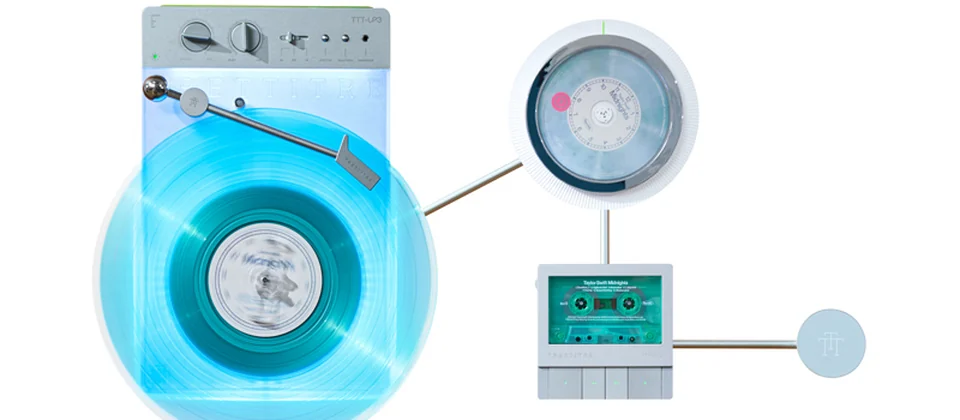
A retro-styled turntable and add-on speaker system with concrete and wood enclosure options. Currently running on Kickstarter.
Operating a single 3D printer is straightforward enough for many, but scaling up to a farm of five, ten, or even hundreds of machines introduces a complex web of logistical and technical challenges. Manual oversight becomes impractical, error-prone, and a significant drain on resources. Dedicated multi-printer software solutions are designed to address these complexities head-on, transforming a chaotic collection of machines into a cohesive, automated production unit.
- Efficiency and automation: Software can automate repetitive tasks, such as sending print jobs, monitoring progress, and alerting operators to issues, thereby freeing up valuable human resources for more critical functions like quality control or design optimization.
- Scalability and growth: As your print farm expands, a robust software backbone is crucial for seamless integration of new machines and workflows, ensuring that production scaling doesn’t lead to a bottleneck in management.
- Centralized control and monitoring: Instead of individually checking each printer, a centralized dashboard provides a comprehensive overview of the entire farm’s status, allowing for proactive intervention and real-time decision-making.
- Data-driven decision making: By collecting and analyzing data on print success rates, material consumption, machine uptime, and more, these solutions offer invaluable insights that can inform process improvements and strategic investments.
Core features to look for in multi-printer management solutions

While the specific functionalities may vary between different software packages, several core features are universally beneficial for effective 3D print farm management. Understanding these features will help you evaluate which solution best aligns with your operational needs and growth ambitions.
Remote printer control and monitoring
The ability to oversee and interact with your printers from anywhere is a cornerstone of modern print farm management. This feature typically includes real-time status updates, temperature readings, and the capacity to start, pause, or cancel prints remotely. Many solutions integrate webcam feeds, allowing for visual inspection of ongoing prints, which is invaluable for detecting failures early and preventing material waste. Advanced systems might also offer remote calibration, firmware updates, and error diagnostics, significantly reducing the need for on-site presence and enabling true remote printer control.
Print queue management and optimization
For a multi-printer environment, efficiently distributing jobs across available machines is paramount. Effective print queue optimization software allows you to load multiple print files, prioritize urgent jobs, and automatically assign them to the most suitable printer based on factors like material loaded, bed size, or availability. Some solutions offer intelligent scheduling algorithms that can bundle similar jobs, minimize material changes, or even balance workload to prevent individual machines from being over-utilized, thus maximizing throughput and minimizing idle time.
Job scheduling and workflow automation
Beyond simply queuing prints, comprehensive software often facilitates an automated workflow from start to finish. This can include automated slicing of models based on predefined profiles, pre-print checks for common errors (e.g., model integrity, bed adhesion), and post-print notifications. Advanced systems might integrate with CAD software or enterprise resource planning (ERP) systems to streamline the entire order-to-production process, reducing manual intervention and potential for human error.
Material management and inventory tracking
Managing consumables, especially various types and colors of filament or resin, can be a logistical challenge in a large farm. Software with material management capabilities tracks filament usage per print, estimates remaining material on spools, and alerts operators when stock is low. Some systems can even manage material profiles, ensuring that the correct print settings are applied based on the material loaded into a specific printer, thereby reducing misprints and optimizing material consumption.
Reporting, analytics, and performance insights
Data is king in optimizing any production process. Print farm management software typically collects extensive data on print success rates, failure modes, material consumption, machine uptime, and energy usage. These insights are then presented through dashboards and reports, enabling operators to identify bottlenecks, understand true production costs, and make informed decisions to improve efficiency and profitability. This analytical capability is crucial for long-term production scaling and continuous improvement.
User and access management
In collaborative environments, controlling who has access to which functions and data is essential. This feature allows administrators to set up different user roles (e.g., operator, manager, administrator) with varying levels of permissions. This ensures operational security, prevents unauthorized changes, and provides an audit trail for actions performed within the system, fostering better team collaboration and accountability.
Integration capabilities
A truly powerful print farm management solution should not exist in a silo. Integration with other tools is vital for a streamlined workflow. This includes direct integration with popular slicers (e.g., PrusaSlicer, Cura), APIs for connecting to ERP or manufacturing execution systems (MES), and support for third-party plugins or custom scripts. Such integrations ensure that the print farm management software fits seamlessly into your broader operational ecosystem.
The market offers a diverse range of solutions for 3D print farm management, each with its own philosophy, feature set, and cost structure. Understanding these categories is crucial for making an informed decision that aligns with your specific operational needs and budget.
Open-source solutions: flexibility with a learning curve
Open-source software offers a high degree of flexibility and customization, often at no direct software licensing cost. These solutions typically require more technical expertise for setup, configuration, and ongoing maintenance.
- Examples: OctoPrint, especially when extended with plugins like OctoFarm for multi-printer management, or Klipper-based setups combined with custom scripting and dashboards. OctoPrint itself is designed for single-printer remote printer control but its robust plugin ecosystem allows for scaling its capabilities.
- Features: Highly customizable, vast community support, extensive plugin ecosystem. Core functionality for single-printer control is robust, and multi-printer capabilities are often achieved through community-developed add-ons or by running multiple instances. Offers strong foundations for custom print queue optimization if you have the technical skills.
- Cost Structure: Primarily involves time and technical expertise for setup, configuration, and troubleshooting. Hardware costs include single-board computers (like Raspberry Pi) for each printer or a central server for multi-instance setups. There are no direct software license fees, but development and maintenance time can be a significant hidden cost.
- Pros: Zero upfront software cost, ultimate control over the system, strong and active community for support and development, highly adaptable to specific needs, no vendor lock-in. Ideal for those who enjoy tinkering and have a solid technical background.
- Cons: Requires significant technical know-how and time for setup and maintenance. Support is community-driven, which can be less immediate or structured than commercial support. Potential for security vulnerabilities if not properly configured and maintained. Scalability beyond a certain point might become complex without dedicated in-house development.
Commercial/proprietary software: convenience and dedicated support
Commercial solutions are typically designed for ease of use, offering out-of-the-box functionality and professional support. They often come with recurring costs but provide a more streamlined experience.
- Examples: Repetier-Server, AstroPrint, PrusaConnect (for Prusa printers), MakerBot CloudPrint, Formlabs Dashboard (for Formlabs printers), and dedicated enterprise solutions like Authentise or 3DPrinterOS. These solutions often provide comprehensive tools for multi-printer software management and advanced production scaling features.
- Features: Generally feature-rich out-of-the-box with user-friendly interfaces, dedicated customer support, and regular updates. They often include advanced features for print queue optimization, analytics, and material tracking. Many are cloud-based, offering accessibility from anywhere.
- Cost Structure: Varies widely. Common models include subscription fees (per printer, per user, or tiered based on features/scale), one-time perpetual licenses, or hardware bundles that include the software. Costs typically include access to professional support and software updates.
- Pros: Ease of deployment and use, professional and dedicated support, regular feature updates and security patches, often more robust and secure by design, faster time to value, less technical burden on the user. Many offer advanced features specifically tailored for 3D print farm management.
- Cons: Recurring costs can add up, potential for vendor lock-in, less customization compared to open-source, initial investment can be higher, and some features might be overkill for smaller operations.
Cloud-based vs. on-premise solutions: architectural considerations
Beyond the open-source vs. commercial distinction, the deployment architecture—cloud-based or on-premise—carries significant implications for cost, security, and accessibility.
- Cloud-based: These solutions are hosted by the vendor and accessed via a web browser. They typically offer lower upfront hardware costs (no need for dedicated servers), high accessibility from any internet-connected device, and automatic updates and maintenance handled by the provider. However, they usually involve recurring subscription fees and necessitate trust in the vendor’s data security practices. Data latency can also be a minor consideration for very large farms with constant data streams.
- On-premise: These solutions are installed and run on your own hardware within your local network. They offer maximum control over data security and privacy, can operate without constant internet connectivity, and may involve a one-time license fee. The trade-offs include higher upfront hardware and IT infrastructure costs, the need for in-house IT expertise for maintenance and updates, and potentially less convenient remote access (often requiring VPNs).
Understanding the true cost of 3D print farm management solutions
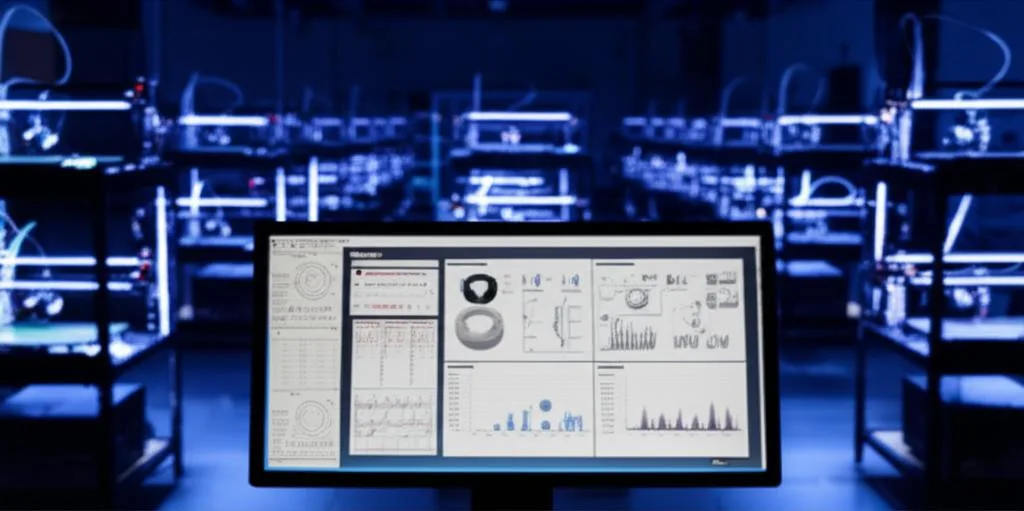
When evaluating software for your 3D print farm, it’s crucial to look beyond the initial price tag and consider the total cost of ownership (TCO). A comprehensive understanding of cost structures will enable a more accurate financial assessment.
Initial setup and implementation costs
These are the expenses incurred to get the system up and running. For commercial solutions, this might include one-time license fees, initial subscription payments, or the cost of bundled hardware. For open-source solutions, it encompasses the purchase of single-board computers (e.g., Raspberry Pis), server hardware, and the significant labor cost associated with installation, configuration, and integration. Network infrastructure upgrades or dedicated cabling might also be necessary.
Ongoing operational expenses
These are the recurring costs essential for keeping the system operational. Commercial software often involves monthly or annual subscription fees, which typically cover software access, updates, and support. For on-premise solutions (both open-source and commercial), ongoing costs include electricity for servers and associated hardware, maintenance contracts, and the labor cost for system administration, monitoring, and troubleshooting. Even for open-source, the time spent by technical staff on maintenance and updates translates to a significant operational expense.
As your 3D print farm expands, so too will the demands on your management software. Commercial solutions often have tiered pricing models, meaning adding more printers or users will push you into a higher-cost subscription tier. For on-premise and open-source systems, scaling might necessitate investing in more powerful server hardware, expanding network capabilities, or increasing the number of dedicated single-board computers, along with the associated labor for integration and configuration. It’s important to project your growth and understand how the chosen solution’s pricing scales with it to avoid unexpected cost spikes.
These are often overlooked but can significantly impact the TCO. They include:
- Learning curve and training: The time and resources required to train operators and administrators on new software. More complex or less intuitive systems can lead to longer adoption periods and initial inefficiencies.
- Downtime: Any period when the print farm is not fully operational due to software issues, bugs, or configuration problems. Downtime directly translates to lost production and revenue.
- Data security breaches: While not a direct software cost, inadequate security can lead to significant financial and reputational damage. Investing in robust security measures or choosing a vendor with strong security protocols is an indirect cost of operation.
- Opportunity cost of inefficient workflows: If the software doesn’t truly optimize your operations, the lost potential for higher throughput and reduced waste represents a significant hidden cost.
Making an informed decision: factors for choosing your ideal solution
The “best” 3D print farm management software is not a one-size-fits-all proposition. It depends heavily on the unique characteristics of your operation. By objectively considering several key factors, you can align your software choice with your business objectives.
- Current and projected farm size: A small farm of 2-5 printers might get by with a simpler or open-source solution, while a farm of 50+ machines will almost certainly require a robust commercial or enterprise-grade system capable of sophisticated production scaling. Consider your growth trajectory over the next 1-5 years.
- Budgetary constraints: Clearly define your budget for both initial setup and ongoing operational costs. Factor in the total cost of ownership, including potential hidden costs. Are you comfortable with recurring subscription fees, or do you prefer a higher upfront investment for more control?
- Technical expertise within your team: Do you have in-house IT or technical staff comfortable with Linux environments, network configuration, and scripting? If so, open-source solutions might be a viable and cost-effective option. If not, a user-friendly commercial solution with dedicated support will likely be a better fit.
- Security and data privacy requirements: For sensitive intellectual property or classified projects, strict data security is paramount. On-premise solutions offer maximum control, while cloud-based solutions require careful vetting of the vendor’s security protocols and compliance.
- Specific feature requirements: Create a checklist of must-have features. Do you need advanced analytics, specific printer brand compatibility, deep print queue optimization, or integration with particular ERP systems? Prioritize these features to narrow down your options.
- Integration with existing business systems: If your print farm is part of a larger manufacturing or product development ecosystem, seamless integration with existing ERP, MES, or CAD/CAM software can be a critical differentiator. Evaluate the API capabilities and pre-built integrations offered by each solution.
- Support and community: What level of support is crucial for your operations? Are you comfortable relying on community forums for troubleshooting, or do you require guaranteed service level agreements (SLAs) from a professional support team?
Conclusion
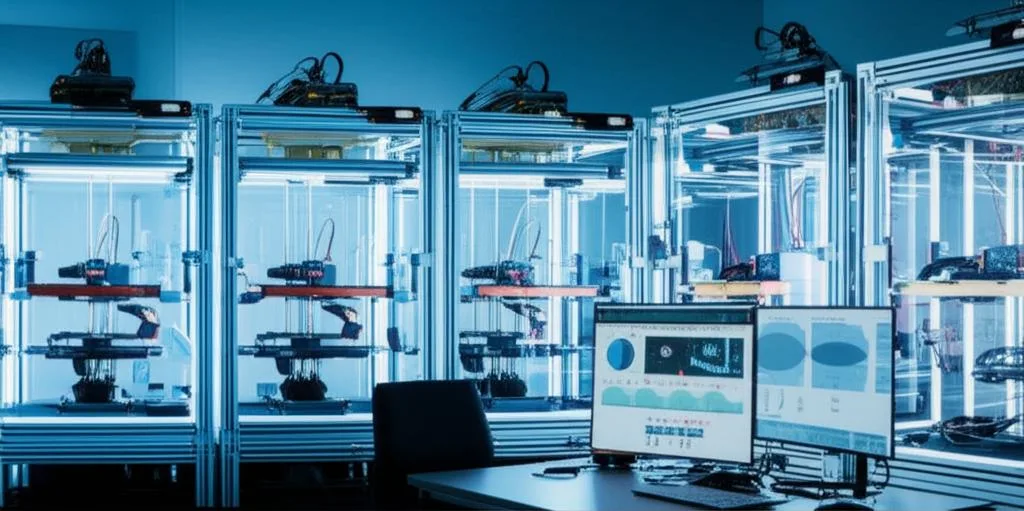
The journey of building and operating a successful 3D print farm is intrinsically linked to the efficacy of its management software. The right solution can transform a collection of machines into a highly efficient, scalable, and profitable production powerhouse. As we’ve explored, the market offers a spectrum of options, from highly customizable open-source frameworks to feature-rich commercial platforms, each with distinct cost structures and operational implications. There is no universally “best” choice; rather, the optimal decision hinges on a careful, objective analysis of your specific needs, available technical expertise, budgetary constraints, and long-term production scaling goals. By diligently evaluating the features, understanding the true costs, and considering the architectural implications, you can select a multi-printer software solution that not only streamlines your current operations but also empowers your 3D print farm management to thrive and adapt to future demands, ensuring robust remote printer control and sophisticated print queue optimization for years to come.
Frequently asked questions
Can I use OctoPrint alone to manage my entire print farm, or do I need something else?
OctoPrint is designed for single-printer control. To manage multiple printers with it, you typically need to run separate instances—one per printer—and then use a community-developed add-on like OctoFarm to aggregate those instances into a unified dashboard. This approach works but requires more technical setup and maintenance than a commercial multi-printer solution.
The main hidden cost is labor: the time your team spends on installation, configuration, troubleshooting, and ongoing maintenance. You also need hardware for each printer, such as a Raspberry Pi or similar single-board computer, plus potentially a central server for larger setups. While there are no software license fees, these hardware and labor expenses can add up significantly.
For a farm with sensitive client designs, is a cloud-based management system secure enough?
Cloud-based solutions involve trusting the vendor’s data security practices, as your print files and operational data are stored on their servers. If your intellectual property or project confidentiality is critical, an on-premise solution—installed on your own hardware within your local network—gives you maximum control over data security and can operate without constant internet connectivity. Always vet the vendor’s security protocols and compliance certifications before choosing a cloud option.