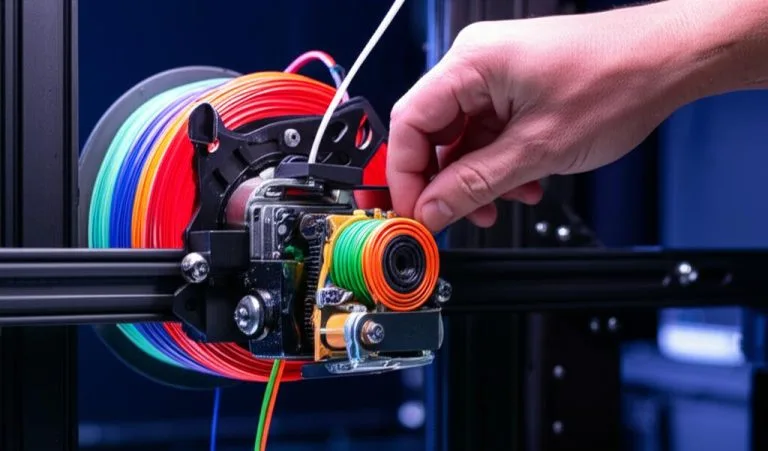
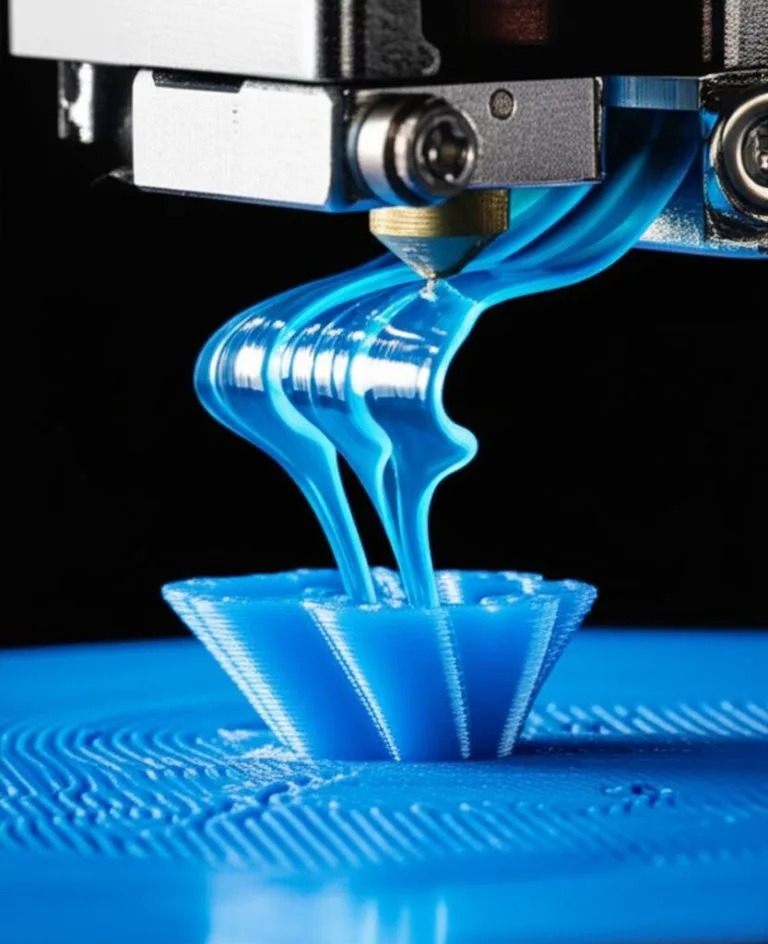
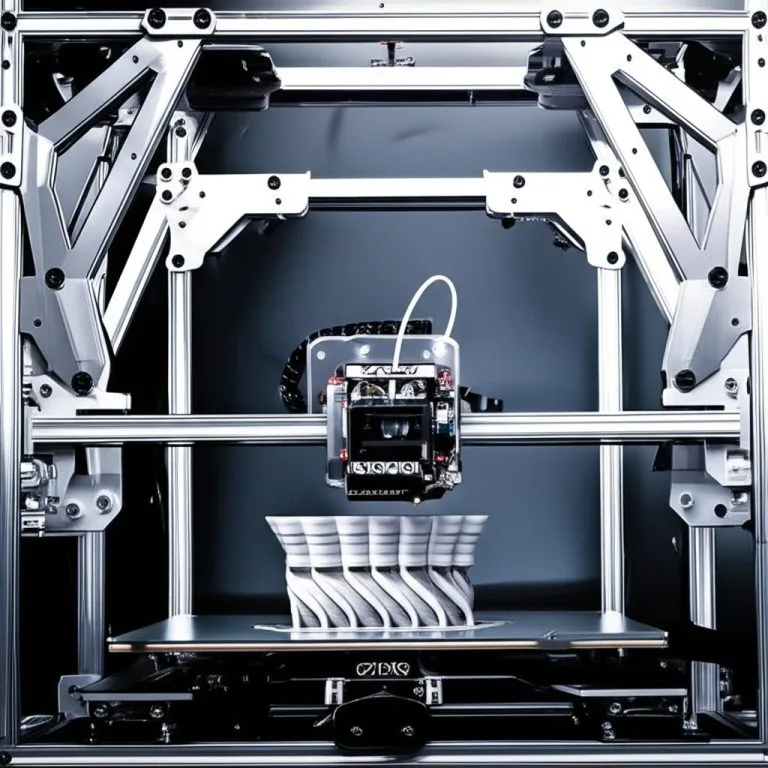
The Voron 2.4 is more than just a 3D printer; it’s a statement, a project, and a gateway to high-performance additive manufacturing. Designed for enthusiasts who appreciate precision, speed, and the satisfaction of building their own machine, the Voron 2.4 stands out in the DIY 3D printer assembly landscape. Unlike off-the-shelf solutions, a Voron build offers unparalleled customization and a deep understanding of every component, making you a true master of your craft. This comprehensive guide will walk you through the intricate process of building a Voron 2.4 from scratch, focusing on critical aspects like wiring diagrams, Klipper firmware setup, and the essential steps for first print calibration. Prepare to dive deep into the world of custom 3D printer wiring and unlock the full potential of your Voron.
Understanding the Voron 2.4 ecosystem: components and sourcing strategies
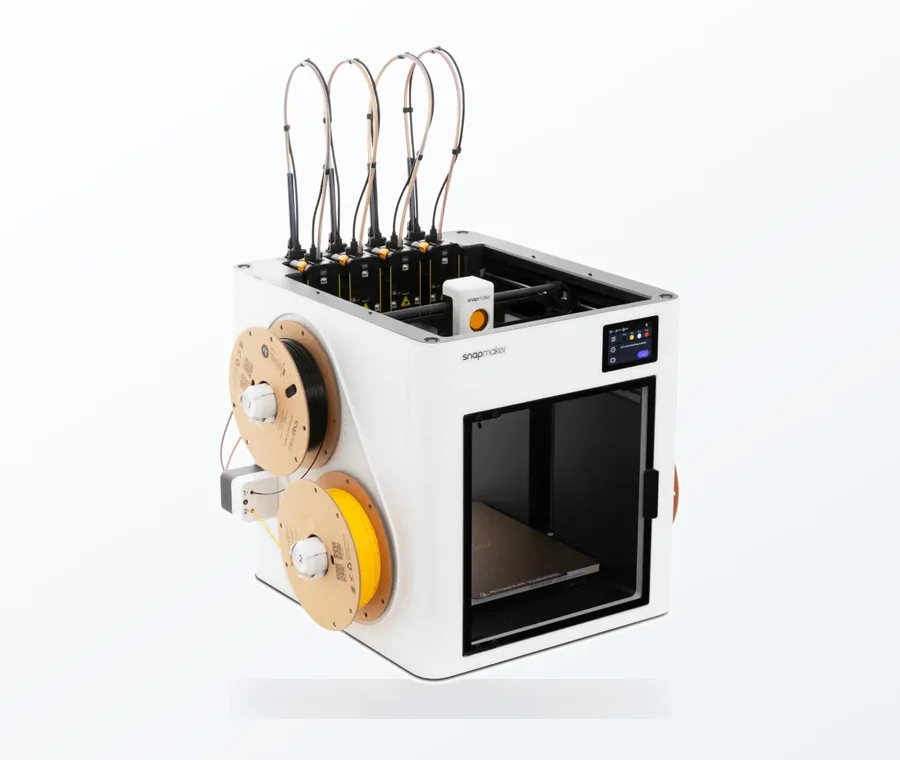
The consumer toolchanger 3D printer: the SnapSwap 4-toolhead system swaps heads in 5 seconds for true multi-color and multi-material printing, with smart calibration and auto filament loading.
- 4 toolheads · 5 s swap
- Up to 500 mm/s · 20,000 mm/s²
- 270 mm cube build volume
- Multi-color & multi-material
Before you even unbox your first component, it’s crucial to grasp the philosophy behind the Voron project and the various pathways to acquiring your parts. The Voron Design team provides open-source blueprints and a bill of materials (BOM), empowering builders to source components independently or opt for curated kits.
Self-sourcing versus comprehensive kits: a cost and convenience analysis
When embarking on a Voron 2.4 build, one of the first significant decisions involves how you’ll acquire the necessary parts. There are primarily two approaches, each with distinct advantages and considerations:
- Self-sourcing: This involves individually purchasing every single component from various suppliers. It offers the highest degree of control over part quality, brand selection, and often, the potential for cost optimization if you’re adept at finding deals. However, it demands significant time for research, ordering, and inventory management, and can lead to higher shipping costs from multiple vendors. Builders often choose specific brands for motors (e.g., LDO, Moons’), hotends (e.g., E3D Revo, Phaetus Rapido, Slice Engineering Mosquito), or electronics (e.g., BigTreeTech, Fysetc) based on personal preference or desired performance characteristics.
- Comprehensive kits: Several reputable vendors offer complete Voron 2.4 kits that include almost everything needed for the build. These kits streamline the acquisition process, reduce the risk of missing parts, and often come with pre-cut and pre-tapped extrusions. While potentially more expensive upfront than a meticulously self-sourced build, they save considerable time and effort, making the build process more accessible, especially for first-time builders. Quality can vary between kit manufacturers, so research into vendor reputation is paramount.
Regardless of your chosen sourcing method, a thorough review of the official Voron Design BOM is essential to ensure you have every required component, from nuts and bolts to specialized electronics.
Key components overview: the building blocks of your Voron 2.4
A Voron 2.4 comprises several interconnected subsystems. Understanding their function and common variations is key to a successful build:
- Frame and mechanical components: This includes the aluminum extrusions, linear rails, lead screws, belts, pulleys, and printed parts. The rigidity of the frame and the quality of motion components directly impact print quality.
- Motion system: High-quality stepper motors (e.g., NEMA17) are critical for precise movement. Different brands offer varying torque and step angles, influencing overall performance.
- Hotend and extruder: The hotend melts the filament, while the extruder pushes it. Popular choices like the E3D Revo Voron, Phaetus Rapido, or Slice Engineering Mosquito offer different thermal performance and ease of maintenance. The Stealthburner toolhead, often paired with a Sherpa Mini or Clockwork 2 extruder, is a common choice for its integrated cooling and compact design.
- Heated bed: A silicone heater pad and an aluminum tool plate ensure consistent bed temperature, crucial for print adhesion and warp prevention.
- Electronics: This encompasses the main control board (MCU), stepper drivers, power supply unit (PSU), and wiring. Popular control boards include the BigTreeTech SKR Pro 1.2, Octopus, and Manta series, each offering different numbers of stepper drivers and features.
- Raspberry Pi and Klipper: A Raspberry Pi (or similar SBC) running Klipper firmware is central to the Voron’s advanced control capabilities. This setup allows for features like input shaping, pressure advance, and a web interface for remote control.
Pre-build preparation: setting the stage for success
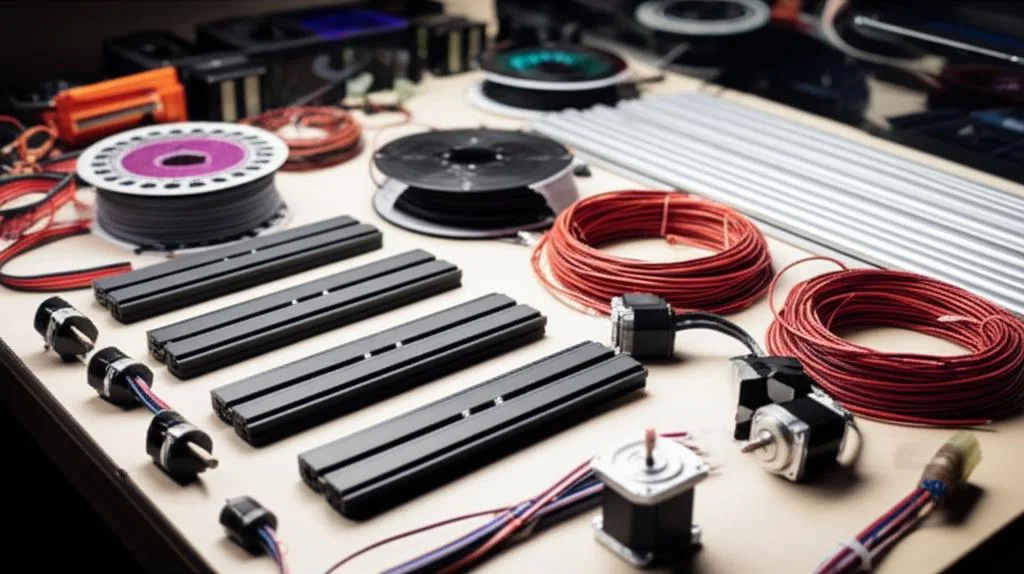
A well-organized workspace and proper tools can significantly streamline the assembly process and prevent common frustrations.
Essential tools for your Voron 2.4 build
Gathering the right tools before you start is non-negotiable. Here’s a list of commonly required items:
- Hex key set (metric): Essential for nearly all fasteners. Ball-end hex keys are particularly useful for tight spaces.
- Nut driver set (metric): For M3 nuts and standoffs.
- Precision screwdrivers: For small electronics and terminal blocks.
- Wire strippers and crimpers: Absolutely crucial for custom 3D printer wiring, especially for JST-XH and Dupont connectors. A good ratcheting crimper is a worthwhile investment.
- Multimeter: For checking continuity, voltage, and troubleshooting electrical connections.
- Soldering iron: Potentially needed for specific components or repairs, though many kits aim to minimize soldering.
- Digital calipers: For precise measurements of parts and clearances.
- Flush cutters: For trimming zip ties and filament.
- Heat gun: For heat shrink tubing.
- Blue Loctite (243 recommended): For securing screws that might vibrate loose.
- Isopropyl alcohol and lint-free cloths: For cleaning linear rails and other components.
Parts checklist and verification
Upon receiving your components, meticulously check them against the BOM. This step is critical to avoid mid-build delays. Verify:
- Quantity: Count all fasteners, extrusions, and small parts.
- Quality: Inspect linear rails for smooth movement, extrusions for straightness, and printed parts for accuracy and integrity.
- Electronics: Ensure all boards, motors, and sensors are present and undamaged.
- Wiring harness: If pre-made, check for proper crimps and lengths. If self-sourcing, ensure you have sufficient wire gauges and connector types.
Mechanical assembly: building the robust framework
The mechanical assembly forms the structural integrity and motion system of your Voron 2.4. Precision here directly translates to print quality.
Frame assembly: establishing the foundation
The Voron 2.4 utilizes a sturdy aluminum extrusion frame. Follow the official Voron manual meticulously for this stage:
- Squareness is key: Use a precision square to ensure all corners are perfectly 90 degrees. Any deviation here will propagate through the entire build.
- T-nuts and fasteners: Pay attention to the correct orientation and placement of T-nuts, as many need to be inserted early in the build for later component mounting.
- Gantry assembly: The gantry, comprising the X and Y axes, requires careful alignment of linear rails and belt paths. Ensure smooth, resistance-free movement.
Motion system: precision in every movement
The motion system is where the magic happens, converting electrical signals into precise physical movements:
- Linear rails: Clean and lubricate all linear rails thoroughly before installation. Mount them parallel and ensure carriages move freely without binding.
- Belt paths: The Voron 2.4 uses a core XY system, meaning the belts are critical for coordinated movement. Route them precisely, ensuring proper tension without over-tightening. Gates belts are a popular choice for their quality and durability.
- Stepper motors: Mount the NEMA17 stepper motors securely. Ensure their pulleys are correctly aligned with the belt paths.
Hotend and extruder assembly: the heart of filament deposition
The toolhead assembly combines the extruder and hotend. The Voron Stealthburner is a popular choice, integrating cooling and a compact design:
- Extruder: Assemble your chosen extruder (e.g., Sherpa Mini, Clockwork 2). Pay attention to gear meshing and filament path.
- Hotend: Install the hotend (e.g., E3D Revo, Rapido) into the Stealthburner housing. Ensure the heat break is properly seated and the nozzle is accessible for maintenance. Wiring for the hotend heater and thermistor needs careful attention to avoid shorts.
- Part cooling fans: Mount the powerful part cooling fans, ensuring correct orientation for optimal airflow around the nozzle.
Crucial wiring diagrams and power management: the nervous system
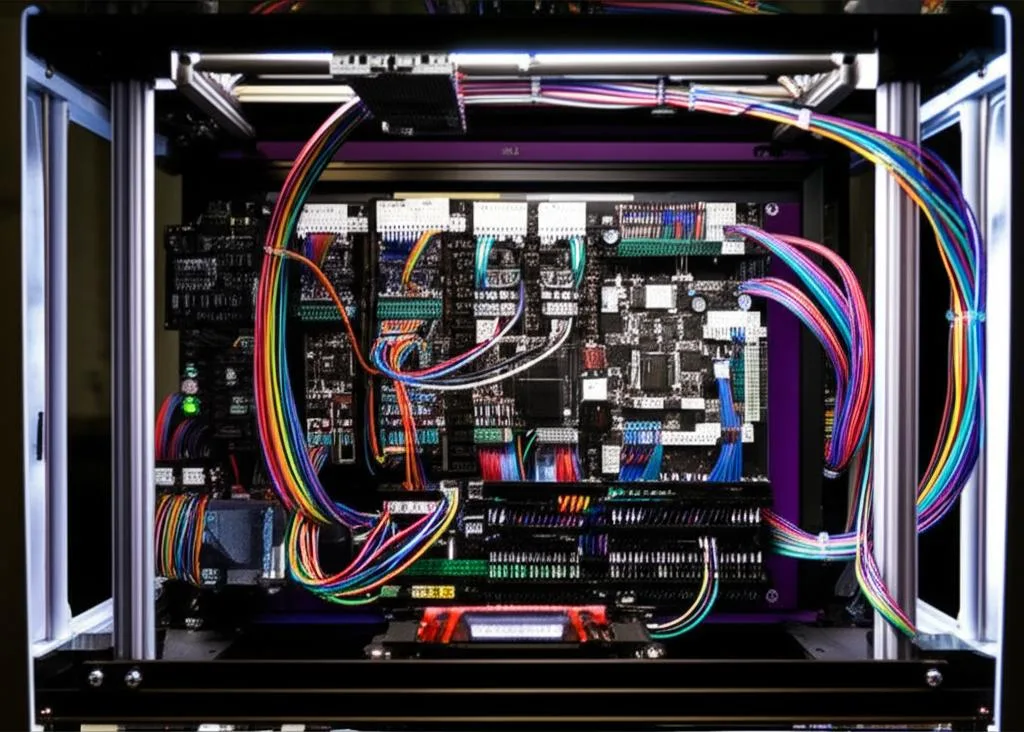
Wiring is arguably the most critical and potentially intimidating part of a Voron 2.4 build. Meticulous attention to detail here is paramount for safety and functionality. This section covers custom 3D printer wiring extensively.
Understanding the wiring harness and connectors
The Voron 2.4 uses a variety of wires and connectors. Familiarize yourself with common types:
- Wire gauges: Use appropriate wire gauges for different components. Heaters (bed, hotend) require thicker wires (e.g., 14-16 AWG) due to higher current, while signals (endstops, thermistors) use thinner wires (e.g., 22-26 AWG).
- Connectors: JST-XH (for fans, thermistors, endstops), XT60 (for main power), and spade/fork terminals (for PSU, heated bed) are common. Proper crimping is essential for reliable connections.
Controller board options and their pinouts
The main control unit (MCU) orchestrates all printer functions. Popular choices offer different features and layouts:
- BigTreeTech SKR Pro 1.2: A robust board with many stepper driver slots, suitable for complex setups. Its pinout is well-documented, but careful attention to jumpers for voltage selection is needed.
- BigTreeTech Octopus series (V1.1, Pro, Max EZ):: Known for its numerous motor driver slots and extensive I/O, making it highly versatile. The EZ versions simplify driver installation with integrated sockets.
- Fysetc Spider: Another popular option, offering a good balance of features and reliability.
- Manta series (E3EZ, M8P): Often paired with a CB1 or Raspberry Pi CM4, offering integrated computing and control in a compact form factor.
Always refer to the specific pinout diagram for your chosen board. Miswiring can damage components.
Motor wiring: precise control of movement
Stepper motors typically have four or six wires. The wiring sequence is crucial for correct motor direction and smooth operation:
- Identify coils: Use a multimeter to identify the two coil pairs. Wires within a pair will show continuity.
- Connect to drivers: Most stepper drivers (e.g., TMC2209, TMC5160) require coil A and B to be connected in a specific order (e.g., A1-A2-B1-B2). Incorrect wiring will result in erratic movement or no movement at all.
- Toolhead wiring: The toolhead’s extruder motor and potentially a Z-probe (like a Klicky probe) will also need careful wiring back to the mainboard, often via a umbilical or a CAN bus system for simplified wiring.
Heater cartridge and thermistor wiring: temperature management
These components are vital for controlling the hotend and bed temperatures:
- Hotend heater cartridge: Connect the heater cartridge to the designated heater output on the MCU board. Pay attention to polarity if specified, although AC heaters typically do not have polarity.
- Hotend thermistor: Connect the thermistor to the corresponding thermistor input. These are typically non-polarized.
- Heated bed: The heated bed often uses a high-power silicone heater controlled by a solid-state relay (SSR) or directly by the MCU if it has a high-current output. Ensure proper grounding and fusing. The bed thermistor connects to its dedicated input on the MCU.
Safety note: Incorrect wiring of high-power components like heaters can be a fire hazard. Double-check all connections and ensure proper insulation.
Endstop wiring: defining boundaries
Endstops (limit switches) define the physical limits of your printer’s axes:
- Mechanical endstops: These typically have three pins: VCC, GND, and Signal. Connect them to the appropriate endstop pins on your MCU board.
- Sensorless homing: Some stepper drivers (e.g., TMC2209, TMC5160 in UART/SPI mode) allow for sensorless homing, eliminating the need for physical endstops by detecting motor stall. This requires specific firmware configuration.
Power supply unit (PSU) considerations and safety
The PSU provides power to the entire system. Common setups use a 24V PSU:
- Wiring: Connect the AC input (Live, Neutral, Ground) safely to the PSU. Connect the DC output (+24V, GND) to the MCU board’s main power input.
- Fusing: Ensure your PSU and mainboard have appropriate fuses.
- Grounding: Proper grounding is critical for safety and to prevent electrical noise.
Cable management tips: neatness and reliability
Well-managed cables prevent snags, improve airflow, and make troubleshooting easier:
- Zip ties and cable sleeves: Use these to bundle and route cables neatly.
- Strain relief: Ensure cables are not under tension, especially at connection points.
- Labeling: Labeling wires, especially for the toolhead umbilical, can save immense time during maintenance or upgrades.
Klipper firmware configuration: breathing life into your Voron
Klipper is a powerful, open-source firmware that runs on a Raspberry Pi (or similar Single Board Computer – SBC) and communicates with your 3D printer’s MCU. It offloads complex calculations to the SBC, enabling faster, more precise movements and advanced features.
Introduction to Klipper and its advantages
Klipper offers several benefits over traditional Marlin-based firmware:
- Computational power: Leverages the processing power of an SBC for kinematics, allowing the MCU to focus solely on executing low-level commands.
- Input Shaping: Mitigates “ringing” or “ghosting” artifacts on prints by actively canceling vibrations.
- Pressure Advance: Optimizes extrusion to compensate for pressure changes in the hotend, leading to sharper corners and more consistent extrusion.
- Web interface: Access your printer remotely via a web browser using interfaces like Mainsail or Fluidd, allowing for easy control, monitoring, and configuration file editing.
- Rapid iteration: Configuration changes are applied instantly without recompiling and flashing the MCU, significantly speeding up tuning.
Prerequisites: Raspberry Pi and web interface setup
Before configuring Klipper, you’ll need:
- Raspberry Pi (or compatible SBC): A Pi 3B+, 4, or Zero 2 W is commonly used. Install an operating system like Raspberry Pi OS Lite.
- Klipper installation: Use a script like KIAUH (Klipper Installation And Update Helper) to install Klipper, Moonraker (for G-code processing), and your chosen web interface (Mainsail or Fluidd).
- Network access: Ensure your Raspberry Pi is connected to your local network via Wi-Fi or Ethernet.
Flashing the controller board: connecting MCU to Klipper
The MCU needs Klipper’s firmware flashed onto it. This process varies slightly depending on your board:
- Compile firmware: Using the Klipper menuconfig tool on your Raspberry Pi, select your specific MCU and its communication interface (e.g., USB, UART).
- Flash the board: Typically, you’ll copy the compiled
firmware.binfile to an SD card, insert it into the MCU, and power it on. Some boards can be flashed directly via USB. - Identify MCU path: After flashing, connect the MCU to the Raspberry Pi via USB. Klipper will need the correct
/dev/serial/by-id/...path to communicate with the board, which you’ll add to yourprinter.cfg.
Initial printer.cfg setup: defining your printer’s identity
The printer.cfg file is Klipper’s brain, containing all parameters for your Voron 2.4. Start with a basic configuration and progressively add more detail:
- MCU definition: Specify the path to your MCU.
- Stepper motors: Define each motor’s step_distance, direction, and endstop pins. This is crucial for correct movement and homing.
- Thermistors and heaters: Configure the type of thermistor for your hotend and heated bed, along with their respective heater pins.
- Endstops: Define the endstop pins and their logic (e.g.,
!^for normally closed). - Fan control: Set up fan pins for part cooling and hotend cooling.
Refer to the official Voron Klipper config examples and the Klipper documentation for detailed syntax.
Macros and advanced settings: enhancing functionality
Klipper allows for custom macros (sequences of G-code commands) to automate tasks and add advanced features:
- Start/end G-code: Create macros for print start (bed leveling, priming) and end (toolhead parking, fans off).
- Probe calibration: Macros for Z-offset calibration (e.g., a Klicky probe macro).
- Conditional logic: Use Jinja2 templating within macros for dynamic behavior.
Troubleshooting common Klipper issues
Expect some troubleshooting during initial Klipper setup:
- “MCU ‘mcu’ not ready”: Check USB connection, correct serial path in
printer.cfg, and proper MCU firmware flash. - “Error: G-Code move out of bounds”: Often due to incorrect
position_minorposition_maxin stepper configurations. - Motors moving wrong direction: Reverse the
dir_pinin the stepper configuration by adding or removing an exclamation mark (!). - Temperature errors: Verify thermistor wiring, correct thermistor type in
printer.cfg, and check for shorts.
First print calibration: dialing in perfection
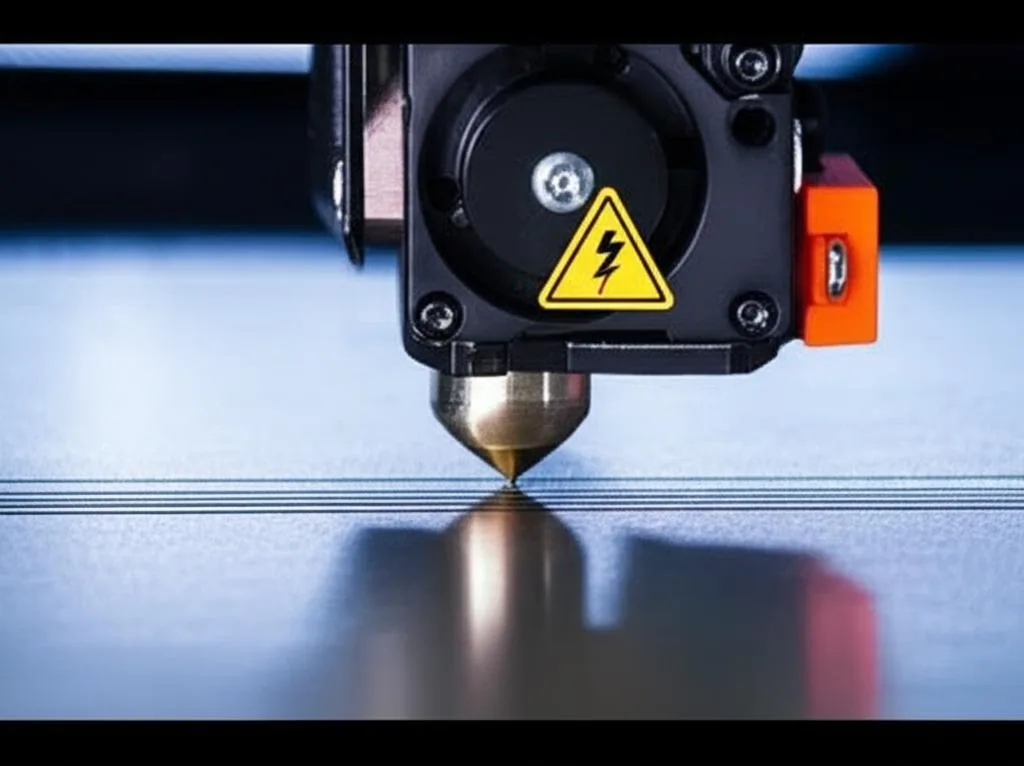
Once your Voron 2.4 is mechanically sound and Klipper is configured, the next crucial step is calibration. This ensures dimensional accuracy, optimal adhesion, and pristine print quality. This is where Voron calibration truly shines.
Pre-flight checks: final mechanical verification
Before hitting print, perform these essential checks:
- Belt tension: Ensure all belts are properly tensioned – taut but not overly tight. Uneven tension can lead to ghosting or layer shifts.
- Frame squareness: Re-verify the frame and gantry are square.
- Linear rail movement: Confirm all carriages move smoothly and freely.
- Wiring verification: A final visual inspection of all custom 3D printer wiring for loose connections or potential shorts.
PID tuning: stable temperatures for consistent extrusion
PID (Proportional-Integral-Derivative) tuning optimizes your hotend and heated bed temperature control for stability:
- Hotend PID: Run the
PID_CALIBRATE HEATER=extruder TARGET=240command (adjust target temperature as needed). Klipper will cycle the hotend temperature, then provide new PID values to add to yourprinter.cfg. - Heated bed PID: Similarly, run
PID_CALIBRATE HEATER=heater_bed TARGET=100(adjust target temperature).
Z-offset calibration: perfect first layer adhesion
The Z-offset defines the precise distance between your Z-probe trigger point and the nozzle tip when it’s at the print surface. This is arguably the most critical calibration for first layer adhesion:
- Manual method: Use a piece of paper or a feeler gauge between the nozzle and the bed. Lower the nozzle until there’s slight drag on the paper, then record the Z position. Adjust the
z_offsetin yourprinter.cfg. - Probe-assisted method (e.g., Klicky): Use your probe’s macro (if applicable) to automatically find the Z-offset, then fine-tune manually.
- Test prints: Print a single-layer calibration square or line to visually confirm the Z-offset. Adjust incrementally until the first layer is perfectly squished, neither too thin nor too thick.
Input shaping and pressure advance: unlocking speed and quality
These advanced Klipper features dramatically improve print quality at higher speeds:
- Input Shaping: Requires an accelerometer (e.g., ADXL345) mounted to the print head. Run the input shaping calibration process (refer to Klipper documentation) to measure resonances and automatically generate compensation profiles. This virtually eliminates ghosting.
- Pressure Advance: Calibrate by printing a specific test print (e.g., a hollow cube with sharp corners) and adjusting the
pressure_advancevalue in yourprinter.cfguntil corners are clean and extrusion is consistent.
Bed mesh leveling: compensating for imperfections
Even the flattest beds have microscopic imperfections. Bed mesh leveling compensates for these:
- Define mesh parameters: In your
printer.cfg, define the mesh boundaries and probe points. - Generate mesh: Run the
BED_MESH_CALIBRATEcommand. The probe will measure various points on the bed surface. - Save mesh: Use
SAVE_CONFIGto save the generated mesh, which Klipper will then apply during prints.
Test prints: validating your calibration
Once all calibrations are complete, it’s time for test prints:
- Calibration cube: Checks for dimensional accuracy and ringing.
- Benchy: A classic torture test for overhangs, bridging, and overall print quality.
- Temperature tower: Helps find the optimal printing temperature for different filaments.
Ongoing maintenance and potential upgrades
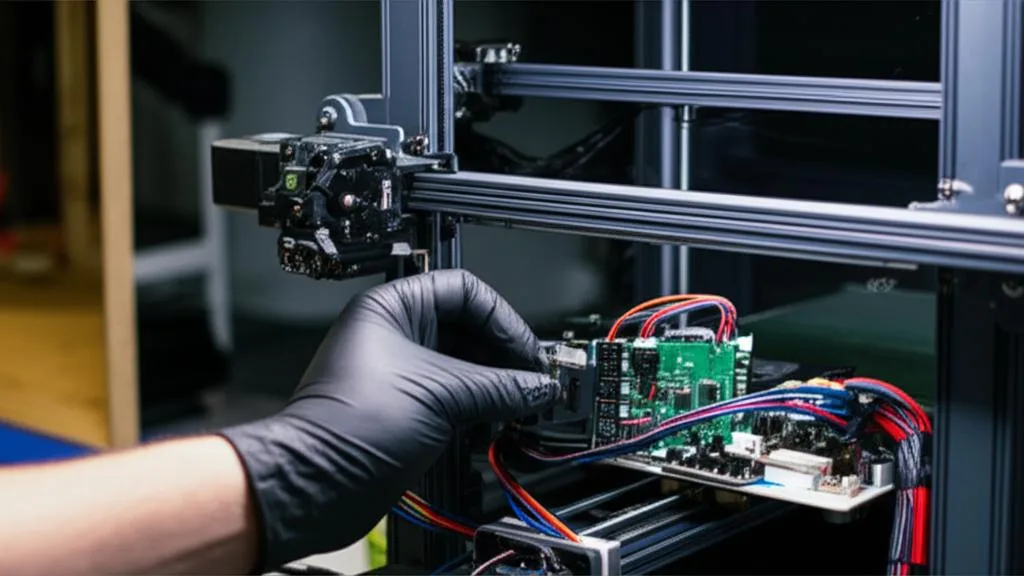
Your Voron 2.4 build guide doesn’t end with the first successful print. Like any high-performance machine, it benefits from regular attention and offers avenues for future enhancements.
Routine checks for sustained performance
To keep your Voron 2.4 running optimally, consider these regular maintenance tasks:
- Linear rail cleaning and lubrication: Periodically clean and re-lubricate your linear rails to ensure smooth movement and prevent wear.
- Belt tension inspection: Check belt tension for all axes and adjust as needed.
- Fastener tightening: Over time, vibrations can loosen fasteners. Periodically check and tighten critical screws, especially on the frame and gantry.
- Nozzle inspection: Inspect your nozzle for wear or clogs. Replace as necessary.
- Hotend and extruder cleaning: Keep the hotend clean of filament residue and check the extruder gears for debris.
Common upgrades and modifications
The open-source nature of Voron means a vibrant community constantly develops new modifications and upgrades:
- LED lighting: Enhance visibility of your print area.
- Chamber thermistor: Monitor and control the chamber temperature for better material consistency.
- Webcam integration: Monitor prints remotely.
- CAN bus toolhead: Simplifies wiring to the toolhead by using a single cable for all signals and power, reducing cable drag and complexity.
- Alternative toolheads: Experiment with different toolheads like the Dragon Burner or other community-designed options that offer varied features or improved performance characteristics.
- Enclosure modifications: Add filters, exhaust fans, or additional insulation for specific filament types.
Conclusion: the rewarding journey of building your Voron 2.4
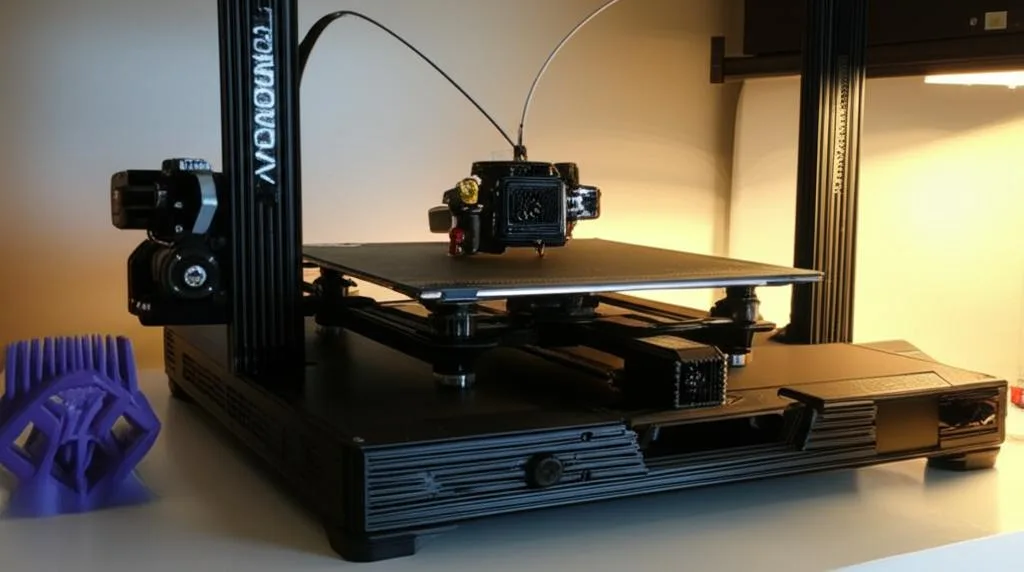
Building a Voron 2.4 is a significant undertaking, a true test of patience, precision, and problem-solving. From deciphering complex wiring diagrams to meticulously tuning Klipper firmware and perfecting your first print calibration, every step contributes to a deeper understanding of 3D printing technology. The journey, while challenging, culminates in the creation of a high-performance, reliable machine tailored to your exact specifications.
This DIY 3D printer assembly experience not only provides you with an exceptional tool but also immerses you in a supportive and innovative community. The satisfaction of seeing your self-built Voron 2.4 produce stunning prints is unparalleled. Embrace the challenges, celebrate the successes, and enjoy the endless possibilities that your new, custom-built Voron brings to your workshop.
Frequently asked questions
What is the typical total cost of a Voron 2.4 build using a comprehensive kit versus self-sourcing?
A comprehensive kit is generally more expensive upfront but saves significant time and effort compared to self-sourcing. Self-sourcing offers the potential for cost optimization if you find deals, but can lead to higher shipping costs from multiple vendors. The article notes that quality varies between kit manufacturers, so researching vendor reputation is critical regardless of which approach you choose.
How do I fix a motor that is moving in the wrong direction during initial Klipper setup?
You can reverse the motor direction by adding or removing an exclamation mark (!) in front of the dir_pin value for that stepper motor in your printer.cfg file. This is a common Klipper troubleshooting step mentioned in the article for correcting movement direction without rewiring the motor.
Do I need an accelerometer to calibrate Input Shaping on my Voron 2.4?
Yes, the article states that Input Shaping requires an accelerometer (such as an ADXL345) mounted to the print head. You run the input shaping calibration process to measure resonances and automatically generate compensation profiles that virtually eliminate ghosting at higher speeds.