Embarking on the journey of 3D design can feel like stepping into a vast, uncharted territory. For complete novices, the sheer number of available tools, many with steep learning curves and hefty price tags, can be daunting. Thankfully, the world of 3D modeling also offers powerful, free entry points. Among the most popular for aspiring artists and designers are Blender and ZBrushCoreMini. Both offer a gateway into creating three-dimensional art without an initial financial investment, but they cater to slightly different needs and approaches. This comparison aims to objectively explore their features, learning curves, and overall suitability for those just starting out, helping you discern which free tool might get you designing faster and more effectively as a complete novice.
Blender for beginners: a versatile open-source powerhouse
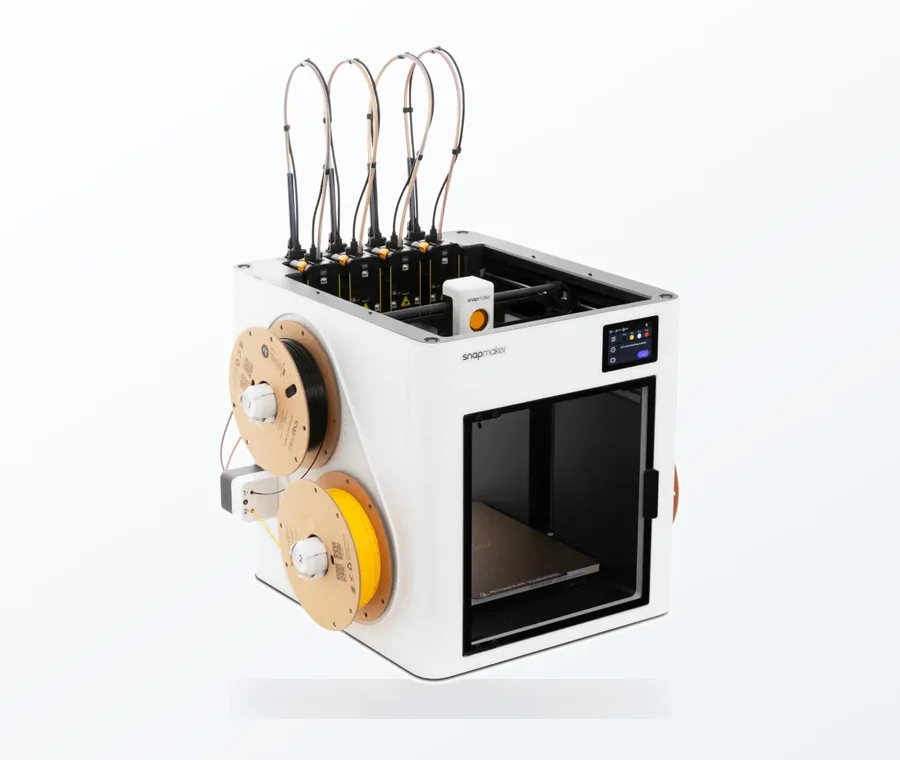
The consumer toolchanger 3D printer: the SnapSwap 4-toolhead system swaps heads in 5 seconds for true multi-color and multi-material printing, with smart calibration and auto filament loading.
- 4 toolheads · 5 s swap
- Up to 500 mm/s · 20,000 mm/s²
- 270 mm cube build volume
- Multi-color & multi-material
Blender is a free and open-source 3D creation suite that covers the entire 3D pipeline: modeling, rigging, animation, simulation, rendering, compositing, motion tracking, and even video editing and game creation. Its breadth of functionality is truly impressive, making it a professional-grade tool used across various industries, from film and animation to video games and product design. For beginners, this versatility is both a blessing and a potential challenge.
Key features and capabilities for novices
- Comprehensive Modeling Tools: Blender offers robust polygonal modeling, allowing users to create objects by manipulating vertices, edges, and faces. It also includes sculpting tools, though these are often considered less specialized than those found in dedicated sculpting software.
- Integrated Rendering Engines: With Cycles (path tracer) and Eevee (real-time renderer), Blender allows users to produce stunning photorealistic or stylized images and animations directly within the software. This integrated approach means you don’t need external tools to visualize your creations.
- Animation and Rigging: While advanced animation can be complex, Blender provides fundamental tools for creating simple animations, character rigging, and motion graphics, offering a glimpse into the dynamic side of 3D.
- Vast Community and Resources: Being open-source and widely adopted, Blender boasts an enormous, active community. This translates into an unparalleled wealth of free tutorials, courses, forums, and add-ons available online, making it easier for new users to find answers and learn at their own pace.
The learning curve for beginners
For many, the initial learning curve for Blender can feel steep. Its expansive interface, packed with numerous menus, panels, and hotkeys, can be overwhelming at first glance. However, dedicated beginner tutorials are designed to demystify the process, often guiding users through creating their first simple models or scenes. The key to mastering Blender lies in consistent practice and breaking down learning into manageable chunks.
Cost structure: truly free and open-source
Blender is entirely free to download and use, without any hidden costs, subscriptions, or limitations on features. It’s developed by the Blender Foundation and a global community of contributors, ensuring its continued evolution and accessibility. This makes it an incredibly attractive option for anyone wanting to dive deep into 3D without financial barriers.
ZBrushCoreMini for beginners: digital sculpting simplified
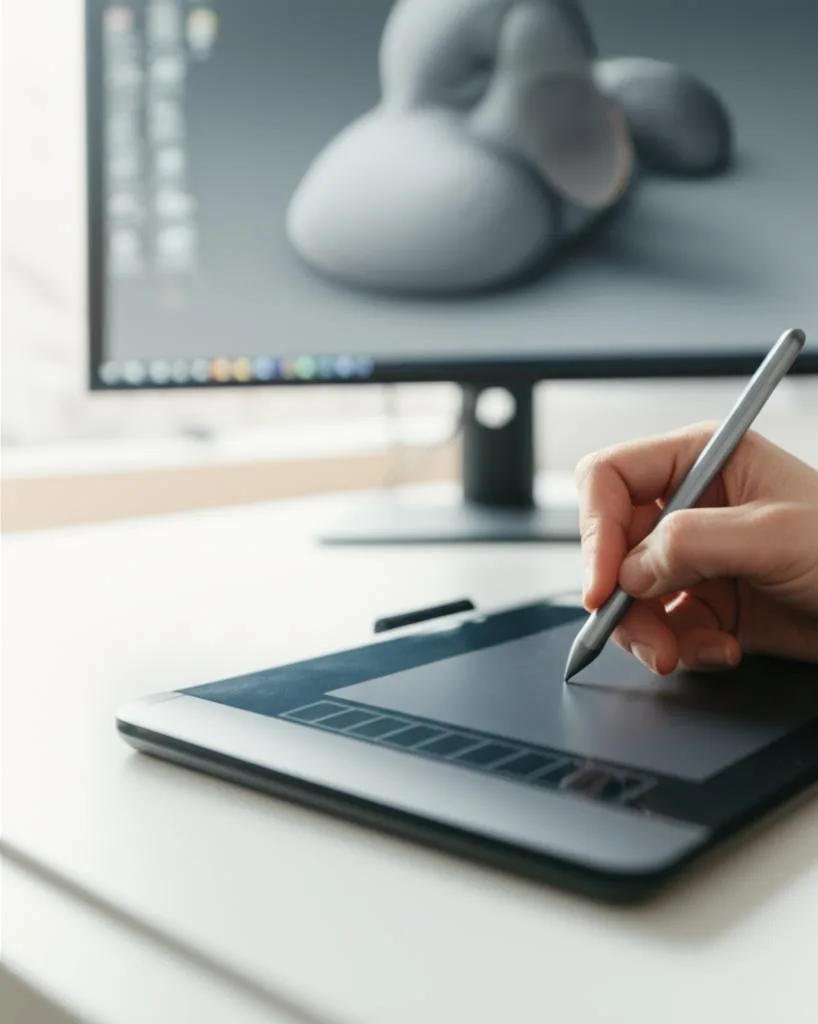
ZBrushCoreMini is the free, entry-level version of Pixologic’s industry-standard digital sculpting software, ZBrush. Unlike Blender, which is a generalist 3D suite, ZBrushCoreMini focuses almost exclusively on digital sculpting – shaping virtual clay with intuitive brush-based tools. It’s designed to introduce users to the core concepts of ZBrush in a simplified, accessible manner, making it an excellent choice for those interested specifically in organic modeling and character design.
Key features and capabilities for novices
- Intuitive Sculpting Workflow: ZBrushCoreMini excels at replicating the tactile experience of traditional sculpting. Users can push, pull, smooth, and pinch virtual clay with a variety of brushes, making it highly intuitive for artists with a background in traditional media.
- Focus on Organic Modeling: While it can handle some hard-surface elements, its strength lies in creating organic shapes, creatures, characters, and intricate details with ease.
- Simplified Interface: Compared to its full ZBrush counterpart or Blender, ZBrushCoreMini features a significantly streamlined interface. This reduction in complexity helps beginners focus on the creative act of sculpting without getting lost in an overwhelming array of options.
- Basic Export Options: Users can export their sculpted models as OBJ files for use in other 3D applications or for 3D printing, and also render simple images of their creations within the software.
The learning curve for beginners
The learning curve for ZBrushCoreMini is generally considered shallower than Blender’s, especially for those new to 3D. Its brush-based approach feels more natural to many, and the limited feature set means there’s less to learn upfront. Within a relatively short time, beginners can start creating impressive sculpts, making it one of the easiest 3D modeling software options for organic forms.
Cost structure: free gateway to ZBrush
ZBrushCoreMini is completely free. It serves as an excellent introduction to the ZBrush ecosystem. While it doesn’t have any direct costs, it’s important to note that it is a stripped-down version of the full ZBrush software. Users who want to unlock advanced features, more brushes, complex retopology, texturing, and rendering capabilities will need to consider upgrading to ZBrushCore (a paid, intermediate version) or the full ZBrush package.
Blender vs. ZBrushCoreMini: a head-to-head comparison
To truly understand which tool might be a better fit for your initial foray into 3D, let’s place them side-by-side across several key aspects.
Purpose and scope: generalist vs. specialist
- Blender: A comprehensive 3D suite. It’s a jack-of-all-trades, allowing users to model, sculpt, texture, rig, animate, render, and more. If your long-term goal is to explore various facets of 3D production, Blender provides a holistic environment.
- ZBrushCoreMini: A specialized digital sculpting tool. Its primary focus is on creating organic shapes through an intuitive brush-based workflow. If your interest lies predominantly in character design, creature sculpting, or intricate organic detailing, this tool offers a direct path.
User interface and ease of use
- Blender: Known for its powerful but initially complex interface. It requires learning specific workflows and keyboard shortcuts to navigate efficiently. While customizable, its sheer depth can be overwhelming for absolute beginners.
- ZBrushCoreMini: Designed with simplicity in mind. Its interface is much more streamlined, focusing on the sculpting process. This makes it significantly less intimidating for newcomers, allowing them to jump straight into creating without extensive setup or learning complex menus. It truly aims to be the easiest 3D modeling software for sculpting.
Core functionality: modeling vs. sculpting emphasis
- Blender: Excels in polygonal modeling, allowing precise control over geometry. Its sculpting tools are powerful but require a different mindset than ZBrush’s, and might not feel as fluid for organic forms.
- ZBrushCoreMini: Its strength is pure digital sculpting. The brushes are designed for organic manipulation, offering a highly artistic and intuitive experience. It’s less suited for precise hard-surface modeling or architectural design.
Learning resources and community support
- Blender: Benefits from an enormous, global community. YouTube, dedicated websites (like Blender Guru), official documentation, and forums offer an endless supply of free and paid tutorials covering every conceivable aspect of the software. This makes learning Blender for beginners a well-trodden path.
- ZBrushCoreMini: While the ZBrush community is large, specific resources for ZBrushCoreMini are more limited compared to its full ZBrush counterpart or Blender. However, many basic ZBrush sculpting principles apply, and Pixologic provides some introductory tutorials. Finding help for specific CoreMini issues might require a bit more searching.
System requirements
Both applications are relatively lightweight in their basic operation, but performance can scale with the complexity of your models. Blender can become resource-intensive during rendering or with extremely high-polygon meshes. ZBrushCoreMini, while efficient for sculpting, will also demand more from your system as your sculpts become more detailed.
Scalability and upgrade path
- Blender: Offers a complete, professional workflow from start to finish, all within the free software. There’s no “upgrade” needed to unlock more features; everything is available from day one. This makes it an excellent long-term investment of your learning time.
- ZBrushCoreMini: Is a stepping stone. If you outgrow its limitations (e.g., polycount limits, fewer brushes, lack of advanced features like retopology, UV mapping, or complex texturing), you’ll need to consider purchasing ZBrushCore or the full ZBrush. This represents a significant financial commitment down the line, although it’s a natural progression for dedicated sculptors.
Who is each tool best suited for? Finding your starting point
Choosing between Blender and ZBrushCoreMini ultimately hinges on your personal goals, artistic inclinations, and the type of 3D work you envision yourself doing.
Choose Blender if you are:
- An aspiring 3D generalist: If you’re unsure which aspect of 3D design you’ll enjoy most, or if you want to explore modeling, animation, rendering, and even game development, Blender offers a complete ecosystem.
- Committed to a long-term learning journey: While challenging initially, the skills learned in Blender are highly transferable and set you up for a professional career in various 3D fields, all within a free environment.
- Interested in hard-surface modeling or architectural visualization: Blender’s robust polygonal modeling tools are ideal for creating precise, geometric objects.
- Looking for extensive community support: The sheer volume of free tutorials and community forums available for Blender is unmatched, providing constant learning opportunities and troubleshooting assistance.
Choose ZBrushCoreMini if you are:
- Primarily interested in digital sculpting and organic modeling: If your passion lies in creating characters, creatures, or highly detailed organic forms, ZBrushCoreMini offers an incredibly intuitive and focused experience. It’s truly a free beginner sculpting software.
- Seeking the easiest 3D modeling software to get started with organic forms: Its simplified interface and brush-based workflow allow for quick artistic expression without getting bogged down in technical complexities.
- Coming from a traditional sculpting or drawing background: The tactile feel of ZBrushCoreMini’s brushes often resonates well with artists familiar with physical media.
- Considering a future investment in ZBrush: If you plan to eventually upgrade to the full ZBrush software, CoreMini provides an excellent, no-cost introduction to its unique workflow and philosophy.
Conclusion: your 3D journey, your choice
Both Blender and ZBrushCoreMini stand as formidable free tools, each offering a distinct pathway into the exciting world of 3D design. There isn’t a universally “better” option; rather, the optimal choice depends entirely on your individual aspirations and learning style. Blender, with its vast feature set and open-source nature, is a comprehensive platform for those seeking to become 3D generalists and explore every facet of the creative pipeline without future financial commitment. Its learning curve is steeper, but the rewards are immense. ZBrushCoreMini, on the other hand, provides a streamlined, highly intuitive entry into digital sculpting, perfect for artists focused on organic forms and character design, offering a quicker path to tangible results in its specialized domain, albeit with a potential upgrade path if advanced features are desired.
Ultimately, the best way to decide is to try both. Download them, follow a few beginner tutorials for each, and see which interface clicks with you, which workflow feels more natural, and which tool aligns more closely with your creative vision. Your 3D design adventure awaits, and with these free tools, you have powerful allies at your fingertips.
Frequently asked questions
Can I 3D print models I make in ZBrushCoreMini?
Yes. ZBrushCoreMini includes basic export options, allowing you to save your sculpted models as OBJ files, which is a standard format accepted by most 3D printing slicers. However, the article notes that the free version lacks advanced features like retopology, so you may need to clean up the mesh in another program before printing.
If I start with ZBrushCoreMini, can I later open my files in the full paid version of ZBrush?
Yes. The article describes ZBrushCoreMini as a free gateway to the ZBrush ecosystem, meaning your sculpting projects are designed to be compatible with the paid upgrade path to ZBrushCore or full ZBrush. This makes it a safe starting point if you plan to invest in the professional software later.
No. The article explicitly states that Blender is entirely free to download and use, with no hidden costs, subscriptions, or limitations on features. All professional capabilities, including rendering with Cycles or Eevee, are fully unlocked from day one with no watermarks or feature paywalls.