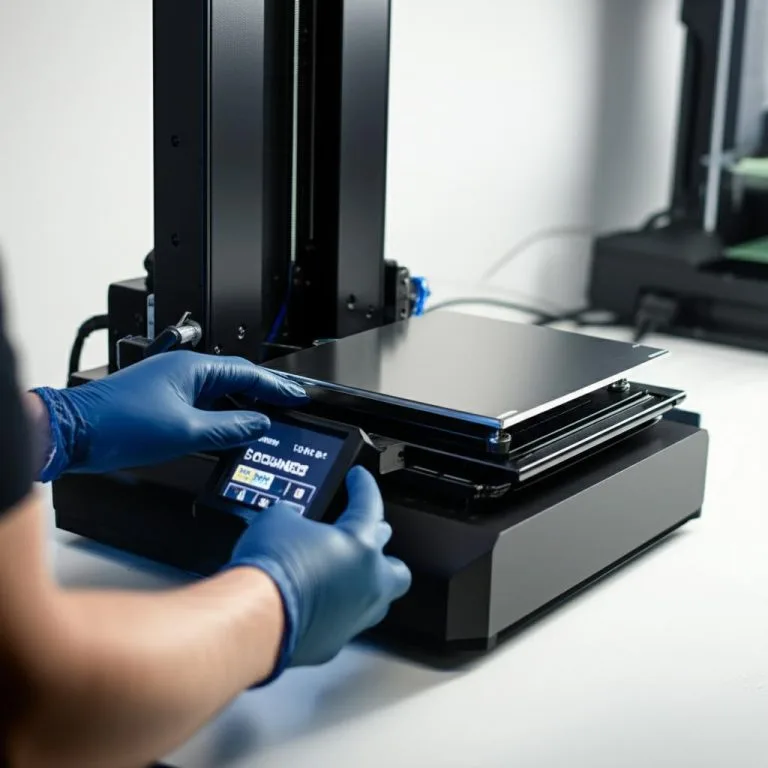
Achieving pristine resin 3D prints hinges on many factors, but none are quite as fundamental as perfect first-layer adhesion. Without it, your print journey often ends before it truly begins, resulting in frustrating failures, wasted resin, and lost time. At the heart of this crucial first step lies build plate leveling – a calibration process that ensures your build plate is perfectly parallel to your printer’s LCD screen (for SLA/DLP machines). This guide will walk you through the intricacies of resin printer leveling, demystifying the process and equipping you with the knowledge to consistently achieve exceptional print results.
Why resin printer leveling is absolutely critical
The consumer toolchanger 3D printer: the SnapSwap 4-toolhead system swaps heads in 5 seconds for true multi-color and multi-material printing, with smart calibration and auto filament loading.
- 4 toolheads · 5 s swap
- Up to 500 mm/s · 20,000 mm/s²
- 270 mm cube build volume
- Multi-color & multi-material
Imagine trying to draw a straight line on a tilted surface; it’s bound to go awry. Similarly, if your resin printer’s build plate isn’t perfectly level, the first layer of your print won’t cure evenly. This can lead to a cascade of problems:
- Print failures: The most common outcome. If the first layer doesn’t stick firmly to the build plate, the entire print will detach, often resulting in a cured pancake at the bottom of your resin vat or a partially formed mess.
- Warping and distortion: Uneven adhesion can cause parts of your print to lift or warp, compromising dimensional accuracy and overall structural integrity.
- Damaged FEP film: If the build plate is too low on one side, it can press excessively against the FEP film in the resin vat, potentially damaging it. Conversely, if it’s too high, resin won’t properly flow, leading to print failures.
- Resin waste: Failed prints mean wasted resin, which is not only costly but also time-consuming to clean up.
- Frustration: Few things are as disheartening as repeatedly failed prints due to a preventable calibration issue.
Proper build plate leveling ensures that the initial exposure of the resin to UV light is consistent across the entire print area, forming a strong, uniform base for subsequent layers. It’s the bedrock of successful resin printing.
When should you level your resin printer?
Leveling isn’t a one-and-done task. It’s a fundamental maintenance step you should perform regularly or when certain conditions arise. Here’s when to reach for your leveling tools:
- New printer setup: Absolutely essential for your very first print. Don’t skip this step, even if the manufacturer claims it’s “pre-leveled.”
- After moving the printer: Even a slight bump or relocation can throw off the calibration.
- If prints start failing consistently: Especially if you’re experiencing first-layer adhesion issues, detached prints, or prints sticking only to the FEP film.
- After changing the FEP film: The tension and seating of a new FEP can subtly alter the vat’s interaction with the build plate.
- After replacing the build plate: A new build plate, even of the same model, might have slight manufacturing tolerances that necessitate re-leveling.
- After significant maintenance: Any work involving the Z-axis, build plate arm, or screen assembly warrants a re-check.
- Periodically: Even if everything seems fine, a quick check every few weeks or after a large number of prints can prevent future headaches.
Gathering your tools and preparing for leveling
Before you dive in, ensure you have everything you need and take necessary safety precautions:
Safety first
- Nitrile gloves: Resin is a chemical irritant. Always wear gloves when handling resin or cleaning parts.
- Safety glasses: Protect your eyes from splashes.
- Ventilation: Work in a well-ventilated area or use an air purifier, as resin fumes can be strong.
Tools you’ll need
- Allen wrenches (hex keys): Typically supplied with your printer, these are used to loosen and tighten the build plate’s securing screws.
- IPA (Isopropyl Alcohol) 90%+: For cleaning the build plate and screen, if necessary.
- Lint-free cloths or paper towels: For cleaning.
- Leveling medium: This is crucial. Common options include:
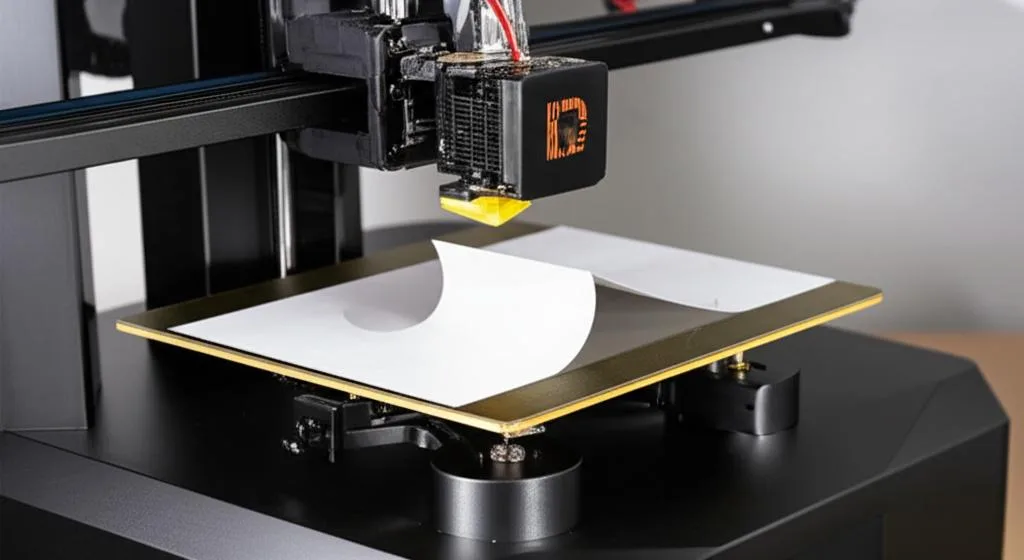
- A sheet of standard printer paper (A4/Letter): The most common and accessible method. Its thickness (around 0.1mm) provides a good gap.
- FEP film (new or old): Some users prefer using a sheet of FEP for a more precise, thinner gap, especially with high-resolution printers.
- Manufacturer-supplied leveling card: Some printers come with a specific card.
- Your resin vat (empty and clean): For some methods, you’ll need to remove it; for others, you’ll place the leveling medium inside.
Understanding the build plate and resin vat in the context of leveling
To level effectively, it helps to understand the components involved:
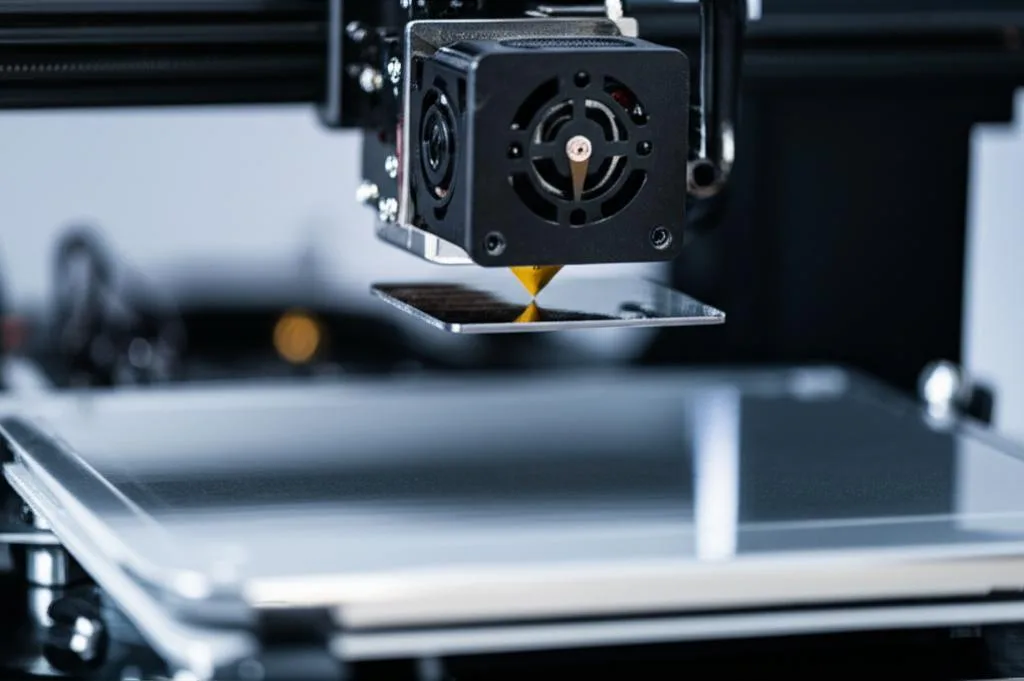
- The build plate: This is where your print adheres. It’s attached to a movable arm (Z-axis) that precisely lowers it into the resin vat. The goal of leveling is to ensure its bottom surface is perfectly parallel to the printer’s screen.
- The resin vat: A container that holds the liquid resin. At its bottom is a transparent film (usually FEP or nFEP) that allows UV light from the screen to pass through and cure the resin. The build plate descends into this vat.
- The LCD screen: Located beneath the resin vat, this screen selectively projects UV light to cure the resin, forming each layer of your print.
When you level, you’re essentially telling the printer where the “zero” point is – the exact distance between the build plate and the screen where the first layer should begin curing. This distance is critical; too close, and the build plate can damage the FEP or even the screen; too far, and the resin won’t adhere.
Step-by-step guide to resin printer build plate leveling (the paper method)
This is the most widely used and recommended method for most resin printers. We’ll outline the general steps, noting that specific button names or menu navigation might vary slightly between brands (e.g., Elegoo, Anycubic, Phrozen, Creality).
Clean the build plate and screen
Ensure your build plate is clean and free of any cured resin or debris. Use IPA and a lint-free cloth if necessary. Also, give your LCD screen a quick wipe to ensure no dust or smudges are present. A clean surface is paramount for accurate leveling.
Remove the resin vat
For most printers, you’ll need to remove the resin vat from the printer. This allows you to place your leveling medium directly on the LCD screen.
Loosen the build plate screws
Using your Allen wrench, slightly loosen the screws that secure the build plate to the Z-axis arm. You don’t need to remove them entirely, just enough so that the build plate can move freely and self-adjust its angle. Typically, there are one or two screws on the side or top of the build plate attachment.
Place the leveling medium on the LCD screen
Take your sheet of standard printer paper (or manufacturer’s leveling card) and place it flat on the bare LCD screen. Ensure it covers the entire build area.
Initiate the “home” or “Z-axis zero” function
On your printer’s touchscreen or control panel, find the option to “Home” the Z-axis or move the build plate to its “Zero” position. This command will slowly lower the build plate until it triggers an end-stop sensor, or until it reaches a pre-programmed lowest point. It will gently press down onto the leveling paper.
Important: As the build plate descends, ensure it doesn’t crash into the screen. If it seems to be going too low too quickly, be ready to hit the “stop” button. However, most modern printers have safeguards.
Apply gentle, even pressure and tighten screws
Once the build plate has settled onto the paper, it should be pressing down firmly but not excessively. The paper should offer some resistance when you try to pull it out, but you should still be able to move it with a little effort.
- For single-screw build plates: Gently press down on the build plate with one hand, ensuring it’s flat against the paper, and then tighten the screw firmly with the other hand.
- For two-screw build plates: Tighten the screws alternately and gradually, like tightening lug nuts on a car tire, to ensure even pressure. Keep a finger on the opposite side of the screw you’re tightening to prevent the plate from tilting.
The key here is to keep the build plate perfectly flat and parallel to the screen while tightening. After tightening, try to pull the paper again. It should have consistent resistance across the entire surface. If it feels tighter on one side than the other, loosen, readjust, and retighten.
Set the Z-axis zero point
With the build plate securely tightened and the paper still in place, go back to your printer’s control panel. Find the option to “Set Z=0” or “Set Zero Point.” Confirm this action. This tells the printer that this current position (with the paper thickness accounted for) is its new Z-axis home position.
Raise the build plate and replace the resin vat
Now, command the printer to raise the Z-axis (e.g., “10mm up” or “move up”). Remove the leveling paper. Carefully re-install your clean resin vat, ensuring it’s properly seated and secured according to your printer’s design.
Perform a test print
The ultimate test of successful leveling is a good print. Load some resin and run a small, simple test print (like a calibration cube or a small support test). Pay close attention to the first few layers. They should adhere firmly and evenly across the build plate.
Variations in leveling methods and considerations
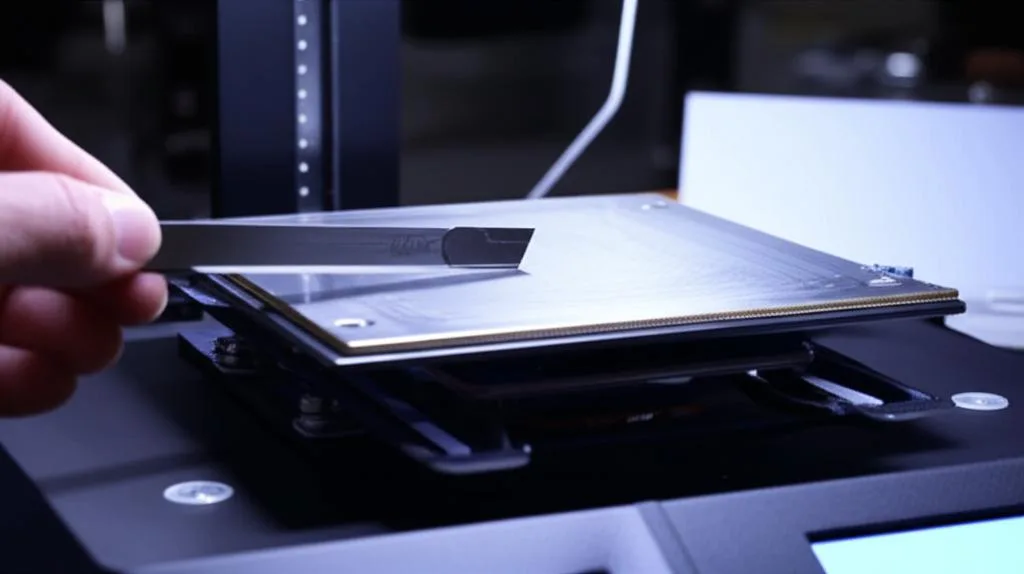
While the paper method is standard, some variations exist, and certain printer designs or preferences might lead to different approaches. These represent “different solutions” for achieving the same goal, each with its own features and considerations, though direct “cost structures” are often negligible beyond the initial printer purchase.
The FEP film method
Some users prefer to level directly on a sheet of FEP film (either a new sheet or an old, clean one) instead of paper. Since FEP film is thinner than standard paper (typically 0.125mm vs. 0.1mm), it creates a slightly smaller gap between the build plate and the screen. This can sometimes lead to even stronger first-layer adhesion, as the build plate is closer to the screen. The steps are identical to the paper method, simply substituting paper with FEP.
- Features: Potentially stronger adhesion, very precise.
- Considerations: Requires a spare piece of FEP. The smaller gap might be too aggressive for some resins or printers, potentially causing prints to stick too firmly or even damage the FEP/screen if not done carefully.
Leveling with the resin vat in place (less common, but some printers allow it)
A few printer models might instruct you to level with the empty resin vat in place, placing the leveling medium directly on the FEP film inside the vat. This method aims to account for the exact FEP tension and vat seating during leveling. However, it carries a higher risk of damaging the FEP if the build plate is lowered too aggressively or if the paper gets stuck. Always follow your specific printer’s manual if this is the recommended method.
- Features: Accounts for FEP tension directly.
- Considerations: Higher risk of FEP damage, less common, often requires more careful execution.
Automatic leveling systems
Some high-end or newer resin printers are starting to incorporate automatic or semi-automatic leveling features. These systems might use pressure sensors, load cells, or other mechanisms to detect the optimal leveling point without manual intervention. While convenient, they are not yet universal in the consumer market.
- Features: Convenience, reduced human error, faster setup.
- Implicit Cost: Printers with advanced auto-leveling systems typically come at a higher price point.
- Considerations: Still good practice to verify occasionally. Relying solely on automation without understanding the underlying principles can be problematic if issues arise.
Printer-specific leveling instructions
Always consult your printer’s user manual. While the general principles remain the same, specific brands and models might have unique quirks:
- Elegoo Mars/Saturn series: Typically follow the paper method, often with a single large screw for the build plate.
- Anycubic Photon series: Similar to Elegoo, often with two smaller screws.
- Phrozen Sonic Mini/Mighty series: Generally adhere to the paper method, but some models have slightly different build plate attachment mechanisms.
The core concept of ensuring parallelism and setting Z=0 remains constant, but the physical interaction with the build plate’s securing mechanism can vary.
Troubleshooting common leveling issues
Even with a meticulous leveling process, you might encounter issues. Here’s how to diagnose and address them:
Prints not sticking to the build plate (sticking to FEP instead)
This is the most common symptom of poor leveling or an incorrect Z-offset.
- Diagnosis: The build plate is too high, or the first layers are underexposed.
- Solution:
- Re-level: This is your first line of defense. Ensure the paper has consistent, firm resistance when pulled.
- Adjust Z-offset: If your printer allows for a Z-offset adjustment, you can incrementally lower the build plate by 0.05mm or 0.1mm. This effectively makes the gap between the build plate and FEP smaller, increasing adhesion. Do this in small steps and test.
- Increase first layer exposure time: A slightly longer exposure time for the initial layers can help them cure more robustly to the build plate.
- Scuff the build plate (carefully): For very smooth, new build plates, a light scuffing with fine-grit sandpaper (e.g., 200-400 grit) can create micro-abrasions that improve mechanical adhesion. Do this away from the printer, clean thoroughly afterwards, and only if other methods fail.
- Check ambient temperature: Resin performs best within a specific temperature range (typically 20-30°C or 68-86°F). Colder temperatures can lead to adhesion issues.
Prints sticking too aggressively to the build plate
While good adhesion is desired, sometimes prints stick so firmly they are difficult to remove, potentially damaging the print or the build plate itself.
- Diagnosis: The build plate is too low, or the first layers are overexposed.
- Solution:
- Re-level: Ensure the paper moves with consistent, just right resistance. It shouldn’t be clamped down so hard it’s difficult to pull.
- Adjust Z-offset: Incrementally raise the Z-offset by 0.05mm or 0.1mm. This increases the gap, reducing the clamping force.
- Decrease first layer exposure time: Reduce the initial layer exposure time slightly.
- Use a flexible build plate system: Many users upgrade to magnetic flexible build plates. These allow you to simply remove the plate and flex it to pop off prints, making removal much easier and safer for your prints. This is an “add-on solution” that improves print removal, with a clear cost and significant features (convenience, less damage).
Uneven adhesion or partial failures
If parts of your print adhere well, but others consistently fail or warp, it’s a strong indicator of an unlevel build plate.
- Diagnosis: The build plate is not parallel to the screen; one side is higher or lower than the other.
- Solution:
- Re-level with extreme care: Pay close attention during step 6 of the leveling process. When tightening the screws, ensure the build plate remains perfectly flat and doesn’t tilt. Tighten gradually and alternately if you have multiple screws.
- Check for debris: Ensure there’s no cured resin or foreign objects on the LCD screen or the bottom of the build plate that could be preventing a flat contact.
- Inspect the Z-axis rail: Ensure the Z-axis rail is clean and lubricated, and that there’s no wobble or play in the build plate arm.
Beyond leveling: Maintaining print success
While leveling is foundational, it’s part of a broader ecosystem of good printing practices:
- Clean your FEP film: Resin curing on the FEP can block light and cause print failures. Clean it gently with IPA and a microfiber cloth.
- Check FEP tension: Over time, FEP can stretch or get damaged. A loose FEP can cause issues. Replace it if it’s cloudy, scratched, or too slack.
- Resin temperature: Keep your resin at the recommended temperature. Cold resin is thicker and harder to print with.
- Exposure settings: Always use validated exposure settings for your specific resin, printer, and layer height.
- Support structures: Proper support placement and density are crucial for preventing print failures and ensuring model integrity.
- Post-processing: Wash and cure your prints correctly to achieve their final properties.
Conclusion
Mastering resin printer build plate leveling is not just a technical step; it’s an art that underpins the success of every resin print. By meticulously following the steps outlined in this guide, understanding the ‘why’ behind each action, and knowing how to troubleshoot common issues, you’ll dramatically improve your print success rate. Remember, patience and precision are your best allies in the world of SLA/DLP 3D printing. With a perfectly leveled build plate, you’re well on your way to bringing your digital designs to life with stunning accuracy and detail.
Frequently asked questions
Can I use the paper leveling method on a printer with an automatic leveling system?
Yes, you can and should still perform a manual paper leveling check on auto-leveling printers to verify the system is working correctly. Most consumer auto-leveling systems still benefit from an occasional manual verification using the paper method to ensure the factory calibration hasn’t drifted.
What should I do if my prints stick to the FEP film even after leveling?
First, re-level the build plate ensuring the paper has consistent, firm resistance when pulled. If that doesn’t work, incrementally lower the Z-offset by 0.05mm or 0.1mm if your printer allows, or increase the first layer exposure time slightly in your slicer settings.
How often should I actually re-level my build plate for routine maintenance?
You should perform a quick leveling check every few weeks or after every 10-15 prints, even if everything seems fine. You must re-level after moving the printer, changing the FEP film, replacing the build plate, or if you start experiencing consistent first-layer adhesion failures.